

- Amazon SageMaker Clarify — for bias detection and explainability across data prep, training, and deployment/monitoring.
- Amazon Bedrock Guardrails — for runtime enforcement to limit, filter, or flag model outputs in production.
SageMaker Clarify
Amazon SageMaker Clarify helps you identify potential fairness issues and produce explainability artifacts that show which features influenced model decisions. Clarify supports analysis at multiple stages: before training (data preparation), after training (model evaluation), and during deployment (monitoring).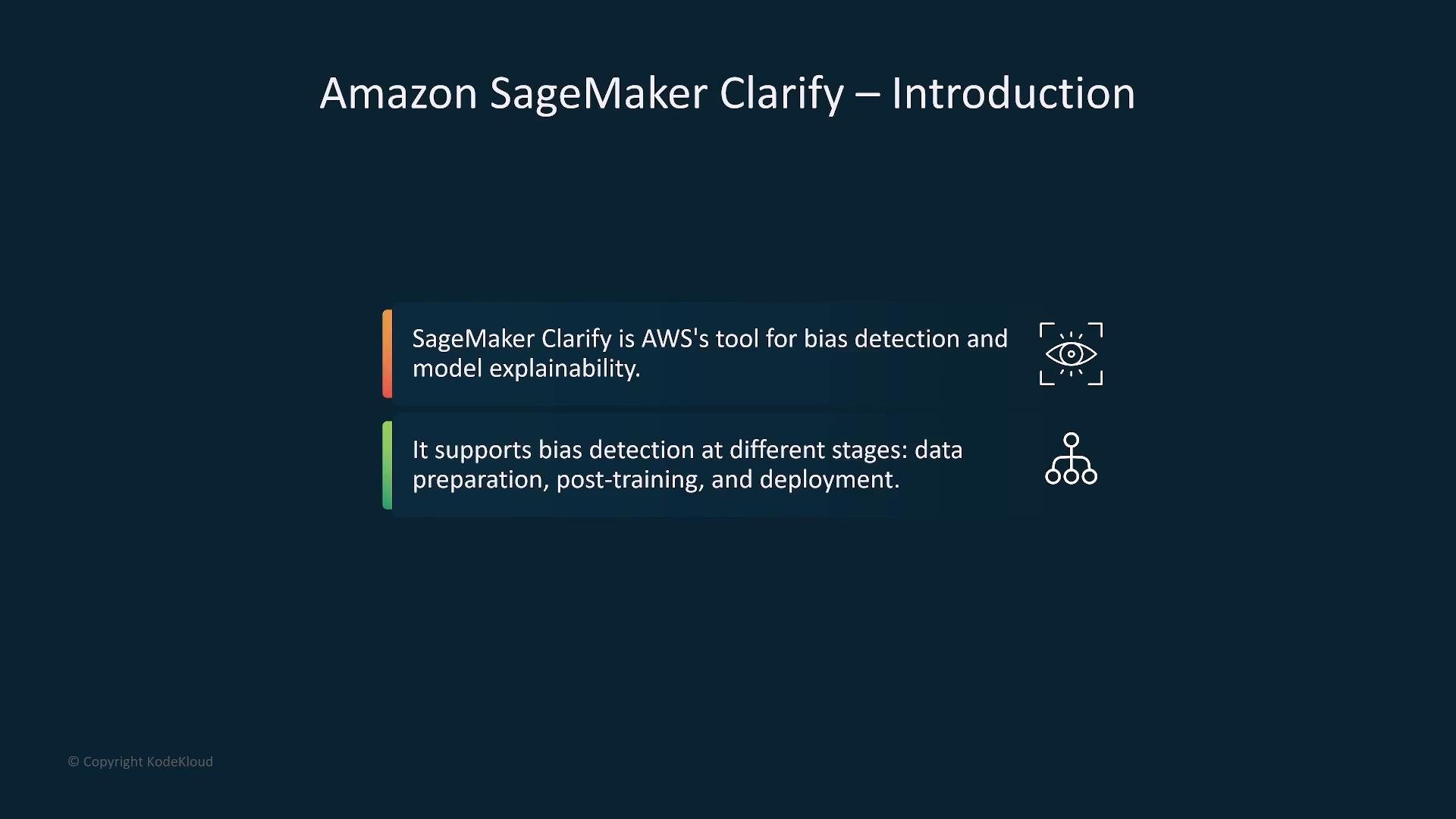
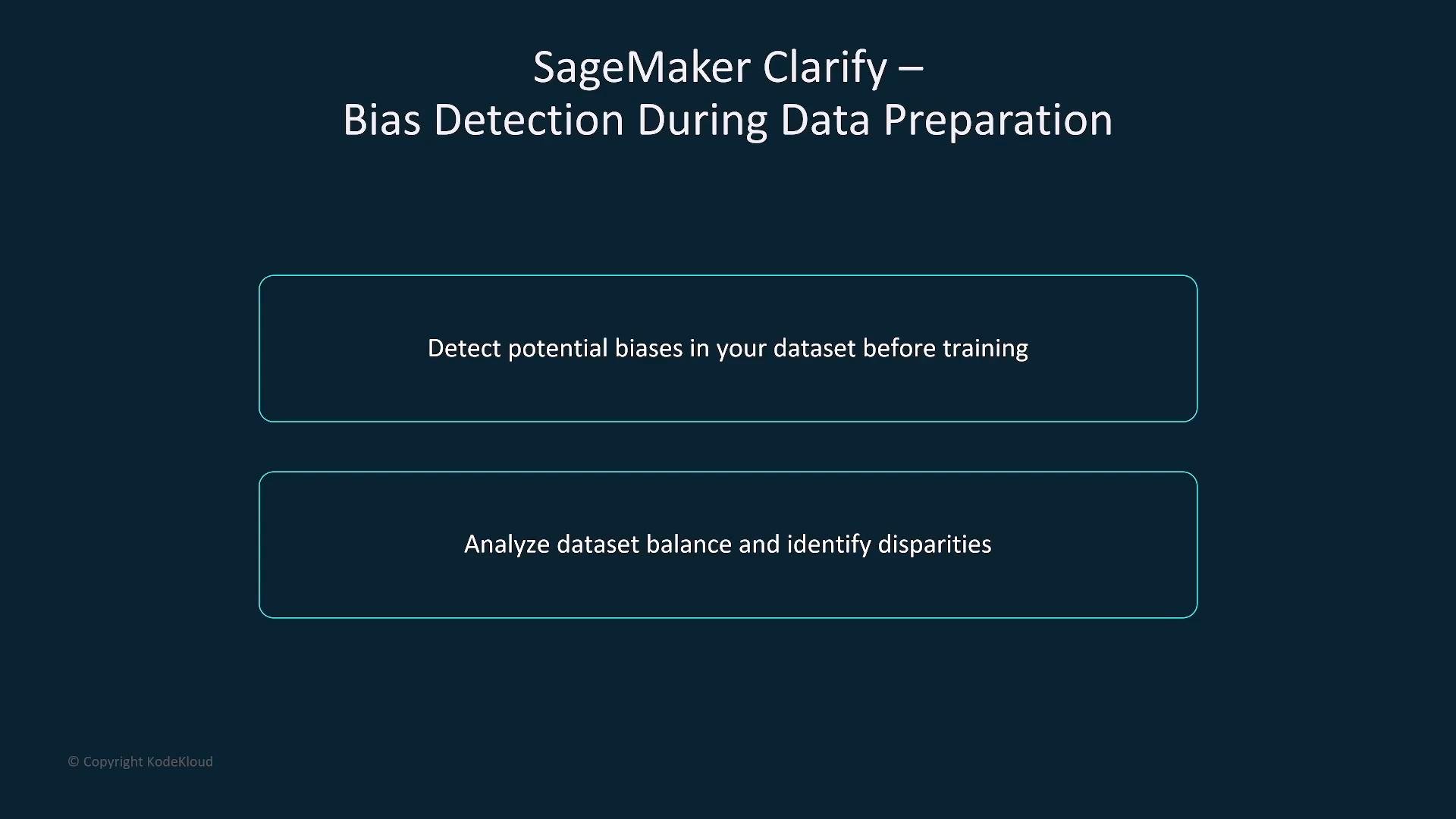
- Clarify analyzes dataset balance and disparity across sensitive attributes (e.g., age groups, gender, ethnicity).
- Early detection helps you rebalance data, collect more samples, or apply preprocessing to reduce downstream bias.
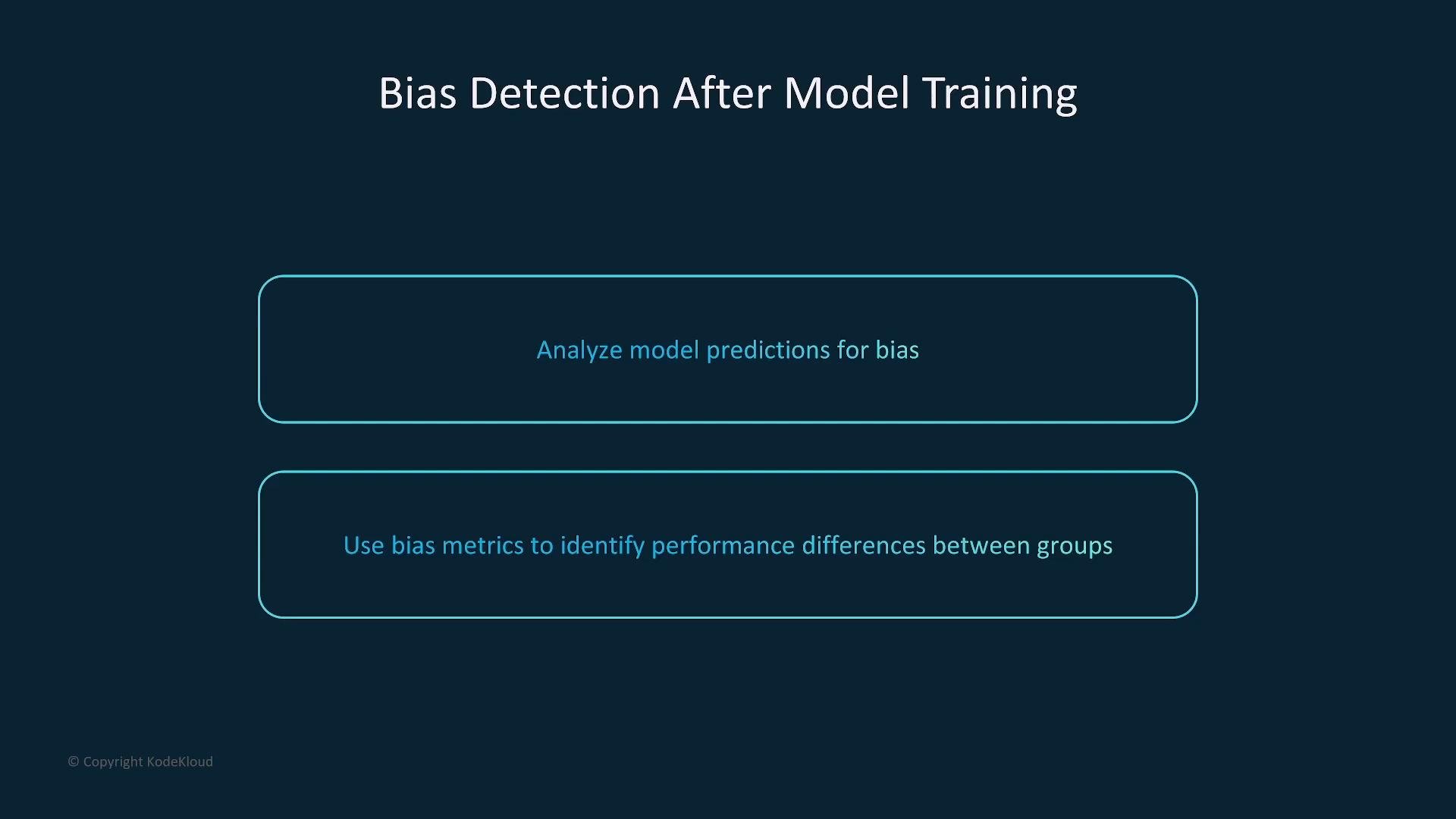
- Clarify computes bias metrics using model predictions to surface performance differences across demographic groups.
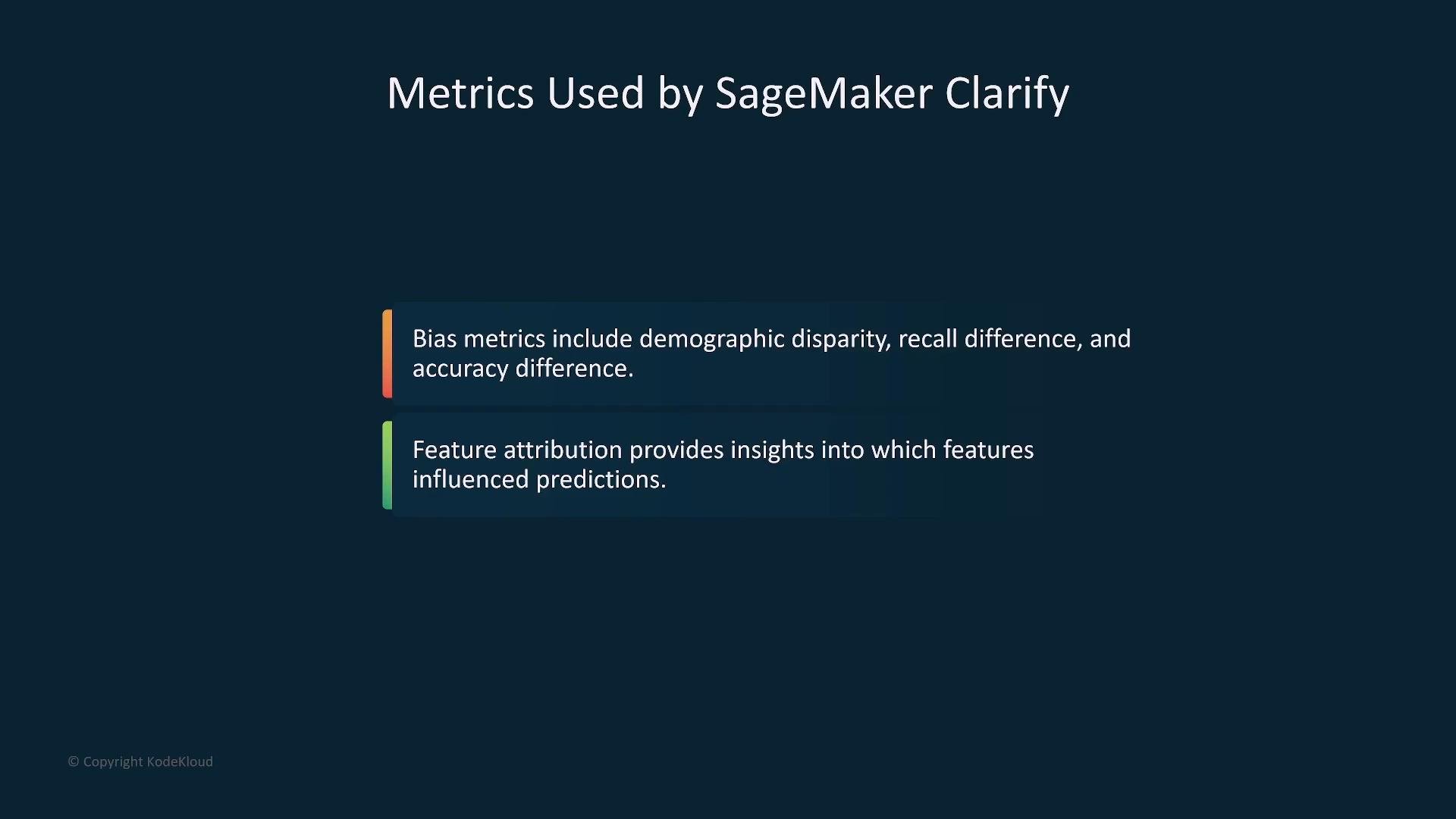
- Common metrics include demographic disparity, recall difference (true positive rate differences), and accuracy difference.
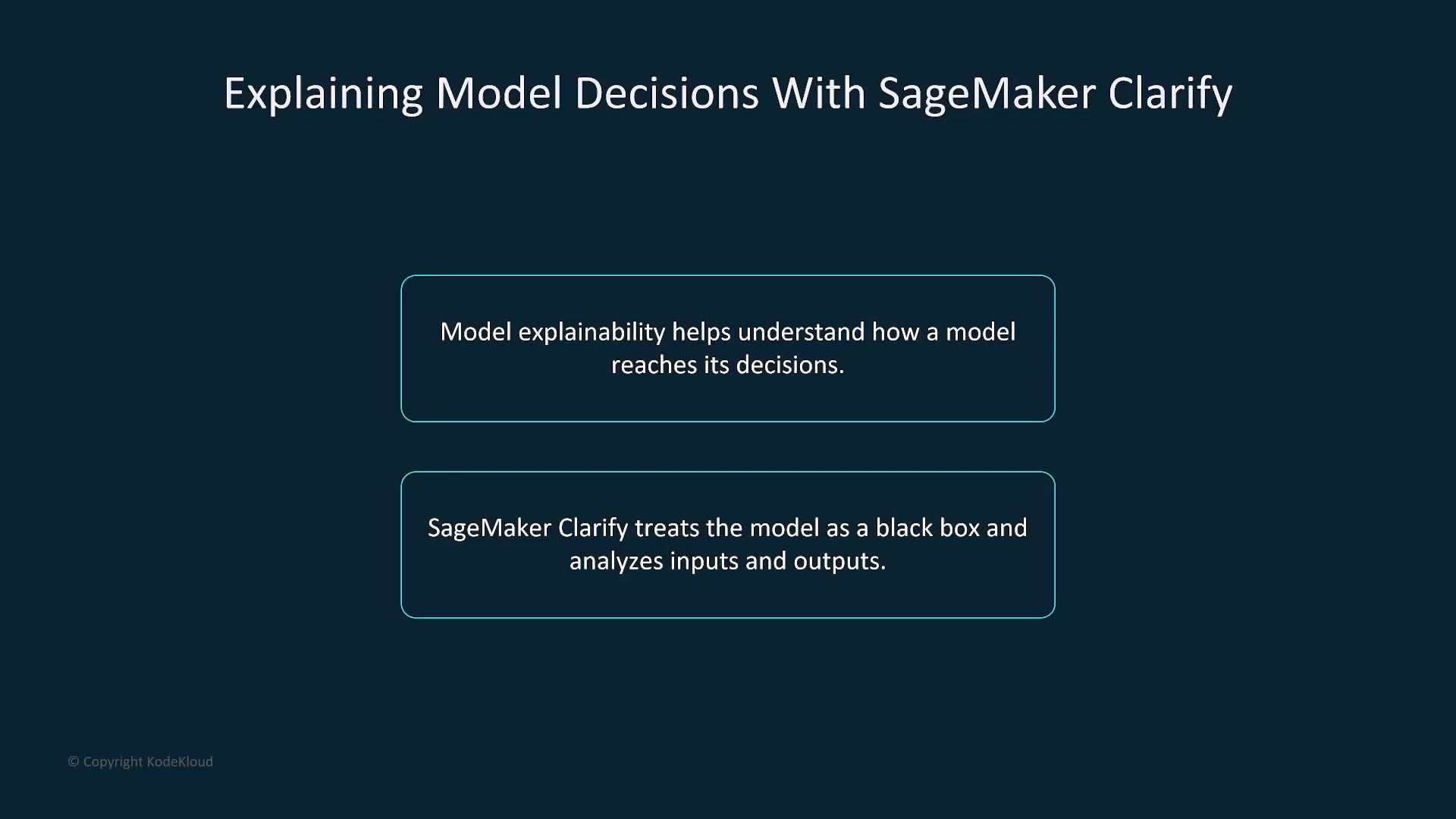
- Clarify generates explainability outputs (treating the model as a black box) that show which input features most influenced predictions.
- Methods like SHAP are commonly used for feature attributions, providing local and global explanations to support transparency, debugging, and audits.
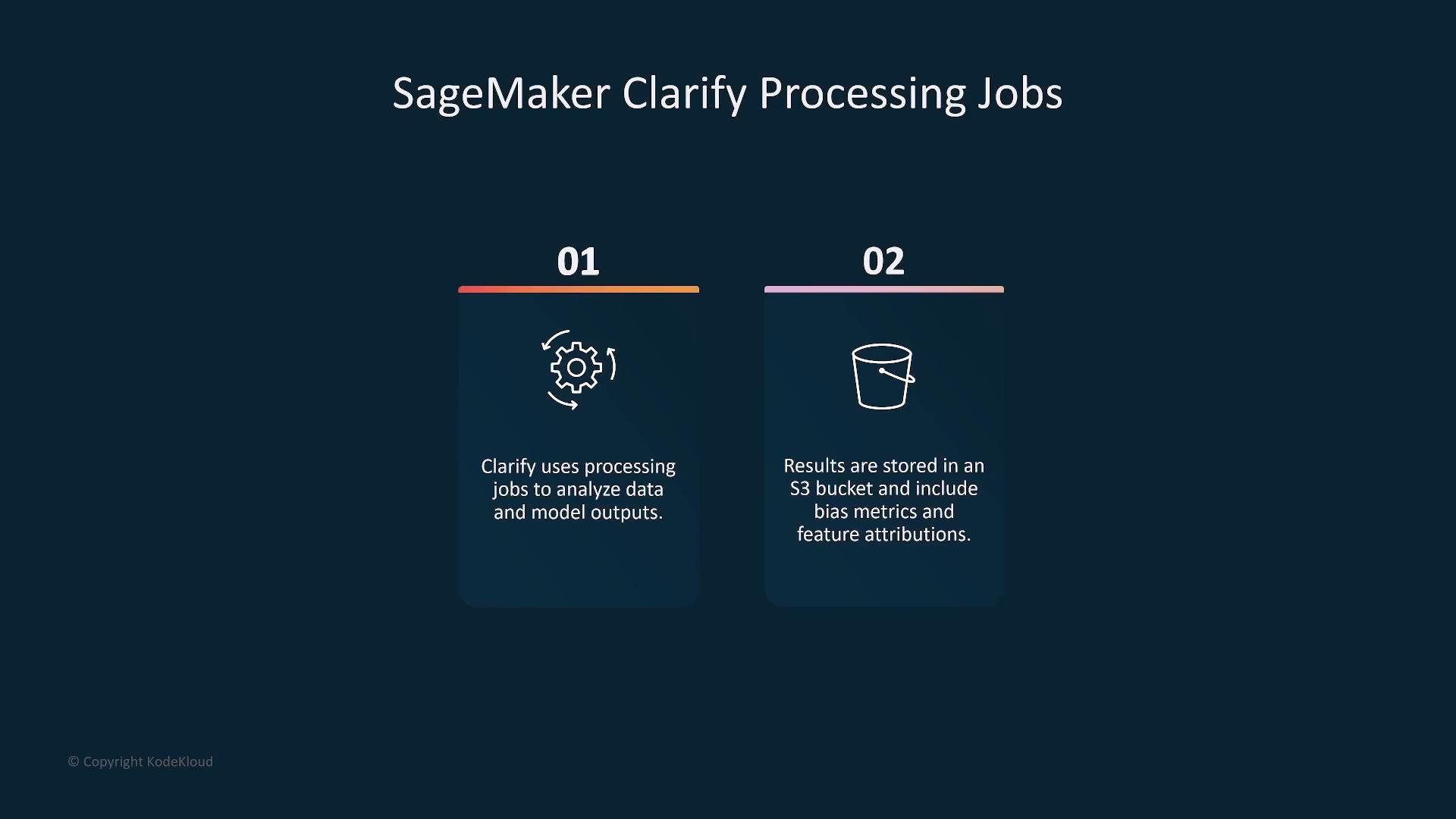
- Clarify runs as SageMaker processing jobs: it reads input datasets and model predictions (often from Amazon S3), runs analyses, and writes metrics, feature attributions, and visual reports back to S3.
- These artifacts can be downloaded, integrated into monitoring dashboards, or used as evidence for audits.
Clarify analysis runs as SageMaker processing jobs. Results (bias metrics, feature attributions, and visual reports) are saved to S3, where you can review or integrate them into downstream workflows.
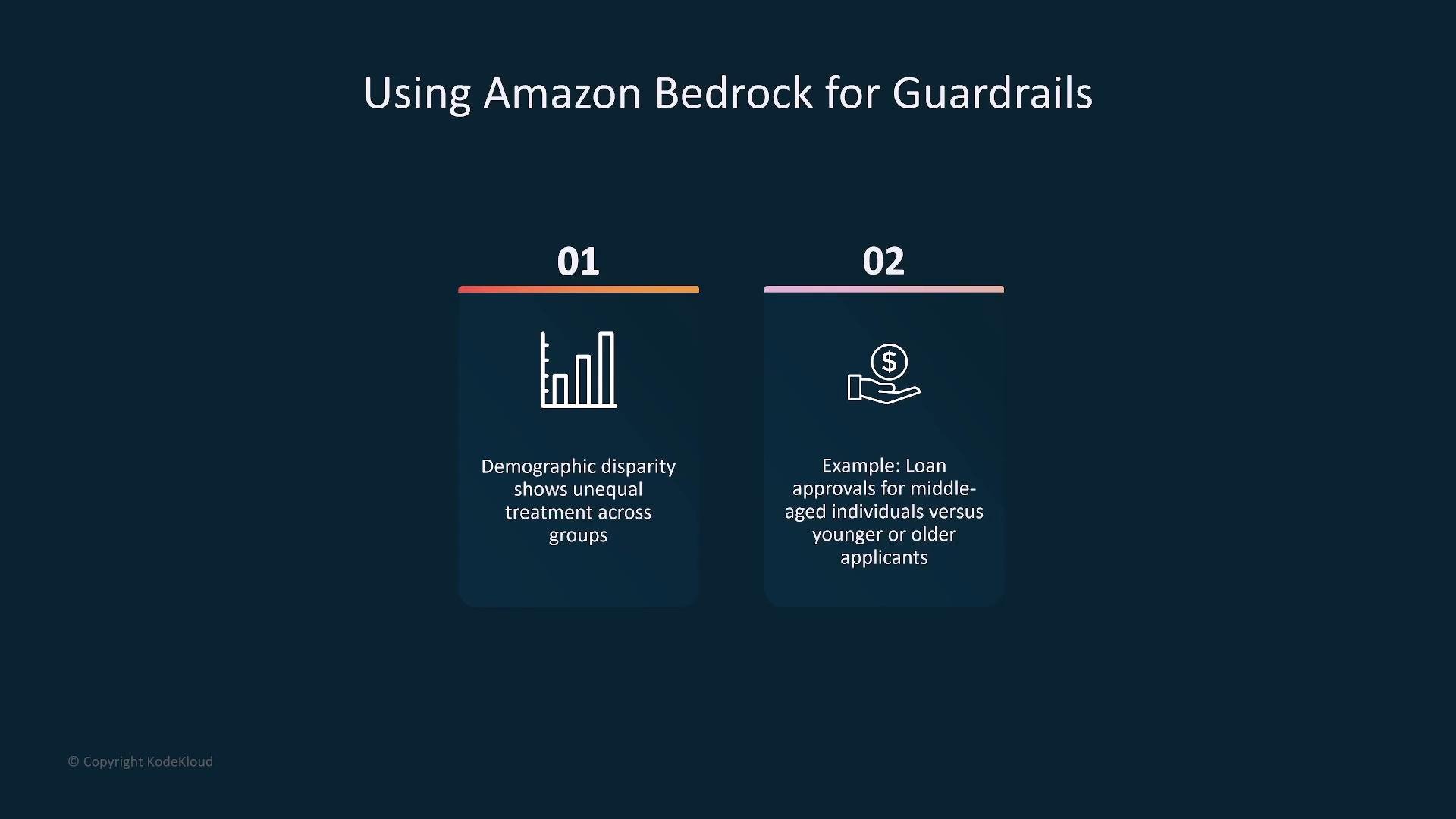
- Demographic disparity (differences in outcome rates between groups)
- Recall difference (difference in true positive rates across groups)
- Accuracy difference (variation in overall accuracy by group)
- Feature attributions showing which features influenced predictions
Amazon Bedrock Guardrails
Amazon Bedrock provides runtime guardrails for generative models, enabling you to restrict, filter, or flag model outputs so applications behave safely and ethically in production. Guardrails operate at the output layer to reduce the risk of harmful or non-compliant responses.- Common guardrail actions: filter/redact disallowed content, block or flag biased/discriminatory responses, sanitize sensitive data, and enforce response templates or constraints.
- Guardrails are particularly useful for consumer-facing chatbots, content generation, and regulated domains (healthcare, finance, legal).
- Use guardrails when you need production-time controls to limit model outputs—especially in sensitive or regulated applications.
- Guardrails complement detection: Clarify discovers and measures problems; guardrails mitigate their effects in real time.
- Filter or redact outputs that contain disallowed keywords/topics
- Block or flag responses that appear biased or discriminatory
- Apply templates or constraints so outputs meet compliance and consistency requirements
Limitations and best practices
- Clarify identifies and quantifies potential bias and provides explainability, but it does not automatically fix bias — remediation (data collection, reweighting, model adjustments) is required.
- Guardrails reduce harm at runtime, but they are not a substitute for upstream fairness work; combined use yields stronger responsible AI outcomes.
Guardrails mitigate harmful outputs at runtime but cannot replace upstream fixes. Use Clarify for measurement and remediation, then apply guardrails to enforce policies in production.
- Data preparation: run Clarify to detect dataset imbalances and address them (collect more data, resample, transform features).
- Model evaluation: run Clarify again on model predictions to compute bias metrics and generate feature attributions.
- Remediation: apply model or data-level fixes, retrain, and re-evaluate with Clarify.
- Production: deploy guardrails (Bedrock or custom middleware) to filter, flag, or constrain outputs; continue monitoring with Clarify for drift and emerging bias.
- Amazon SageMaker Clarify documentation: https://docs.aws.amazon.com/sagemaker/latest/dg/clarify.html
- Amazon Bedrock documentation: https://docs.aws.amazon.com/bedrock/latest/ug/what-is-bedrock.html
- SHAP (feature attribution library): https://shap.readthedocs.io/en/latest/
- AWS Certified AI Practitioner course reference: https://learn.kodekloud.com/user/courses/aws-certified-ai-practitioner
Summary
- Amazon SageMaker Clarify: Detect bias during data preparation, after training, and during deployment; produce explainability artifacts (feature attributions and visual reports); runs as SageMaker processing jobs and writes results to S3.
- Amazon Bedrock Guardrails: Implement runtime constraints, filtering, and flags to limit unsafe, biased, or non-compliant outputs.