Welcome back, students. This lesson shows where to find structured, ongoing learning resources for AI/ML on AWS and how to build a study plan that moves from conceptual foundations to hands‑on practice.
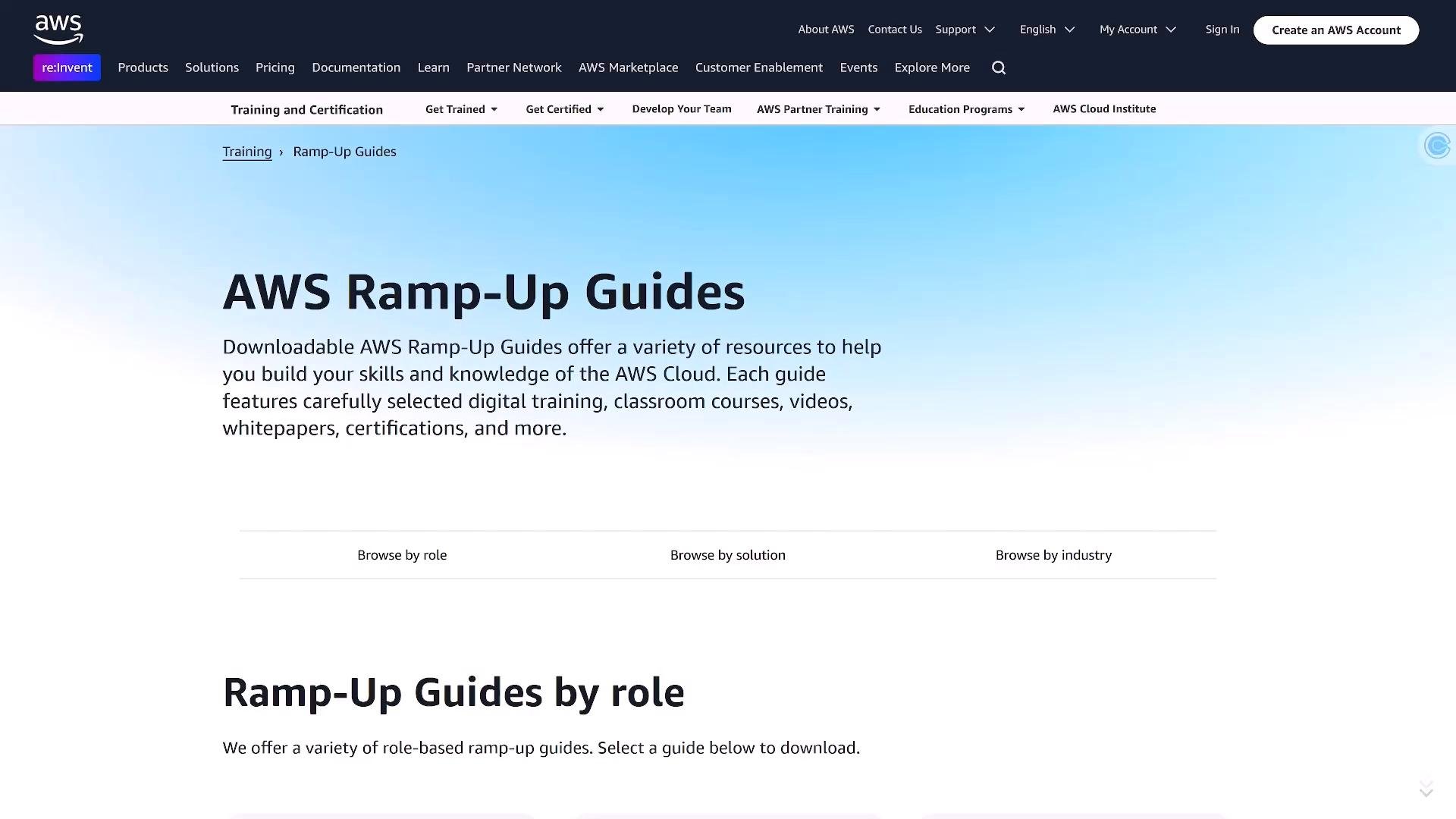
A screenshot of an AWS webpage titled "AWS Ramp-Up Guides" with a short description about downloadable resources to build skills and knowledge of the AWS Cloud. The page includes the site header/navigation and options to browse guides by role, solution, or industry.
AWS Ramp-Up Guides collect role- and topic-specific learning resources, recommended sequences, and practical labs. They are a great starting point for preparing for certifications (for example, the AWS Certified AI Practitioner) or for planning a skill progression in generative AI, machine learning, or data engineering. Key places to start: Below is a quick comparison of relevant Ramp-Up Guides to orient your learning path.
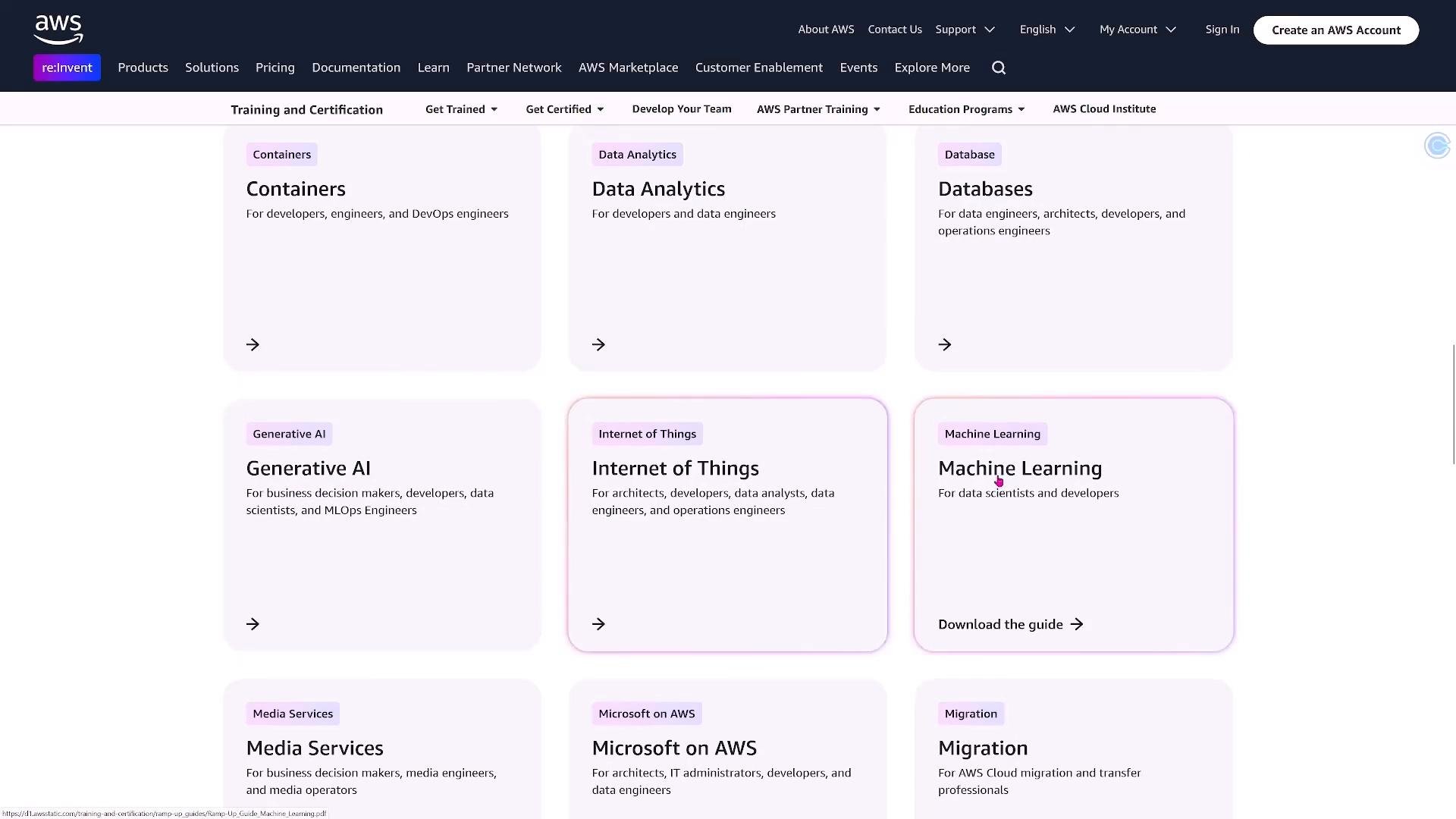
A screenshot of an AWS Training & Certification webpage showing a grid of pale-pink rounded cards for topics like Containers, Data Analytics, Databases, Generative AI, Internet of Things, and Machine Learning. The top navigation bar shows AWS branding and links such as Products, Solutions, Support, and a "Create an AWS Account" button.

Generative AI Ramp-Up Guide

Start with the Generative AI Ramp-Up Guide if your goal is to work with LLMs and generation pipelines. The guide curates:
  • Self-paced digital courses and Skill Builder modules
  • Instructor-led trainings and classroom options (optional)
  • Hands-on labs and example projects that walk through building generative apps, e.g., question-answering bots and retrieval-augmented generation
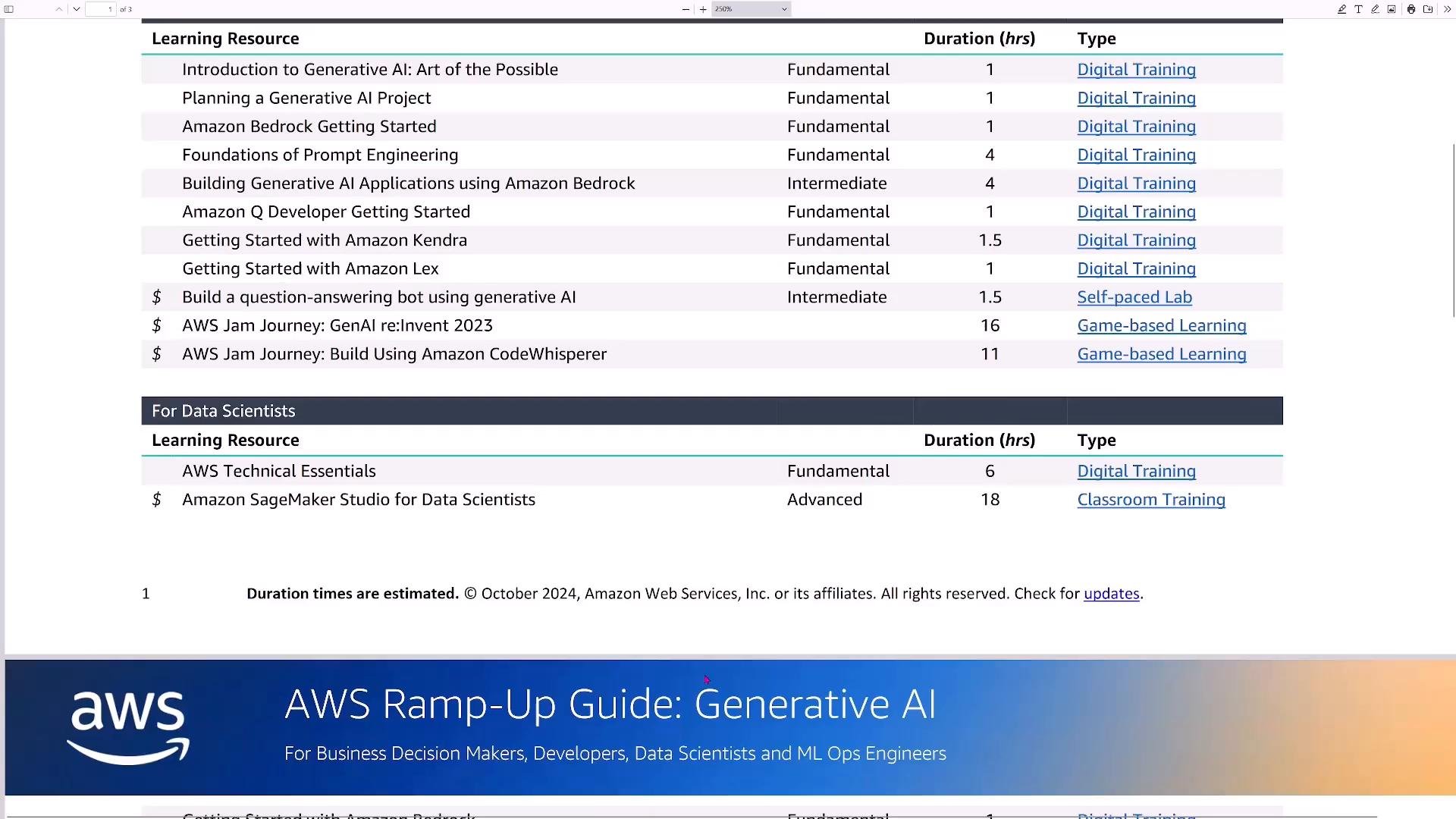
A page from an AWS "Ramp-Up Guide: Generative AI" showing a table of learning resources (course titles, duration in hours, and type) for builders and data scientists. The bottom includes an AWS banner with the guide title.
Typical study sequence for Generative AI:
  1. Complete foundational Skill Builder modules on model fundamentals and AWS service overviews.
  2. Work through Ramp-Up labs and example projects to see architectures and code patterns.
  3. Clone relevant GitHub repos and run notebooks locally or in hosted notebooks (SageMaker Studio Lab).
  4. Build a small end-to-end project (ingest, vector store, retrieval, prompt engineering, deployment).
Some instructor-led classroom trainings can be expensive. If you’re on a budget, start with free Skill Builder modules, Ramp-Up labs, and GitHub notebooks before paying for classroom courses.

Machine Learning Ramp-Up Guide

To go deeper into ML fundamentals, the Machine Learning Ramp-Up Guide covers project planning, model development best practices, and the AWS services that support ML workflows. Topics covered include:
  • Machine learning terminology and lifecycle
  • Project planning and organizational readiness
  • Core AWS services: Amazon SageMaker, Amazon Comprehend, Amazon Textract, and related tools
  • Practical guidance for NLP, computer vision, and tabular modeling
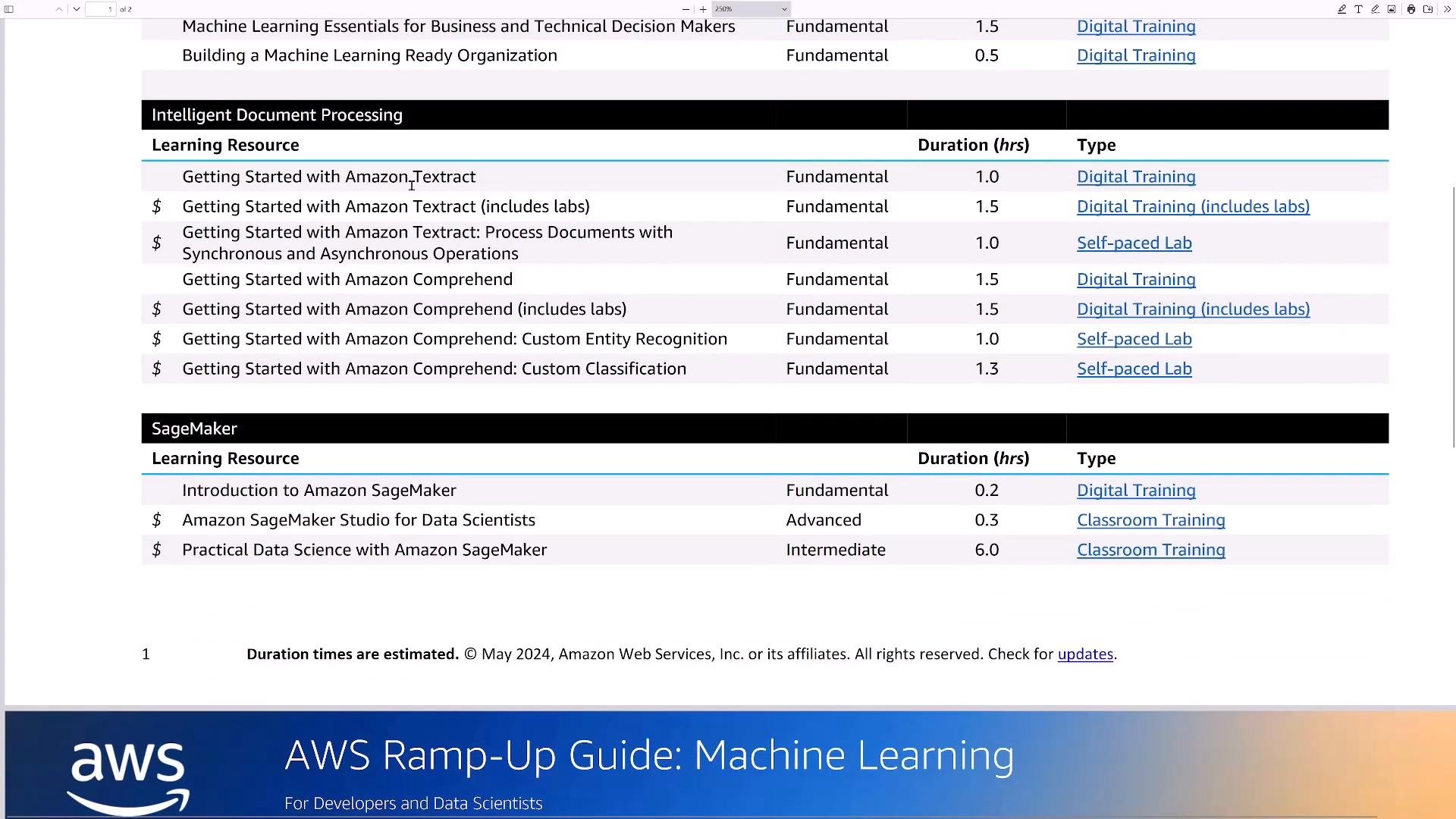
A screenshot of an AWS training guide listing learning resources for Intelligent Document Processing (Amazon Textract and Comprehend) and SageMaker, with durations and training types. The bottom shows an "AWS Ramp-Up Guide: Machine Learning" banner.
The guide points to additional hands-on resources—Quick Starts, GitHub repos, and on-demand broadcasts—that help you practice real-world ML tasks.
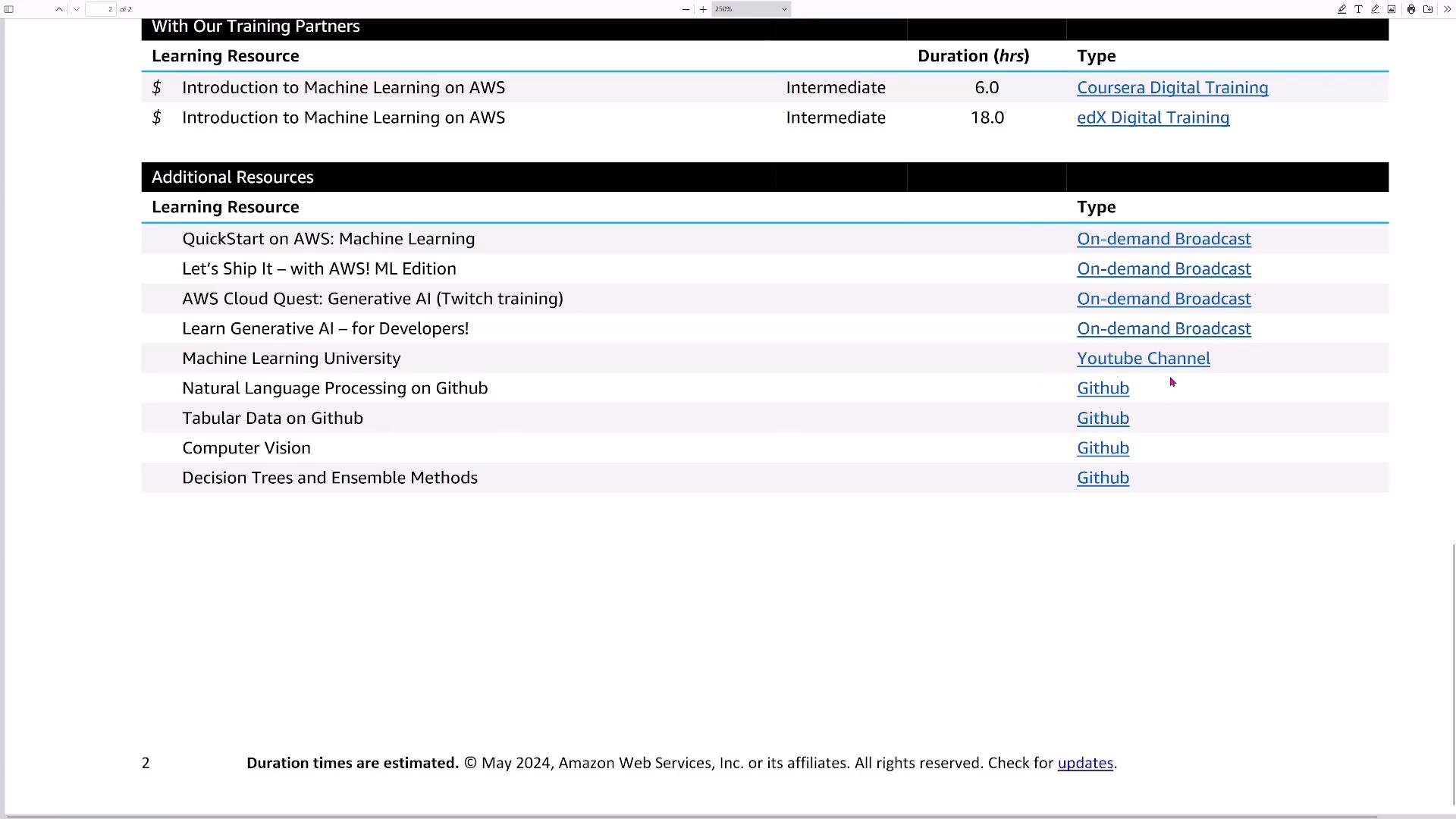
A screenshot of a table titled "Additional Resources" listing AWS machine-learning learning resources and their types/links. Entries include items like QuickStart on AWS, Machine Learning University, NLP/Tabular/Computer Vision on GitHub, and on‑demand broadcasts or YouTube links.

AWS Machine Learning University (MLU) and Notebooks

AWS Machine Learning University offers lecture content, example notebooks, and exercises that map well to Ramp-Up guides. MLU covers:
  • Natural Language Processing (NLP)
  • Computer Vision (CV)
  • Neural network training and optimization
  • Responsible AI practices and ML governance
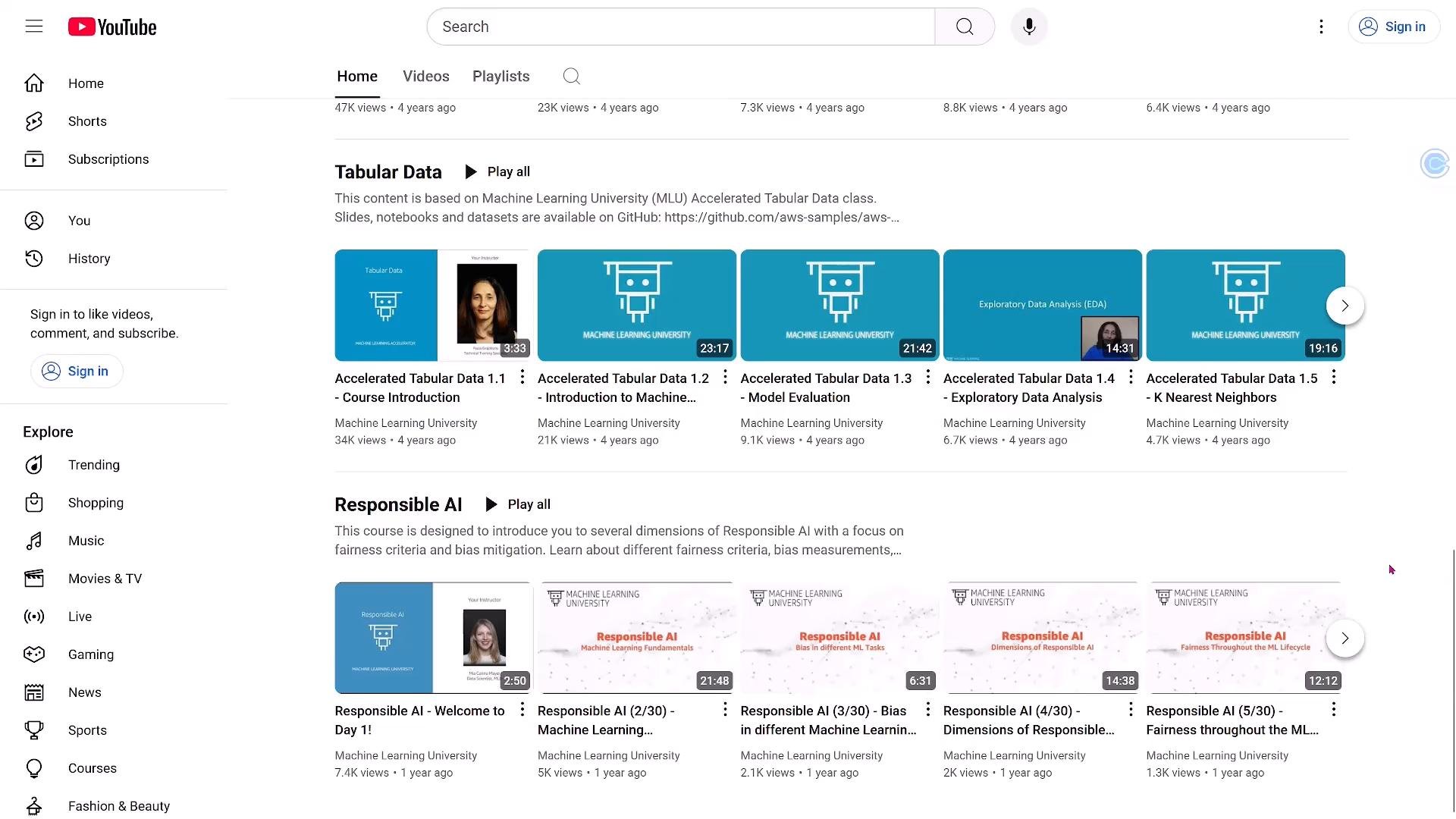
A YouTube page screenshot showing the Machine Learning University channel with playlists like "Tabular Data" and "Responsible AI," displaying video thumbnails and the left-hand navigation menu.
Many MLU notebooks and example projects are hosted on GitHub. You can run them locally or open them directly in hosted notebook environments like SageMaker Studio Lab to practice without provisioning AWS compute.
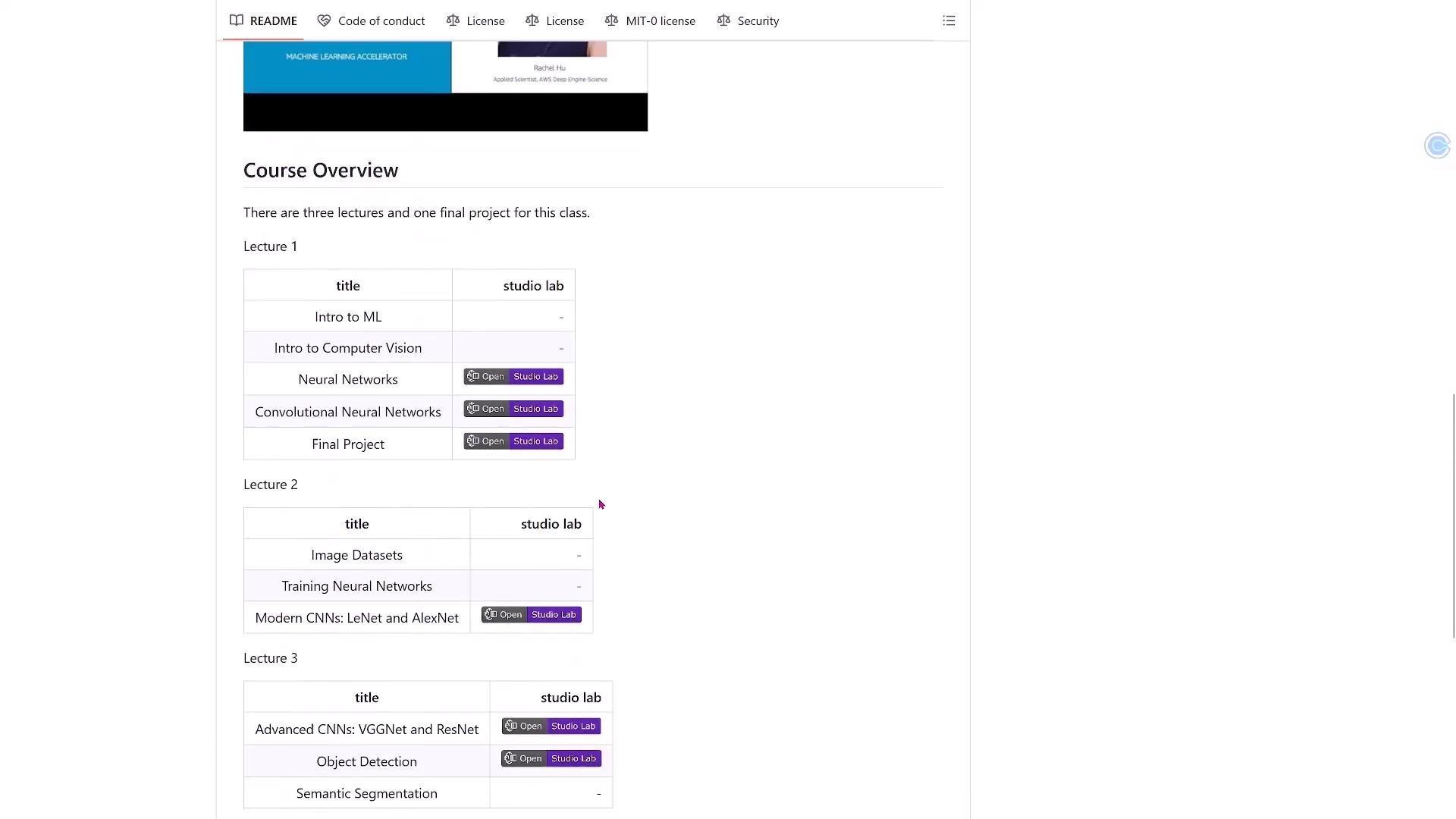
Screenshot of a course overview web page showing lecture tables with topics like Intro to ML, Computer Vision, Neural Networks, and Convolutional Neural Networks. Each row lists a title and studio lab buttons (e.g., "Open" / "Studio Lab") organized by lecture.
Tip: Follow the Ramp-Up Guide sequence — start with foundational Skill Builder modules, then use MLU notebooks and GitHub repos for hands-on practice, and finally experiment in SageMaker Studio Lab or your own environment to consolidate learning.

Suggested 8‑Week Study Plan (example)

Use the Ramp-Up Guides to plan a progressive learning path: start with free, self-paced modules to build a foundation, follow hands-on labs and MLU notebooks for applied learning, and consolidate with an end-to-end project. This approach maximizes learning while controlling costs and gives you concrete artifacts to demonstrate your AI/ML skills on AWS.

Watch Video