

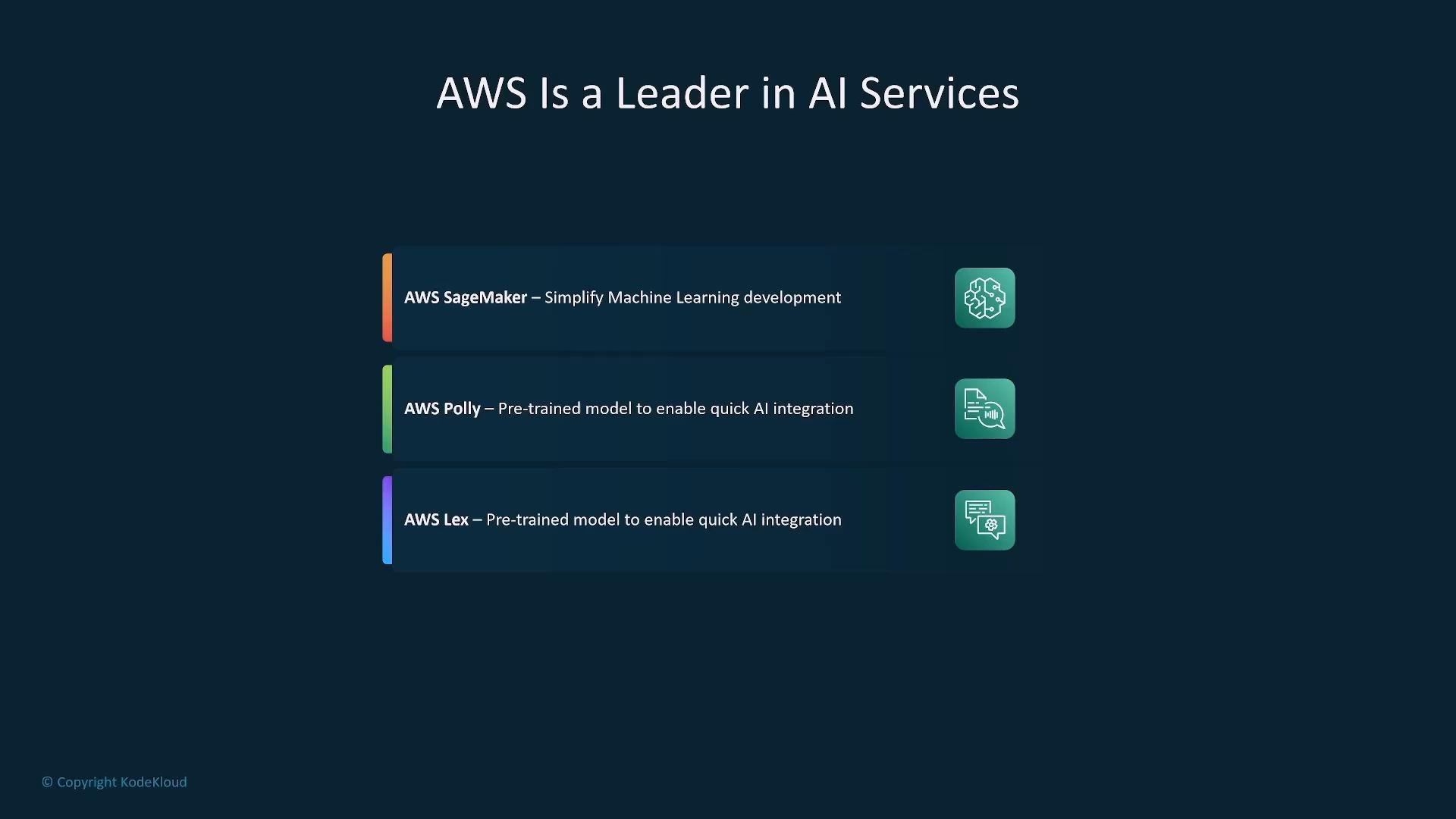
This lesson highlights many high-level AWS AI/ML services and common integration patterns. You don’t need to memorize every single subfeature, but you should know the main purpose and key capabilities for each service.
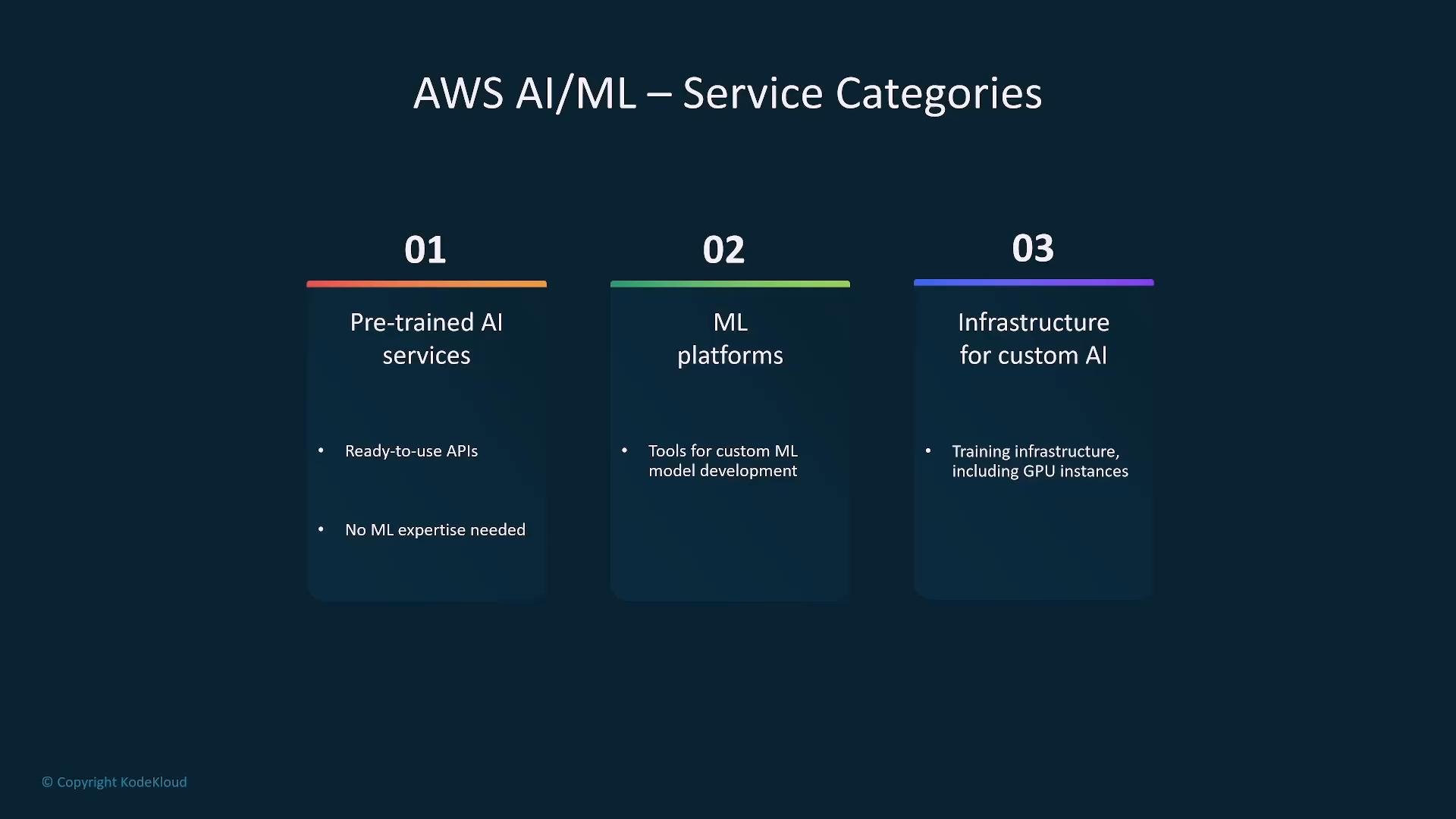
- Pre-trained AI services: ready-to-use APIs for vision, speech, language, and document extraction (e.g., Rekognition, Transcribe, Translate, Comprehend, Textract).
- ML platforms: model development, training, and deployment tooling (e.g., SageMaker).
- Infrastructure for custom AI: compute, storage, and managed frameworks for training and serving (EC2/GPU instances, EMR, Bedrock for managed foundation models).
Amazon Bedrock — Foundation models (managed)
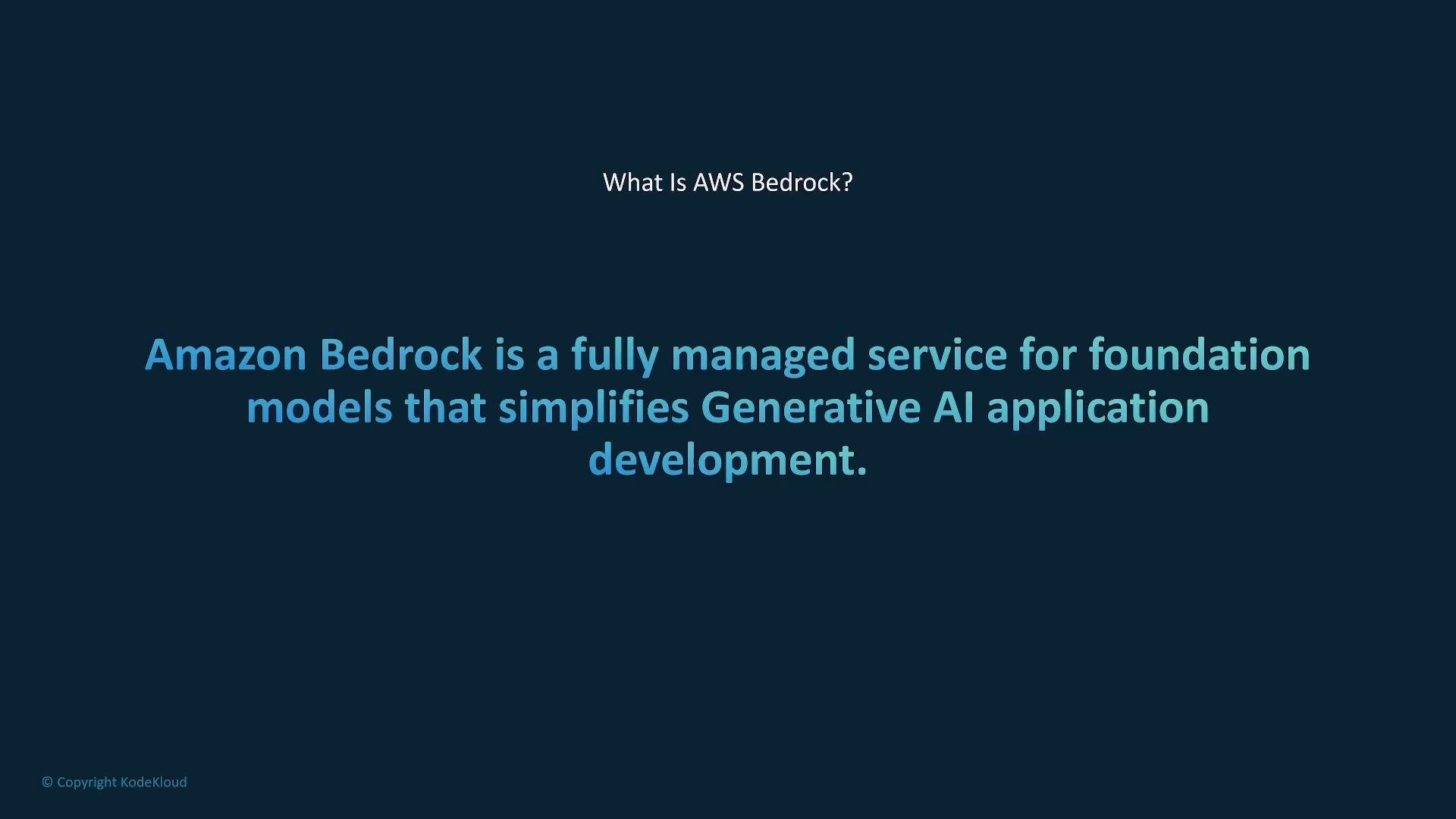
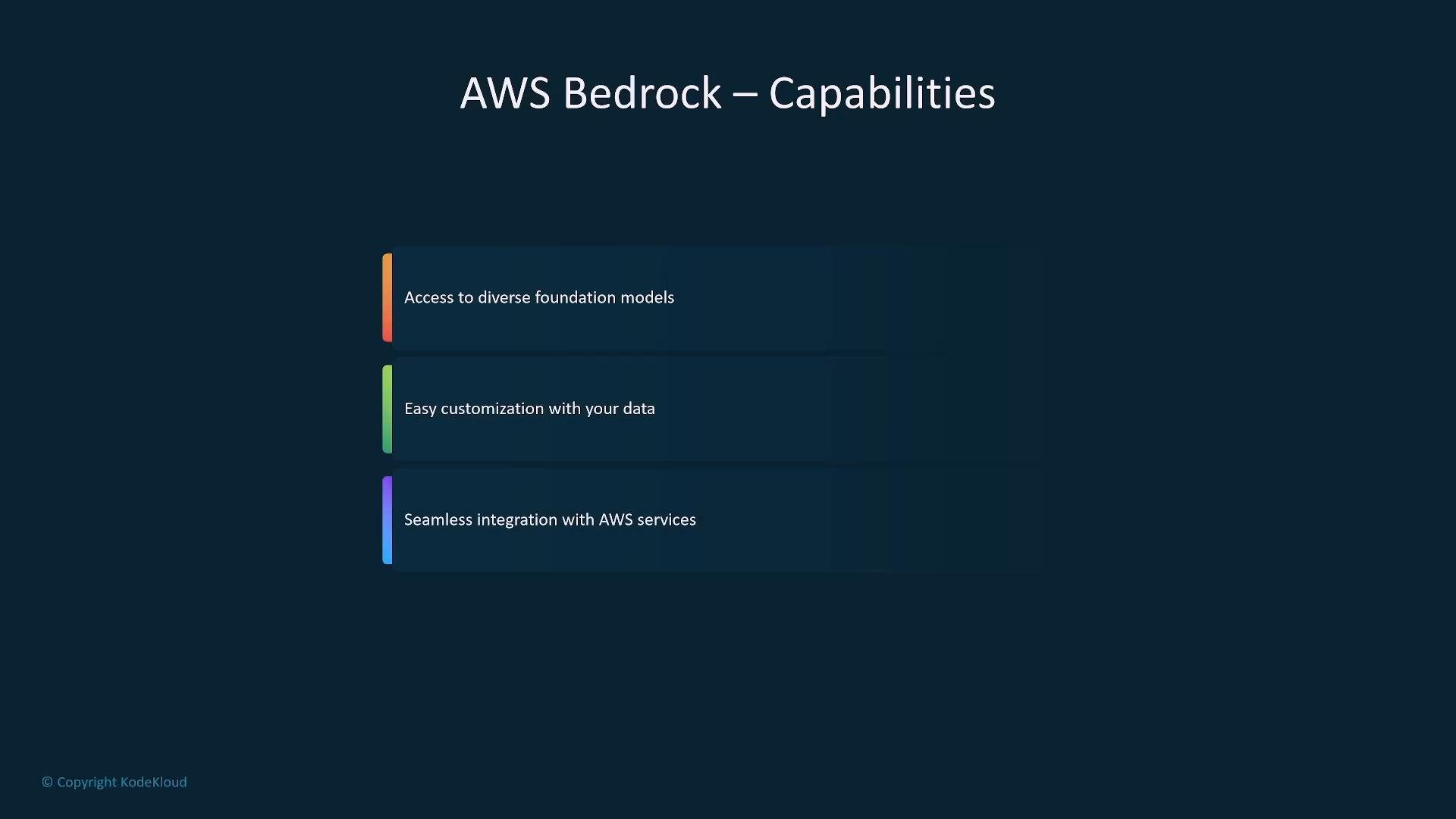
Amazon Bedrock provides managed access to diverse foundation models from AWS, third-party, and open-source providers. It’s designed to simplify building generative AI applications without the operational burden of provisioning and maintaining model infrastructure. Key capabilities:- Access to multiple foundation models and vendors through a single API.
- Customization: fine-tuning or prompt-tuning with your data.
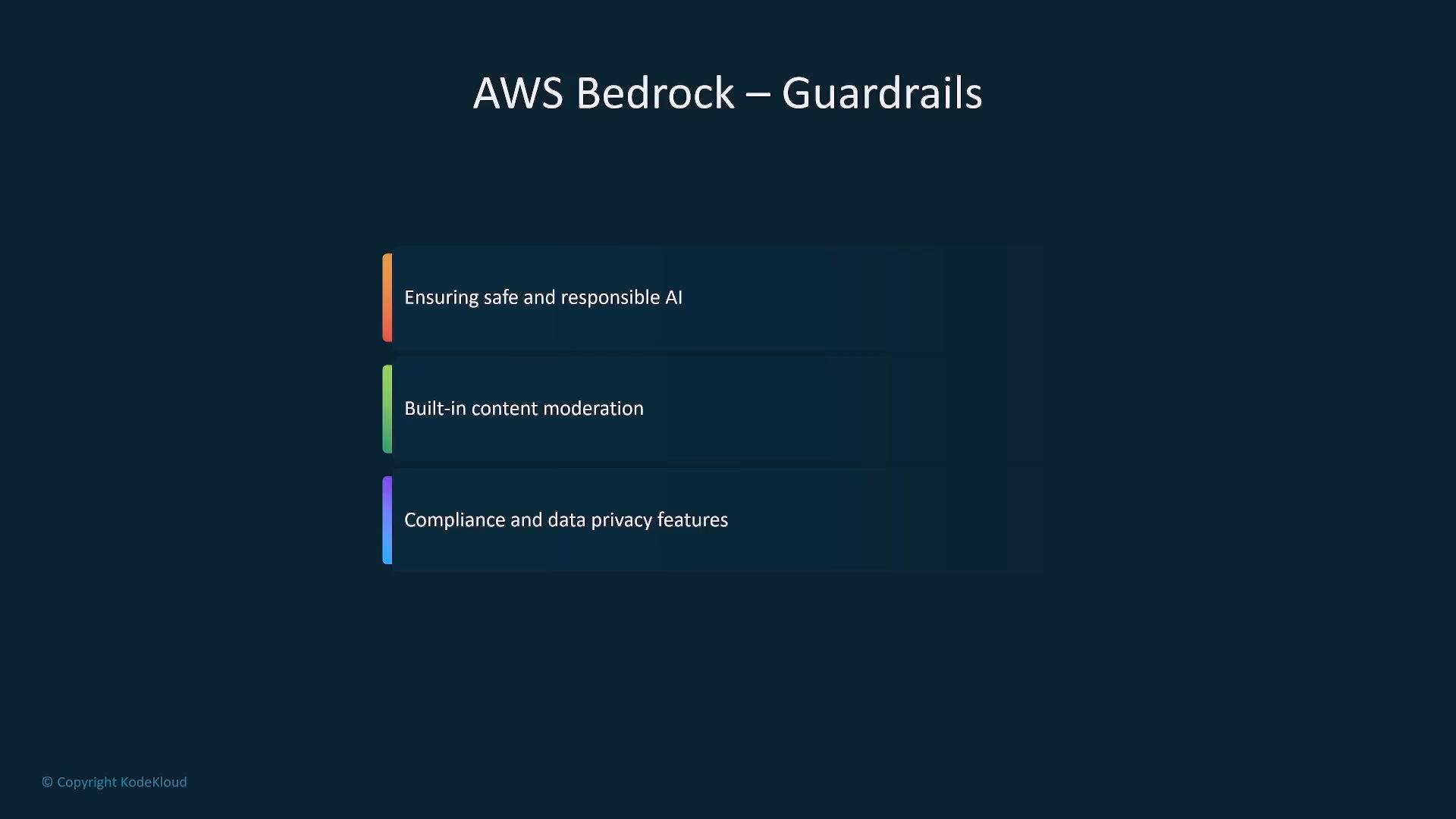
- Governance & safety features (moderation, policies) and orchestration via Bedrock Agents for multi-step workflows.
Amazon SageMaker — End-to-end ML platform
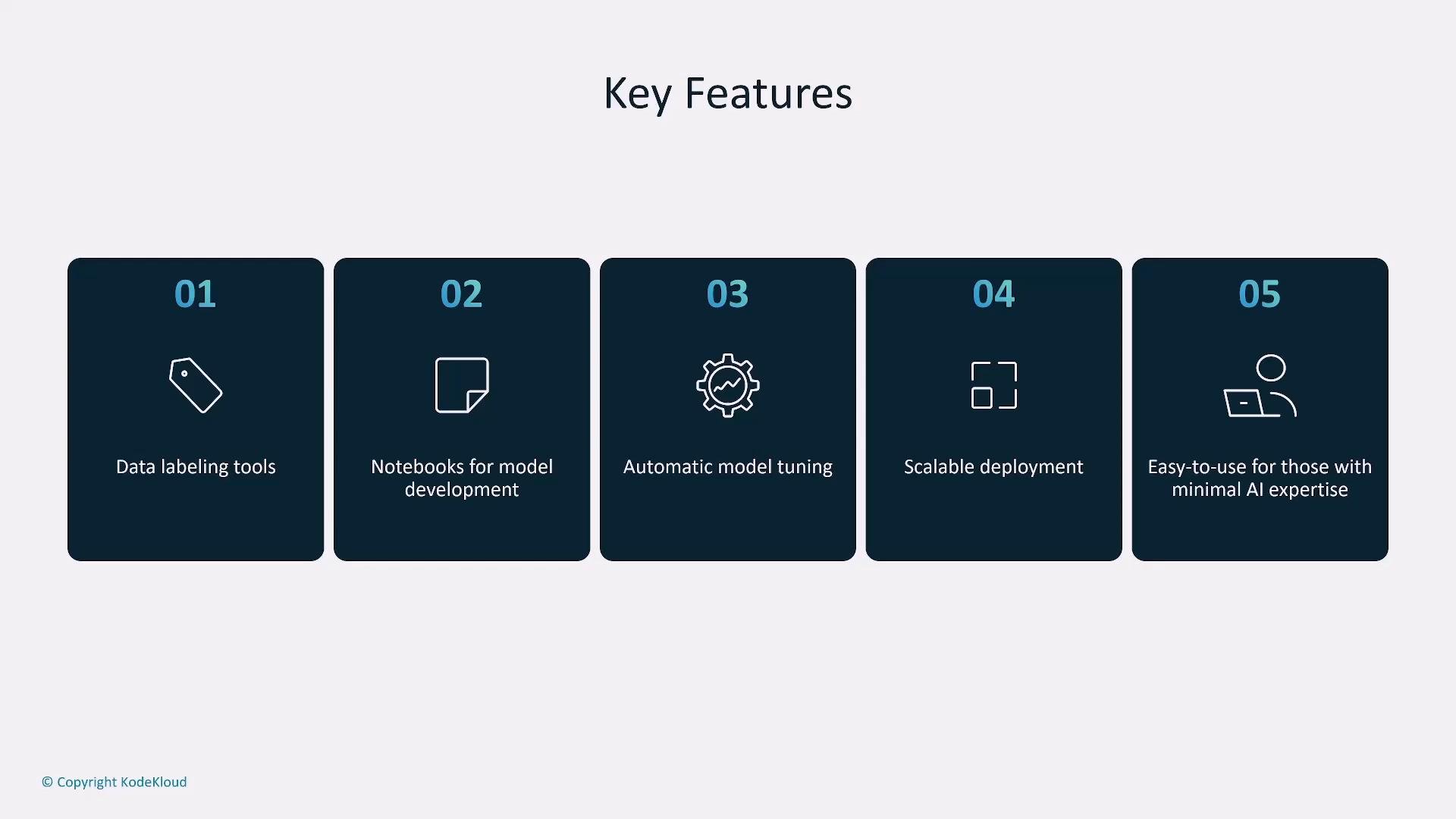
SageMaker is the primary AWS platform for custom ML development, training, tuning, and deployment. It targets data scientists and ML engineers while providing features that reduce operational complexity for teams. What SageMaker provides:- Ground Truth for data labeling and human-in-the-loop workflows.
- SageMaker Studio (IDE) and managed Jupyter notebooks.
- Data Wrangler for data preparation and visualization.
- Scalable training jobs (distributed training, spot instances).
- Hyperparameter tuning and model evaluation tools.
- Managed real-time endpoints and batch transform for offline inference.
- Model monitoring, versioning, and deployment strategies (A/B, blue/green).
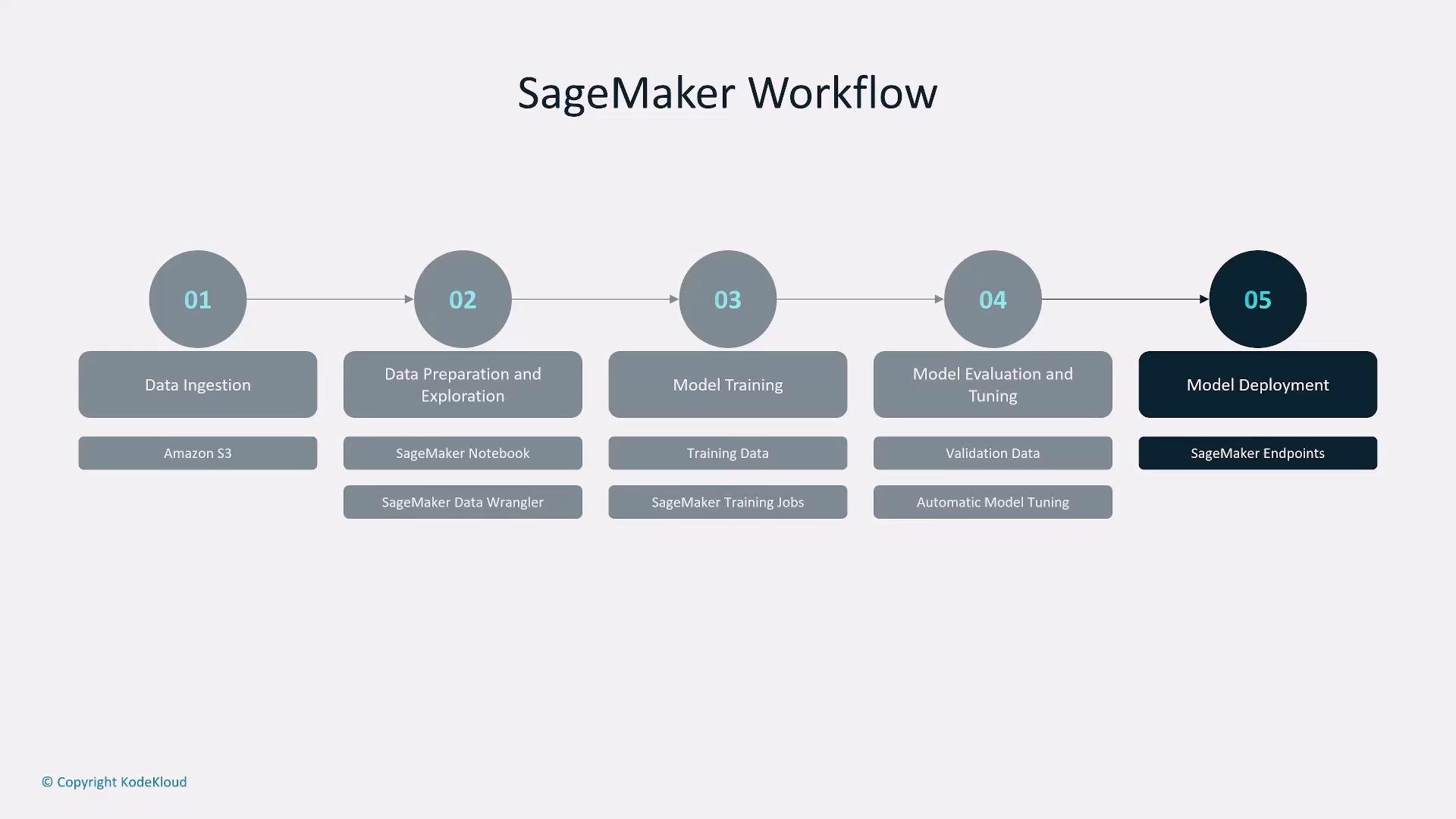
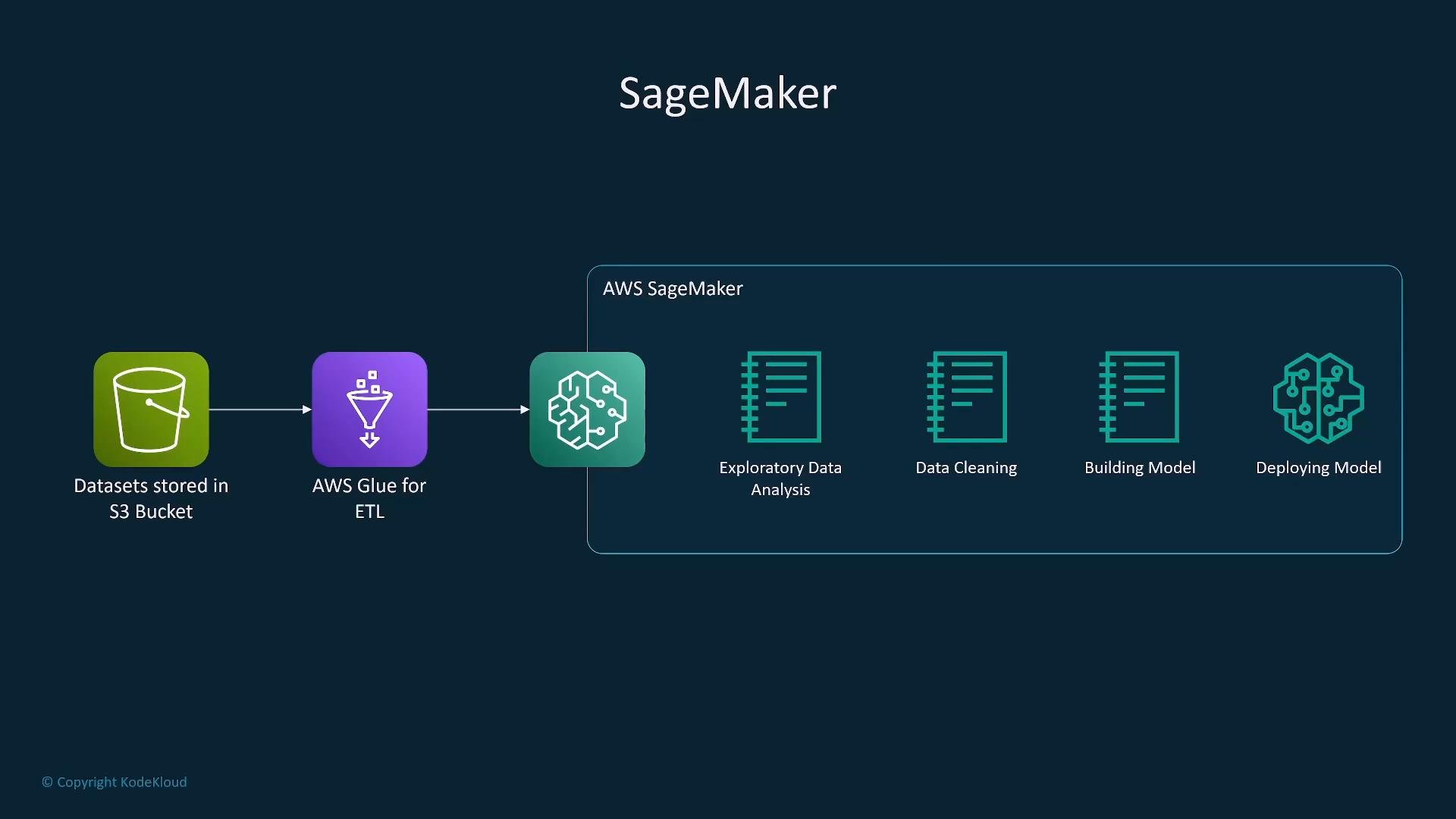
- Data ingestion (S3, EFS).
- Preparation and exploration (Notebooks, Data Wrangler).
- Training (distributed jobs).
- Evaluation & tuning.
- Deployment (Endpoints).
- Supports bring-your-own-algorithm and built-in algorithms.
- Works with many instance types (including GPU) and cost-saving spot instances.
- SageMaker Canvas enables no-code model building for business users.
Amazon Rekognition — Computer vision
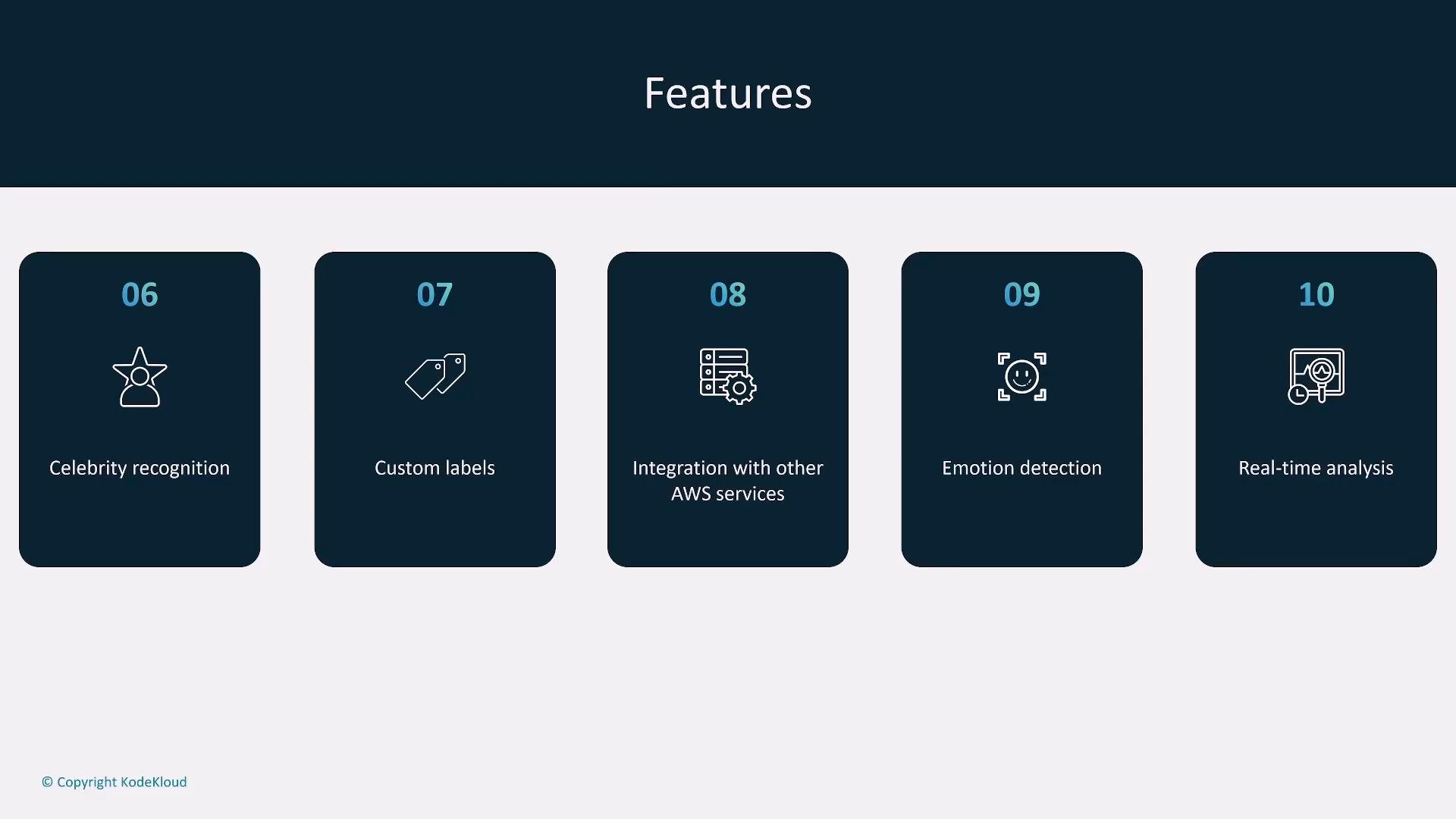
Rekognition provides image and video analysis: object/scene detection, facial analysis & recognition, text detection, celebrity recognition, custom labels, emotion inference, content moderation, and near-real-time stream analysis. Use cases: automated tagging, visual search, media analysis, security monitoring. Integrations: S3, Lambda, DynamoDB, Kinesis Video Streams, A2I for human review.
Amazon Lex — Conversational interfaces
Lex combines automatic speech recognition (ASR) and natural language understanding (NLU) to build chatbots and voice assistants. It interprets intent and slots from text or speech, and triggers business logic via Lambda. Common integrations: Amazon Cognito (auth), Lambda (business logic), Polly (TTS), and databases like DynamoDB or DocumentDB for session/state. Use cases: customer support bots, booking systems, voice-enabled applications.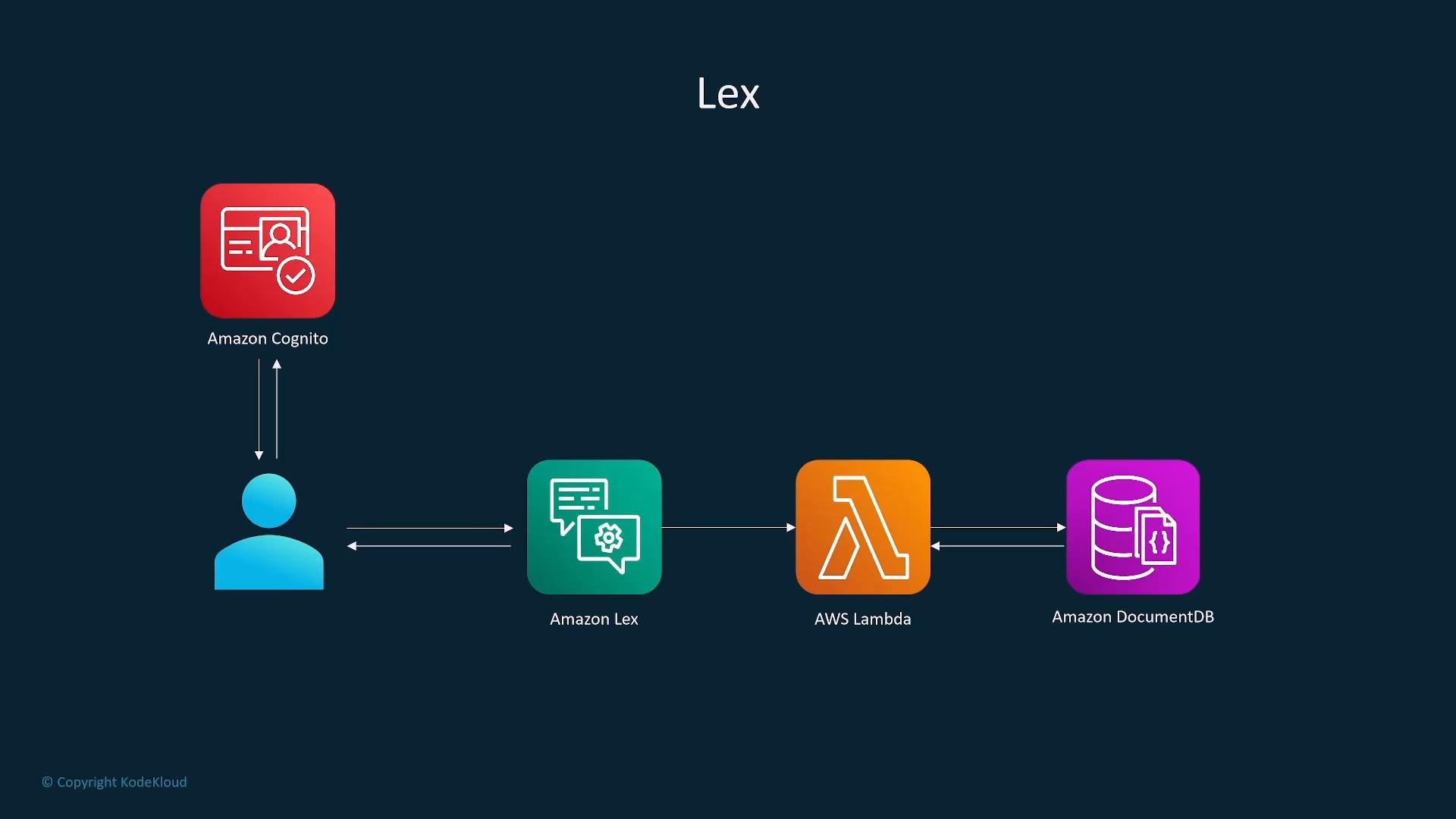
Amazon Polly — Text-to-speech (TTS)
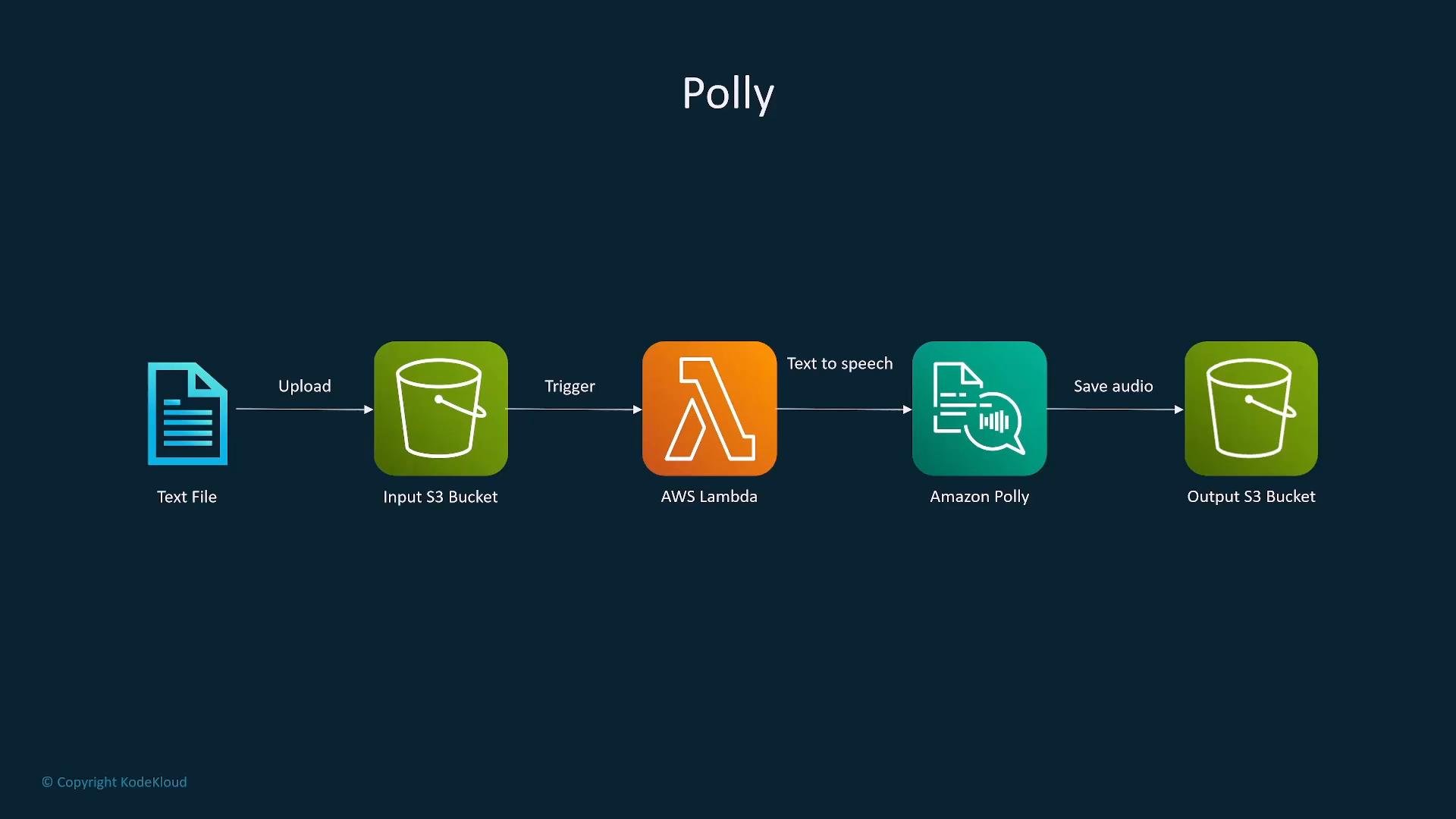
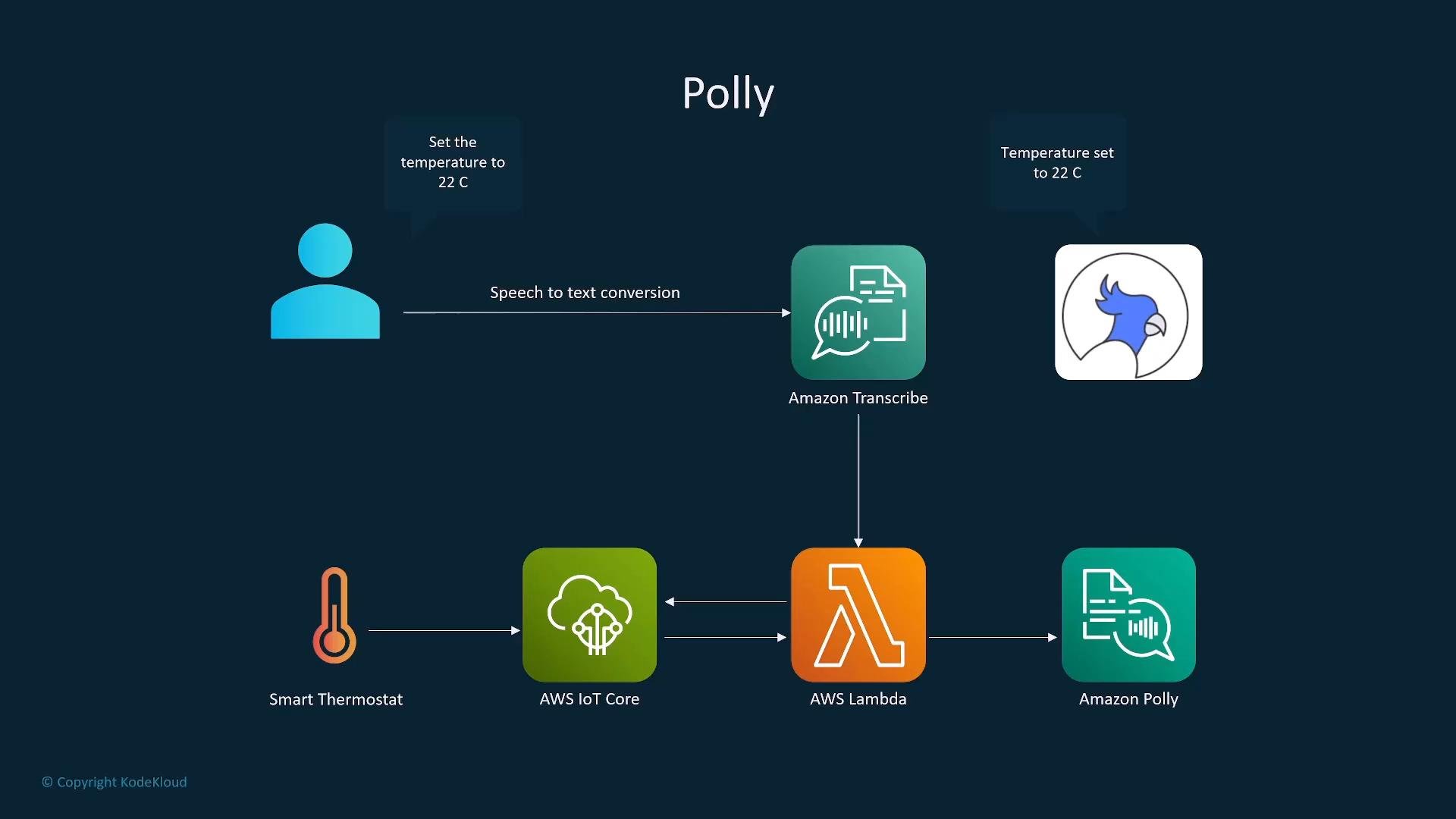
Polly generates lifelike speech from text and supports SSML to control pronunciation, emphasis, and prosody. It can stream audio in real time or produce files saved to S3. Common patterns: pair with Lex or Transcribe in voice flows, use Translate + Polly for multilingual voice responses, or orchestrate via Lambda/S3.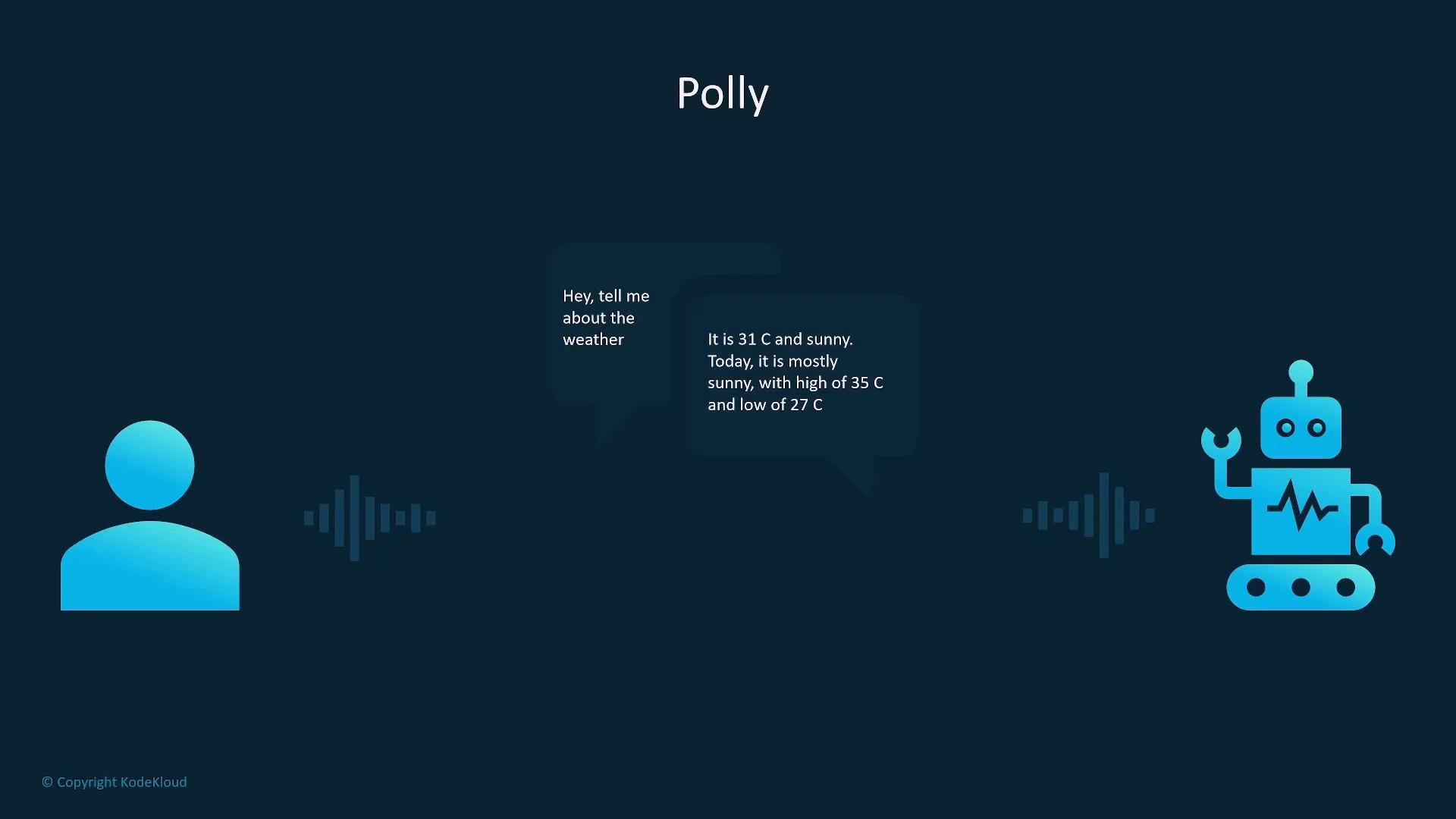
- User speech -> Transcribe (speech-to-text) -> business logic (Lambda / IoT) -> Polly (text-to-speech) -> spoken response.
Amazon Comprehend — Natural language processing
Comprehend performs language detection, sentiment analysis, entity recognition, key-phrase extraction, syntax analysis, topic modeling, and PII detection. It’s suitable for analyzing customer feedback, social media streams, emails, and other text corpora. Typical pipeline: text stored in S3 -> Lambda triggers Comprehend -> results stored for analytics (Athena, QuickSight, or databases).Amazon Fraud Detector — Fraud detection workflows
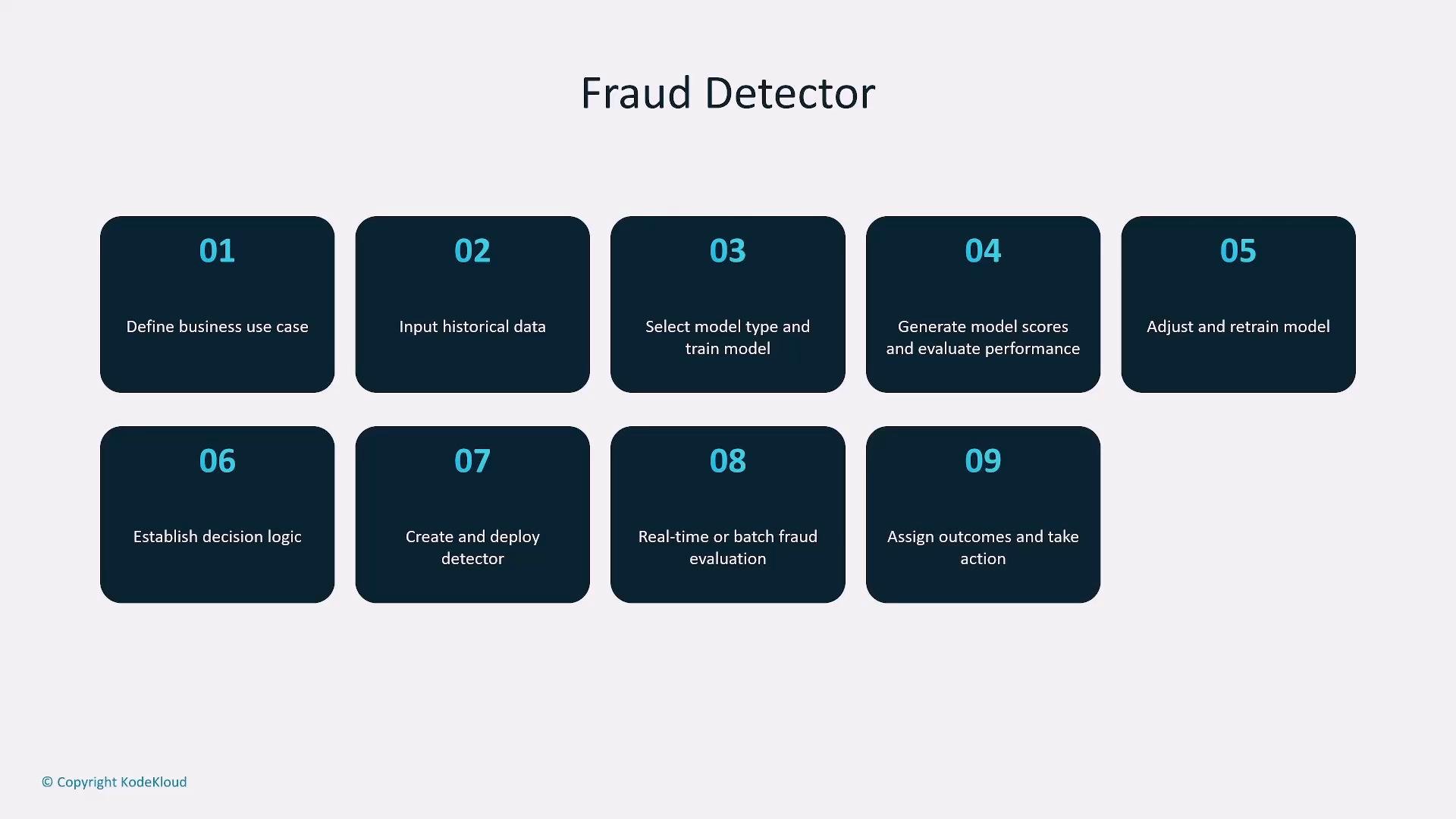
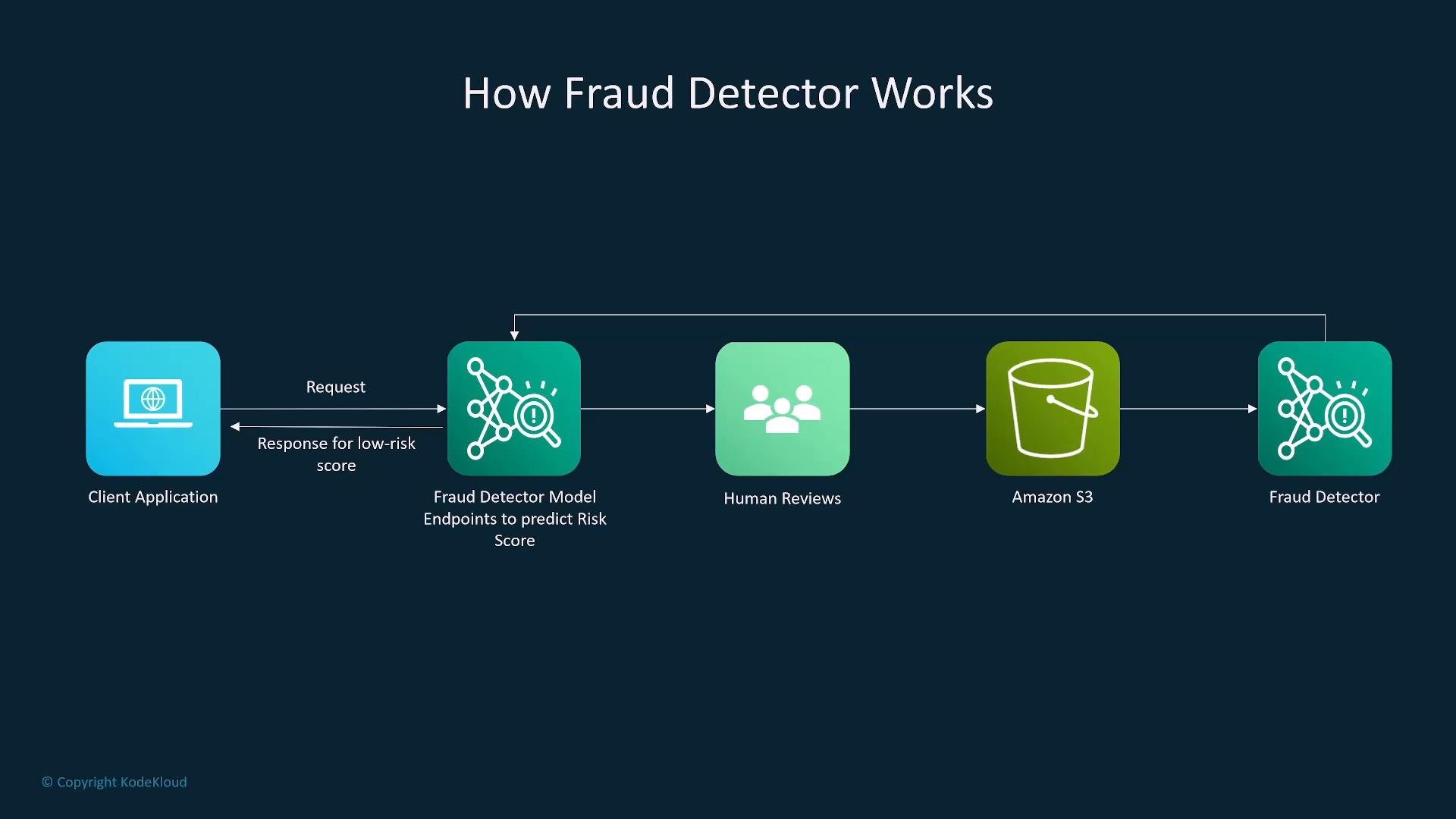
Fraud Detector provides a managed workflow for detecting fraudulent activity using ML models, including:- Defining use cases and events,
- Ingesting historical data,
- Training and evaluating models,
- Deploying detectors for real-time or batch scoring,
- Applying decision logic (approve/review/decline).
Amazon Transcribe — Speech-to-text
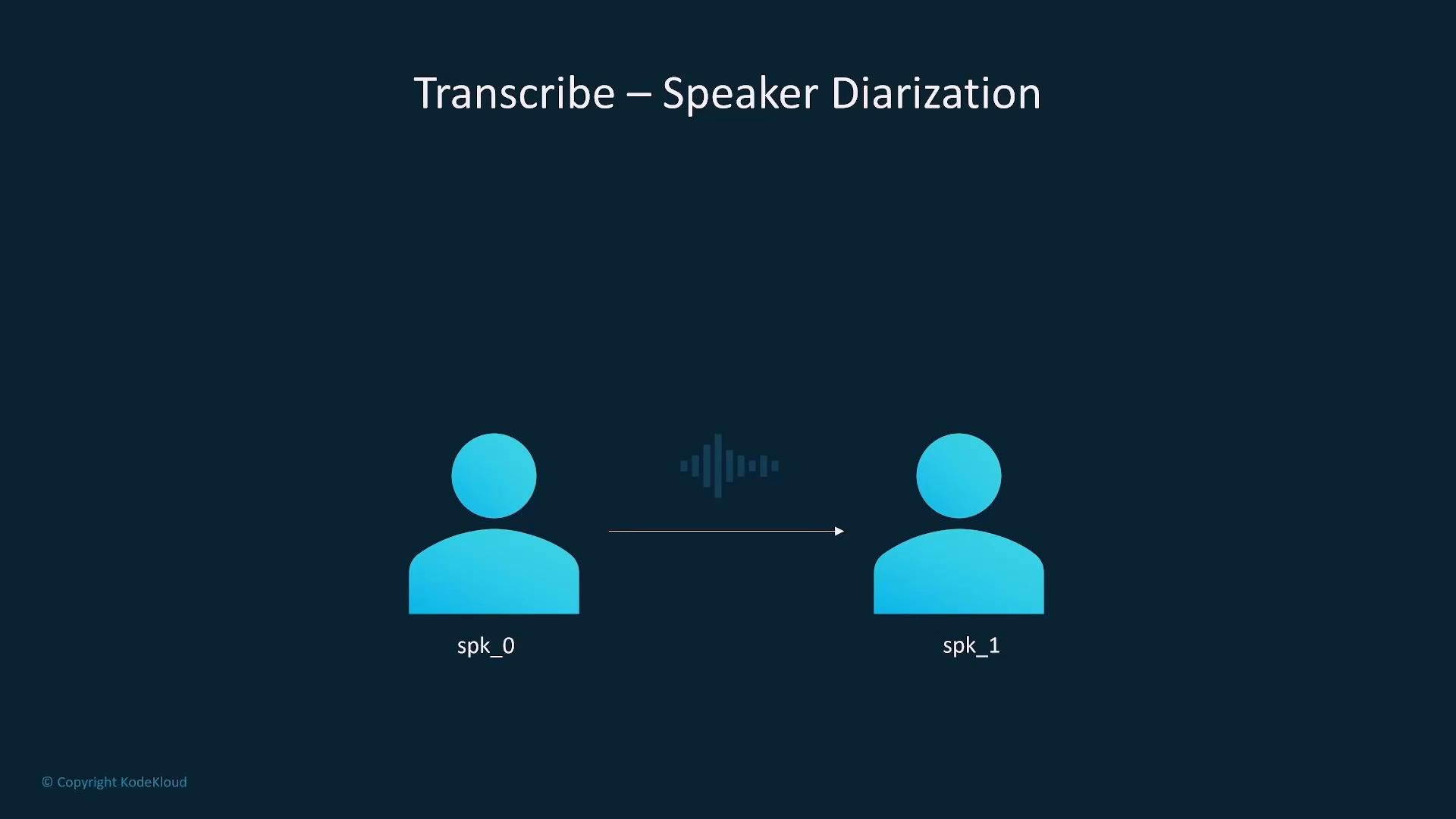
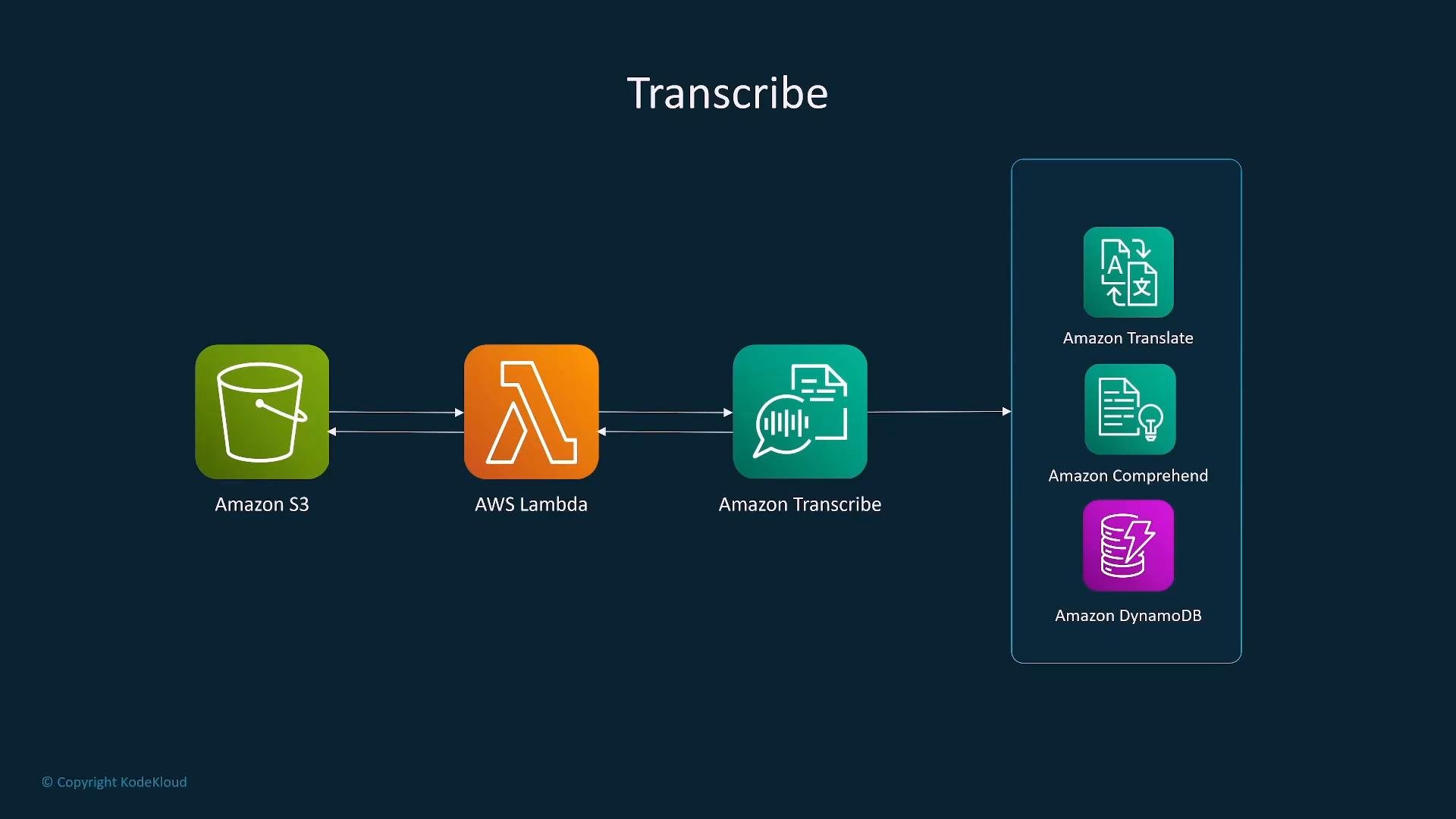
Transcribe converts audio to text for both real-time streaming and batch jobs. Features include custom vocabularies, speaker diarization, and language support. Commonly used in media processing, meeting transcription, and downstream NLP analysis. Typical flow: audio/video in S3 -> Lambda triggers Transcribe -> transcribed text -> optional Translate/Comprehend -> storage or analytics.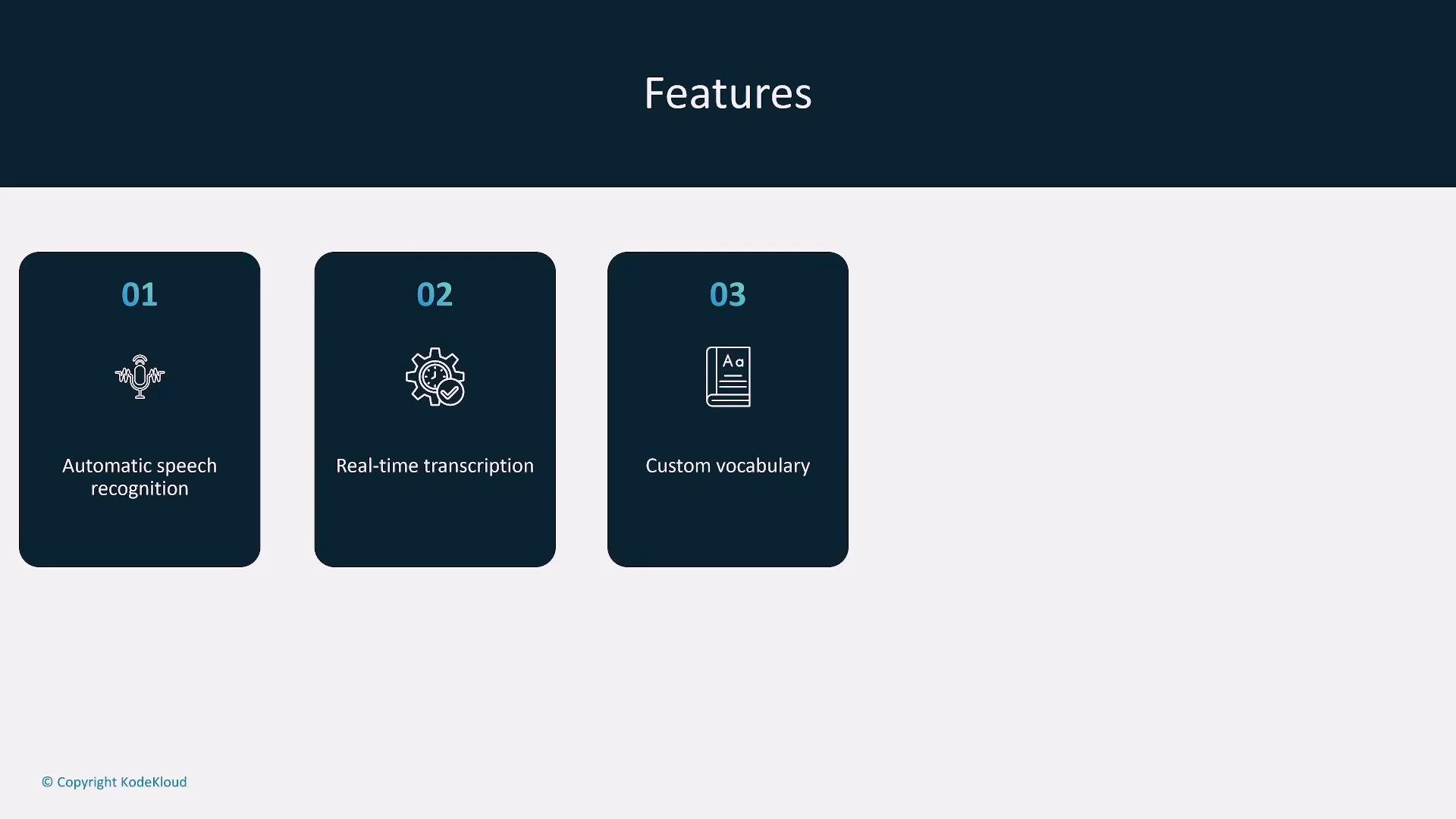
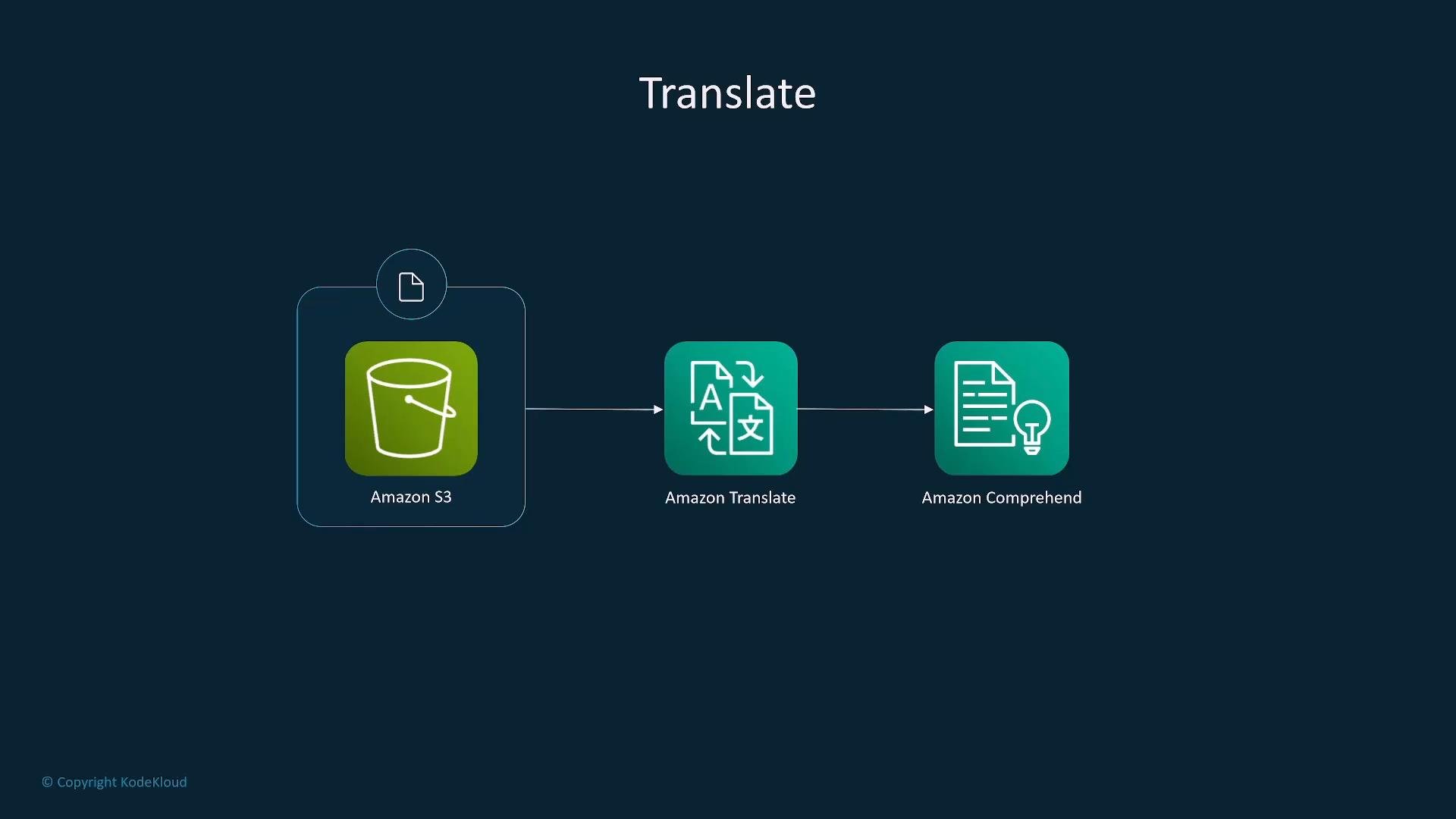
Amazon Translate — Neural machine translation
Translate provides real-time and batch neural machine translation. It supports custom terminology for domain-specific vocabulary and integrates well with Transcribe (speech→text→translate) and Polly (speak translations). Common flow: audio -> Transcribe -> Translate -> Polly (optional TTS output).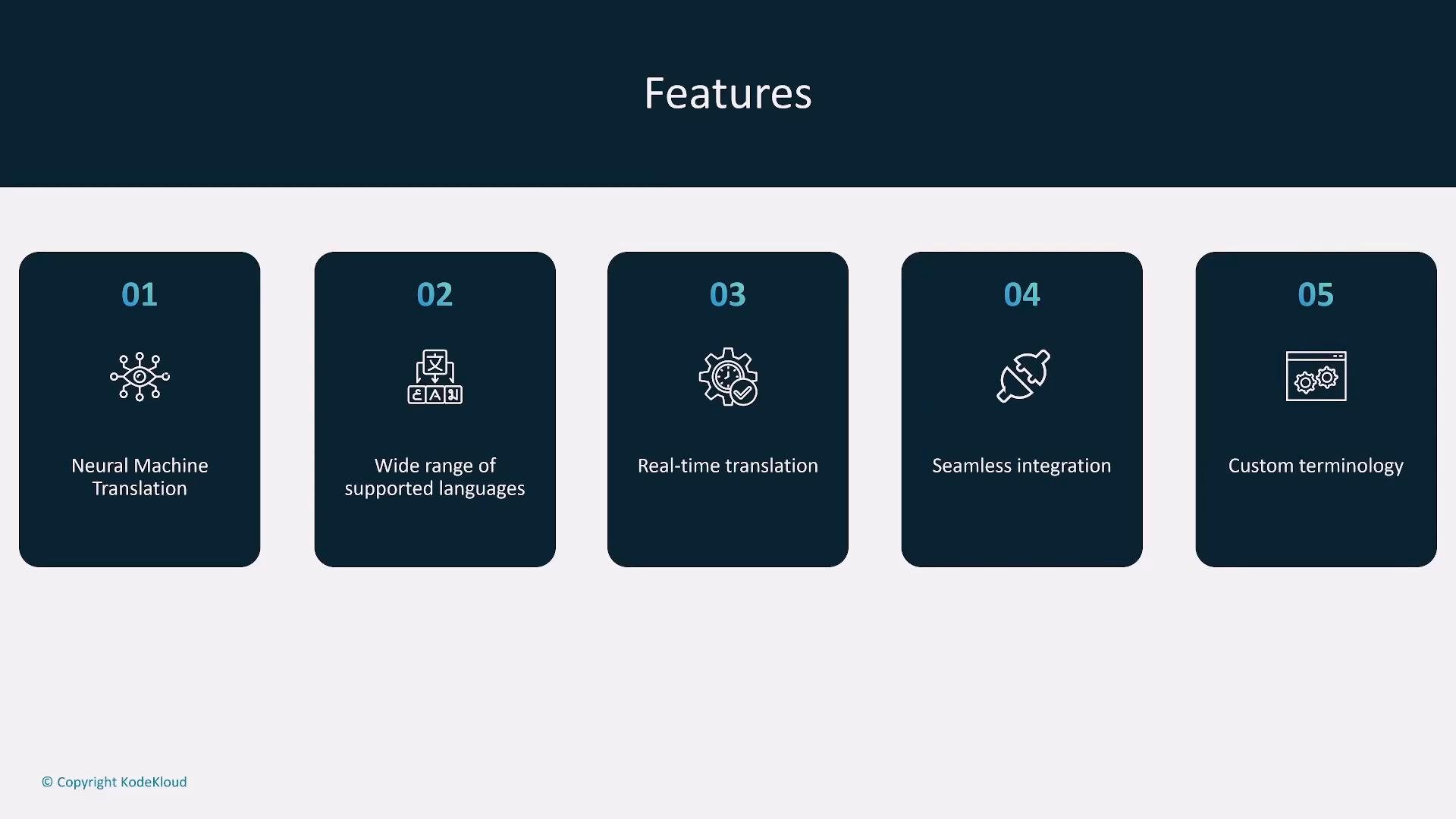
Amazon Textract — Document OCR & structured data extraction
Textract extracts text, tables, and form fields (OCR) from scanned documents, forms, and handwriting. Outputs can be structured JSON, stored to S3, or pushed to databases for downstream processing or analysis. Standard workflow: document in S3 -> Lambda or direct API invoke -> Textract -> extracted structured data -> storage/processing.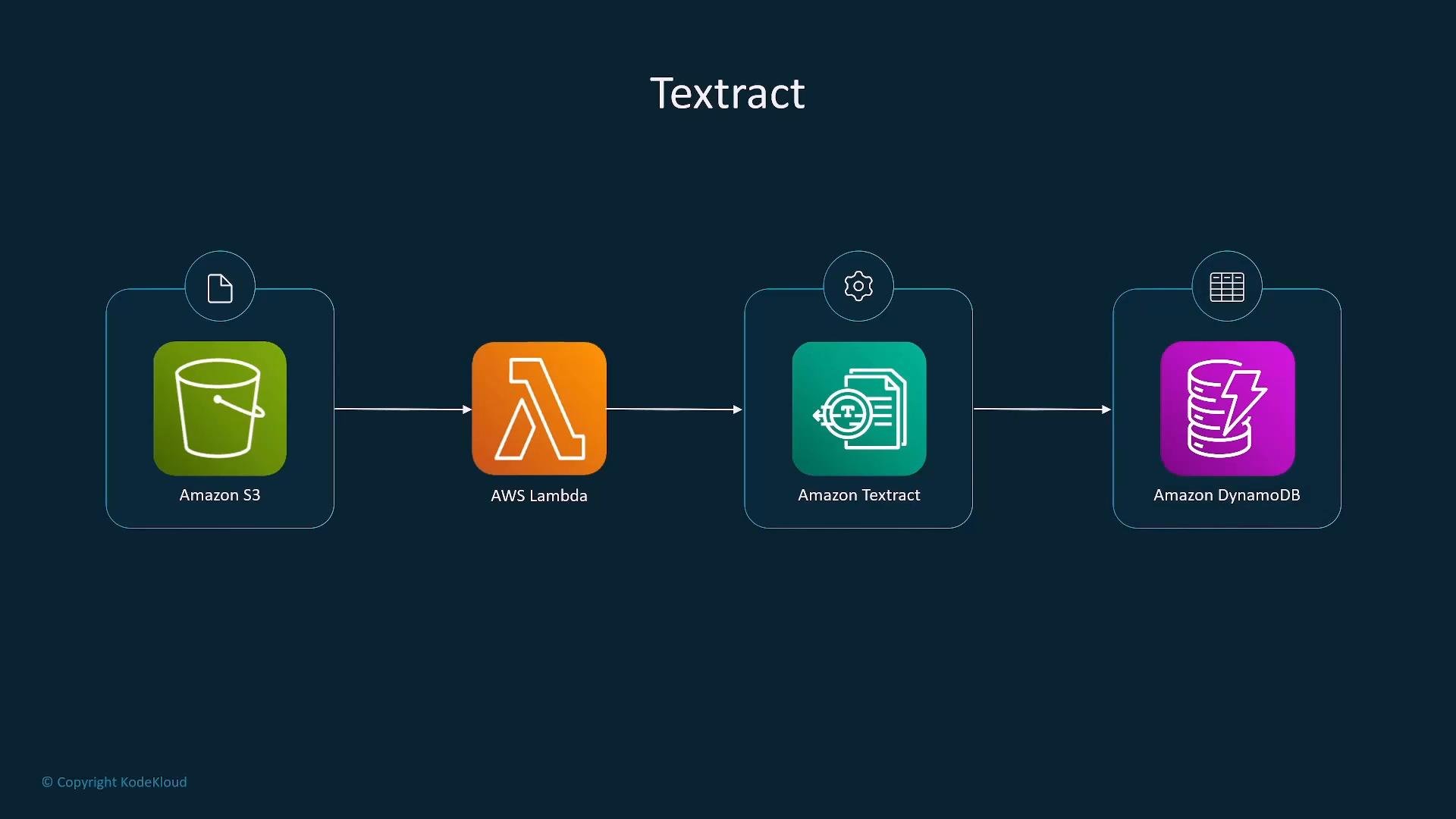
Data & ETL: AWS Glue, DataBrew, EMR
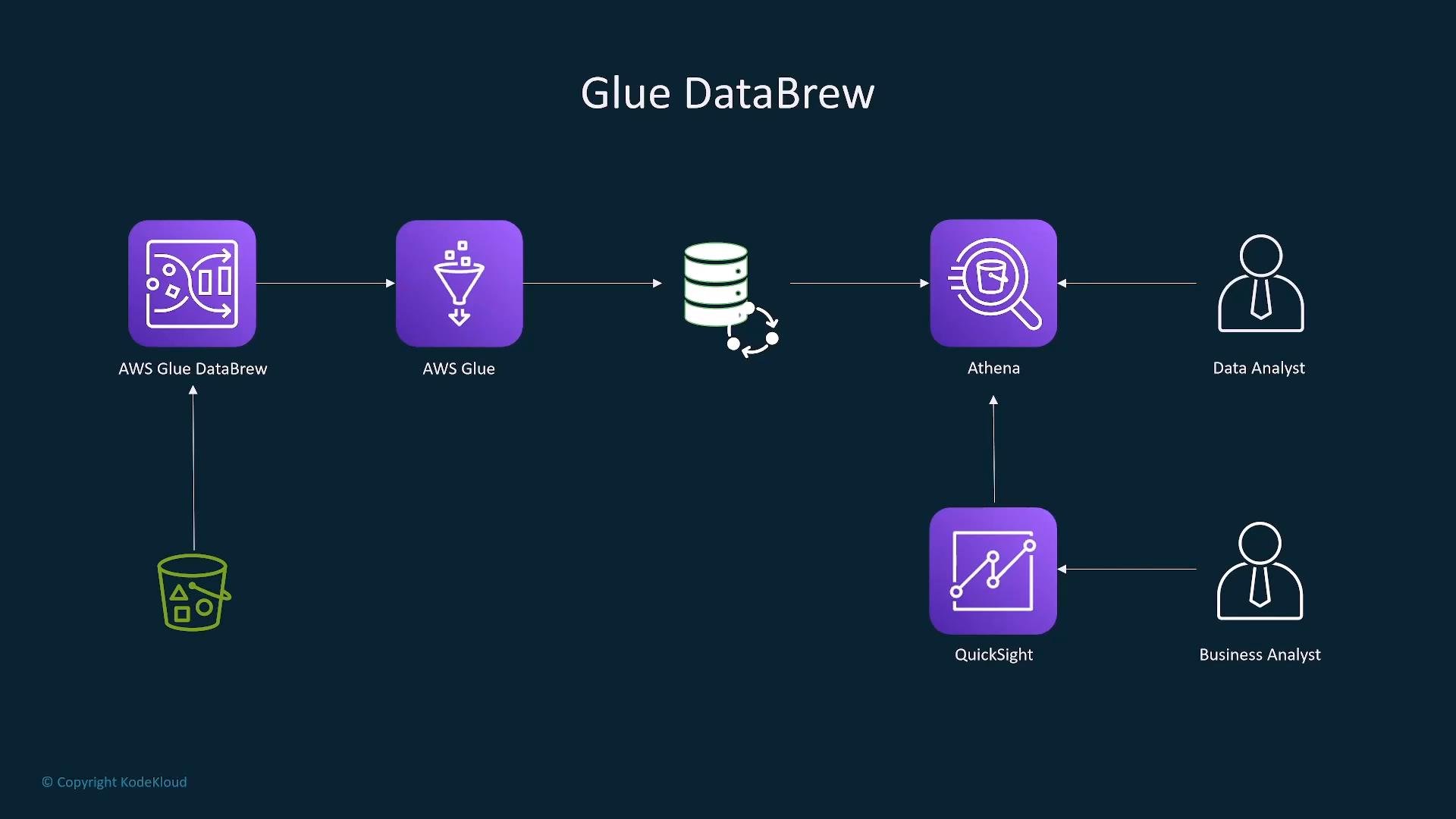
- AWS Glue: serverless ETL and data cataloging. Crawls sources to populate the Data Catalog, runs PySpark/Scala ETL jobs, and writes processed data to S3, Redshift, etc. Author jobs in Glue Studio or with custom code.
- Glue DataBrew: visual data cleaning and transformation tool (no code). Create recipes of transformations and run jobs on datasets.
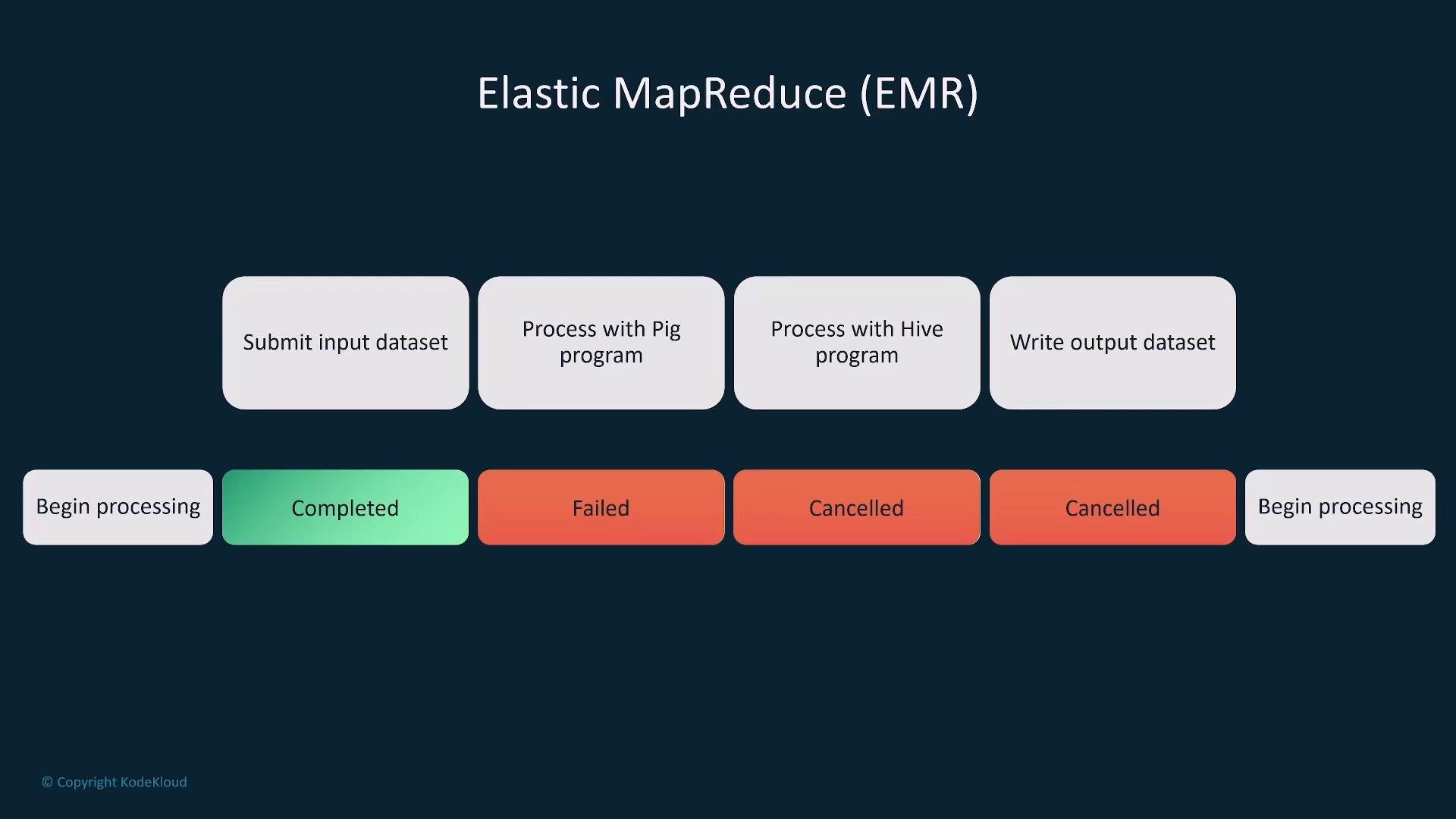
- Amazon EMR: managed big data platform (Hadoop, Spark, Hive, etc.) for large-scale data processing. Supports cluster and serverless operation modes.
Amazon Augmented AI (A2I) — Human-in-the-loop
A2I provides human review workflows for cases where model confidence is low or compliance requires human validation. It integrates with SageMaker, Textract, Rekognition, and other services. Human feedback can be fed back into training datasets to improve models. Common use cases: sensitive PII handling, manual verification, quality control.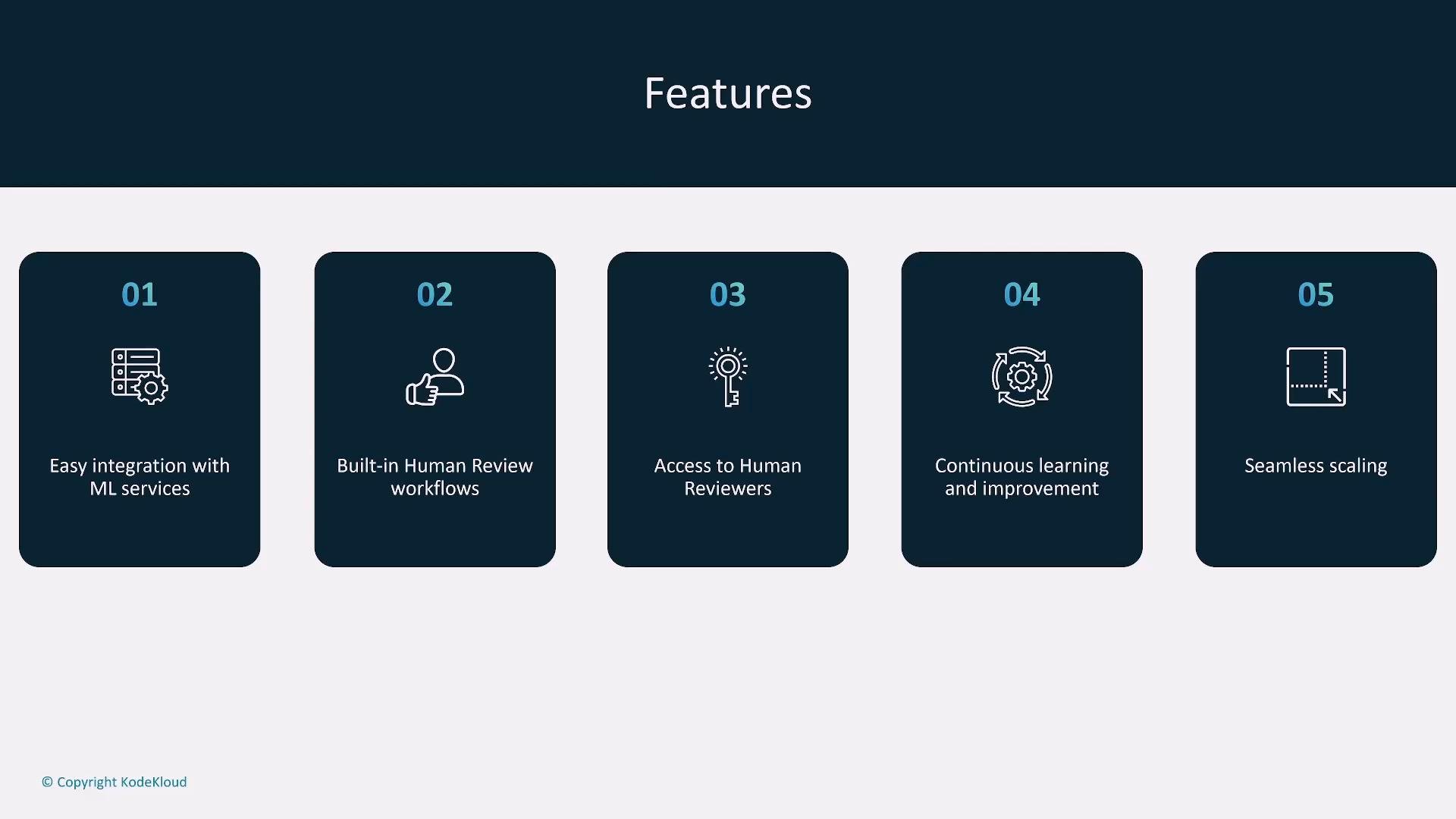
Amazon QuickSight — BI & visualization
QuickSight is a serverless BI tool for dashboards, charts, and visual analytics. It connects to Athena, Redshift, Glue Data Catalog, and other sources and uses SPICE (in-memory engine) for fast queries. QuickSight supports natural-language Q&A (Amazon Q). Use case: visualize model metrics, business KPIs, and analytics results from ML pipelines.When working with PII, medical data, or other sensitive information, apply encryption at rest/in transit, IAM least privilege, appropriate guardrails (Bedrock), and human-review workflows (A2I). Ensure compliance with regulations (HIPAA, GDPR) where applicable.
- Learn each service’s primary purpose and common integrations rather than minutiae.
- For architecture questions: identify whether a solution uses a pre-trained API (Rekognition, Comprehend, Translate) or requires custom modeling (SageMaker + EC2/EMR).
- Remember common pipelines: S3 → Lambda → service → S3/DB → analytics (Athena/QuickSight).
- Know which services support streaming vs batch (e.g., Transcribe supports real-time streaming).
- Amazon Bedrock overview: https://aws.amazon.com/bedrock/
- Amazon SageMaker documentation: https://docs.aws.amazon.com/sagemaker/
- Amazon Rekognition: https://aws.amazon.com/rekognition/
- Amazon Lex: https://aws.amazon.com/lex/
- Amazon Polly: https://aws.amazon.com/polly/
- Amazon Transcribe: https://aws.amazon.com/transcribe/
- Amazon Translate: https://aws.amazon.com/translate/
- Amazon Textract: https://aws.amazon.com/textract/
- Amazon Comprehend: https://aws.amazon.com/comprehend/
- Amazon Fraud Detector: https://aws.amazon.com/fraud-detector/
- AWS Glue / DataBrew: https://aws.amazon.com/glue/
- Amazon EMR: https://aws.amazon.com/emr/
- Amazon A2I: https://aws.amazon.com/sagemaker/augmented-ai/
- Amazon QuickSight: https://aws.amazon.com/quicksight/