This lesson reviews AWS’s global infrastructure and managed services for building, training, deploying, and operating generative AI applications. It’s designed for learners with a Cloud Practitioner–level foundation (see the AWS Cloud Practitioner (CLF-C02) course). You don’t need to be an ML expert, but you should be familiar with Regions, Availability Zones (AZs), IAM, and managed services.
Recommended prerequisites: basic AWS concepts (Regions, AZs, IAM), and familiarity with managed services such as S3, EC2, and RDS will help you follow the material faster.
Key operational questions this guide answers:
  • How do you access and provide data to AI services?
  • How do you select, train, tune, and deploy models?
  • How do you monitor and operate those applications at scale and securely?
AWS provides tooling and managed services that lower barriers to entry, accelerate time-to-market, and deliver enterprise-grade security and governance. Pay-as-you-go and token-based pricing further reduce upfront infrastructure costs for many generative AI use cases.
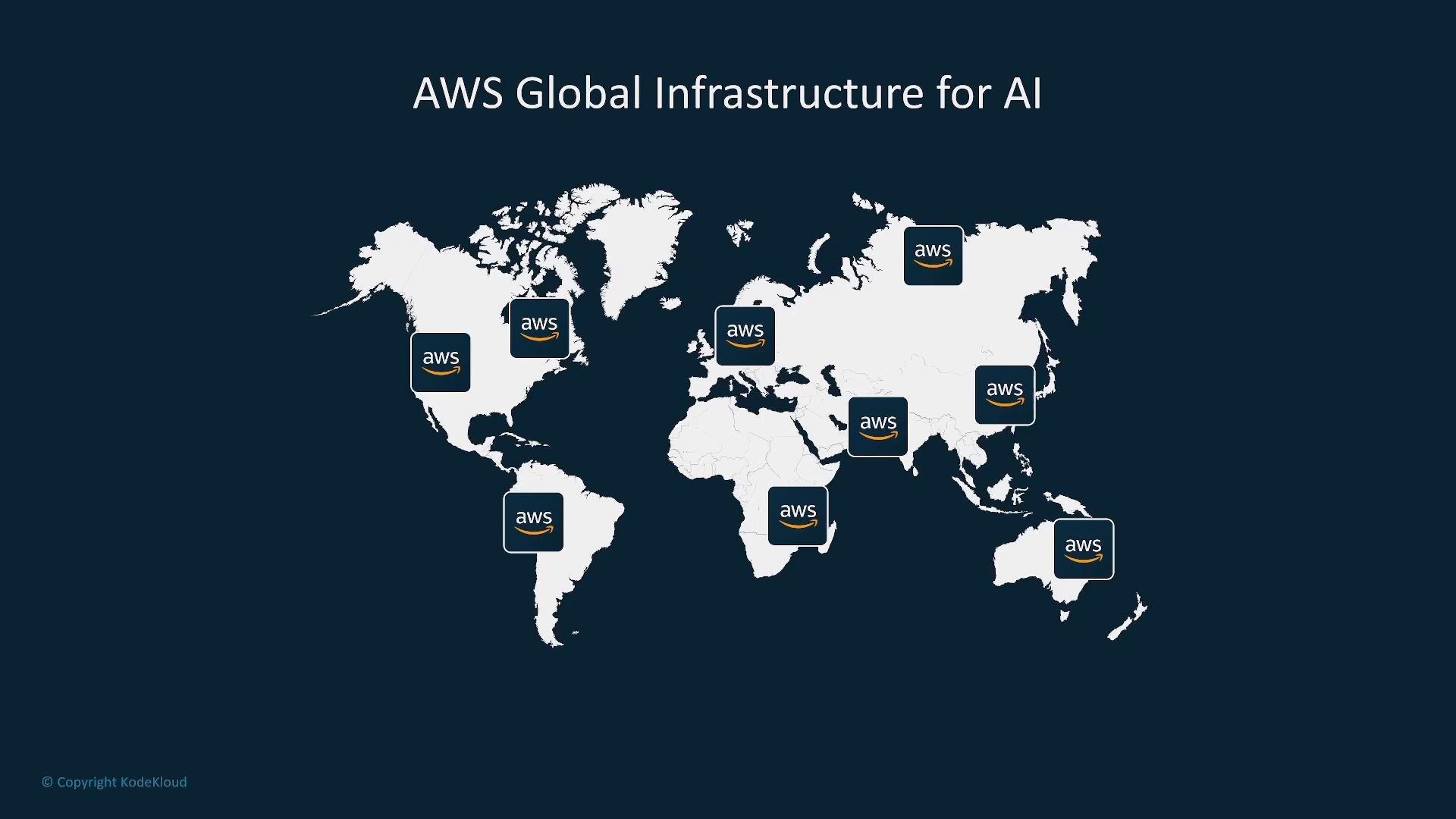
A dark world map labeled "AWS Global Infrastructure for AI" showing white continents with AWS logos placed over several regions to indicate global service locations.

Global footprint and deployment choices

AWS operates a global network of Regions, Availability Zones, Local Zones, and an extensive edge network. Managed services are built to leverage this footprint so you can:
  • Deploy models and services in specific Regions for latency, data residency, or compliance.
  • Improve fault tolerance and availability by distributing workloads across AZs or multiple Regions.
  • Serve global users with edge caching and low-latency endpoints.
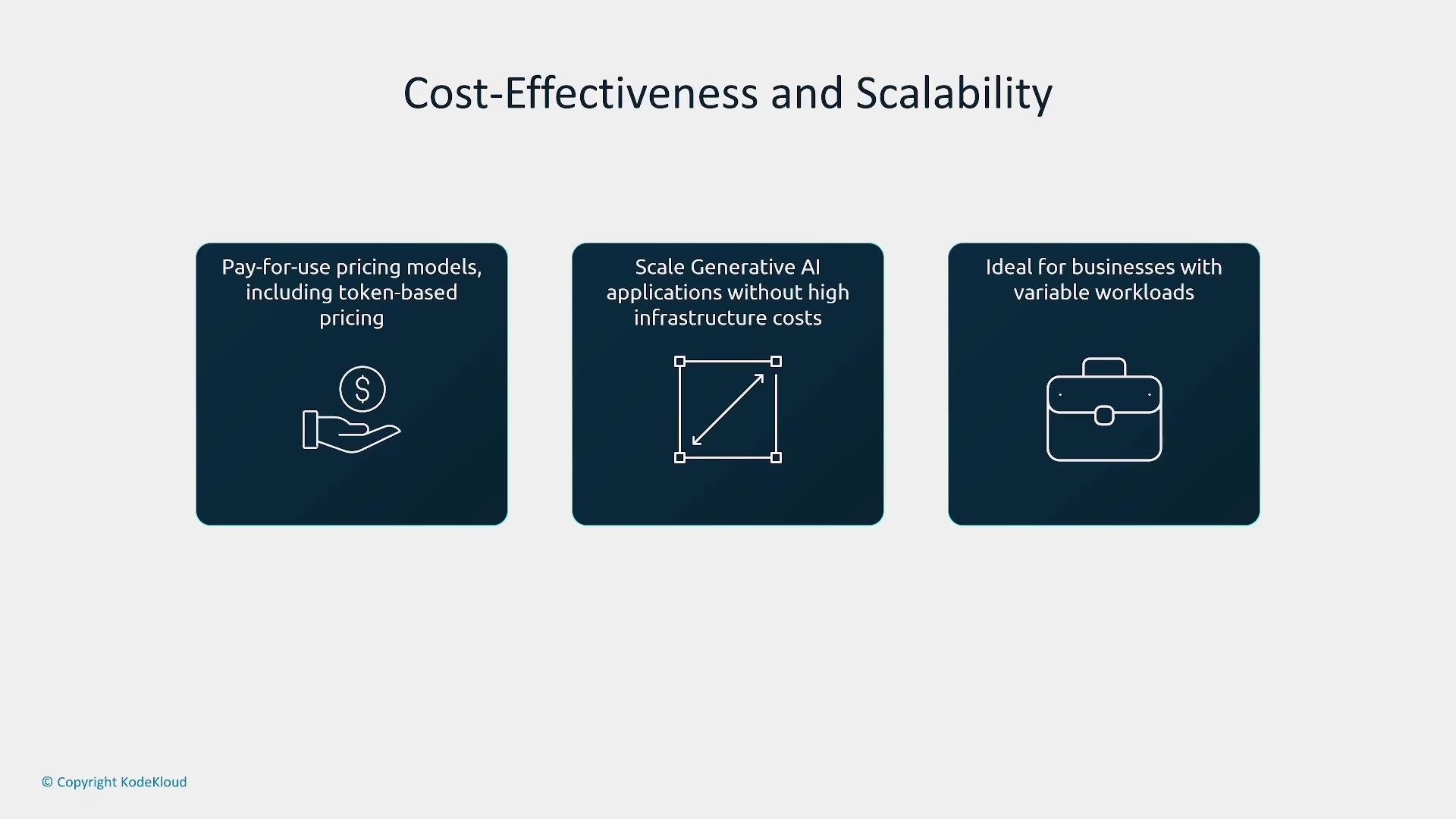
At scale, elasticity and pay-as-you-go models let you ramp capacity up or down. For many projects, calling hosted foundation models via token or request pricing is cost-effective because you avoid provisioning GPU fleets. For sustained, high-volume demands, dedicated accelerator-backed infrastructure (Trainium, Inferentia, GPU instances) can be more economical.
A presentation slide titled "Cost-Effectiveness and Scalability" with three dark blue panels describing pay-for-use/token pricing, scaling generative AI without high infrastructure costs, and suitability for businesses with variable workloads. Each panel shows a simple white icon: a hand with a coin, a resize/scale arrow, and a briefcase.

Multi-layered generative AI stack

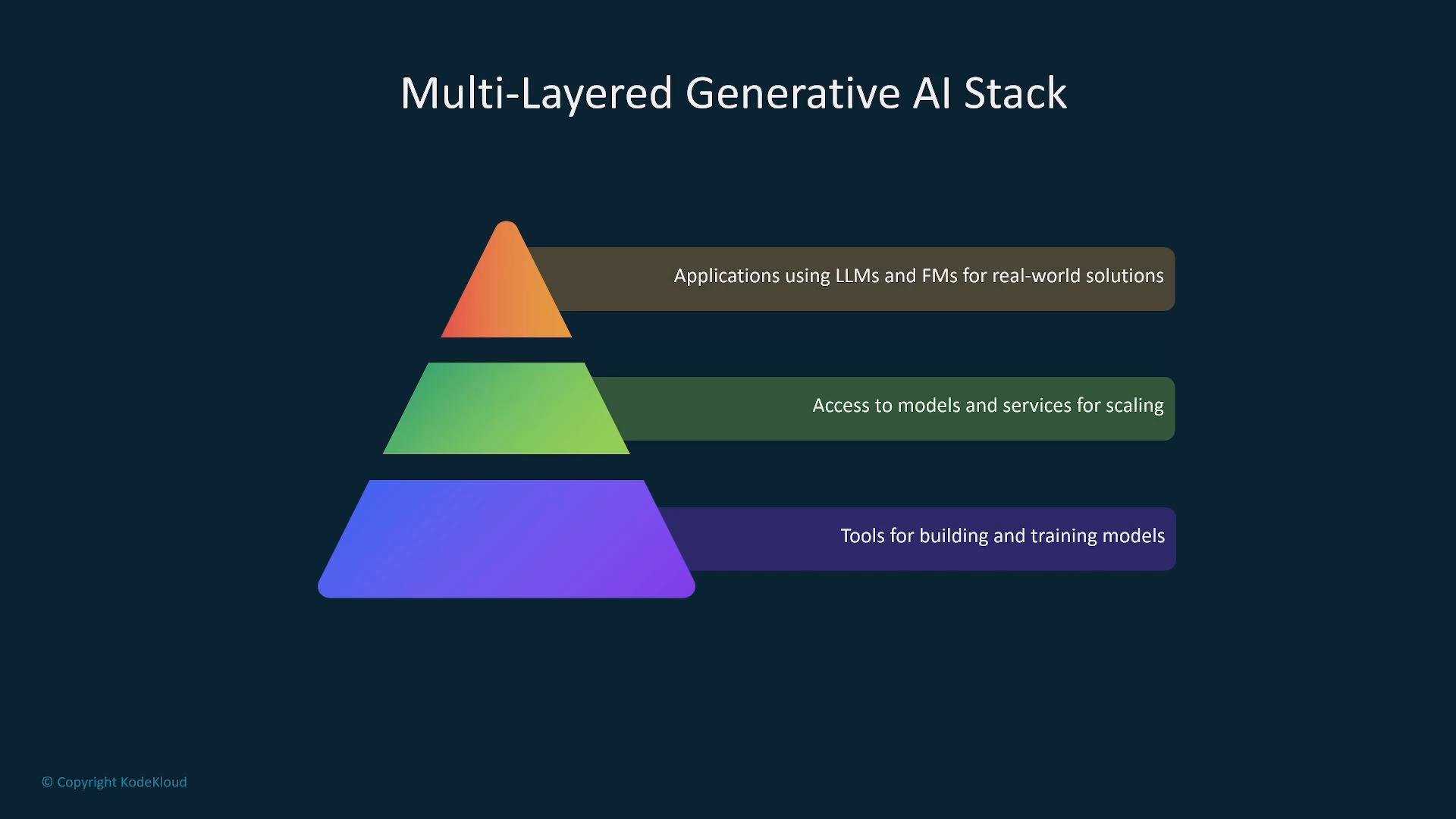
Think of the generative AI stack as three layers:
  • Bottom: infrastructure and hardware (instances, accelerators, networking).
  • Middle: model access and managed services (hosted foundation models, model management, MLOps).
  • Top: applications (chatbots, analysis, content generation, code assistants).
Choose the right abstraction for your project—fully managed APIs, a managed ML platform like SageMaker, or custom infrastructure for training and inference.
A dark-slide graphic showing a three-layer pyramid titled "Multi-Layered Generative AI Stack." Each colored layer is labeled: top — applications using LLMs and FMs, middle — access to models and services, and bottom — tools for building and training models.

Key managed services and developer tooling

SageMaker and related tooling cover the full ML lifecycle: development, fine-tuning, training, deployment, and MLOps. SageMaker JumpStart is a curated catalog of pre-trained models, notebooks, and templates to bootstrap projects and adopt best practices.
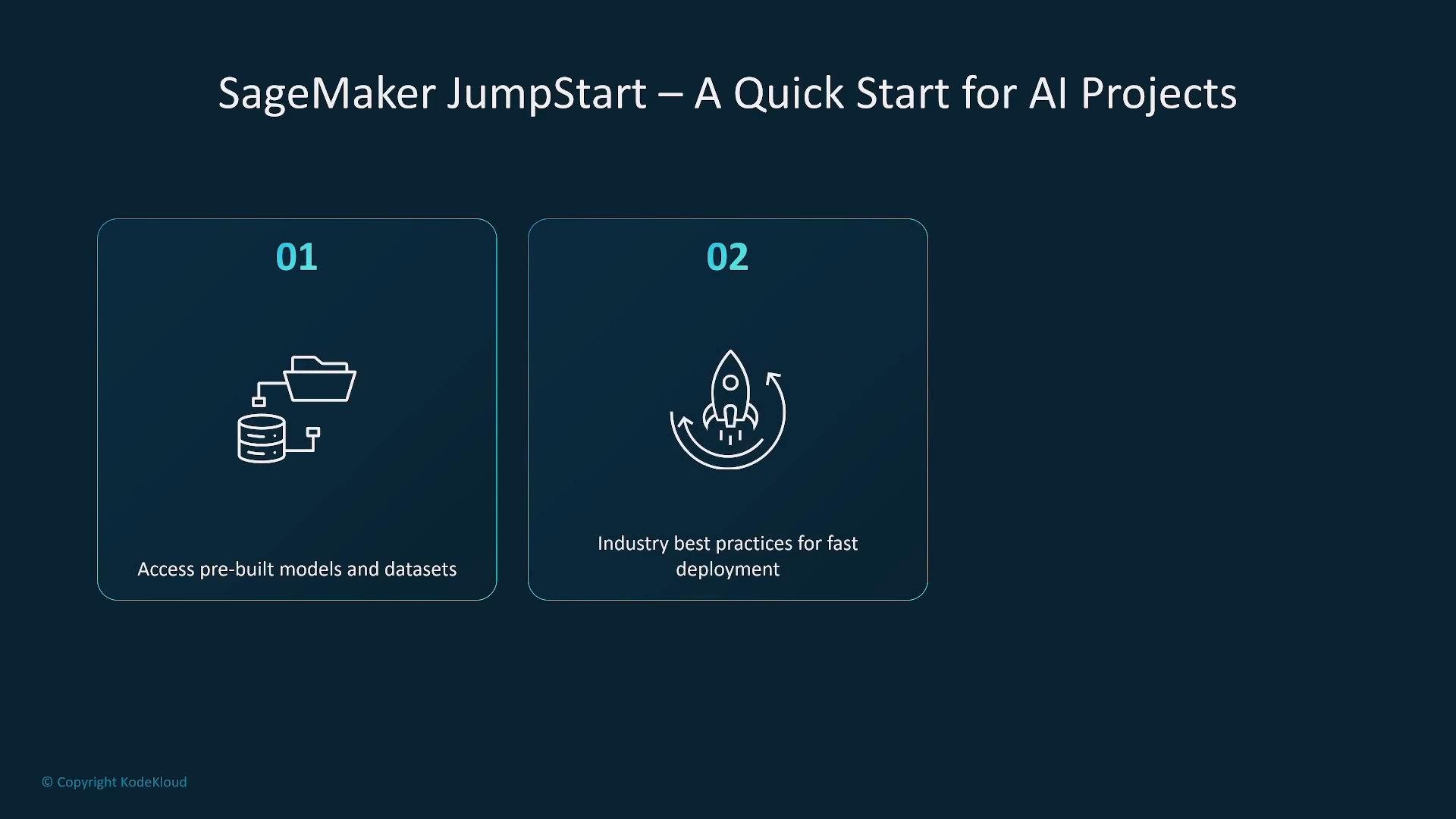
A presentation slide titled "SageMaker JumpStart – A Quick Start for AI Projects" showing two numbered panels: 01 — "Access pre-built models and datasets" with a folder/database icon, and 02 — "Industry best practices for fast deployment" with a rocket icon.
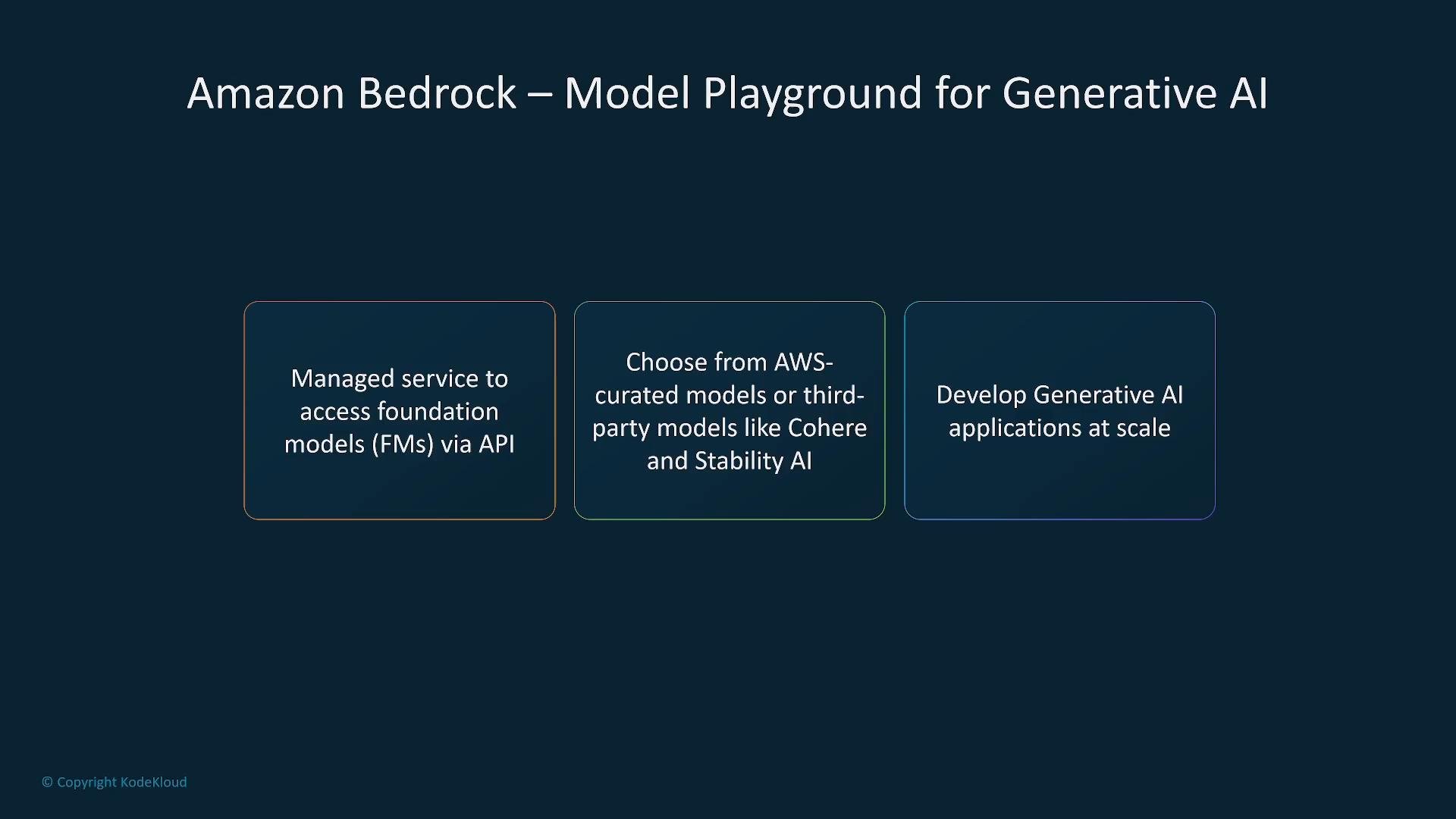
Amazon Bedrock offers managed API access to foundation models from AWS and third-party providers. Bedrock abstracts infrastructure management so you can call multiple model providers via a unified API and leverage built-in tooling for safety controls and scaling.
A presentation slide titled "Amazon Bedrock — Model Playground for Generative AI" showing three boxed points: managed API access to foundation models, choice of AWS‑curated or third‑party models (e.g., Cohere, Stability AI), and developing generative AI applications at scale.
Developer playgrounds and purpose-built application frameworks let teams experiment with prompt workflows, retrieval strategies, alignment, and fine-tuning before production. These environments are useful for verifying application behavior and integration patterns. For conversational analytics and interactive Q&A, the “Amazon Q” family (and backend models such as Amazon Titan) supports chat interfaces, developer tools, and analytics dashboards; they can incorporate both AWS-curated models and third-party models.
A slide titled "Foundation Models on AWS" showing logos for Amazon Titan and Cohere alongside icons labeled Text Generation, Image Generation, Code Generation, and More. The design uses a dark blue background with boxed content panels.

Quick reference: core services and typical uses

Data infrastructure and retrieval (vectors)

To support long context windows, semantic search, and retrieval-augmented generation (RAG), convert documents to vector embeddings and store/index them for efficient retrieval. Common AWS options:
  • Purpose-built search engines: Amazon OpenSearch with k-NN and vector search plugins.
  • Graph databases and graph ML: Amazon Neptune / Neptune ML for relationship-aware retrieval.
  • Standard data stores: RDS, Aurora, DocumentDB for metadata and pointers; specialized services or external vector DBs can store the actual embeddings and indexes.
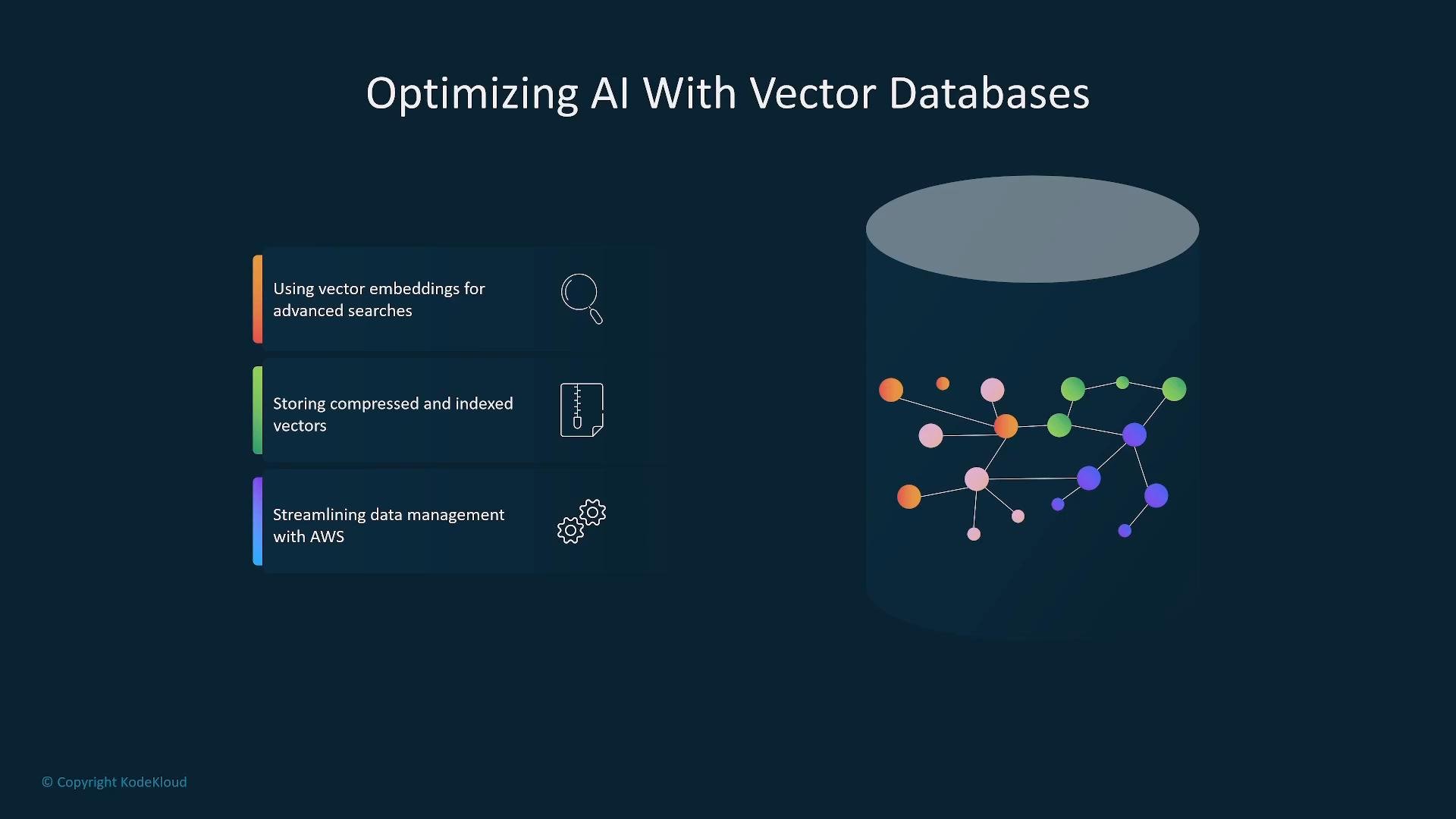
These components let you compress/index embeddings, perform semantic search, and integrate retrieval pipelines with model inference.
A dark-themed presentation slide titled "Optimizing AI With Vector Databases" with three labeled feature boxes on the left (vector embeddings, compressed/indexed vectors, and AWS data management). On the right is a large cylindrical database graphic containing colorful connected nodes representing vector data.

Security, governance, and operational controls

Security and confidentiality are integral to production AI workloads. AWS offers controls across identity, infrastructure, and runtime:
  • IAM policies and least-privilege roles.
  • Hardware and hypervisor isolation via the AWS Nitro System.
  • Dedicated ML accelerators (Inferentia, Trainium) and GPU families for isolated, performant instances.
  • Monitoring and observability: CloudWatch, CloudTrail, Amazon Inspector.
  • Encryption at rest and in transit, MFA, and model-specific monitoring for inputs/outputs.
These features mitigate risks such as data exfiltration, prompt injection, and compliance violations while enabling auditability and operational visibility.
A presentation slide titled "AWS Security for Generative AI Applications" showing a large AWS logo on the right. On the left are three points: "Secure data and AI workloads," "Compliance and confidentiality," and "Multi-layered protection for sensitive AI data."
Operational security considerations: implement prompt-injection defenses, content filtering, and model guardrails. Treat model inputs and outputs as data requiring logging, access controls, and retention policies.
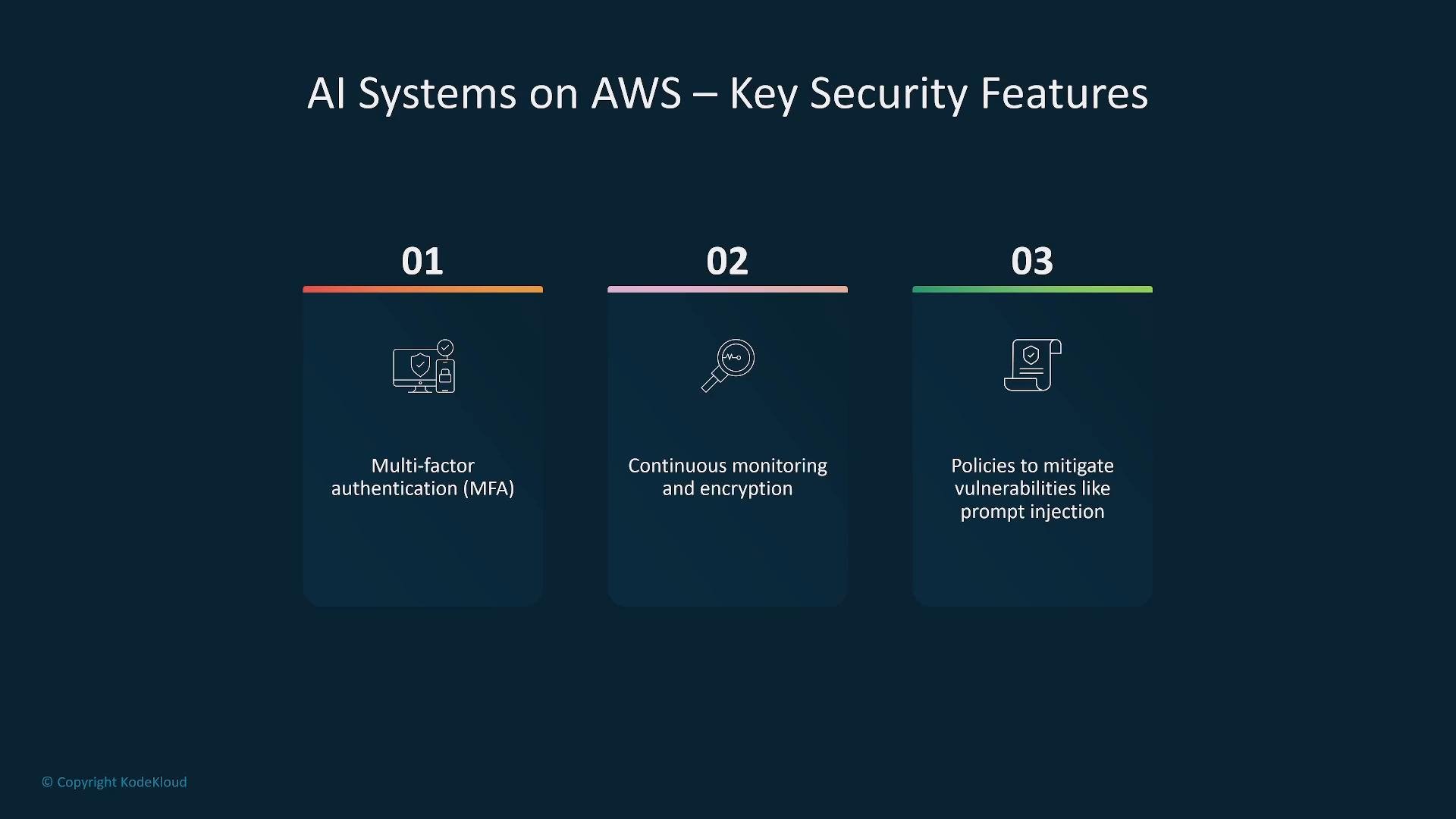
A presentation slide titled "AI Systems on AWS — Key Security Features" showing three numbered items: 01 Multi-factor authentication (MFA), 02 Continuous monitoring and encryption, and 03 Policies to mitigate vulnerabilities like prompt injection, each with a small icon.

AWS Nitro System and ML accelerators

The AWS Nitro System is a foundational platform that isolates customer workloads from the host and other tenants and delivers the I/O and security features required for many ML instance types. Specific accelerators and instance families (Trainium, Inferentia, GPU instances) are available when you need dedicated training or inference performance.
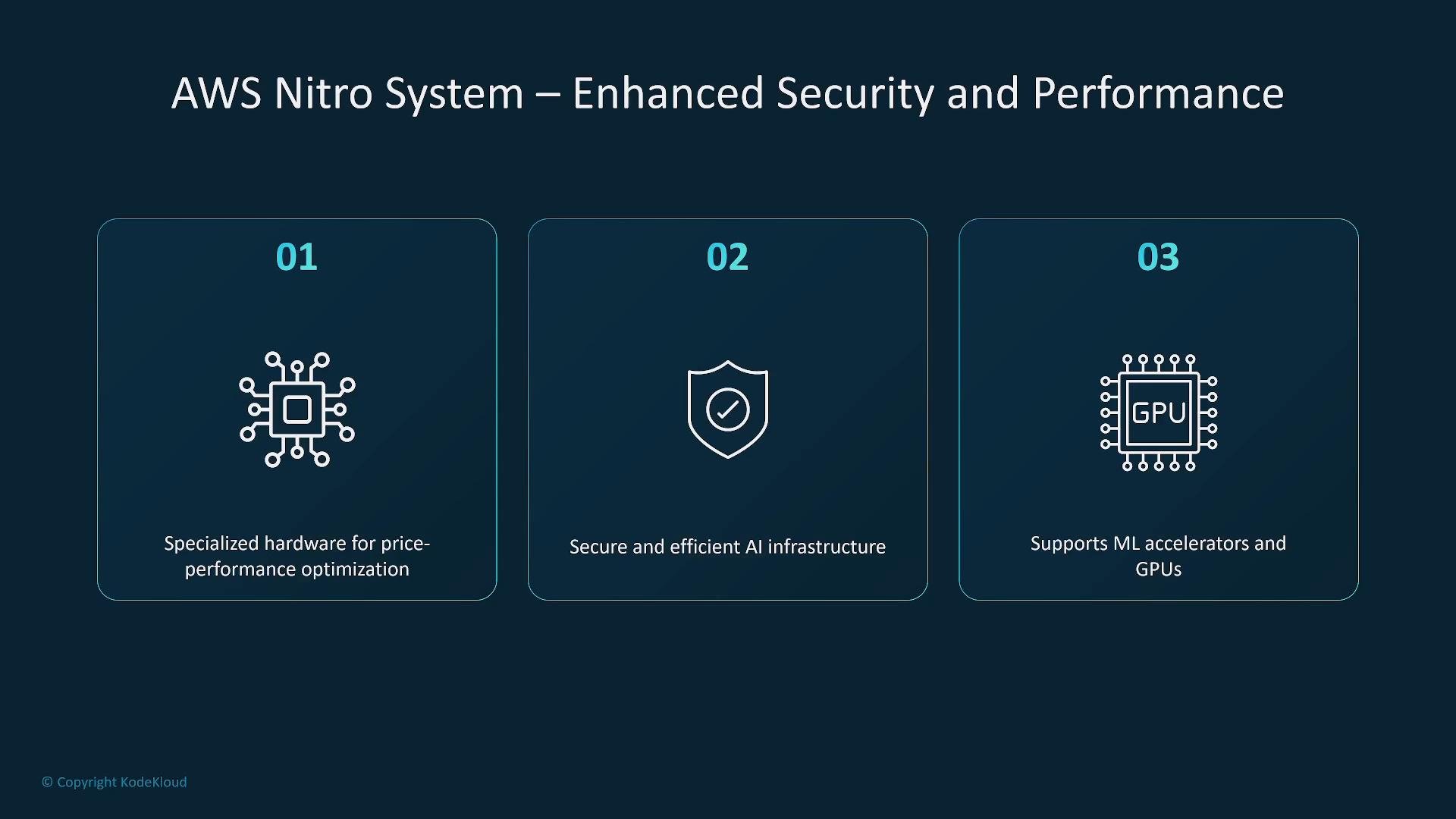
A presentation slide titled "AWS Nitro System — Enhanced Security and Performance" showing three numbered panels with icons: a chip for specialized hardware, a shield for secure AI infrastructure, and a GPU chip indicating support for ML accelerators and GPUs.

Summary

AWS supports generative AI development across three layers: infrastructure and accelerators, managed model APIs and ML platforms, and application frameworks. You can:
  • Use fully managed foundation models (Bedrock) for rapid prototyping and production.
  • Use SageMaker for end-to-end model lifecycle, fine-tuning, and MLOps.
  • Provision accelerator-backed instances for custom training or inference at high scale.
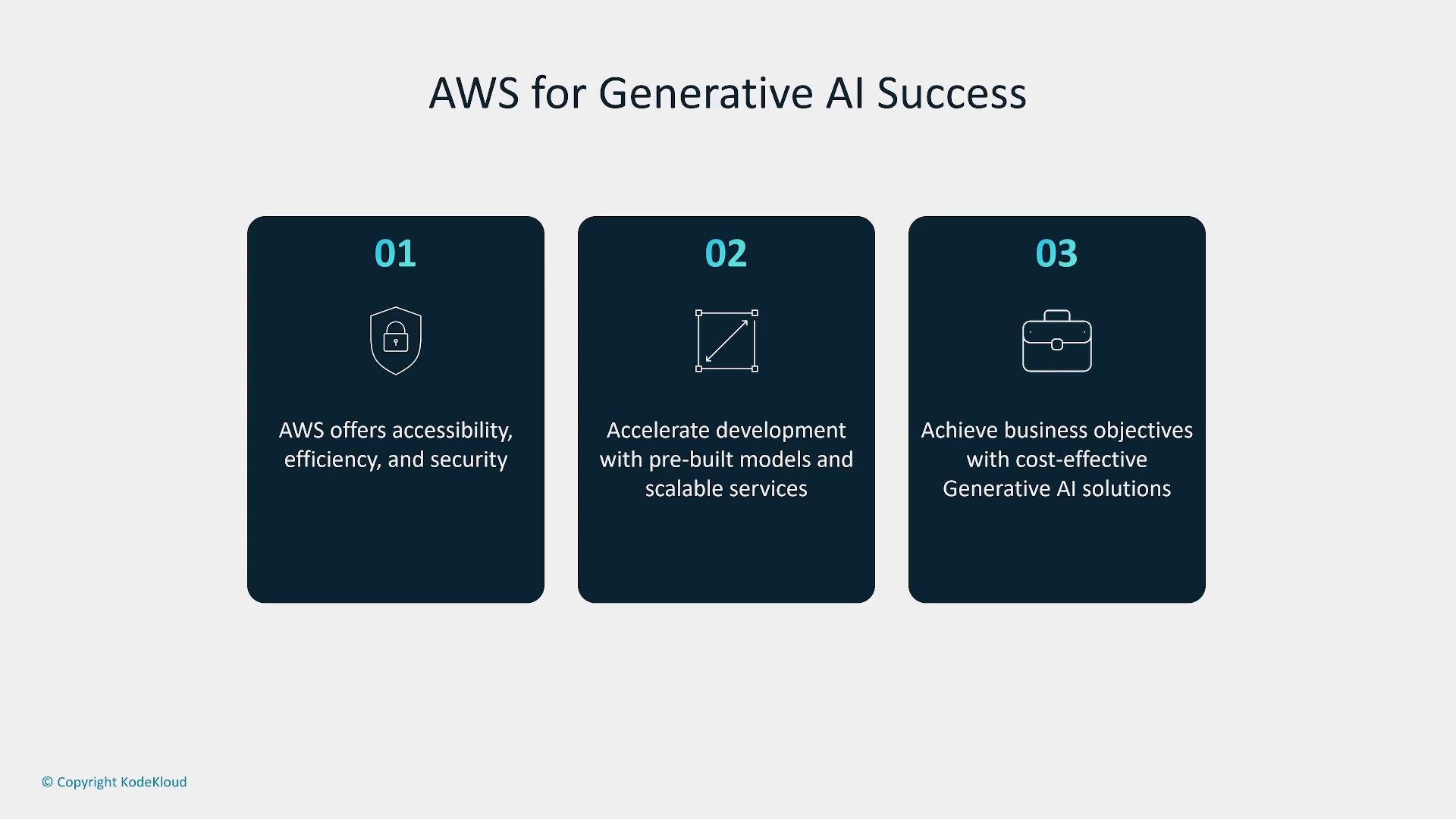
Security, governance, and cost models are central to design choices: pick managed APIs for faster delivery or dedicated infrastructure for fine-grained control and long-term cost optimization.
A slide titled "AWS for Generative AI Success" with three dark, numbered panels.The panels list benefits: accessibility/efficiency/security; accelerating development with pre-built models and scalable services; and achieving cost-effective business objectives.
Whether you use high-level managed services, containers, or provision GPUs, AWS gives you the flexibility to design architectures that meet latency, cost, and compliance needs. Thanks for reading.

Watch Video