

Identity and Access Management (IAM)
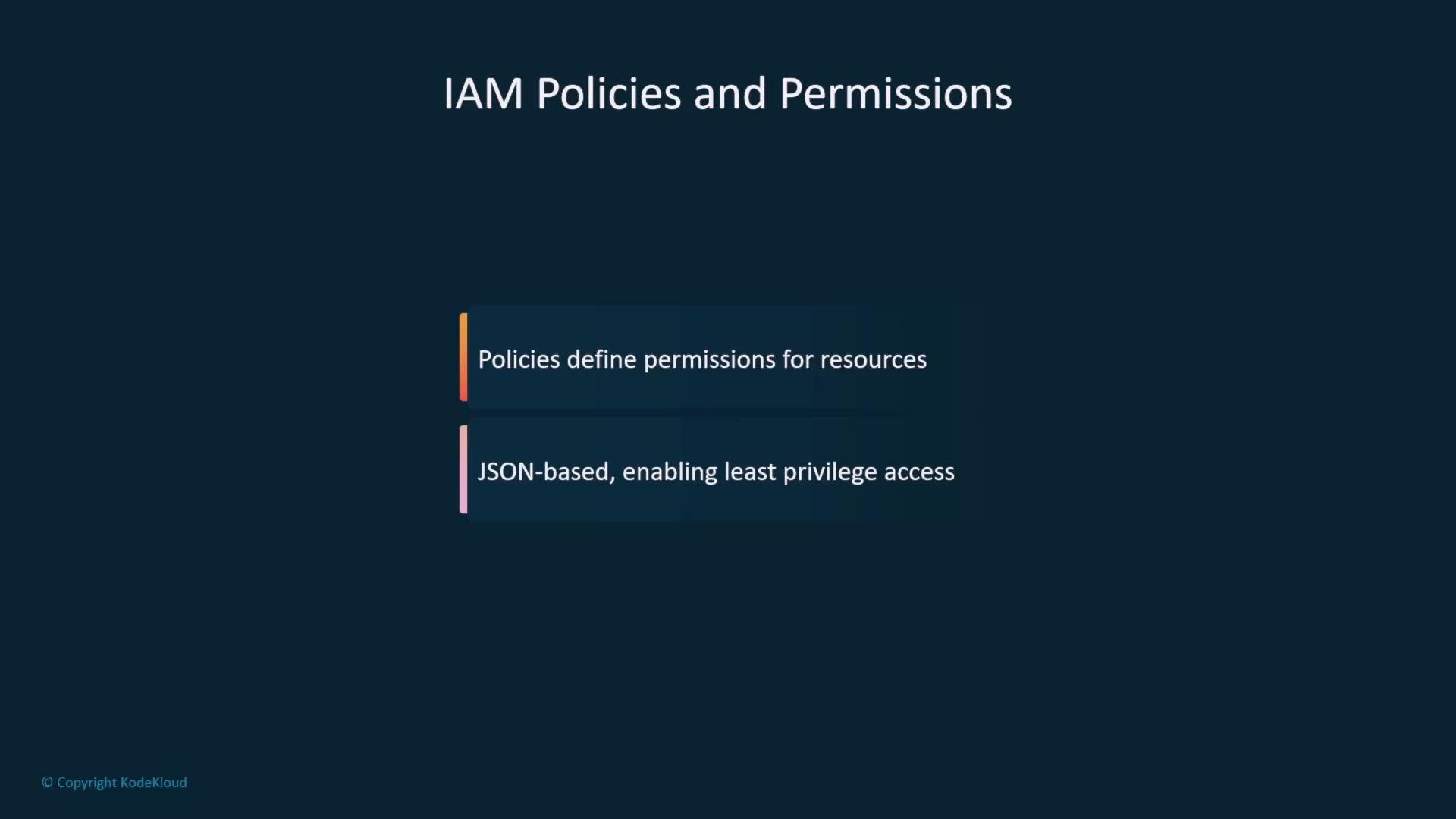
IAM is the foundation for controlling access to AWS resources. Use these best practices to reduce risk:- Manage users, groups, roles, policies, and federation with IAM.
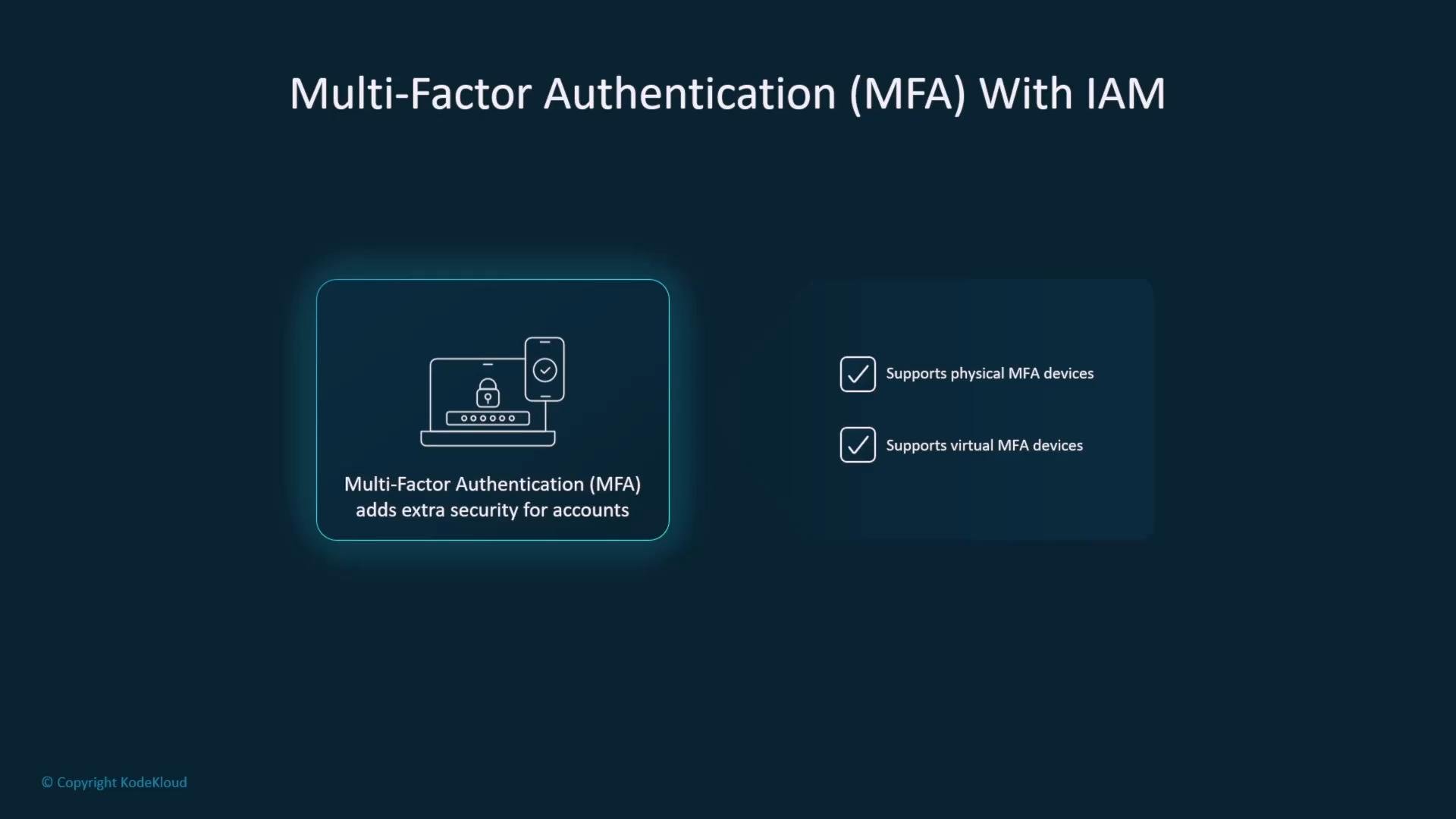
- Enforce Multi-Factor Authentication (MFA) for privileged and console users.
- Apply the principle of least privilege: grant the minimum permissions required.
- Use IAM roles and temporary credentials for applications, services, and cross-account access.
Apply the principle of least privilege: grant only the minimum permissions required for a user or role to perform their tasks.
s3:ListBucket on the bucket and s3:GetObject/s3:PutObject on objects within the bucket:
Root account and user management
- Avoid using the root AWS account for routine tasks—use it only for rare account-level changes (billing, root-level contact info, or closing the account).
- Create IAM users and place them into groups with role-appropriate permissions.
- Prefer group-based permission assignment for easier auditing and maintenance.
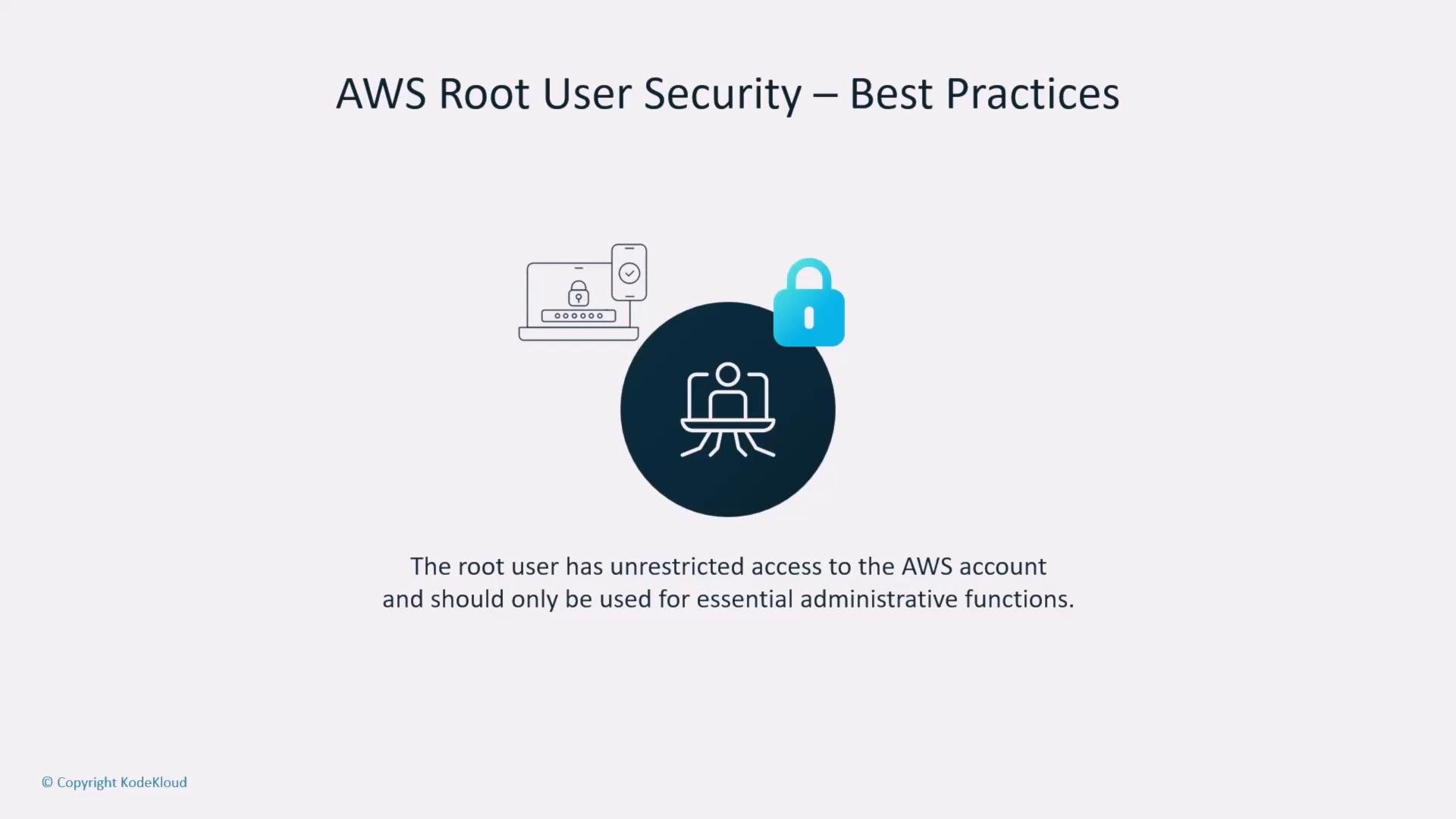
Do not use the root user for everyday tasks. Enable MFA on the root account, minimize root access, and store root credentials securely.
Roles and temporary credentials
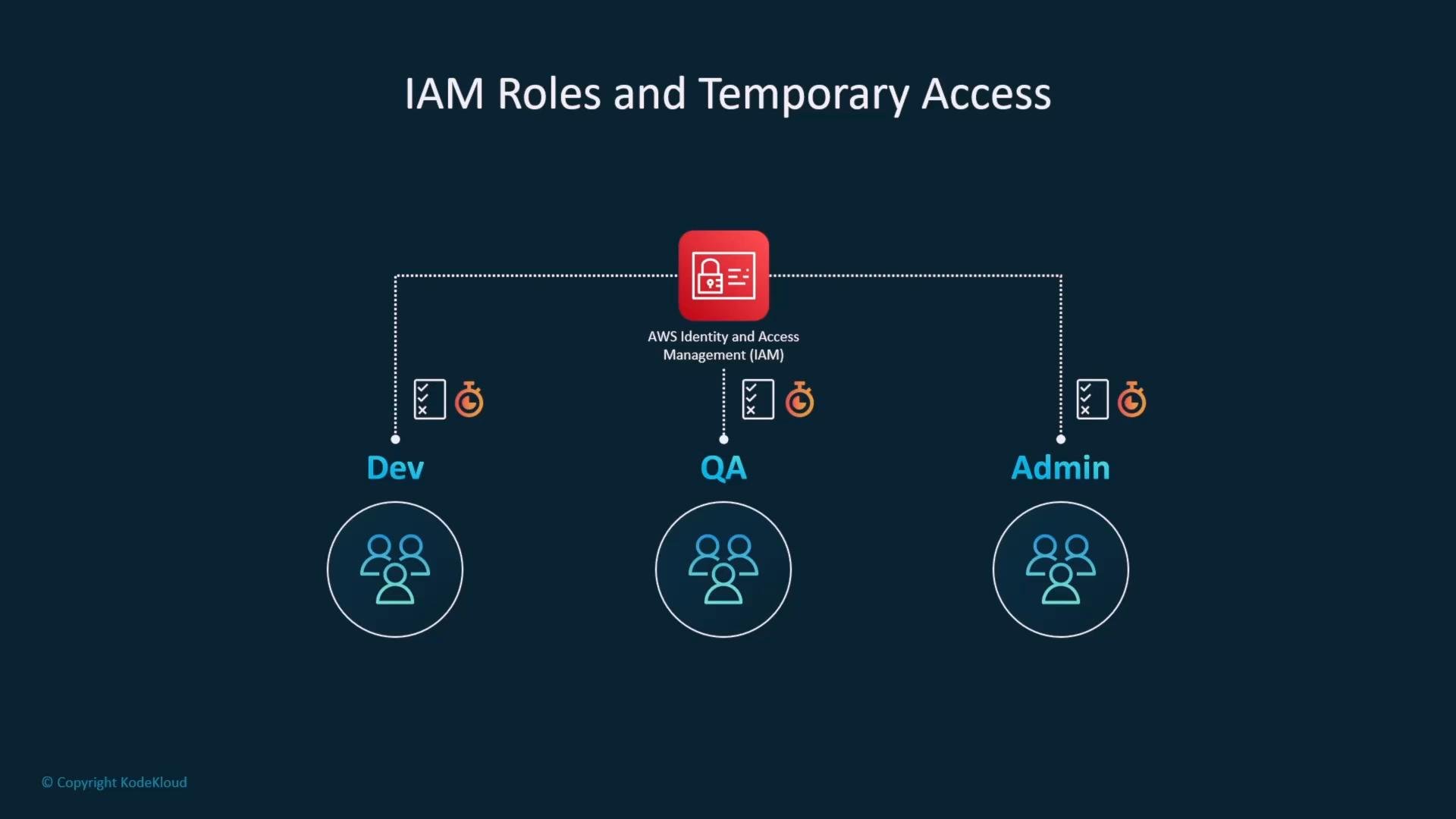
- IAM roles bundle permissions with a trust policy; when assumed, they provide temporary credentials that expire.
- Use roles for EC2 instance profiles, Lambda execution roles, cross-account access, and federation with identity providers.
Logging and auditing
- Enable AWS CloudTrail to record API activity across your account for auditing and incident investigation.
- Store CloudTrail logs in a dedicated, secured S3 bucket in a separate logging or security account to prevent tampering.
- Apply S3 public access blocking and strict bucket policies for log storage and retention.
SageMaker role separation
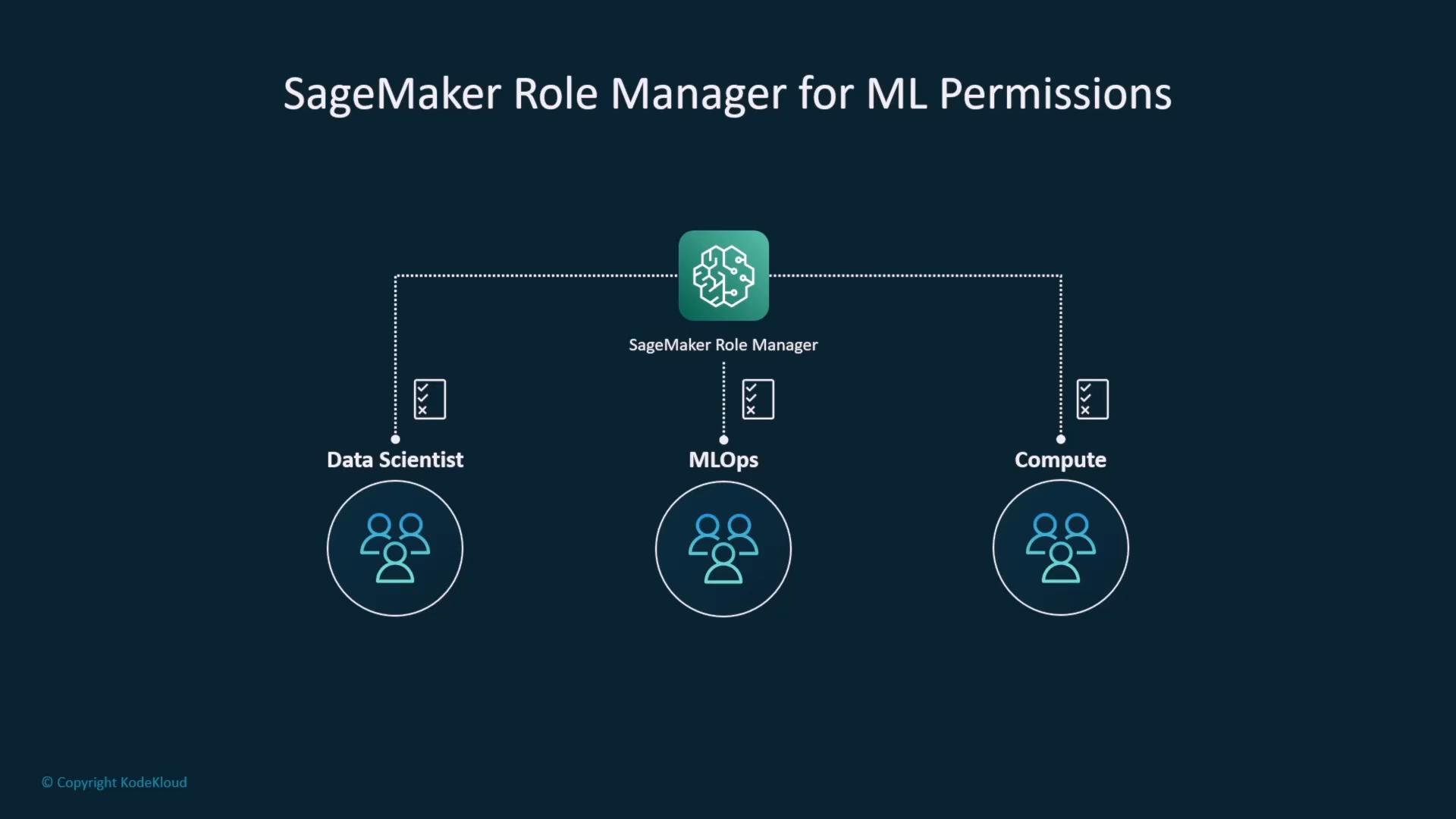
In ML environments, separate permissions to avoid privilege creep:- Create distinct roles for data scientists, MLOps engineers, and compute/service accounts.
- Limit dataset access and model artifact permissions according to job needs.
Encryption
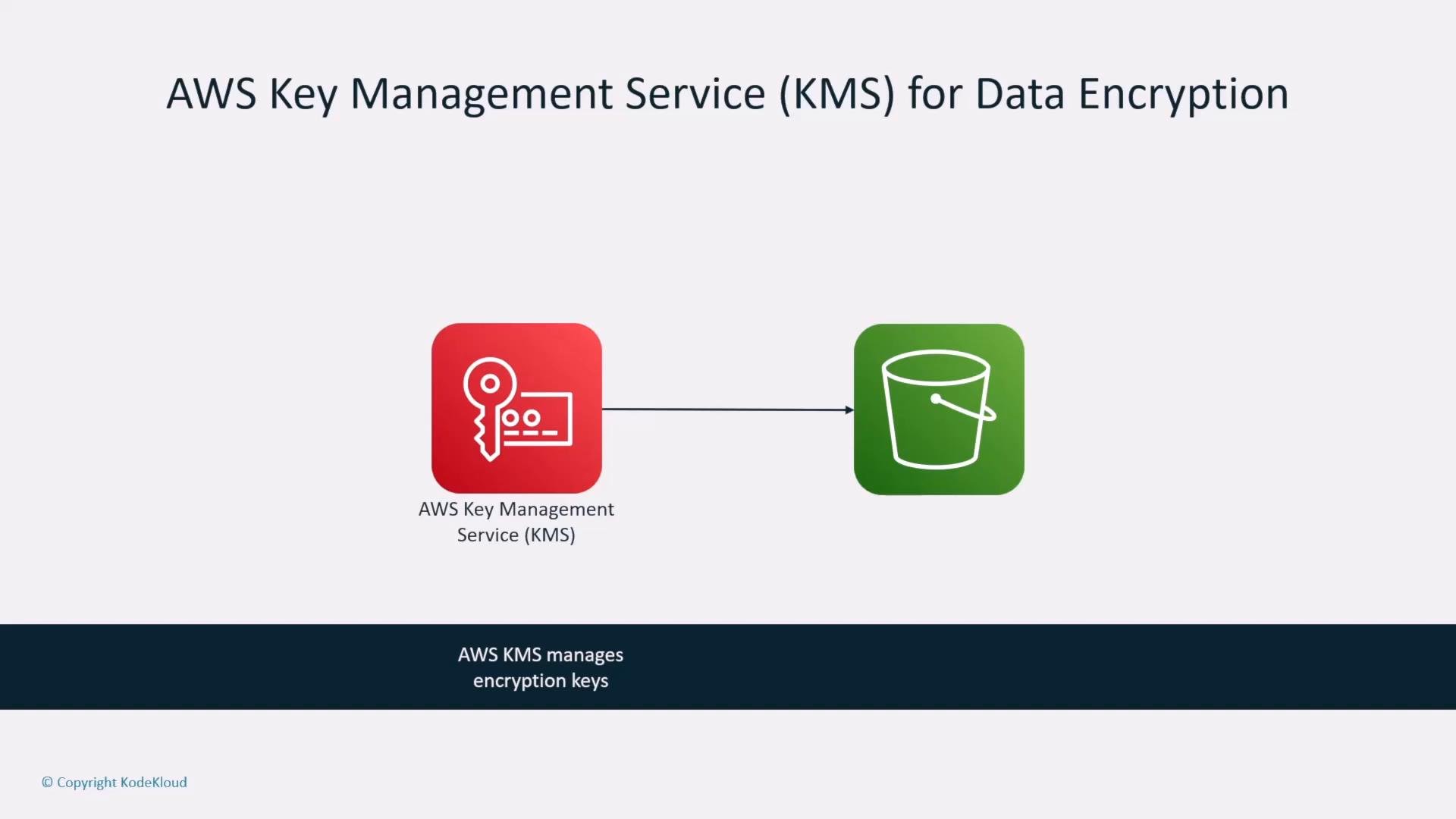
Protect data at rest and in transit using AWS encryption services:- AWS Key Management Service (KMS) manages cryptographic keys for server-side encryption.
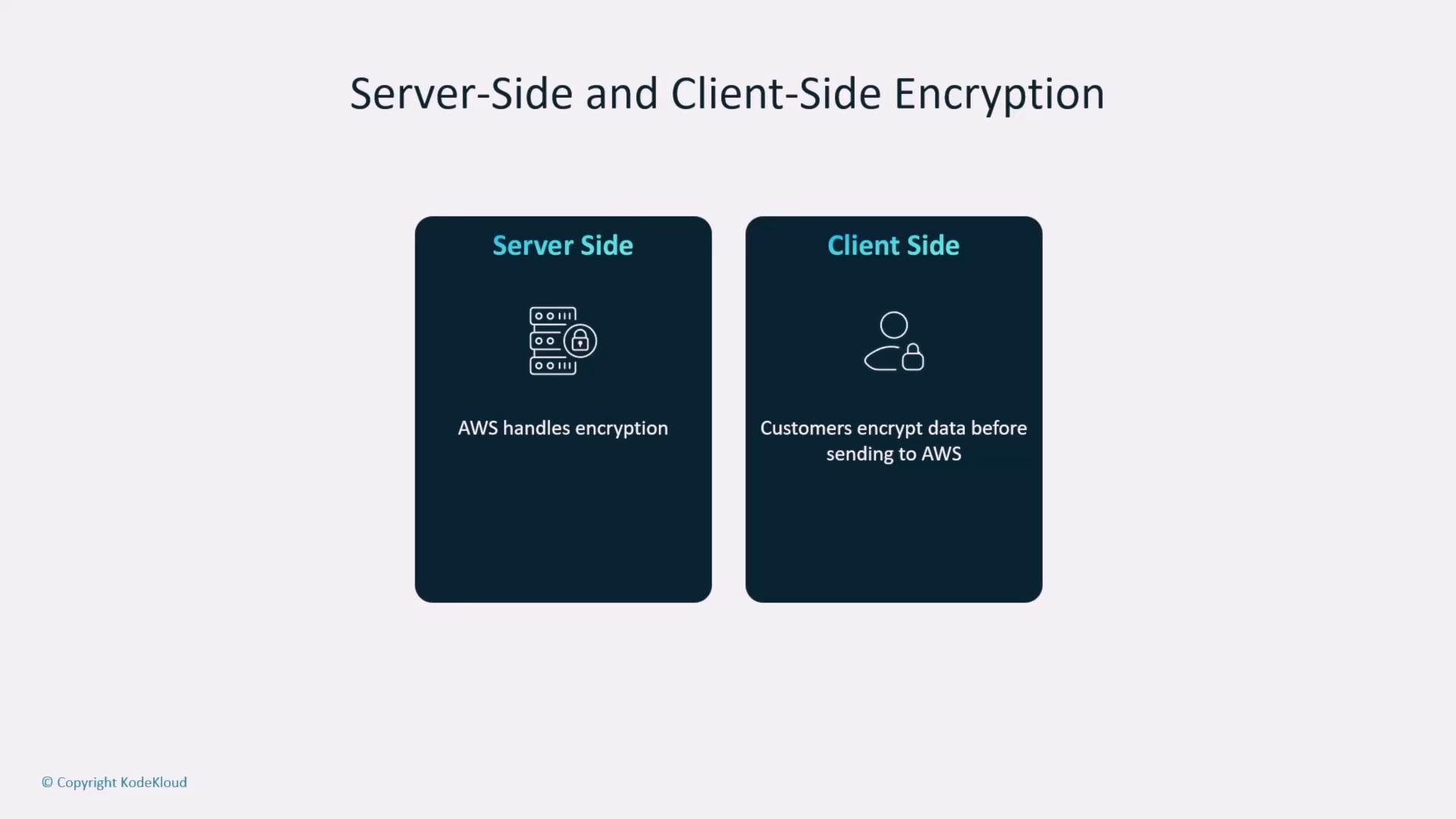
- S3 supports server-side encryption options: SSE-S3, SSE-KMS, and customer-provided keys (SSE-C).
- For highly sensitive data, use client-side encryption so data is encrypted before upload.
- Use TLS/SSL for data in transit and store certificates in AWS Certificate Manager (ACM) for integration with load balancers, API Gateway, and CloudFront.
- Use ACM to provision and manage TLS certificates for AWS-integrated services.
- AWS SDKs and the CLI default to HTTPS; ensure certificates are valid and renew before expiry.
Network isolation and private connectivity
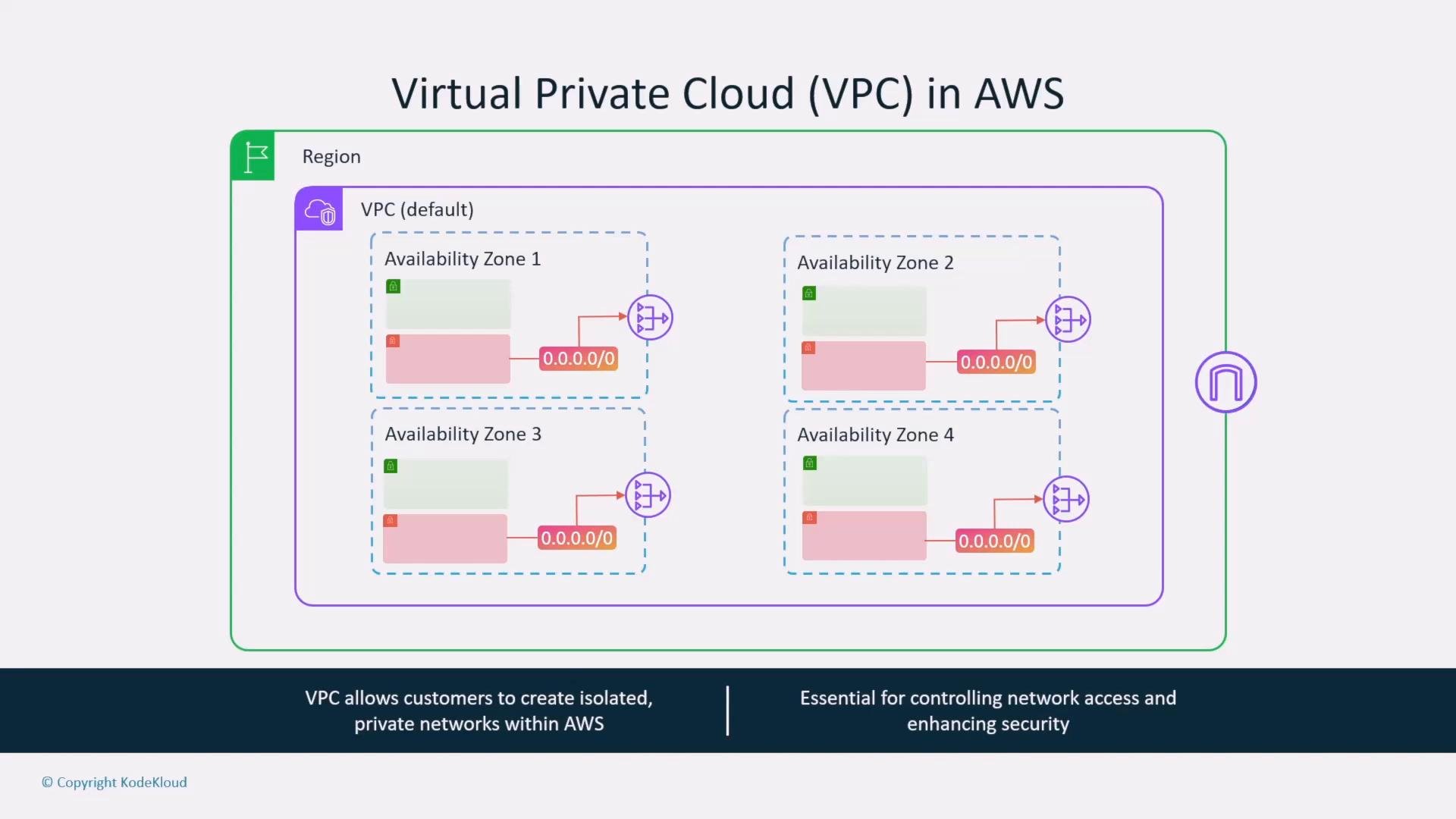
Design networks to reduce exposure and keep service traffic on AWS private networks:- A VPC provides an isolated virtual network spanning Availability Zones (AZs). Use public subnets for internet-facing resources and private subnets for internal components.
- Private subnets that need outbound internet access should use a NAT gateway or NAT instance. To avoid routing traffic over the internet to reach AWS public services, use VPC endpoints.
- Gateway endpoints are available for S3 and DynamoDB; interface endpoints (AWS PrivateLink) provide private connectivity to many other AWS services.
- Apply security groups (stateful) and network ACLs (stateless) for layer-4 access control. Consider AWS Network Firewall or third-party appliances for additional inspection.
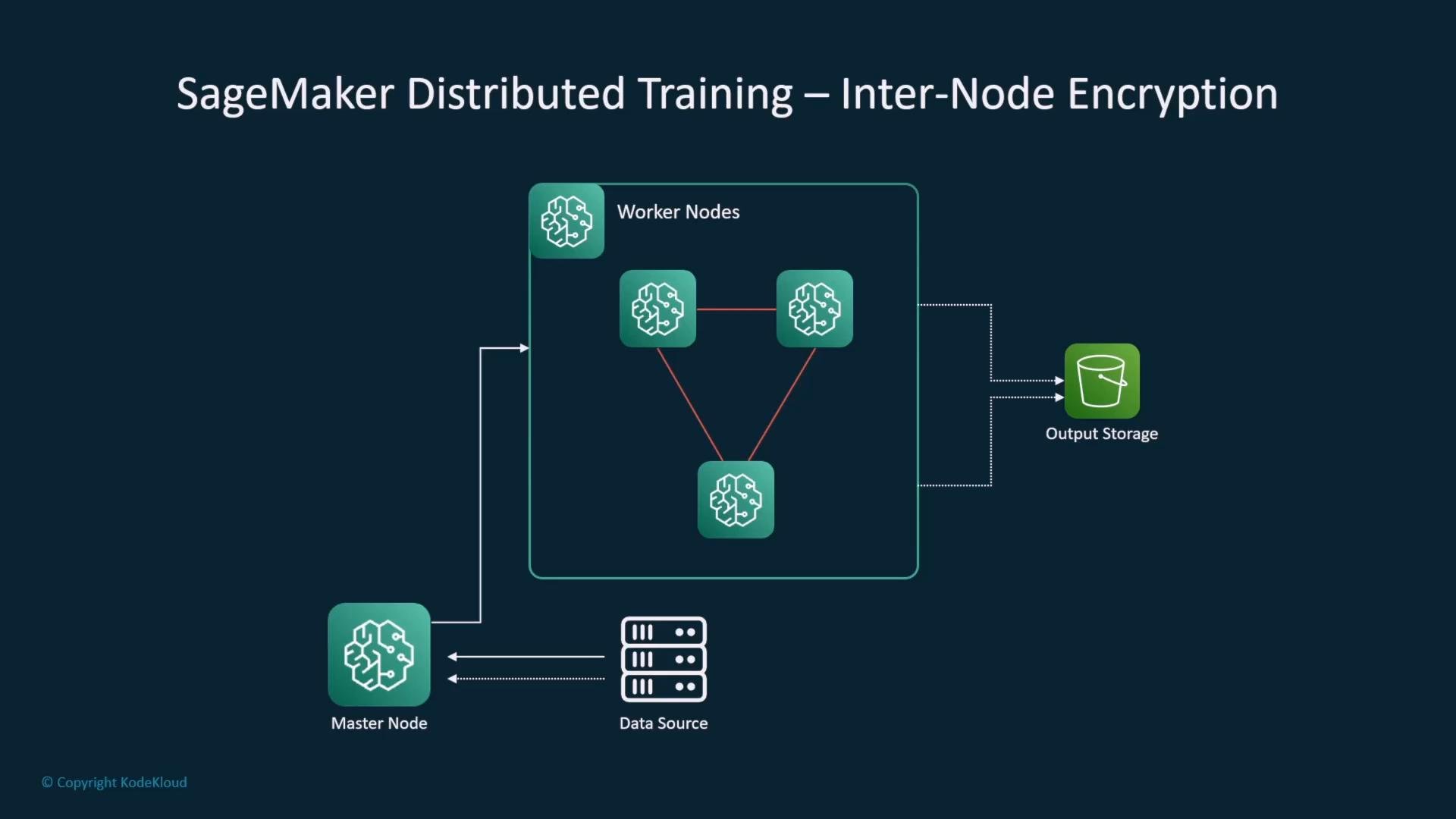
Inter-node encryption for distributed training
- Enable SageMaker inter-node encryption for distributed training jobs to encrypt network traffic between training instances. This is particularly important when workers exchange sensitive features or PII.
VPCs, subnets, and internet access
- Multi-AZ VPC designs typically include public and private subnets for high availability and separation of concerns.
- Public subnets route through an Internet Gateway; private subnets use a NAT gateway for outbound internet access while remaining unreachable from the internet.
- Combine security groups, NACLs, and endpoint policies to minimize exposure.
VPC endpoints
- Use gateway endpoints for S3 and DynamoDB.
- Use interface endpoints (PrivateLink) for other supported services to keep traffic on the AWS network and reduce exposure to the public internet.
Quick reference: Common AWS security services and use cases
Summary
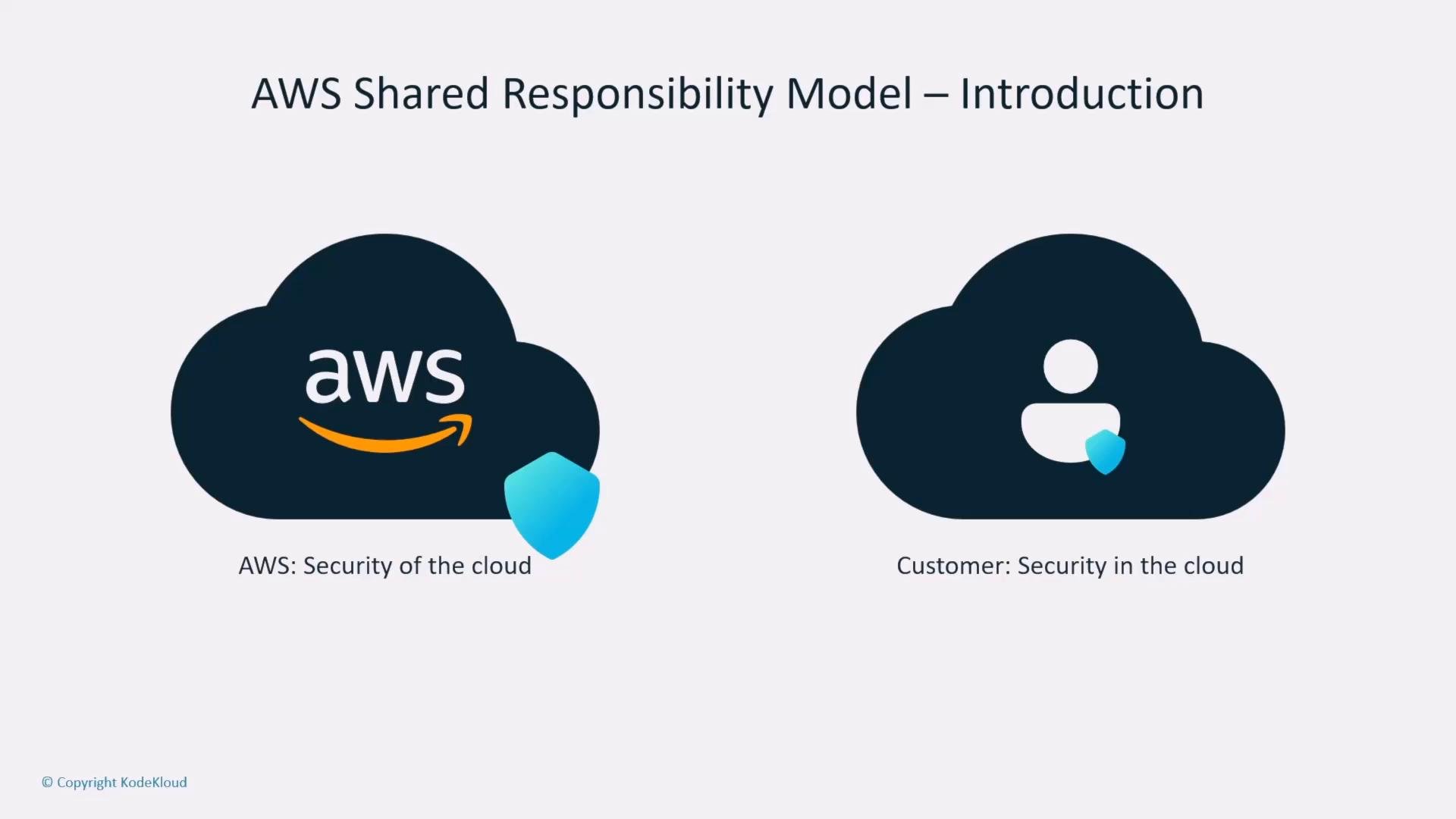
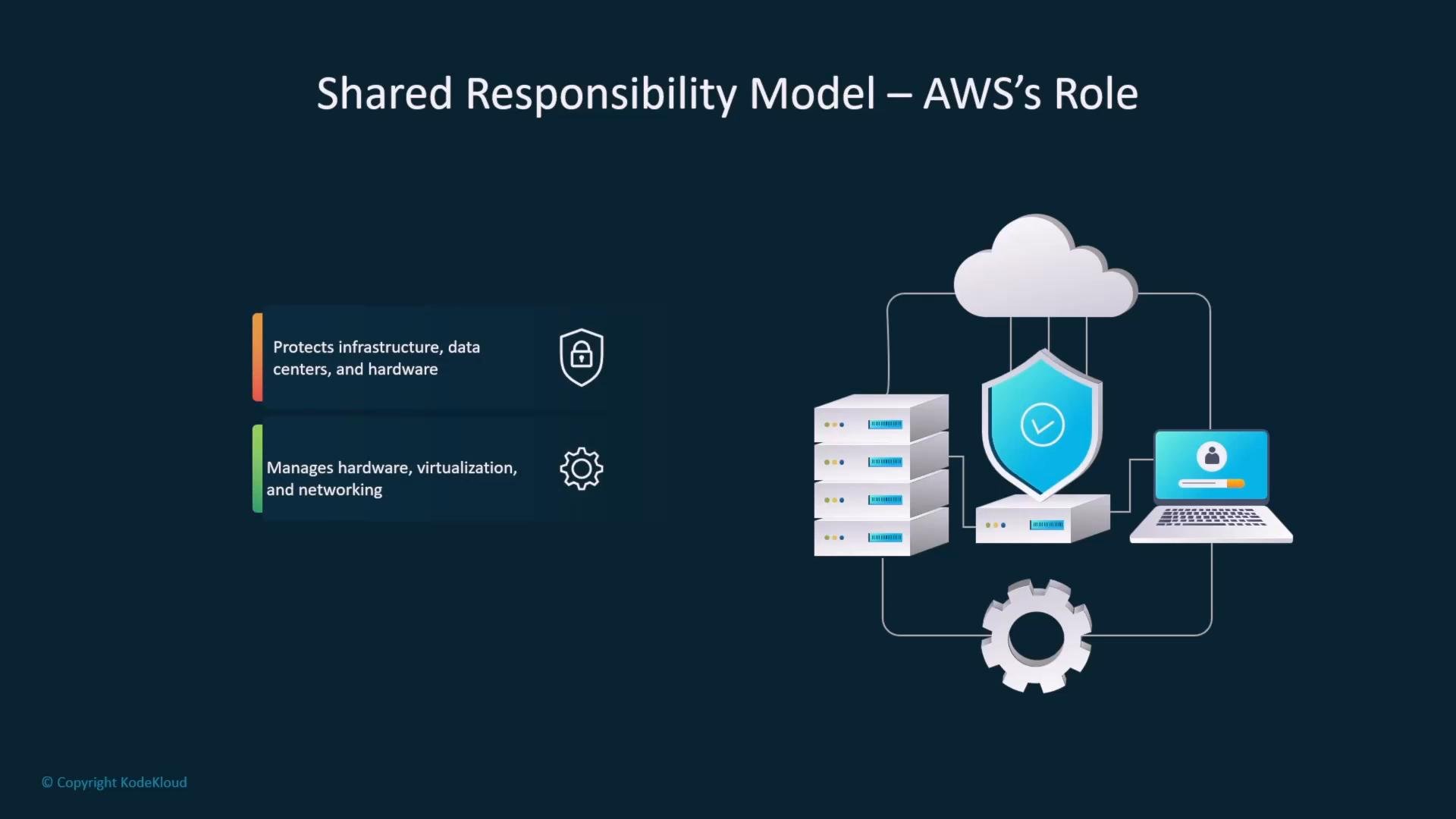
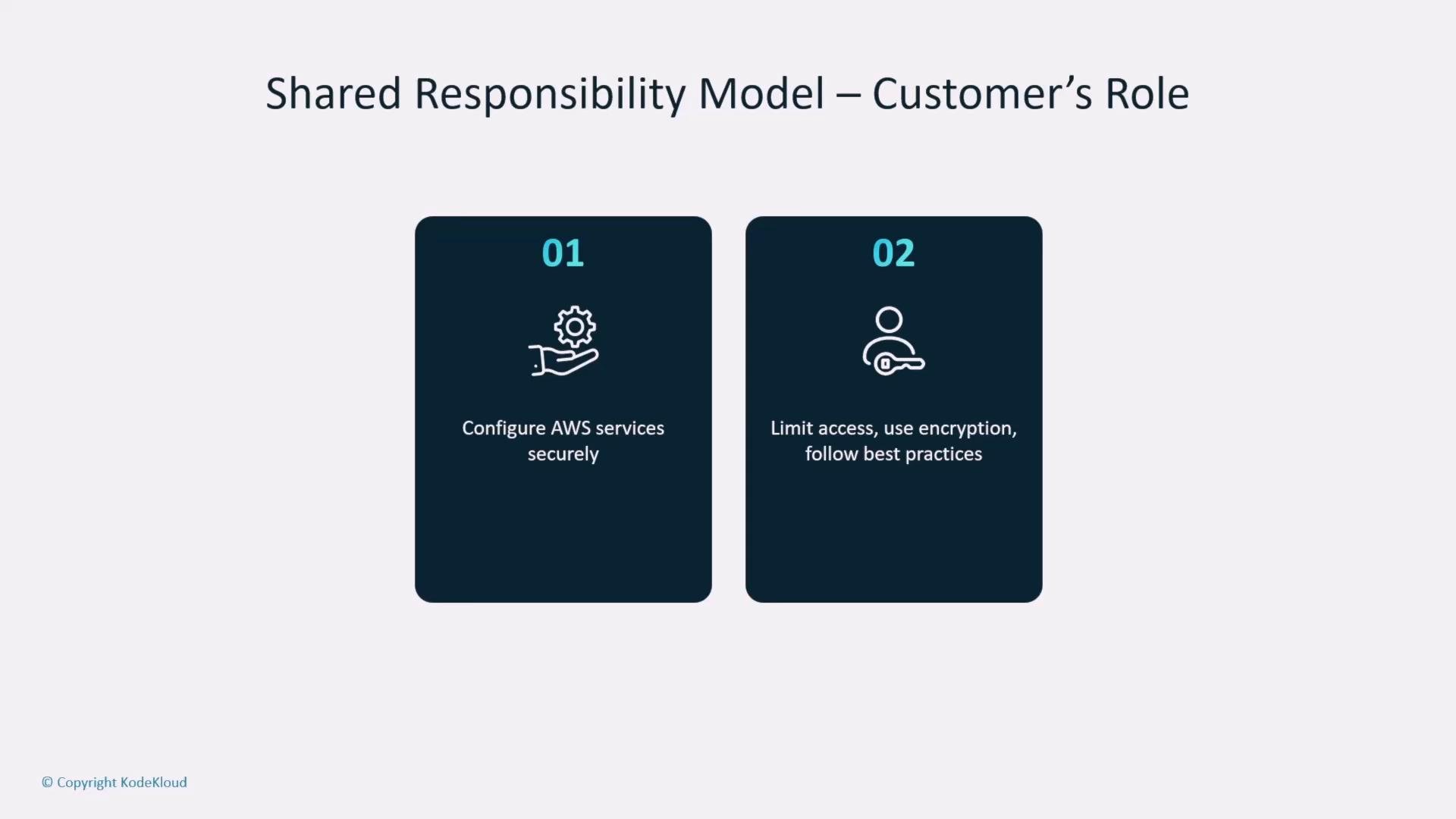
This article covered essential security controls for AI systems on AWS:- Shared Responsibility Model — what AWS manages vs. what you must manage.
- IAM best practices — policies, roles, MFA, and least privilege.
- Logging and auditing — CloudTrail and secure log storage.
- Encryption — KMS for keys, server-side vs. client-side encryption, and ACM for TLS.
- Network isolation — VPC design, subnets, NAT, VPC endpoints, and PrivateLink.
- SageMaker-specific considerations — role separation and inter-node encryption for distributed training.