

What Are Azure Deployment Environments?
Azure Deployment Environments are isolated, preconfigured resource groups and settings that streamline application rollout. They serve as reproducible “sandboxes” for development, testing, and production stages.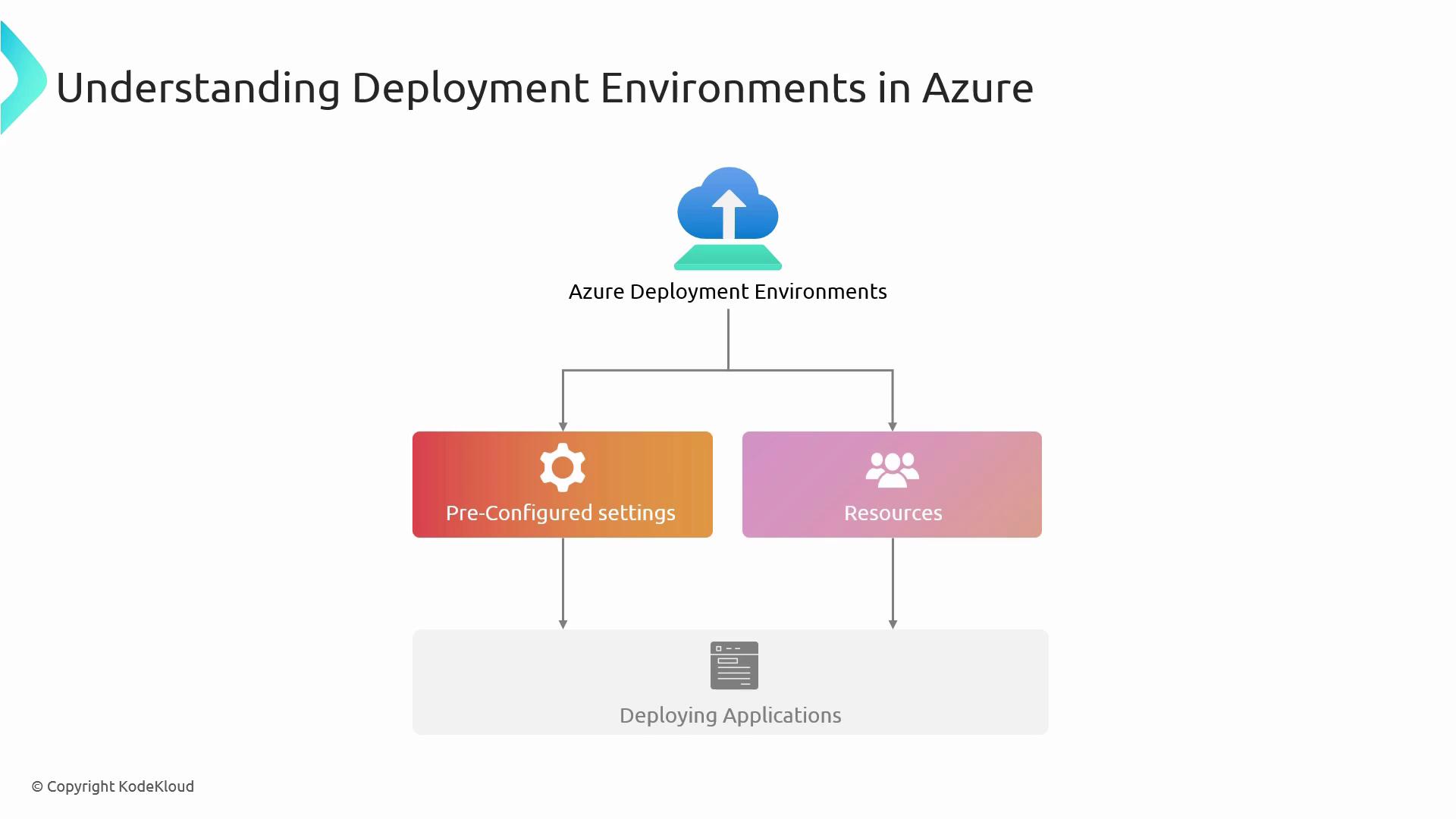
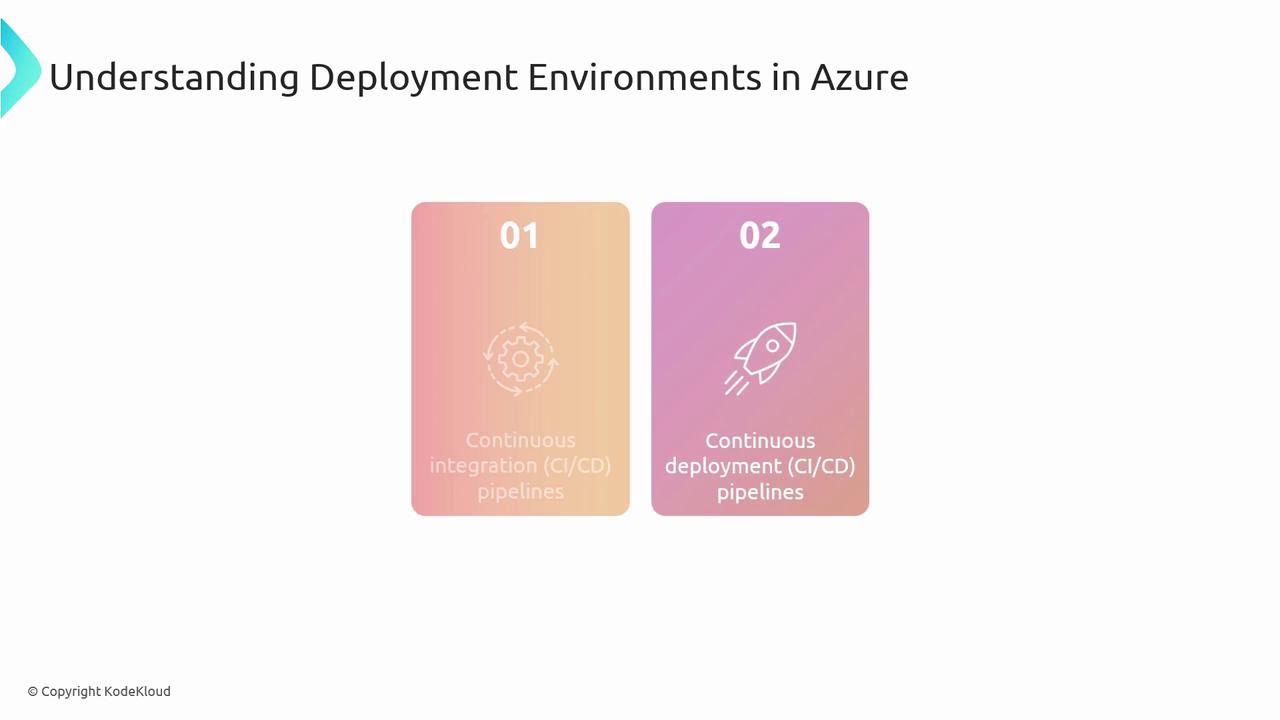
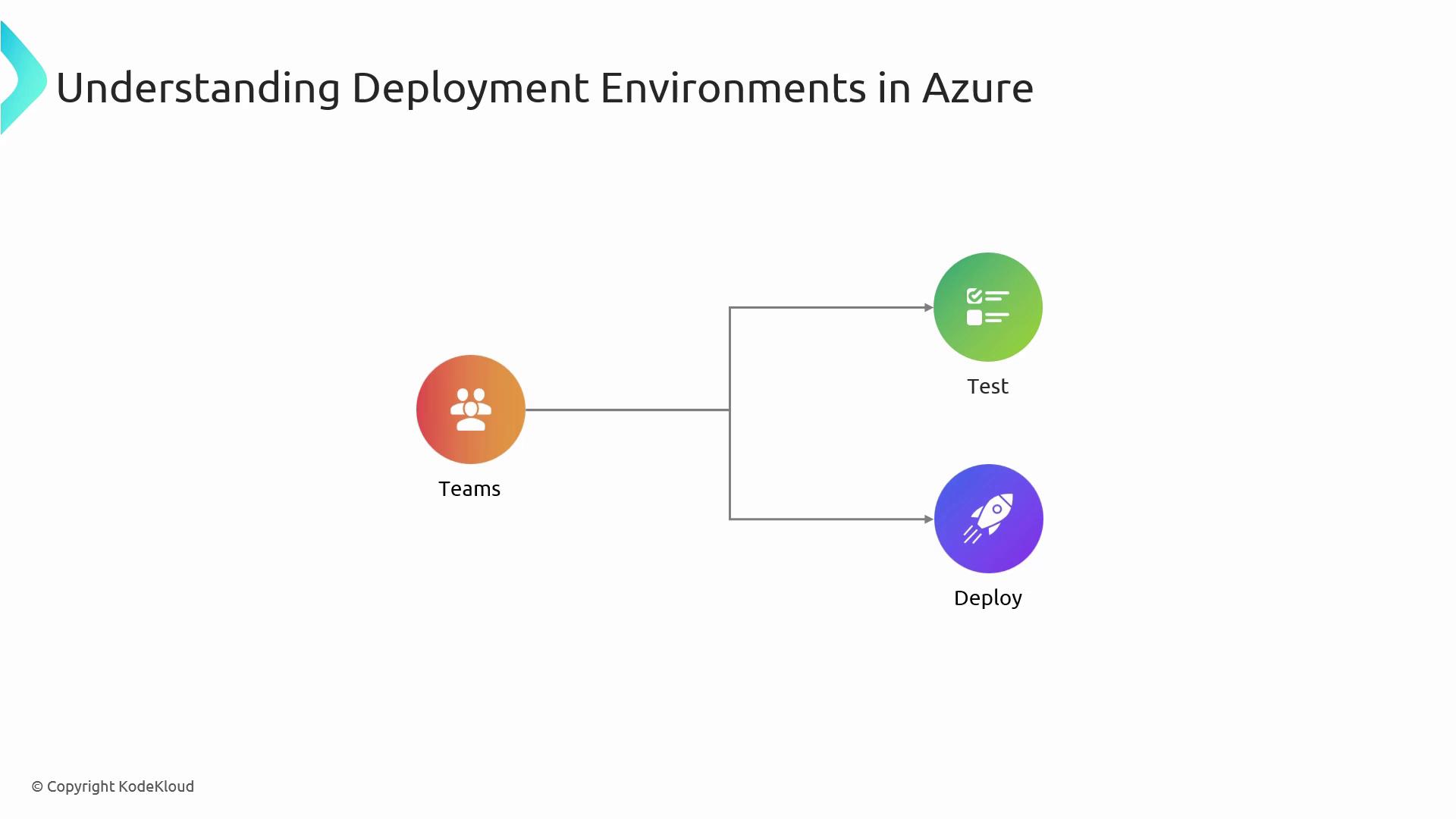
Common Deployment Strategies in Azure
Selecting the right deployment strategy helps balance risk, downtime, and user impact.Setting Up Azure DevOps for Self-Deployment
To automate your pipeline end-to-end, combine these five key Azure DevOps components:Ensure your Git branches follow a naming convention (e.g.,
feature/*, release/*) and enable pull-request policies to enforce code reviews.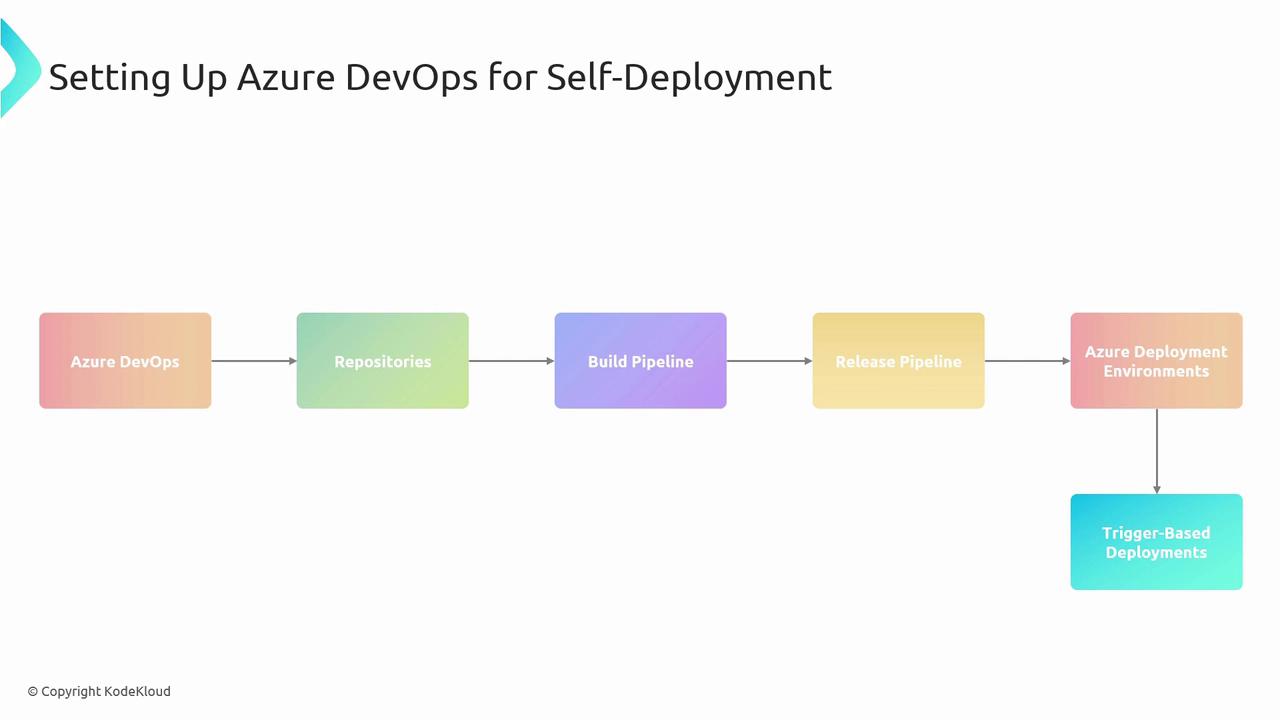
Example YAML Snippet: Build Pipeline Trigger
Infrastructure as Code with ARM Templates
ARM templates let you define Azure resources declaratively in JSON or Bicep. Store these templates in your repo and deploy from your pipeline: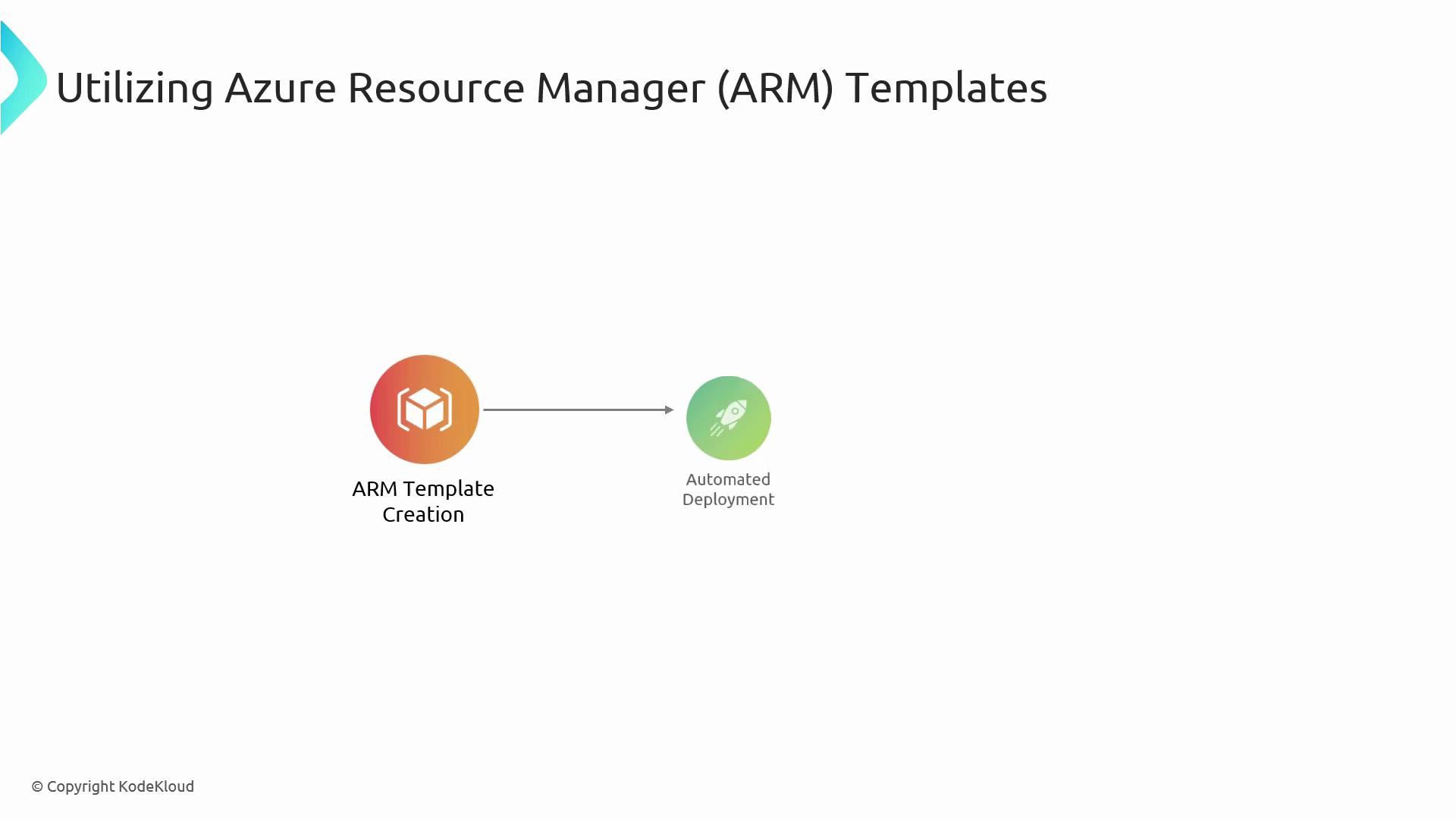
Keep sensitive values out of your template files. Use Azure Key Vault or pipeline variables with secret scopes for credentials and connection strings.
Security Considerations
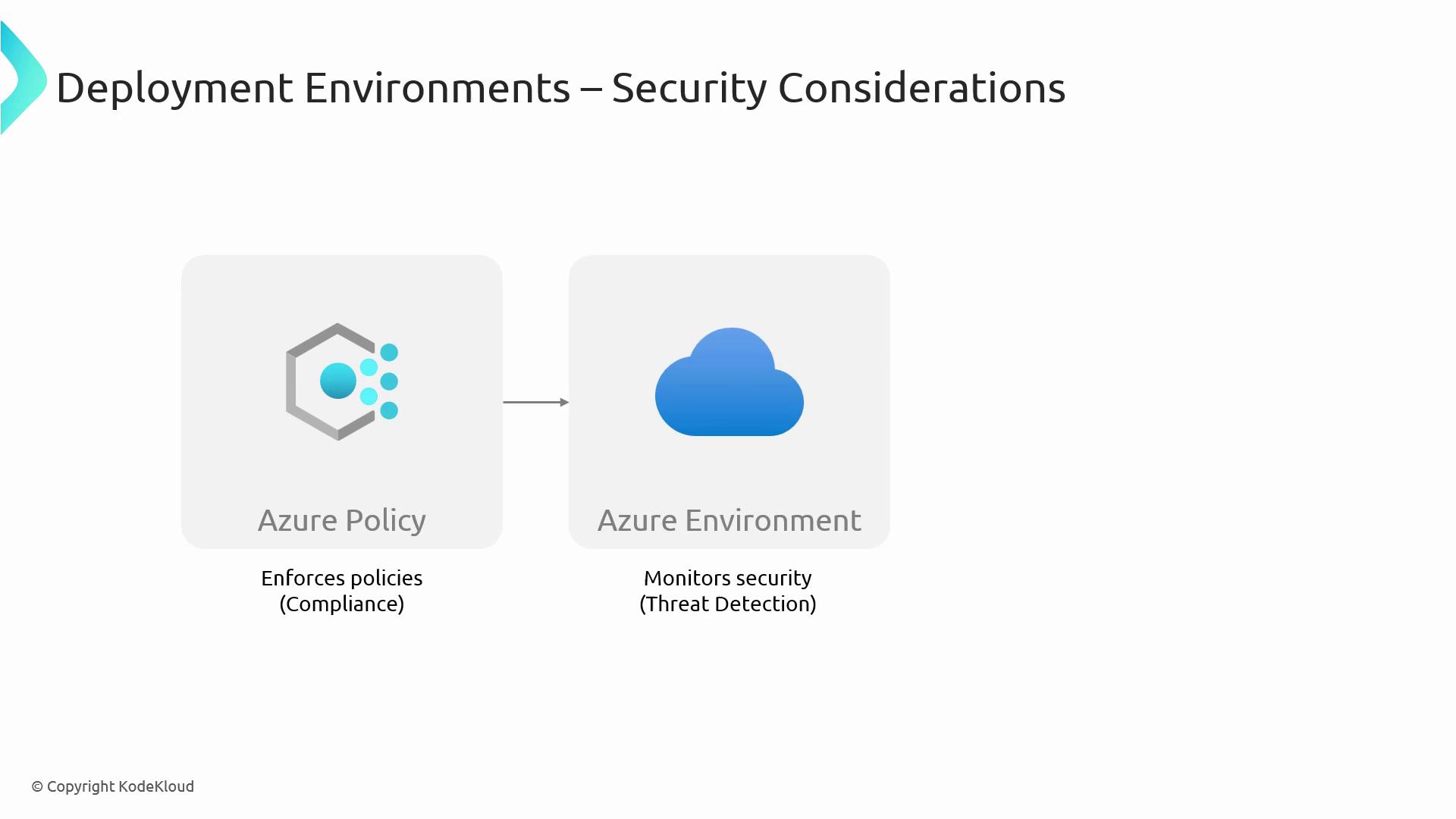
Securing each Deployment Environment prevents misconfigurations and unauthorized access:- Enforce the principle of least privilege with Azure RBAC.
- Automate policy compliance using Azure Policy.
- Monitor threats in real time via Azure Defender.
Monitoring and Maintenance
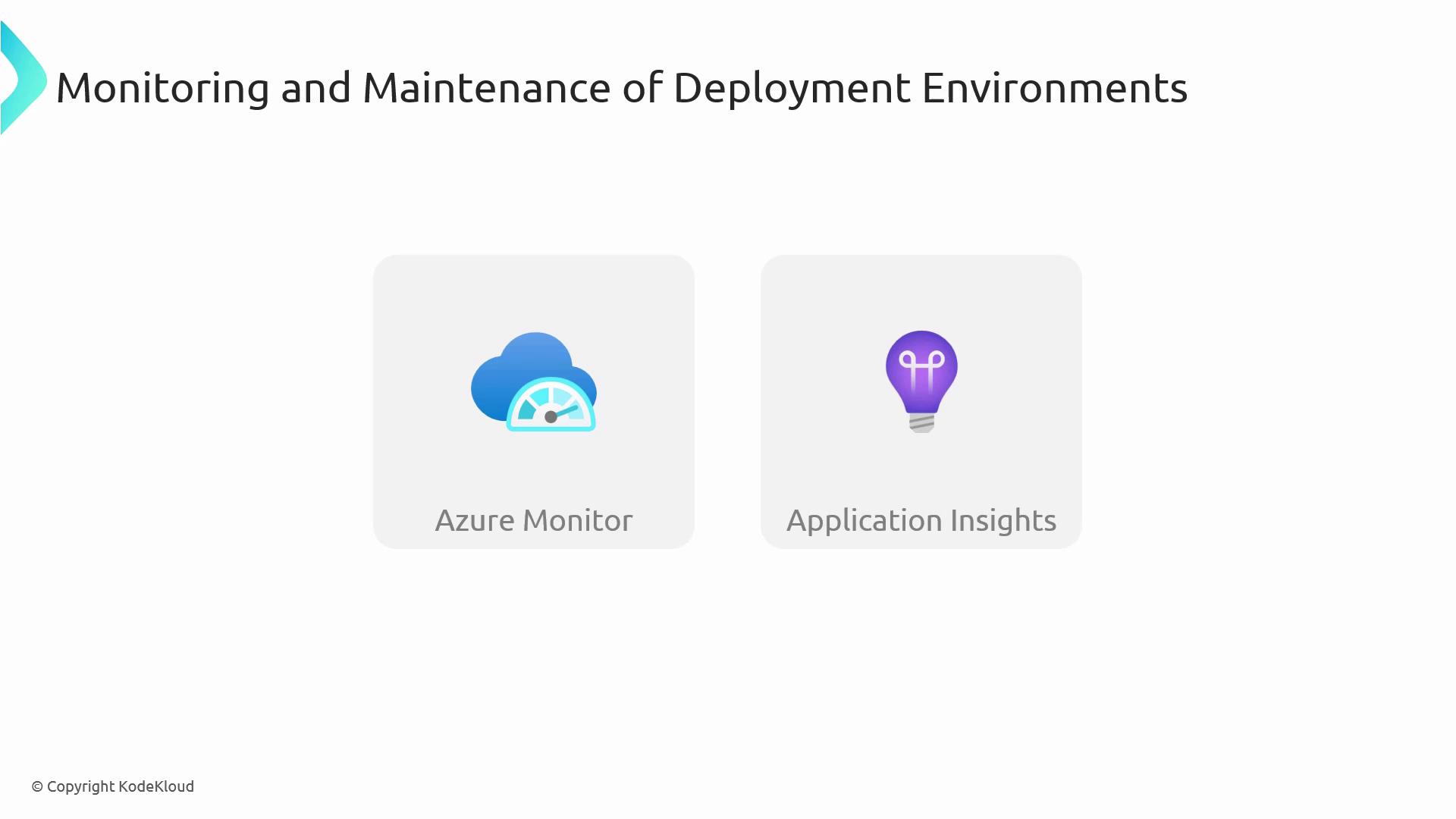
Proactive monitoring and regular upkeep ensure high availability and performance:- Collect metrics and logs with Azure Monitor and Application Insights.
- Implement alerts on key performance indicators (CPU, memory, response time).
- Scale resources automatically with Azure Autoscale rules.
- Patch and update services on a regular schedule.
Links and References
- AZ-400 Exam Overview
- Azure DevOps Documentation
- ARM Template Documentation
- Azure Policy
- Azure Monitor