

- Dependency and security scanning
- Testing strategies (unit, integration, load)
- Code coverage analysis
- Integrations with external tools
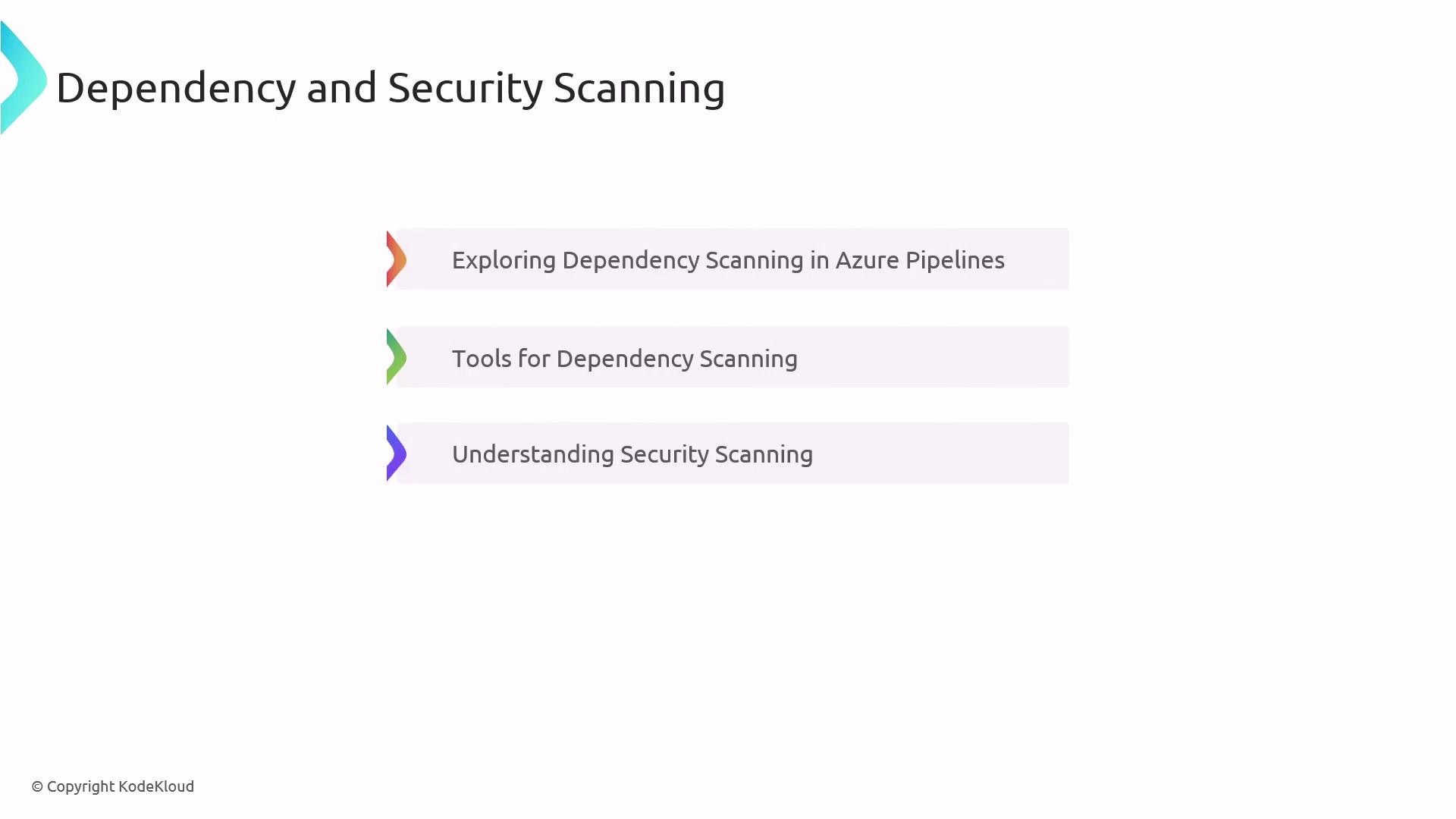
Dependency and Security Scanning
Ensuring that your codebase is free from vulnerable or outdated dependencies is a critical first step. Azure Pipelines supports multiple scanning tools and can block builds on detected risks.Run dependency scans early in your pipeline to catch issues before they propagate downstream.
Key Steps
- Configure the
dependency-checkornpm audittask in your YAML - Integrate vulnerability reports in Pull Request checks
- Automate patching and updates
Common Tools Comparison
Testing in CI/CD
Testing is the backbone of any reliable pipeline. By running tests automatically, you can catch regressions and performance issues before they reach production.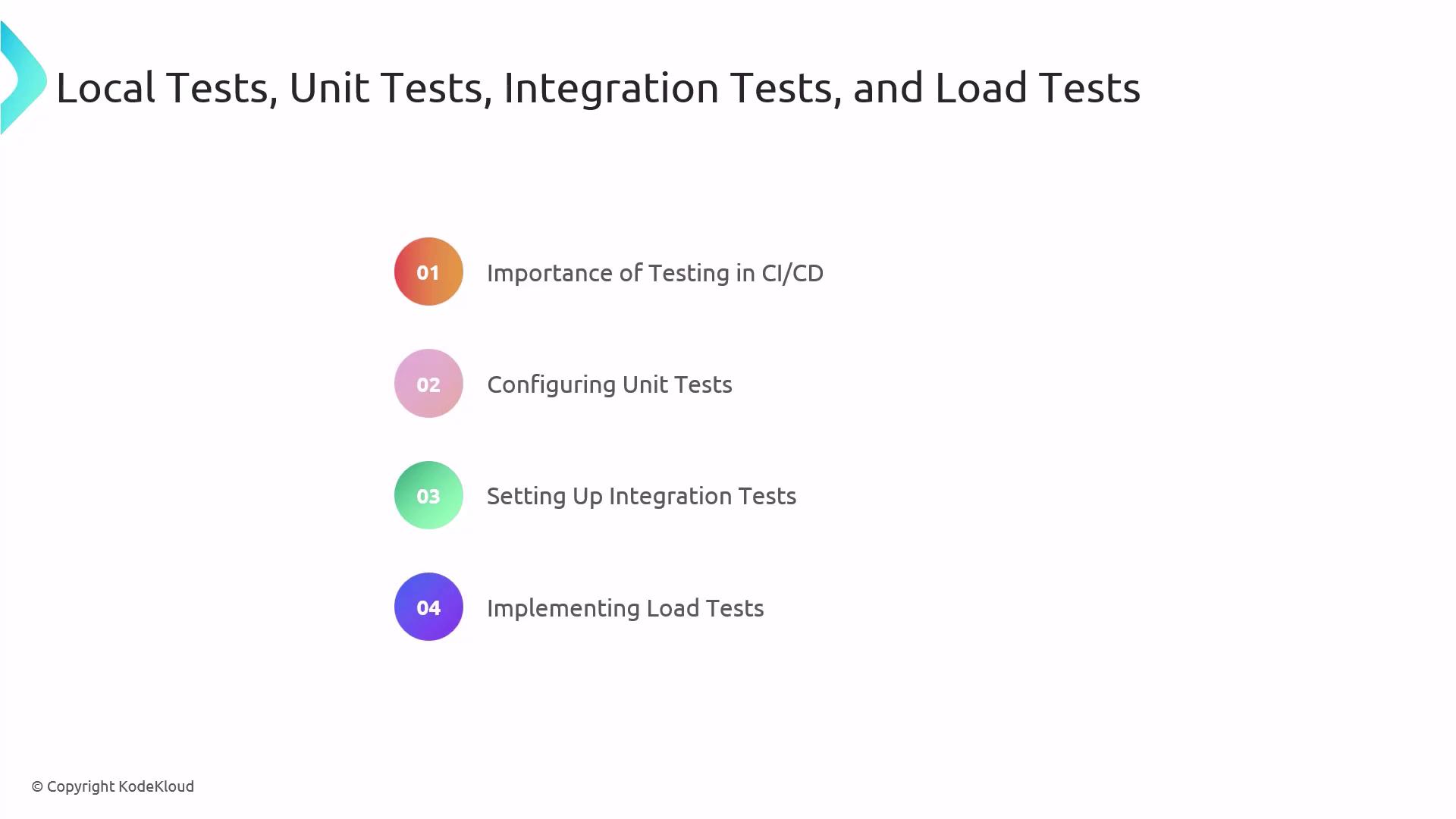
Best Practices
- Run unit tests on each PR
- Isolate integration tests in a dedicated environment
- Schedule load tests during off-peak hours
Code Coverage Analysis
Tracking code coverage helps ensure that your tests exercise the most critical parts of your application.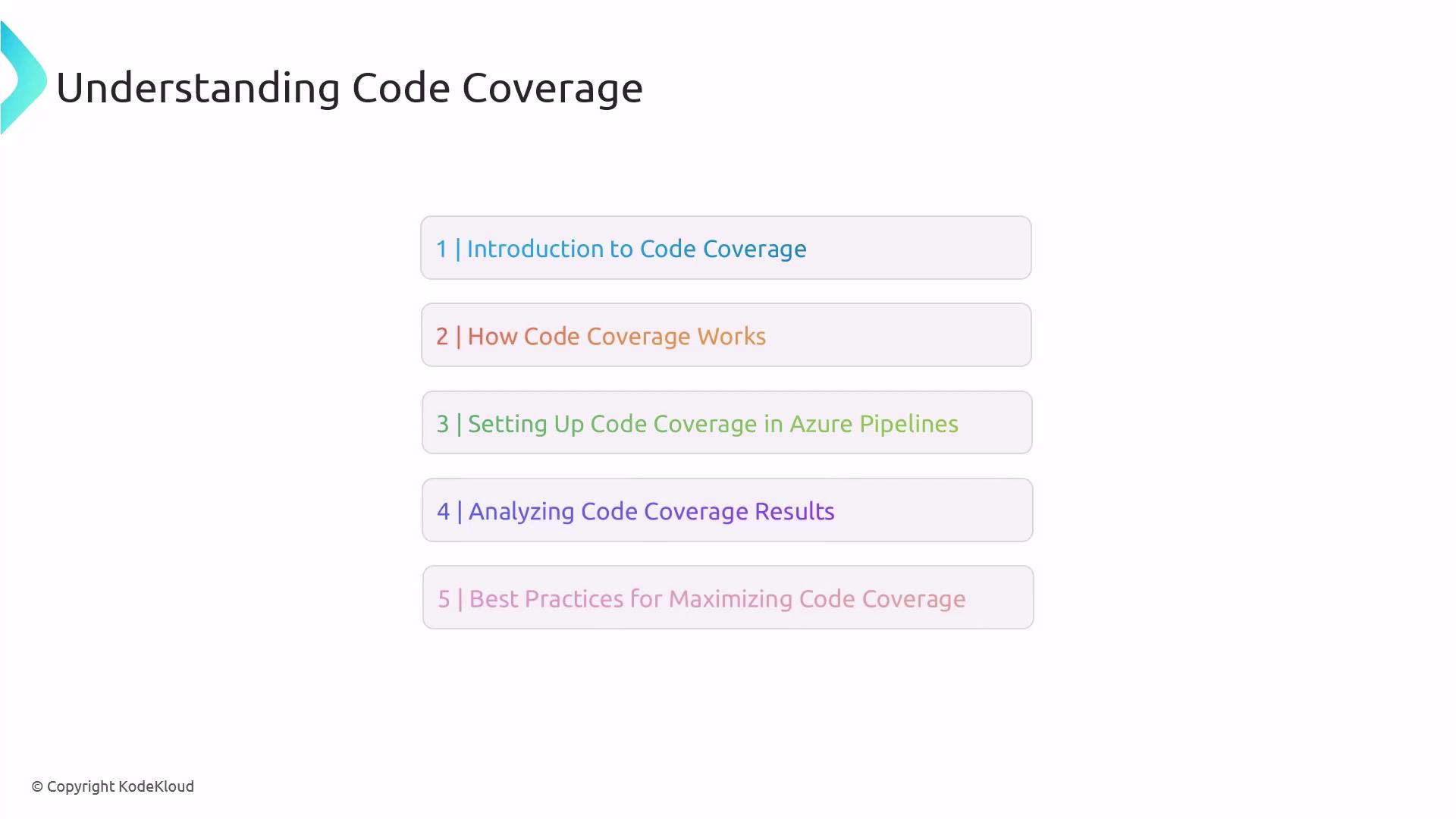
Coverage Workflow
- Instrument your code (e.g.,
coverlet,nyc) - Run tests with coverage flags enabled
- Publish coverage reports via
PublishCodeCoverageResults@1 - Analyze gaps and write additional tests
Aim for at least 80% coverage on critical modules, but prioritize test quality over quantity.
Integrating External Tools
Round out your end-to-end DevOps workflow by connecting pipelines to security scanners, artifact repositories, and alerting systems.Always secure service connections and protect access tokens using Azure Key Vault.
Next Steps
You now have the framework to:- Automate dependency and security checks
- Enforce comprehensive testing strategies
- Monitor and improve code coverage
- Integrate with external tools for a seamless DevOps lifecycle
References
- Azure DevOps Documentation
- Azure Pipelines Security Scanning
- Azure Test Plans
- Code Coverage in Azure DevOps
- Azure DevOps Marketplace