

Key Challenges in Dependency Deployments
Core Azure DevOps Tools
- Azure Pipelines: Define multi-stage YAML workflows.
- YAML
dependsOn: Enforce stage and job ordering. - ManualValidation@0: Add human approval gates.
- Gates & Checks: Automate conditional validations.
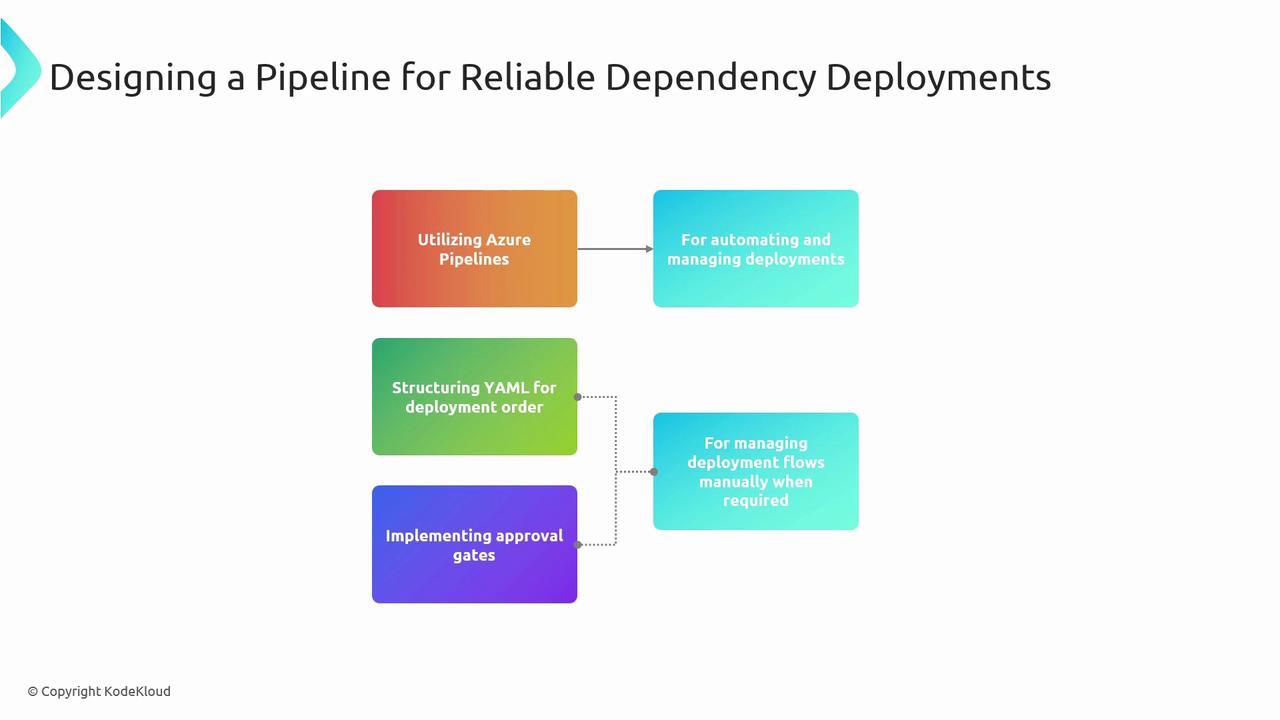
Deploying components out of sequence can cause runtime errors, data corruption, or service downtime. Always model your pipeline to mirror real-world dependencies.
Example: Database → Approval → Web App
This sample YAML pipeline demonstrates a three-stage deployment:- DeployDatabase: Provision the database.
- WaitForApproval: Pause for a manual approval.
- DeployWebApp: Roll out the dependent web application.
Implementing Approval Gates
Approval gates provide an extra layer of control before critical stages run:
Excessive manual approvals can slow down your delivery cadence. Balance manual and automated gates to maintain speed and safety.
Monitoring and Logging
After deployment, continuous monitoring ensures your application stays healthy and performant. Integrate Azure Monitor and Application Insights to collect metrics, logs, and alerts: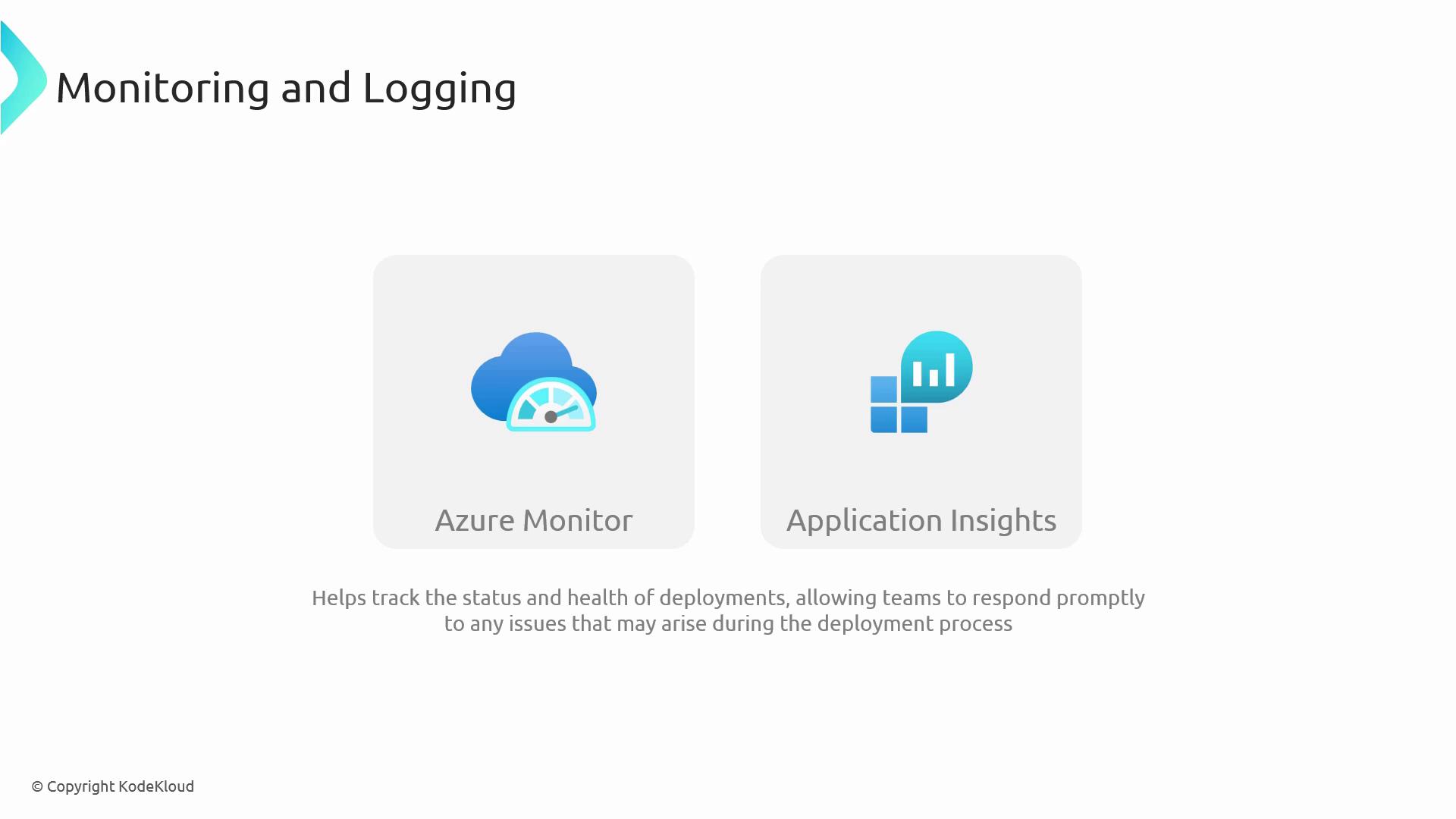
- Azure Monitor: Track resource health, set alerts on failures.
- Application Insights: Diagnose application performance issues in real time.
Best Practices for Dependency-Aware Pipelines
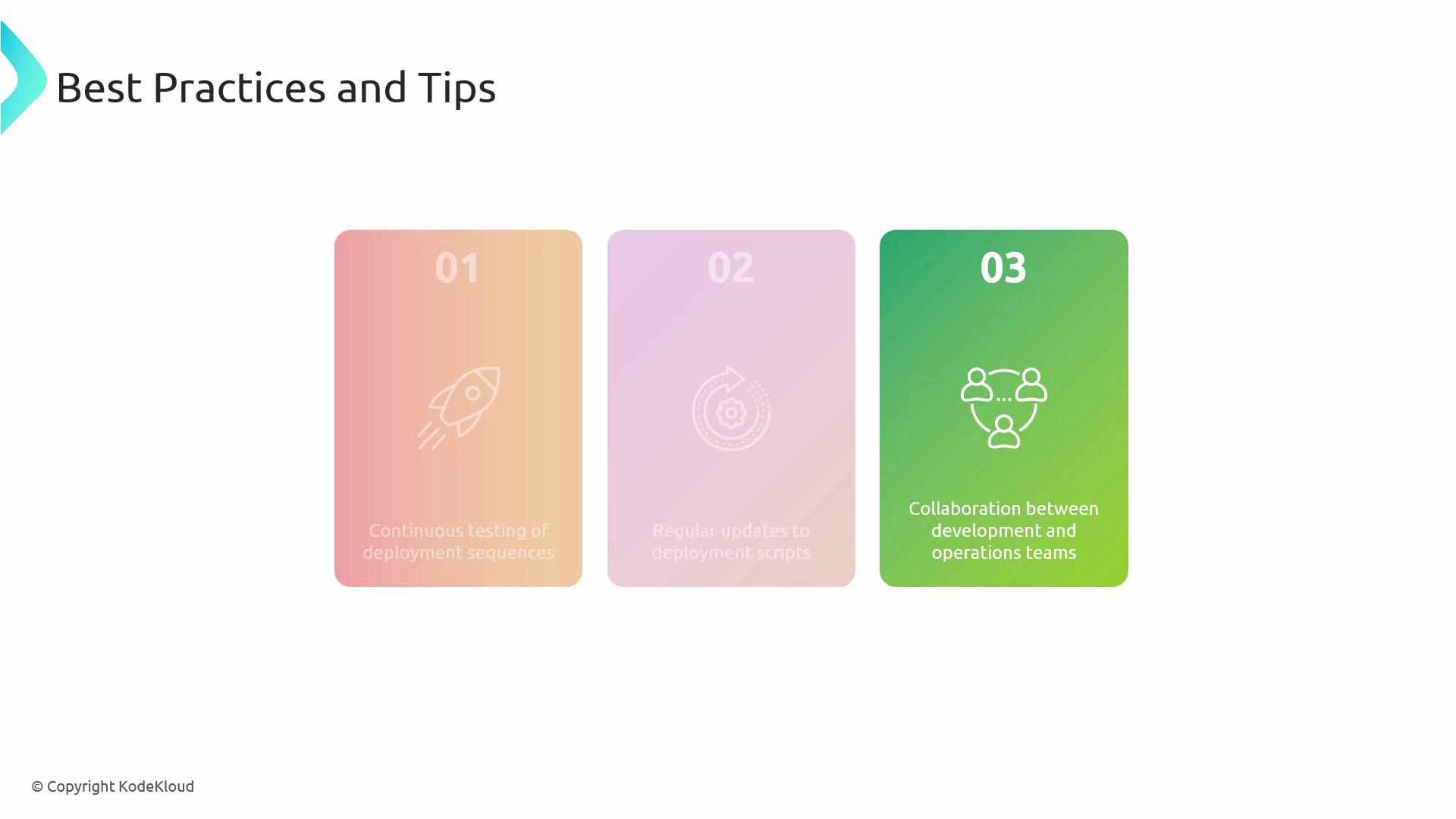
- Continuously validate your
dependsOngraph with automated tests. - Keep your YAML definitions DRY—use templates and parameters.
- Collaborate closely with database and infrastructure teams.
Links and References
- Azure Pipelines documentation
- Manual Validation task
- Azure Monitor overview
- Application Insights deep dive
- AZ-400: Designing and Implementing Microsoft DevOps Solutions