Key Features of Azure Policy
Use the Policy Library to accelerate adoption—start with Microsoft-managed definitions and customize parameters as needed.
Policy Definitions
A policy definition declares the conditions to evaluate (if block) and the action to take (then block). Definitions are expressed in JSON, making them easy to version and review.
Basic Policy Definition
ifblock
Defines the condition to evaluate on resource properties.thenblock
Specifies the enforcement action (e.g., Deny, Audit, Disabled).parameters
Allow you to customize values at assignment time without editing the definition.
Always reference the latest schema URL to leverage new capabilities and metadata fields.
Compliance Remediation
Azure Policy can automatically remediate non-compliant resources. The following rule adds an existence check before enforcing the effect:Policy Assignment
You can scope policy assignments at the management group, subscription, or resource group level. Use the Azure Portal, Azure CLI, or Azure PowerShell:Be careful when assigning Deny policies at high-level scopes to avoid unintended disruptions in your production environment.
Azure Policy Initiatives
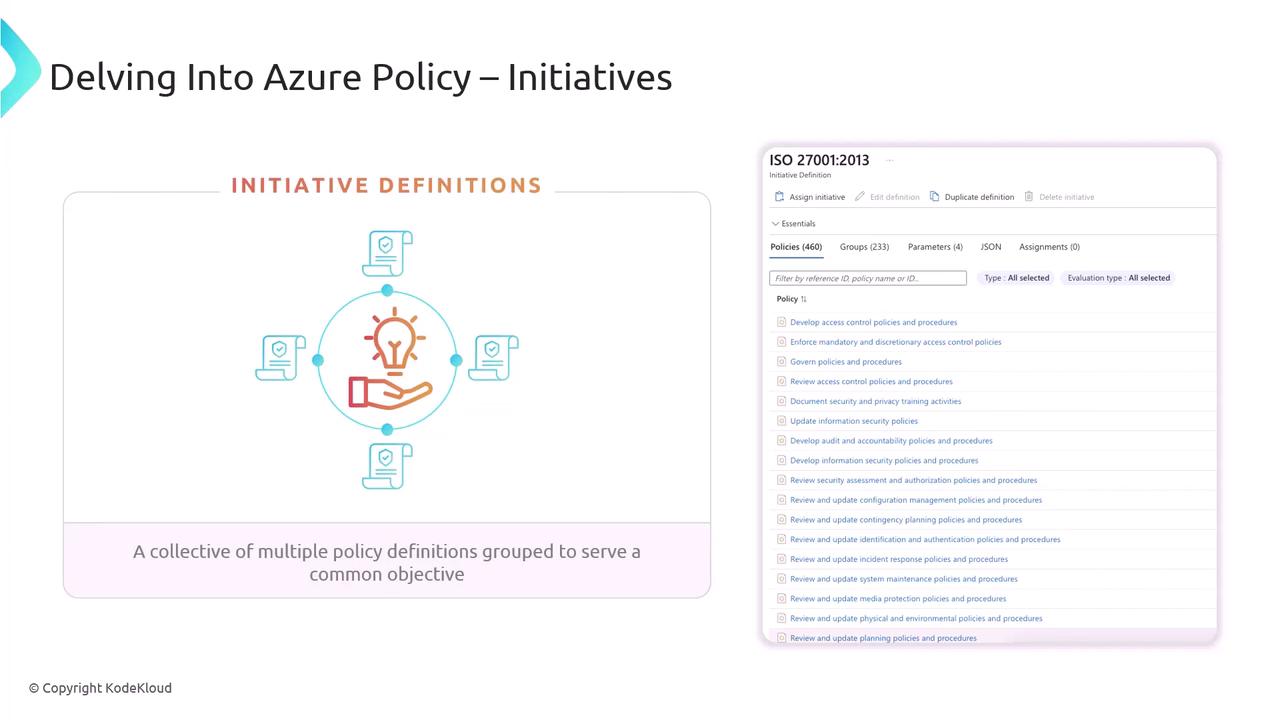
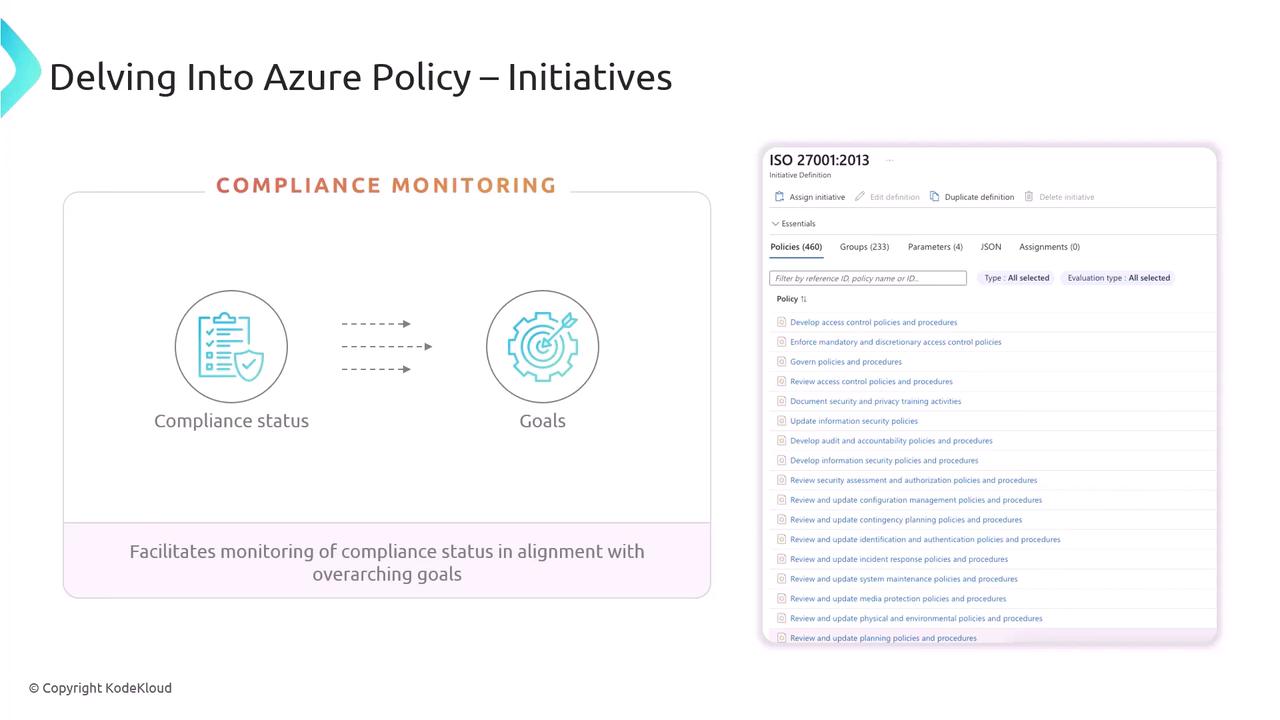
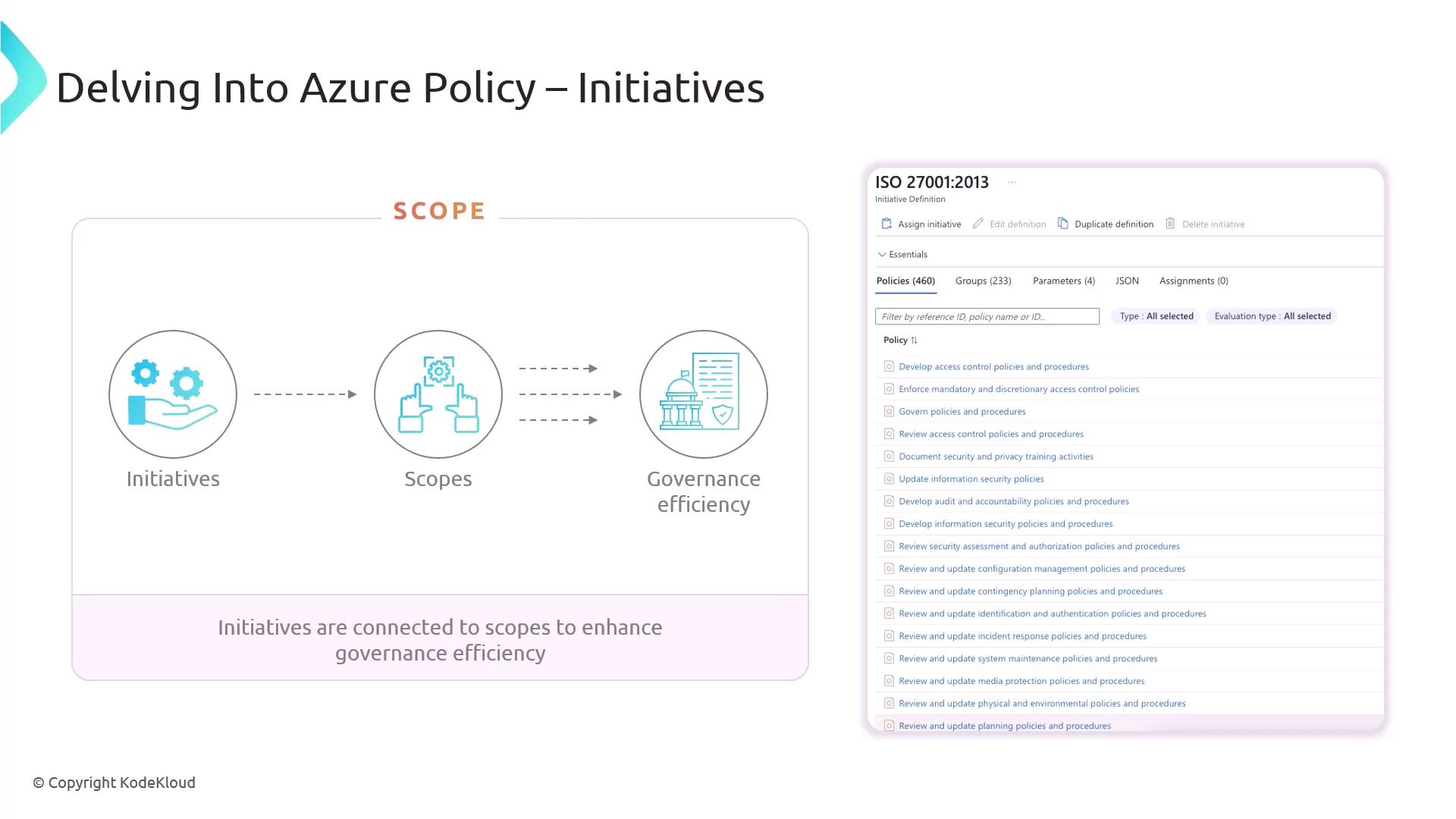
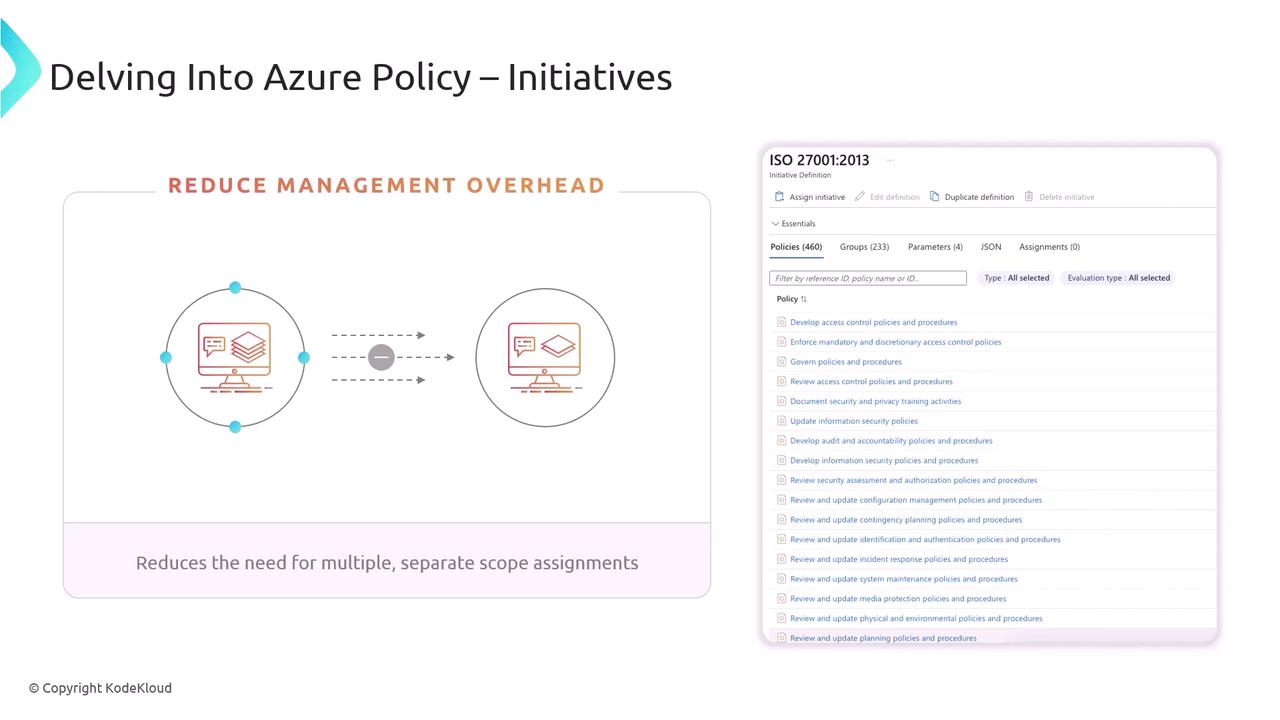
An initiative (also called a policy set) bundles multiple policy definitions to achieve a broader compliance objective—such as ISO 27001:2013 or PCI DSS. Initiatives simplify management by grouping related policies and tracking their combined compliance status.