

Table of Contents
- Deployment Strategies
- Designing a Resiliency Strategy
- Database Deployment in Azure
- Orchestrating Dependency Deployments
- Zero-Downtime and Hotfix Plans
- Load Balancing & Traffic Management
- Implementing Feature Flags
- Application Deployment Approaches
- References
Deployment Strategies
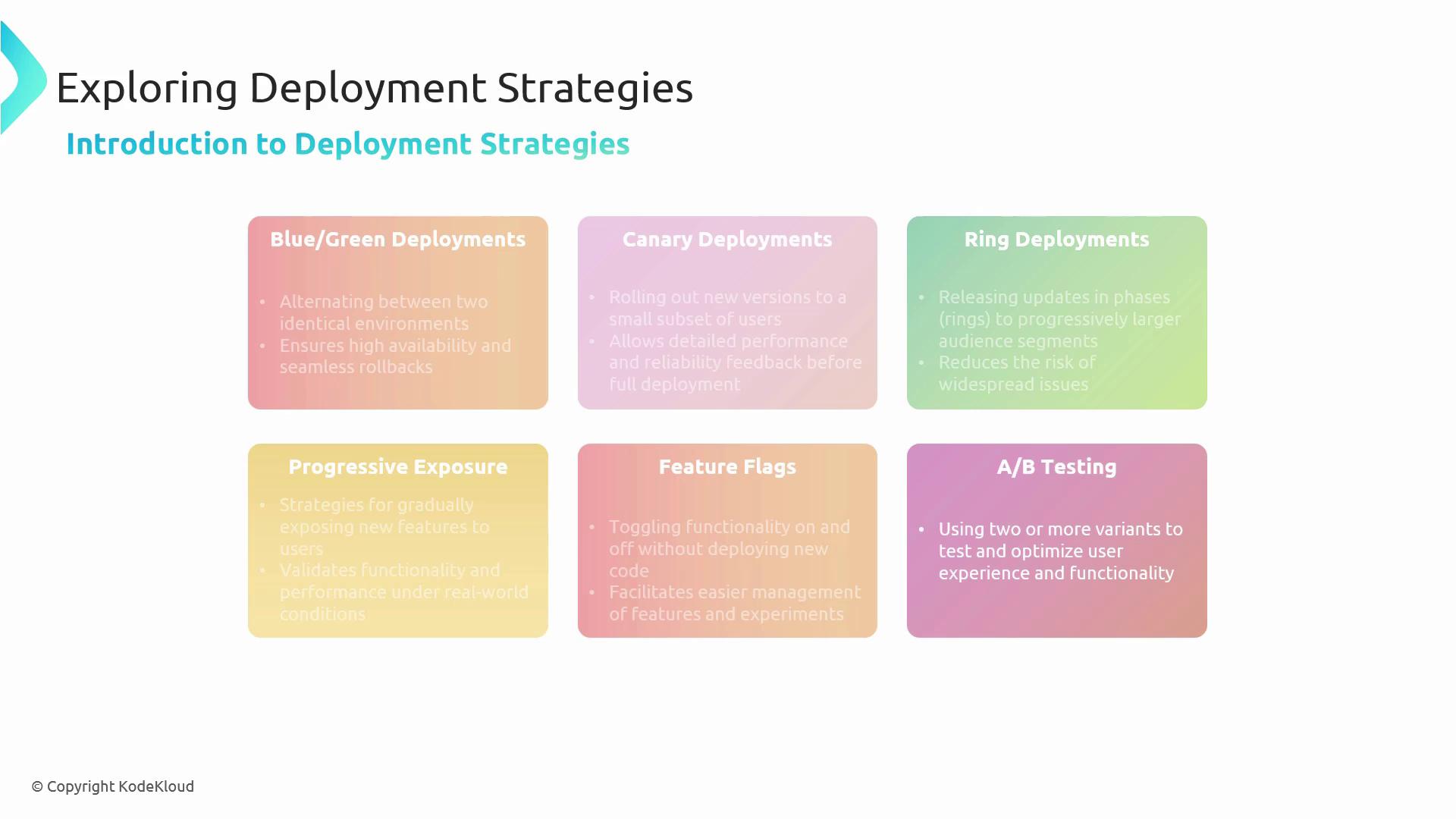
We start by comparing multiple release patterns to minimize risk and maximize feedback.- Blue/Green Deployments: Maintain two identical environments and switch traffic atomically to achieve instant rollbacks.
- Canary Deployments: Release to a small subset of users first, gather metrics, then proceed to full rollout.
- Ring Deployments: Gradually expand the audience by tiers—Test → Pilot → Production.
- Progressive Exposure: Validate new features under realistic load before opening to all users.
- Feature Flags: Toggle features on or off without redeploying code.
- A/B Testing: Serve different variants to optimize user experience and measure impact.
Designing a Resiliency Strategy
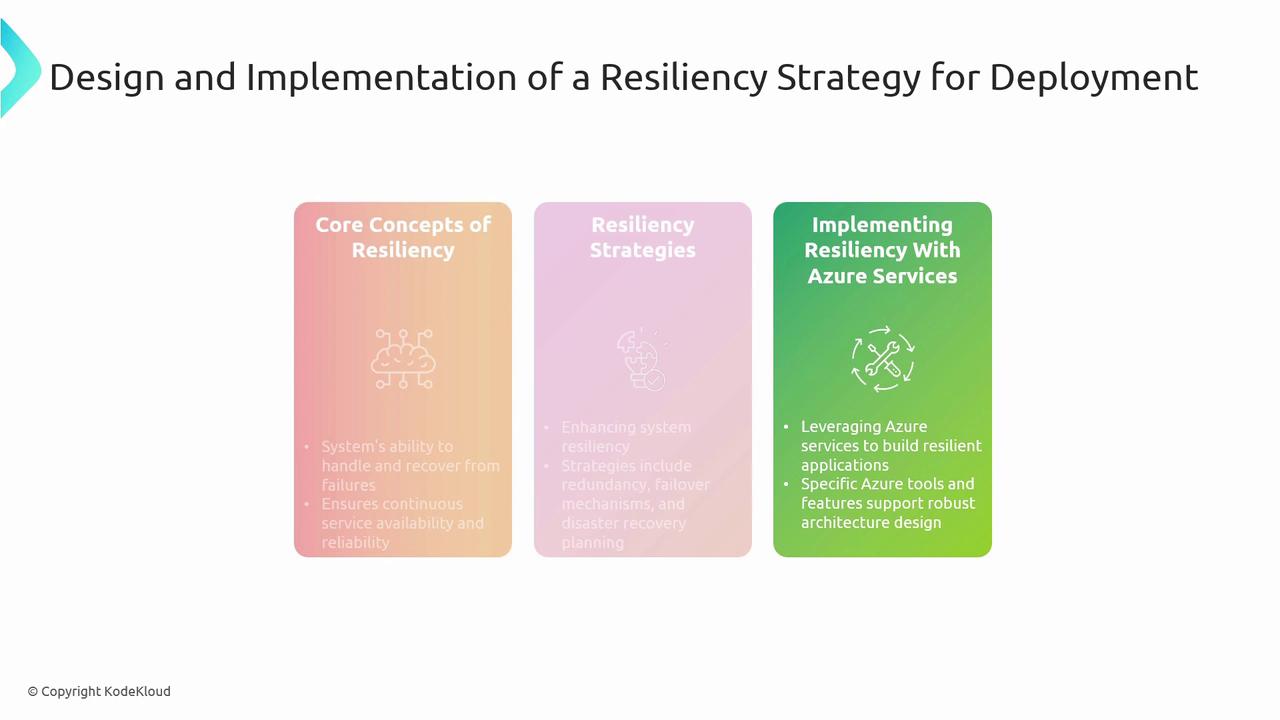
Resilience ensures your application withstands failures and recovers gracefully. Key concepts include:- Fault Isolation: Contain failures using zones and region pairs.
- Redundancy & Failover: Duplicate critical components; switch traffic automatically on failure.
- Disaster Recovery: Plan for large-scale outages with backups and recovery drills.
Database Deployment in Azure
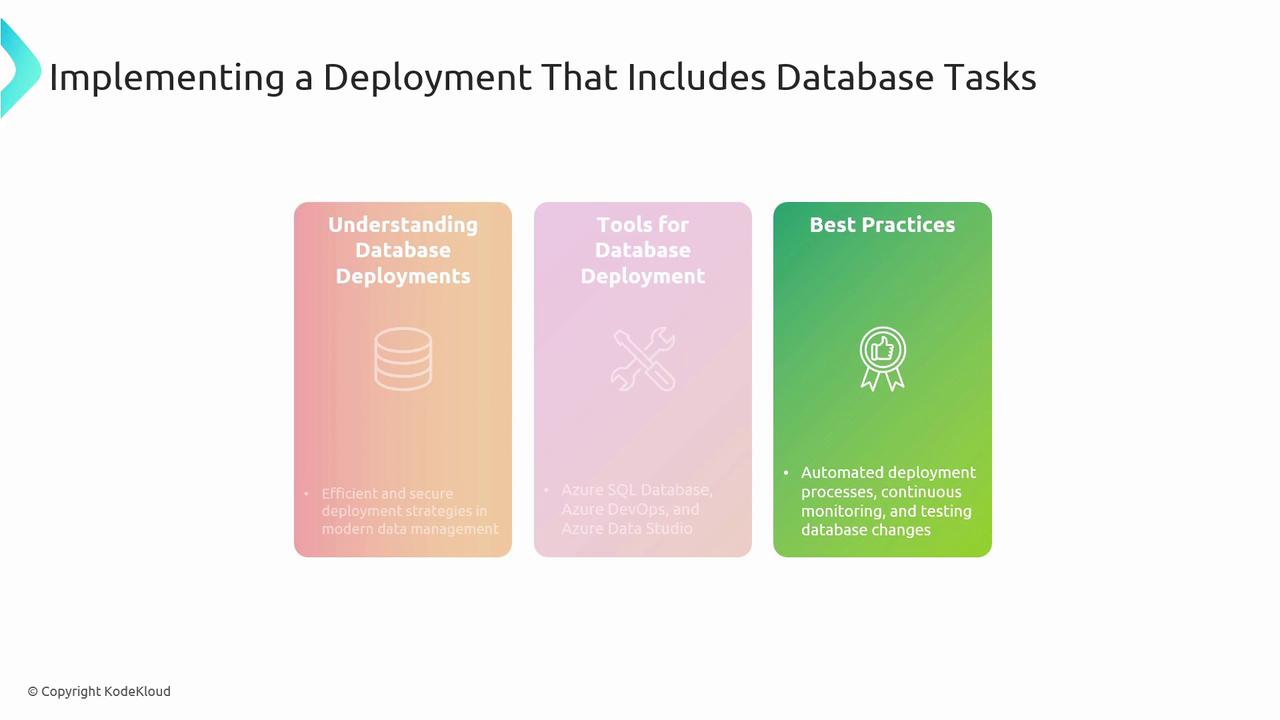
Automate your database changes alongside application code for consistent environments:- Understand Database Deployments: Schema management, versioning, and rollback strategies.
- Tooling:
- Azure SQL Database
- Azure DevOps Pipelines
- Azure Data Studio
- Best Practices:
- Scripted deployments with idempotent migrations
- Continuous integration and unit testing
- Real-time monitoring and drift detection
Orchestrating Dependency Deployments
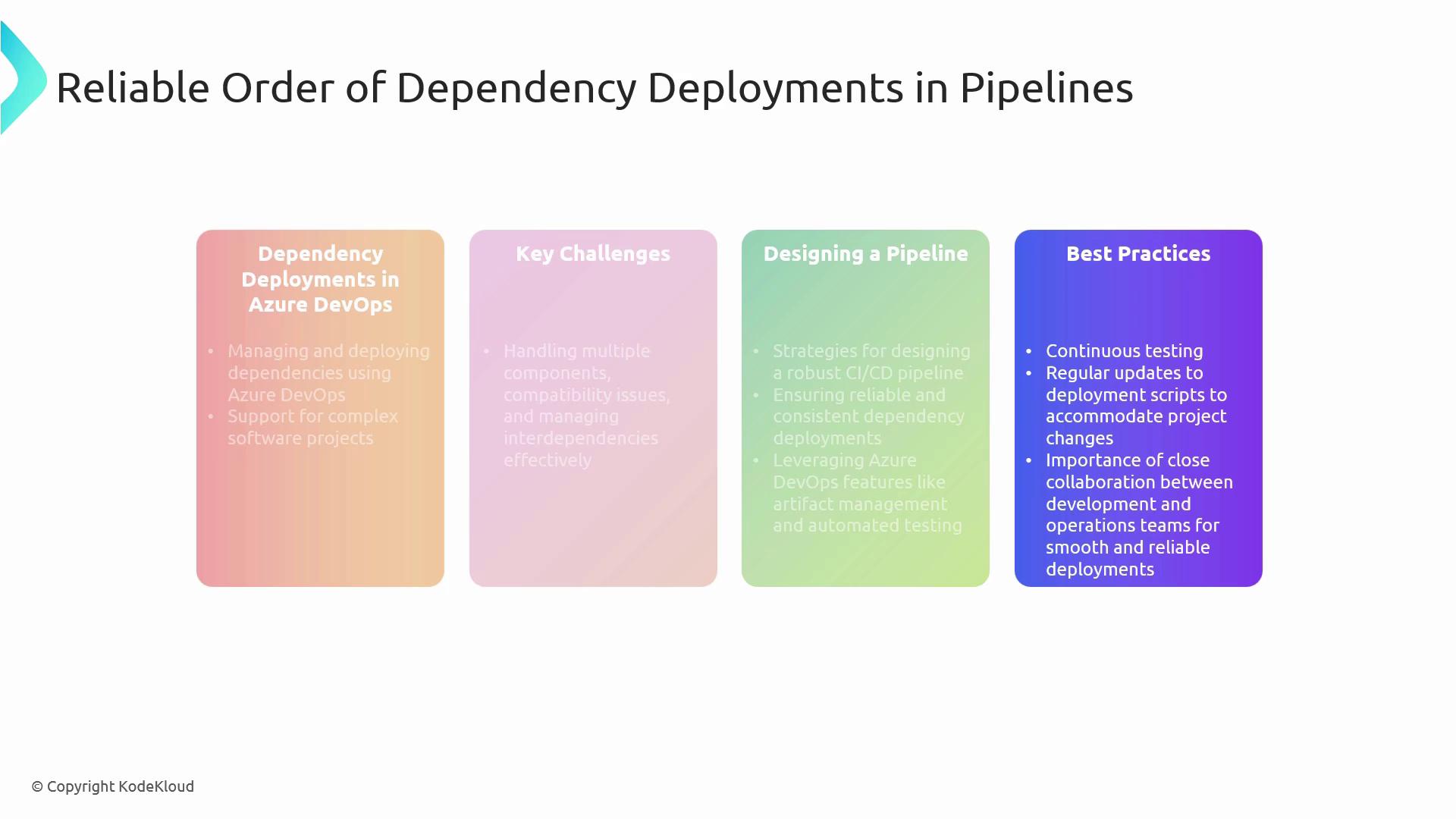
Complex solutions often consist of interdependent services. To manage them effectively:- Artifact Management: Use Azure Artifacts or a private feed for version control.
- Pipeline Design: Break pipelines into stages (build → test → deploy) with gated approvals.
- Continuous Testing: Embed automated integration and contract tests to verify compatibility.
- Collaboration: Maintain clear ownership for each component and document interfaces.
Keeping your deployment scripts idempotent and modular reduces errors when re-running failed stages.
Zero-Downtime and Hotfix Plans
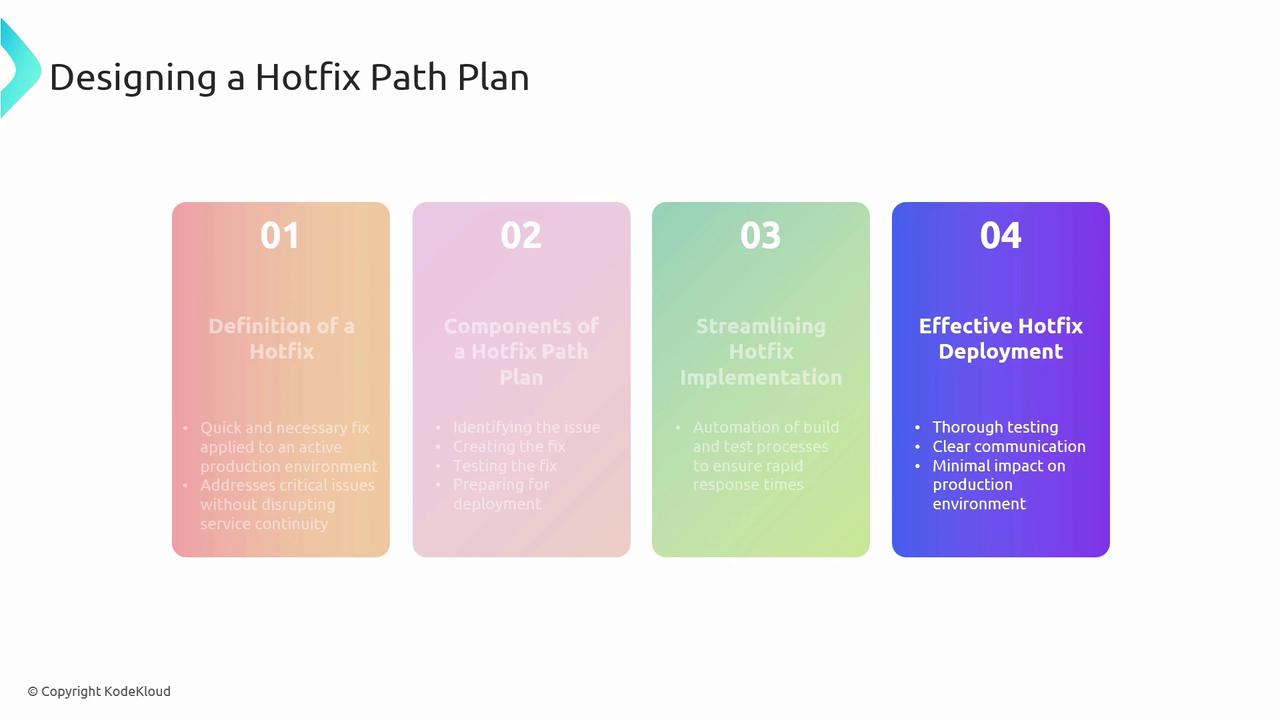
Deployment Slots in Azure App Service let you swap versions with no downtime. For urgent fixes:- Define Hotfix Path: Identify issue, develop fix branch, and test thoroughly.
- Streamline Implementation: Leverage automated builds, smoke tests, and slot swaps.
- Effective Rollouts: Prepare rollback plans and validate post-deployment health.
Load Balancing & Traffic Management
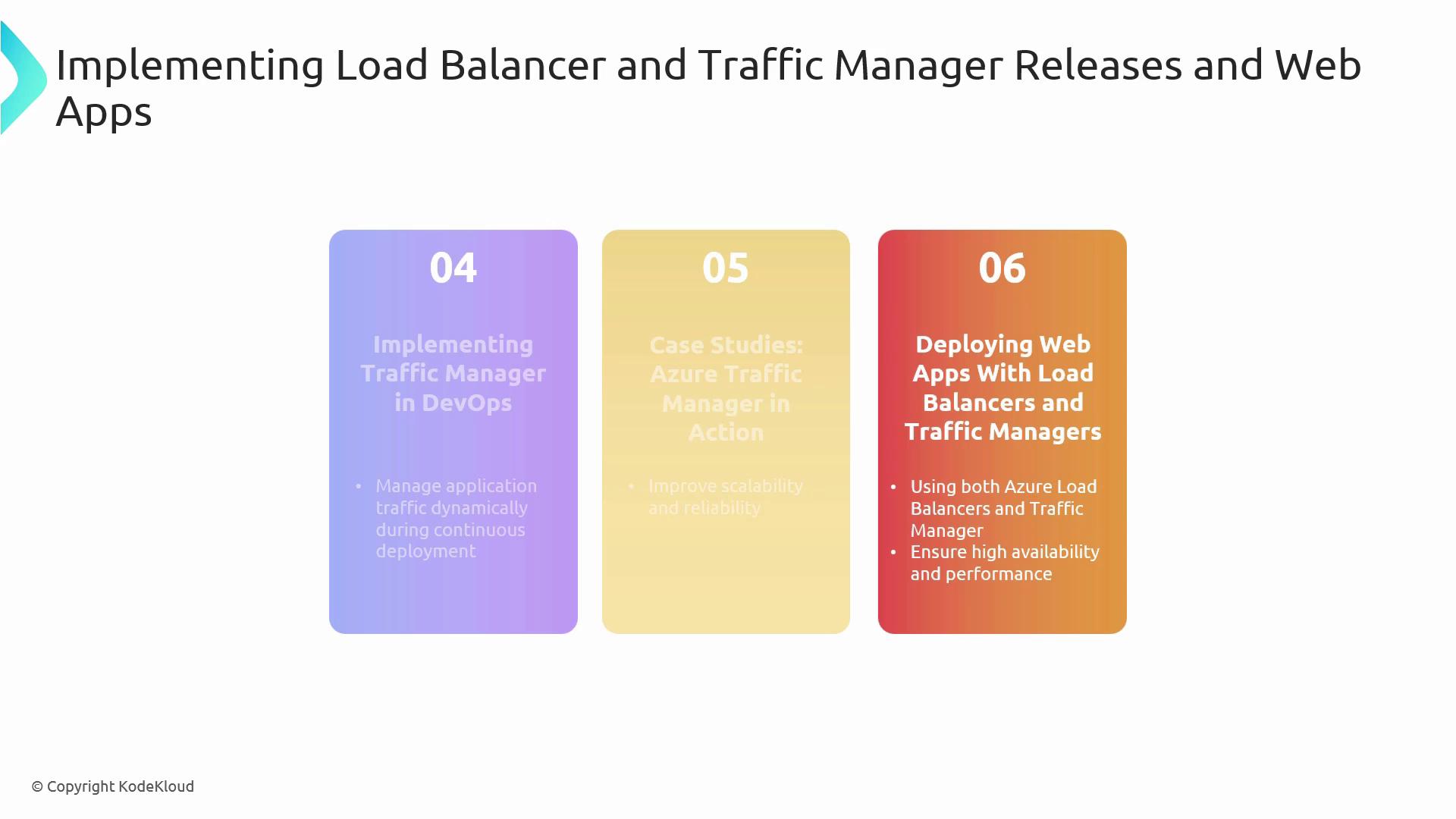
Deliver scalable, geo-distributed applications:- Azure Load Balancer: Distributes traffic at OSI Layer 4 using health probes and load balancing rules.
- Azure Traffic Manager: DNS-based routing policies (Priority, Performance, Geographic) for global failover.
- Integration: Embed Traffic Manager and Load Balancer configurations into IaC templates and pipelines.
Implementing Feature Flags
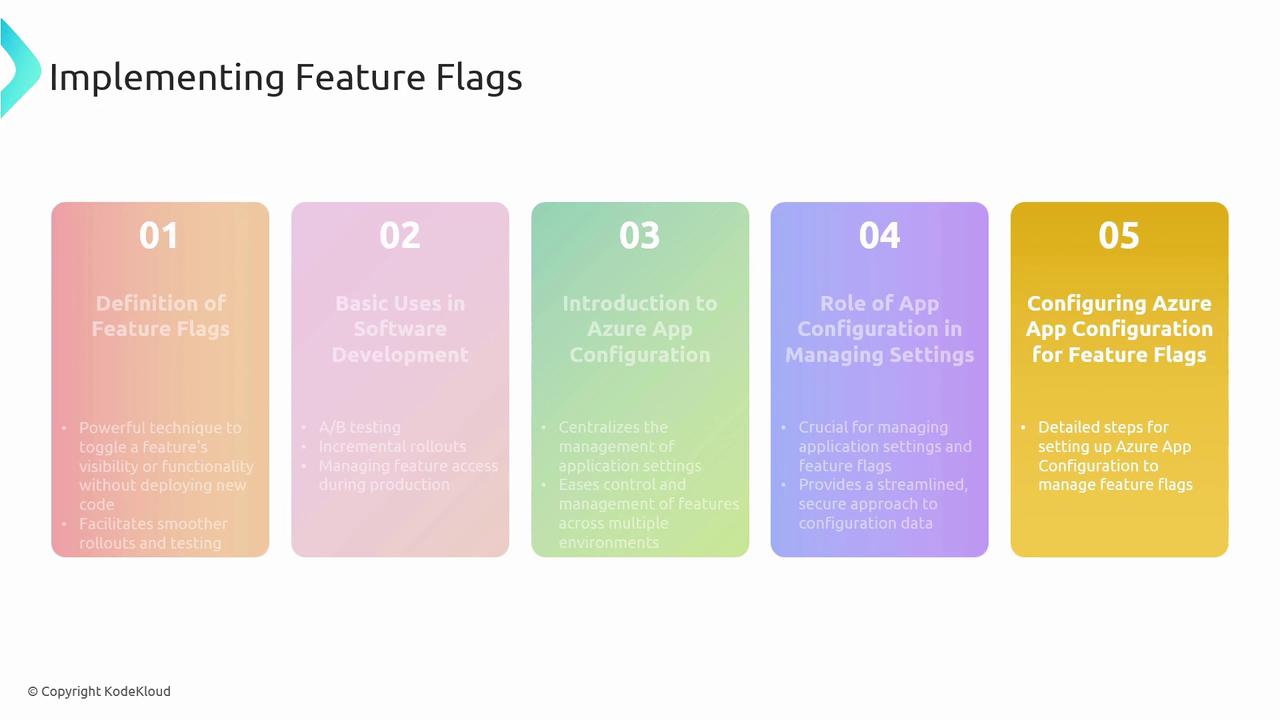
Feature flags unlock gradual rollouts and A/B experiments without redeployment:- Definition & Use Cases: Canary features, dark launches, release gating.
- Azure App Configuration: Centralize flag definitions, targets, and dynamic refresh.
- Secure Configuration: Manage connection strings and feature toggles per environment.
Avoid long-lived feature flags—clean up flags promptly to reduce technical debt.
Application Deployment Approaches
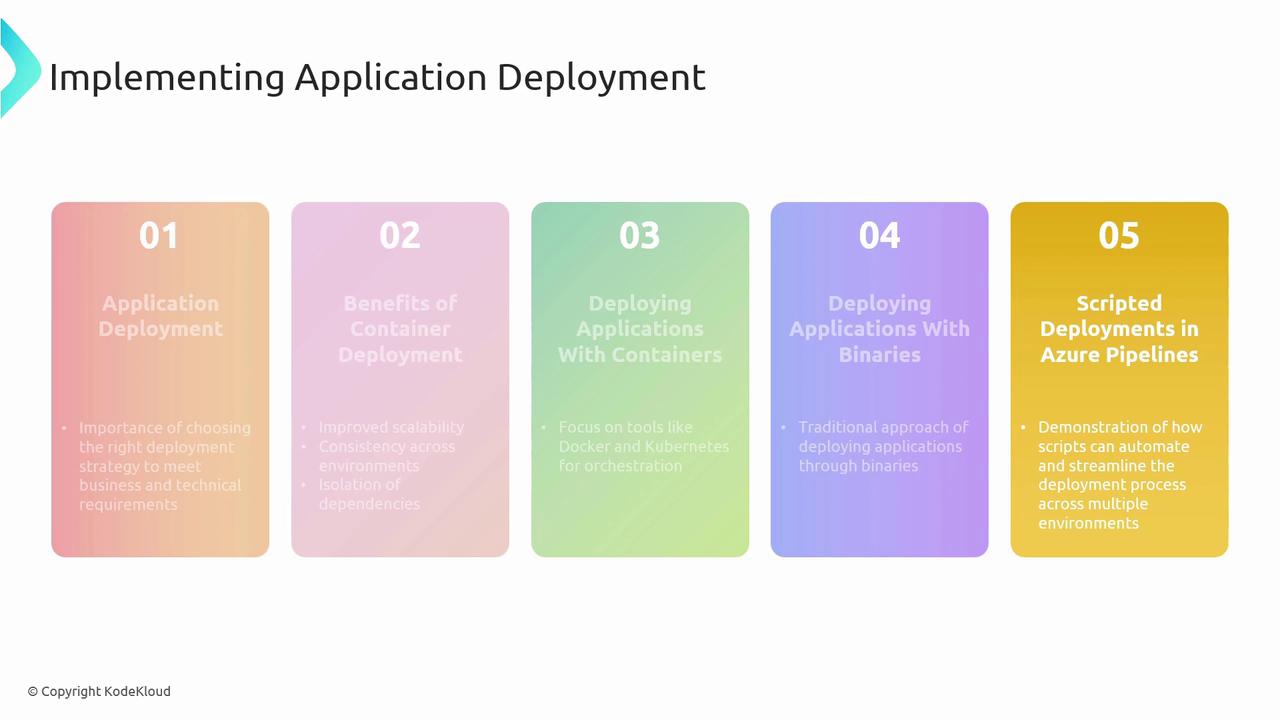
Compare and choose the right model for your workload:
Leverage Azure Pipelines to automate deployments across dev, test, and production, ensuring repeatability and traceability.
References
- Azure DevOps Documentation
- Azure SQL Database
- Azure Load Balancer overview
- Azure Traffic Manager
- Azure App Configuration