

1. Incorporating Mend into Azure Pipelines
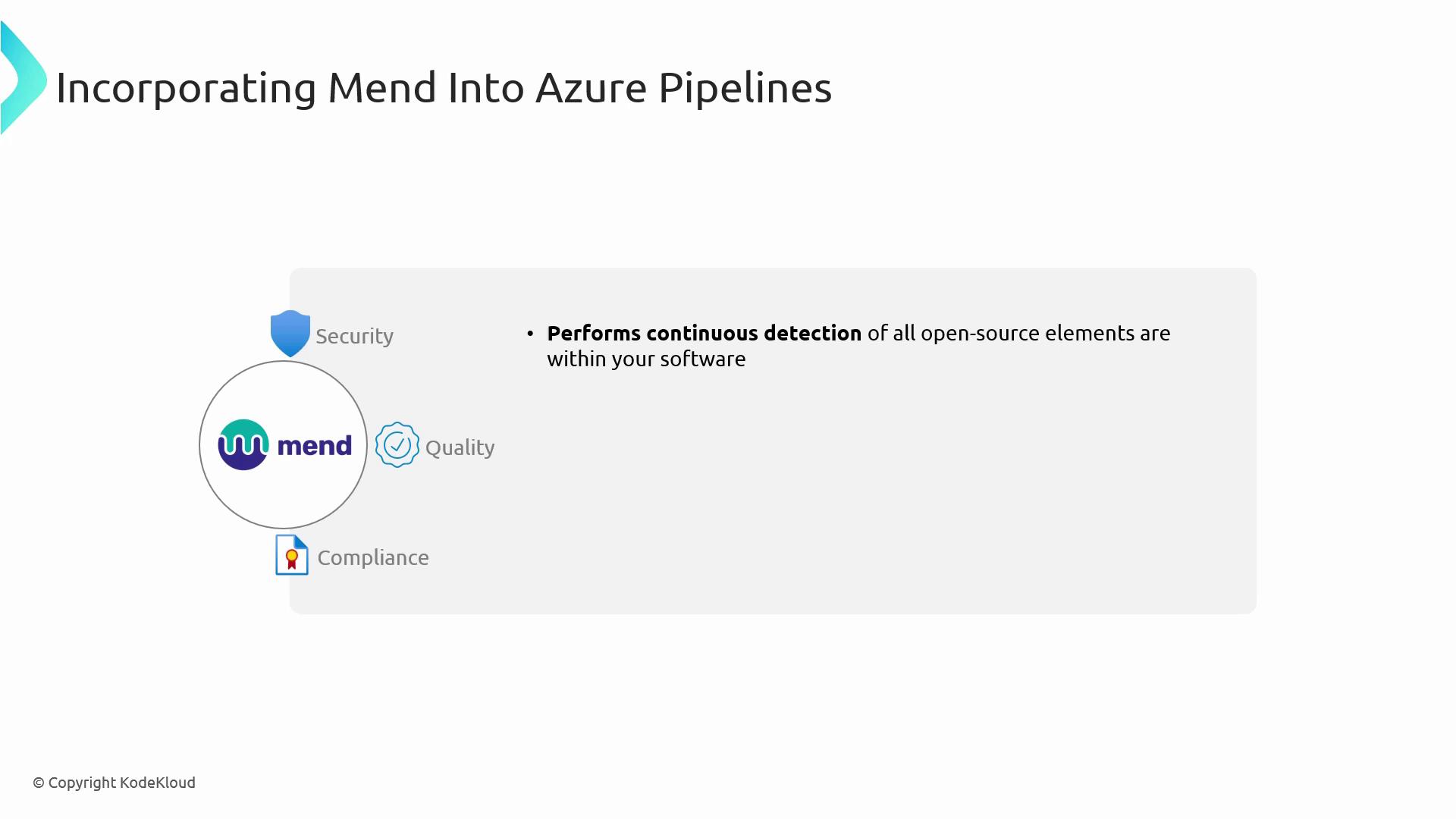
Mend (formerly WhiteSource) is a robust extension in the Azure DevOps Marketplace that automates open-source component analysis. By embedding Mend into your pipeline, you ensure continuous security checks and policy enforcement.1.1 Prerequisites & Installation
You need Project Administrator permissions in Azure DevOps to install and configure extensions.
- Open the Azure DevOps Marketplace.
- Search for Mend and select the extension.
- Click Install and choose your Azure DevOps organization.
- Under Project settings ▶ Extensions, configure your Mend API token.
1.2 Key Features of Mend
2. Activating GitHub Dependabot for Enhanced Security
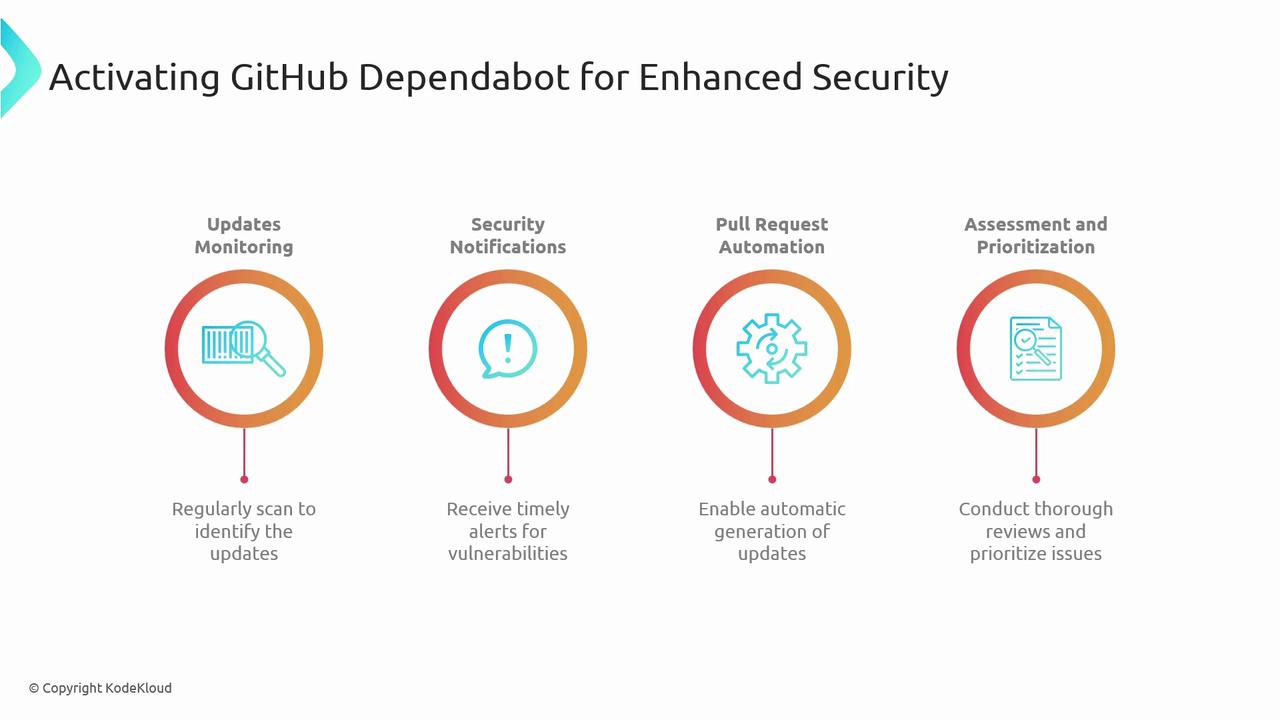
GitHub Dependabot automates dependency version updates and vulnerability remediation in your repositories. It works seamlessly with GitHub Actions and supports multiple ecosystems (npm, Maven, Python, Docker, and more).2.1 Enabling Dependabot
-
Create a
dependabot.ymlin the root of your repository (e.g.,.github/dependabot.yml). -
Define update intervals, package ecosystems, and target directories:
- Commit and push the configuration. Dependabot will start scanning and raising pull requests.
Ensure you have branch protection rules enabled; Dependabot PRs must comply with your CI checks.
2.2 Core Benefits of Dependabot
Conclusion
By combining Mend’s open-source security enforcement with GitHub Dependabot’s automated updates, you’ll achieve a fully automated DevSecOps pipeline. This proactive strategy helps you:- Detect and remediate vulnerabilities early
- Enforce organizational policies without slowing development
- Maintain up-to-date dependencies with minimal manual effort
Links and References
- Azure DevOps Marketplace – Mend Extension
- Mend Documentation
- GitHub Dependabot
- DevSecOps Best Practices