

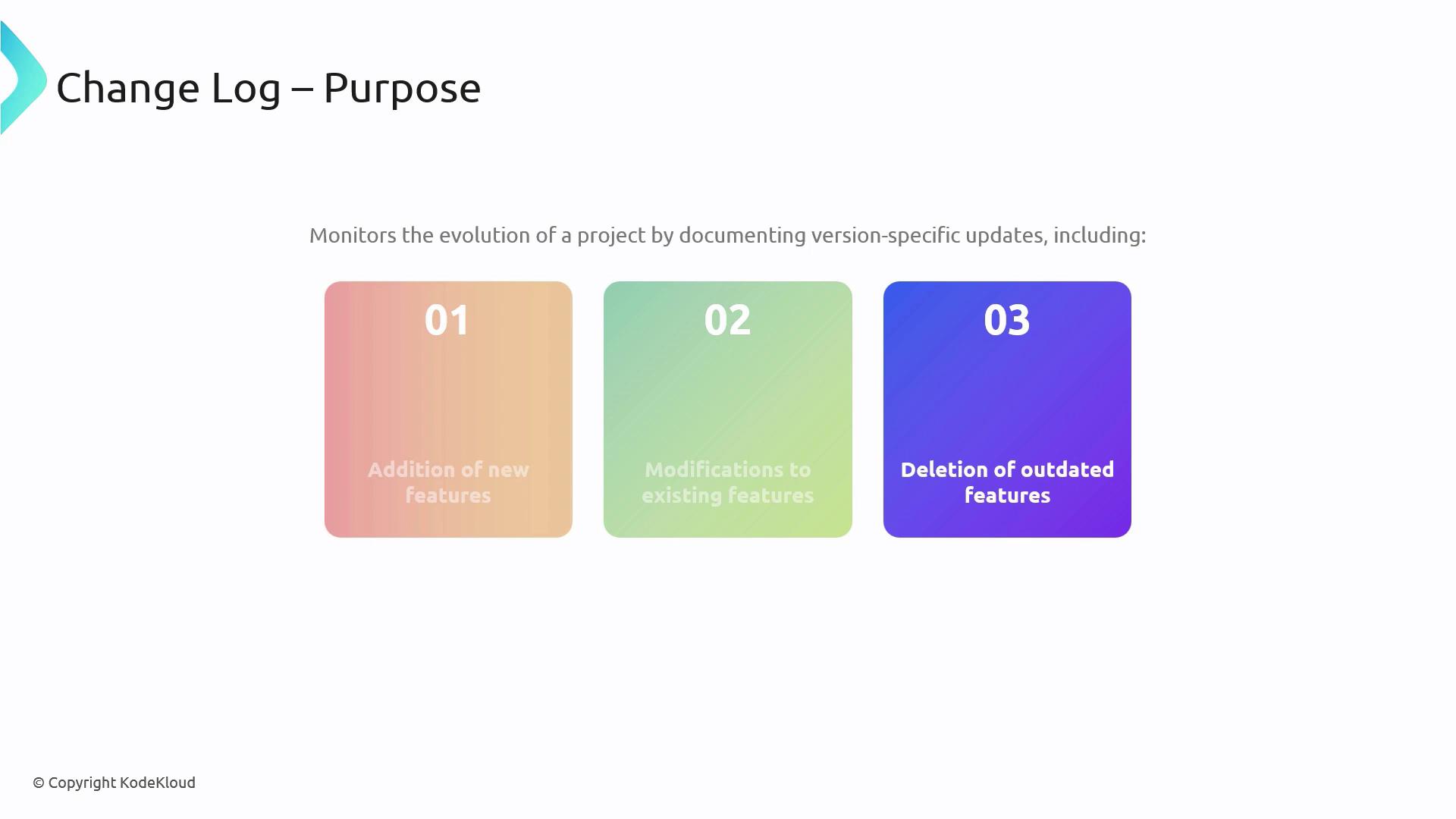
1. Key Principles for a Maintainable Changelog
1.1 Clarity Over Quantity
Focus on concise, relevant entries. Avoid verbose descriptions—each item should add clear value so readers can scan updates efficiently.A streamlined changelog encourages adoption and reduces confusion. Keep each bullet to one idea and link to detailed issues or PRs when needed.
2. Changelog Generation Strategies
Choose an approach that fits your team’s workflow and project size. Below is a comparison of the three most common methods: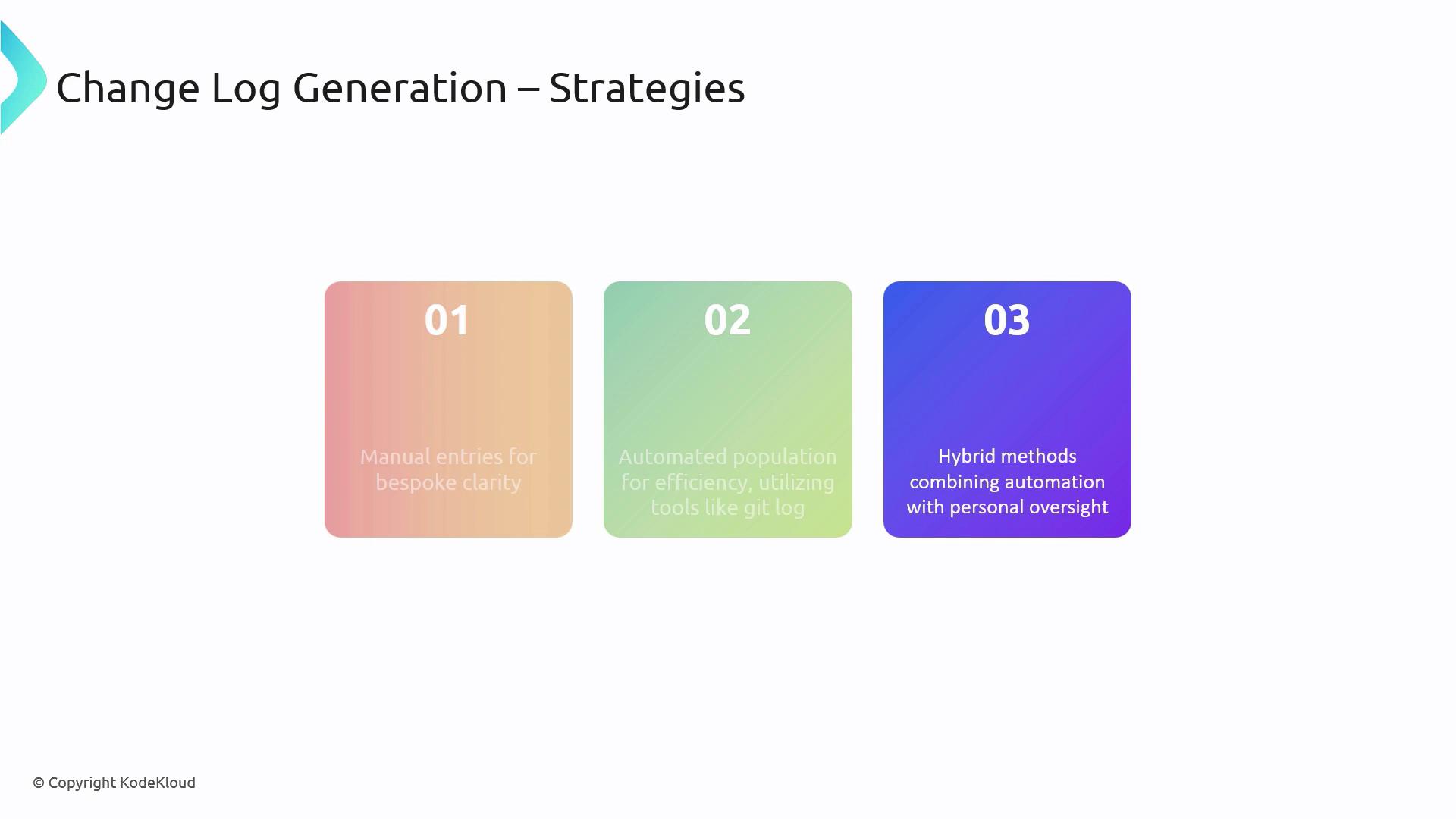
3. Essential Tools to Assist
There are several popular utilities designed to simplify changelog maintenance: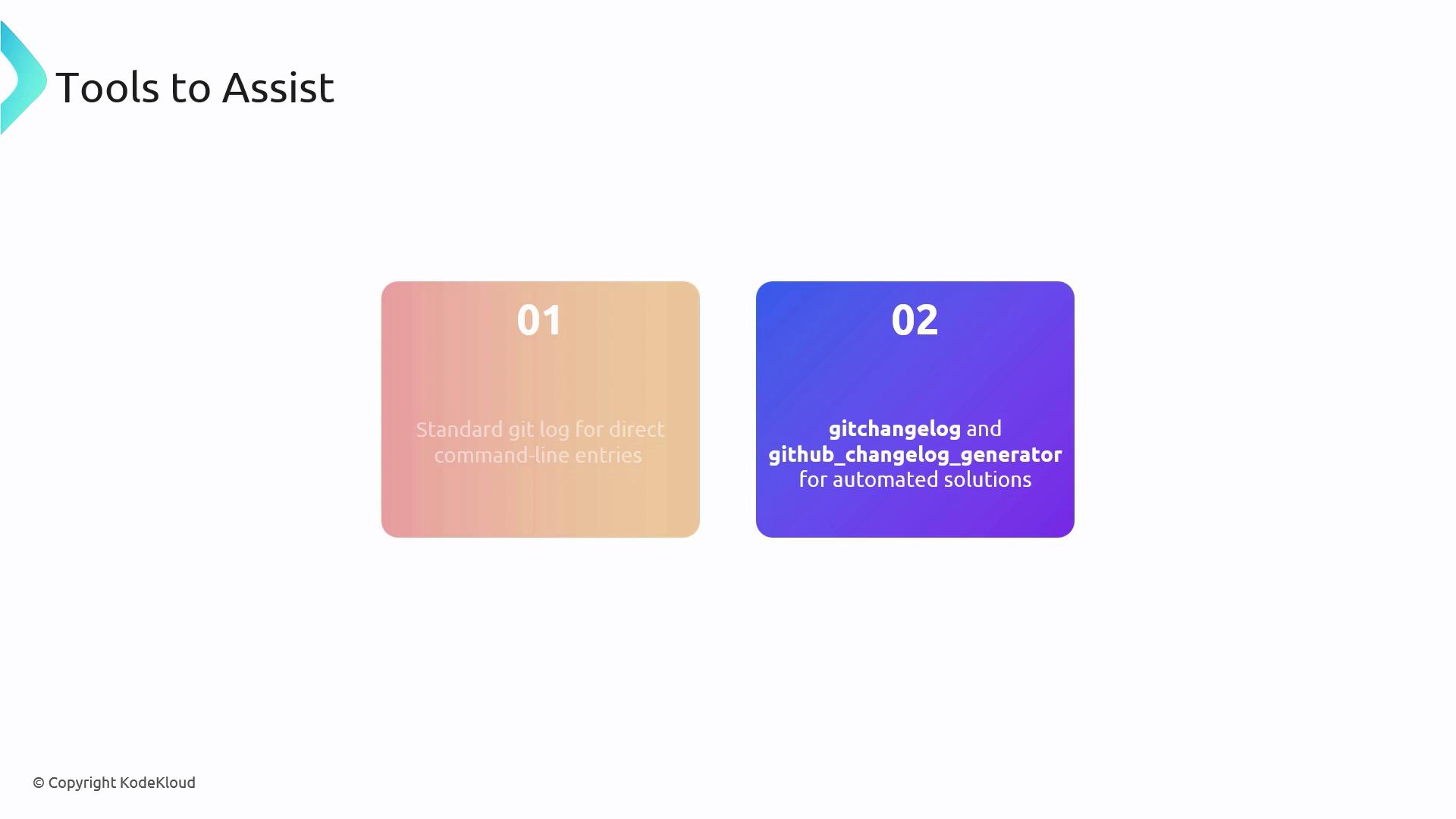
3.1 Practical Example: Customizing git log Output
Below is a sample Bash command to extract commits between two tags, format the output, and save it as a Markdown file:
--pretty=format:"%h - %s (%an, %ar)"%h: abbreviated commit hash%s: commit message%an: author name%ar: author date, relative
v1.2.0..v1.3.0specifies the tag range to comparescript-to-format-changelogrepresents your custom formatting script- Redirect output into
projectchangelogs/1.3.0.mdfor Markdown storage
Be mindful of exposing sensitive or internal details in public changelogs. Always review entries before publishing.