

What is YAML for pipelines?
YAML (YAML Ain’t Markup Language) is a human-friendly data serialization format used to describe Azure DevOps pipelines. A pipeline YAML defines what triggers a run, which agents execute jobs, and the ordered steps performed (build, test, publish, deploy, etc.). A full ASP.NET build-and-test pipeline example:Creating a new pipeline in Azure DevOps
When you create a pipeline in Azure DevOps, the wizard asks where your source code is hosted and offers a starter pipeline that you can customize.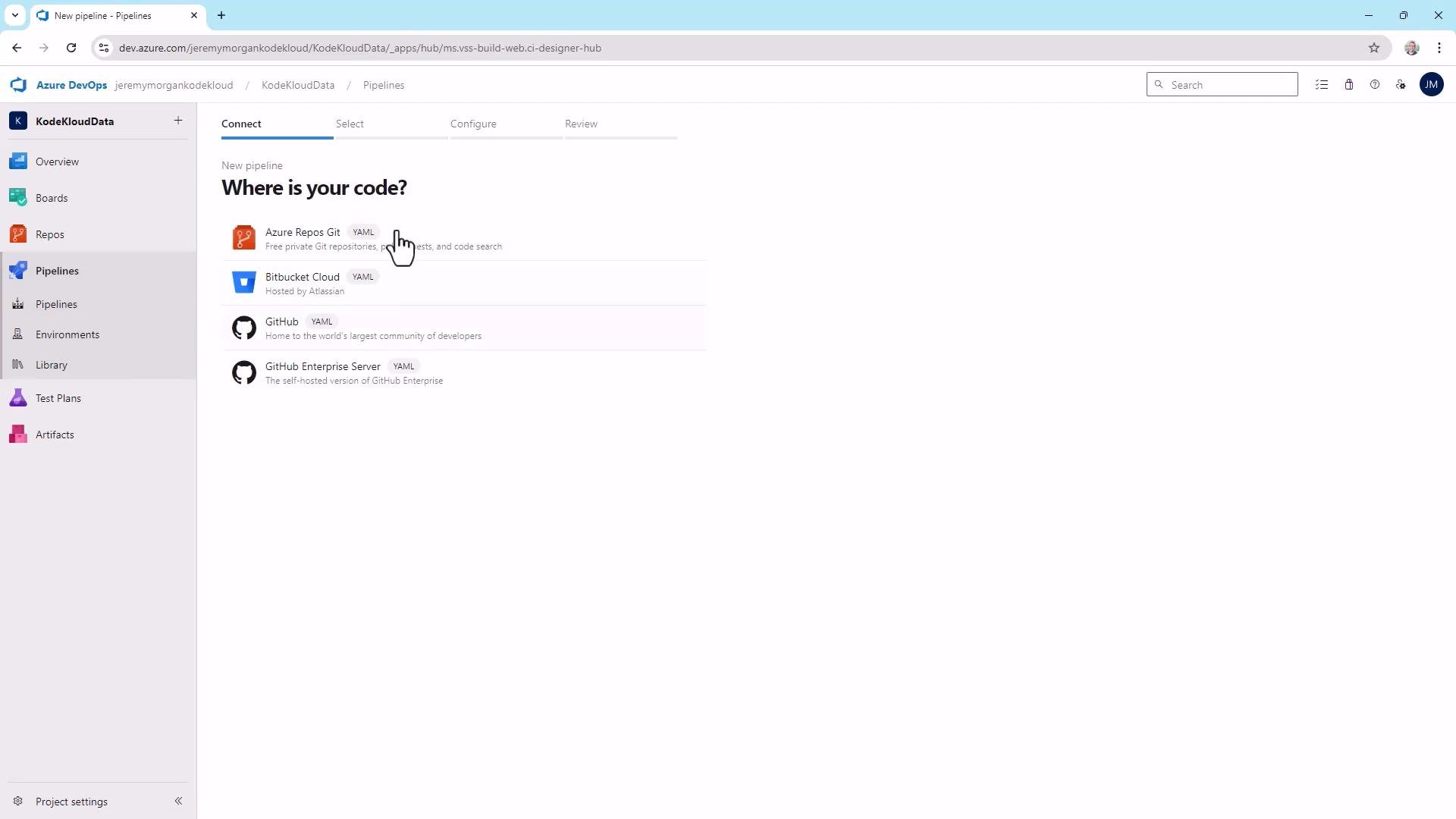
trigger— branches or events that start the pipeline (example: pushes tomaster).pool— selects the agent image the job runs on.steps— executed sequentially;scriptsteps run shell/cmd lines. UsedisplayNamefor readable step names in the pipeline UI.
YAML structure: keys, lists, and nested dictionaries
YAML constructs are simple and consistent:- Key-value pairs (scalars): e.g.,
vmImage: ubuntu-latest - Lists: items prefixed with
-under a parent key (e.g., entries understeps) - Nested dictionaries: keys with indented child keys (e.g., properties under
pool)
- Lists use
-and indentation attaches items to their parent key. - Scalars are often unquoted, but quote any string that could be misinterpreted (numbers, booleans, values with colon or leading zero).
Use quotes for strings that could be misinterpreted (for example, values that look like numbers or booleans, or values with special characters). This prevents surprising parsing behavior.
Quick reference table: common pipeline keys
Variables in pipelines
Variables let you parameterize pipelines and avoid repeating values. Define at top-level withvariables: and reference as $(VariableName).
Example:
Best practices
- Comment your YAML to explain intent for future readers.
- Keep pipelines DRY — use variables and templates to reduce duplication.
- Validate frequently — save and run pipelines to confirm behavior.
- Use
displayNameto make pipeline runs easier to read in the UI.
Templates: centralize common tasks and avoid duplication
Templates let you reuse pipeline fragments across multiple pipelines. Azure DevOps supports including and extending templates and passing parameters to them. A typical pattern is to extract repeating task groups (NuGet restore, build, test) into separate YAML files and reference them with- template: 'file.yml'.
Create nuget.yml for NuGet-related tasks:
Using templates in the main pipeline
Example main pipelineazure-pipelines.yml that reuses templates:
VSBuild) and VSTest tasks require a Windows agent. Ensure your main pipeline uses a Windows VM image such as vmImage: 'windows-latest' when including those templates.
The
VSBuild@1 and VSTest@2 tasks run only on Windows agents. If your pipeline includes Windows-specific templates, set vmImage: 'windows-latest' in the parent pipeline.build.yml (Visual Studio build task):
test.yml (VSTest task):
Observing templates run in the UI
When a pipeline referencing templates runs, Azure DevOps renders template steps inline in the run view. For example, after adding templates you should see your initial scripts followed by the NuGet installer/restore, then build, then tests — all listed sequentially in the run output.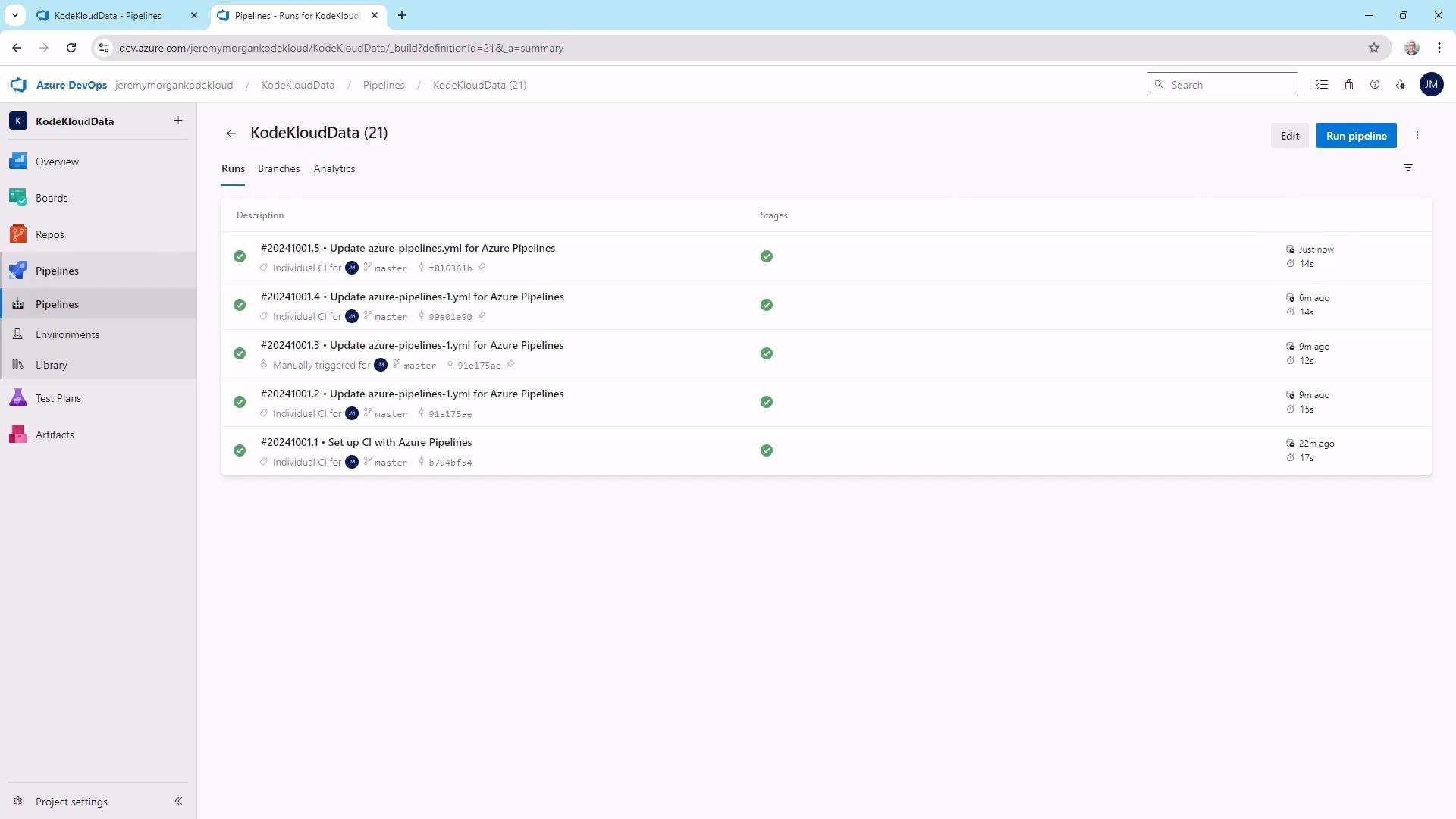
Closing notes
- Use templates to centralize repetitive logic (NuGet restore, build, test).
- Keep templates small and focused — easier to maintain and reuse.
- Validate often and use
displayNamefor meaningful pipeline run entries. - Templates and variables are practical for real-world CI/CD workflows and are commonly covered on certification exams such as AZ-400.
- Azure Pipelines YAML schema: https://docs.microsoft.com/azure/devops/pipelines/yaml-schema
- Build and test ASP.NET: https://docs.microsoft.com/azure/devops/pipelines/apps/aspnet/build-aspnet-4
- AZ-400: Designing and Implementing Microsoft DevOps Solutions: https://learn.kodekloud.com/user/courses/az-400