

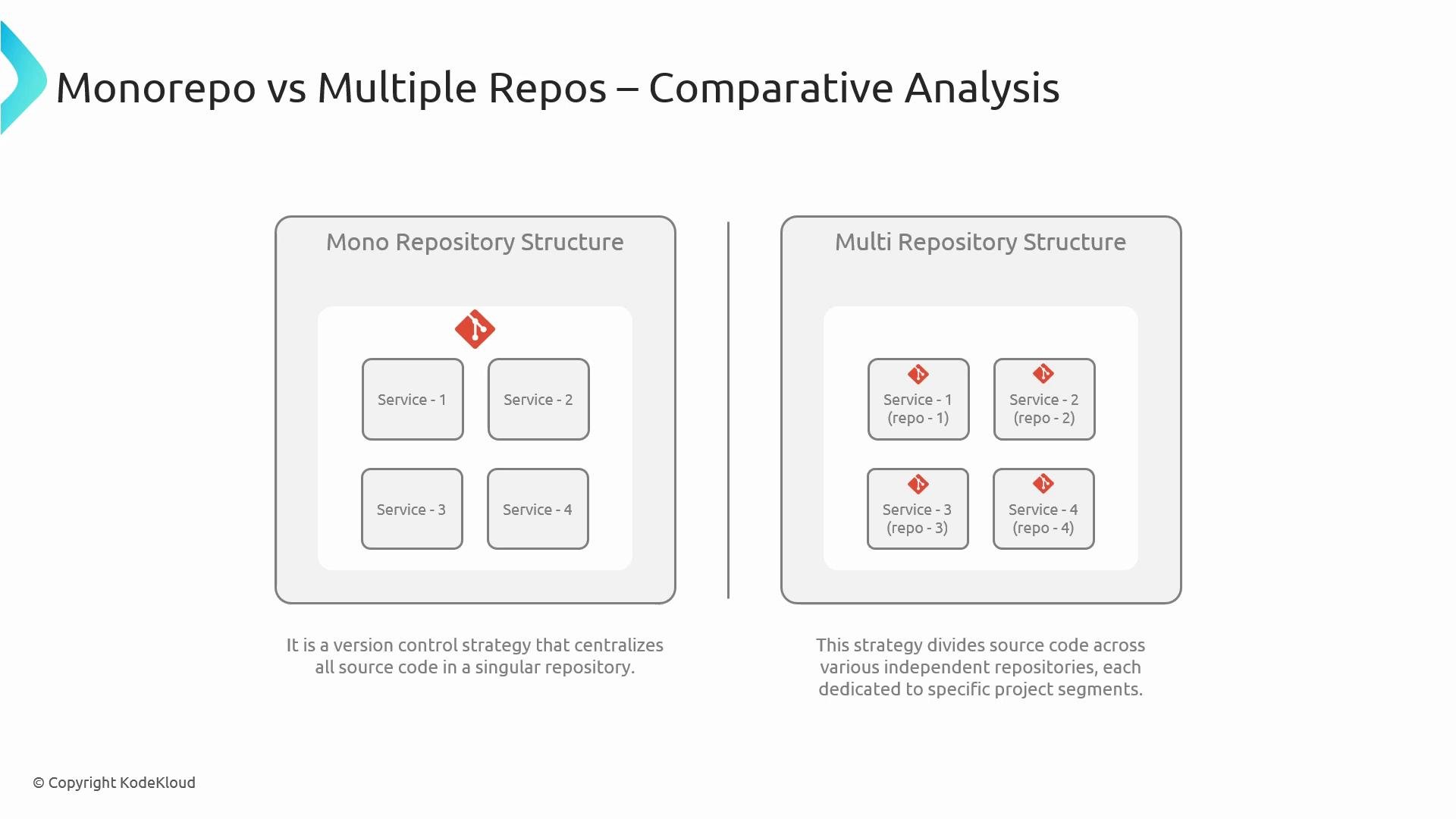
Monorepo (monolithic repository)
DefinitionA monorepo stores multiple projects, services, shared libraries, and configuration in a single central repository. Teams typically structure the code into directories or packages and share one commit history and version control. Common patterns
- Directory-per-service or package-per-project layout.
- Monorepo-aware tools: Yarn Workspaces, Lerna, Nx, Bazel, or similar.
- Unified CI/CD pipelines that run selectively (only changed modules) or run global tests when required.
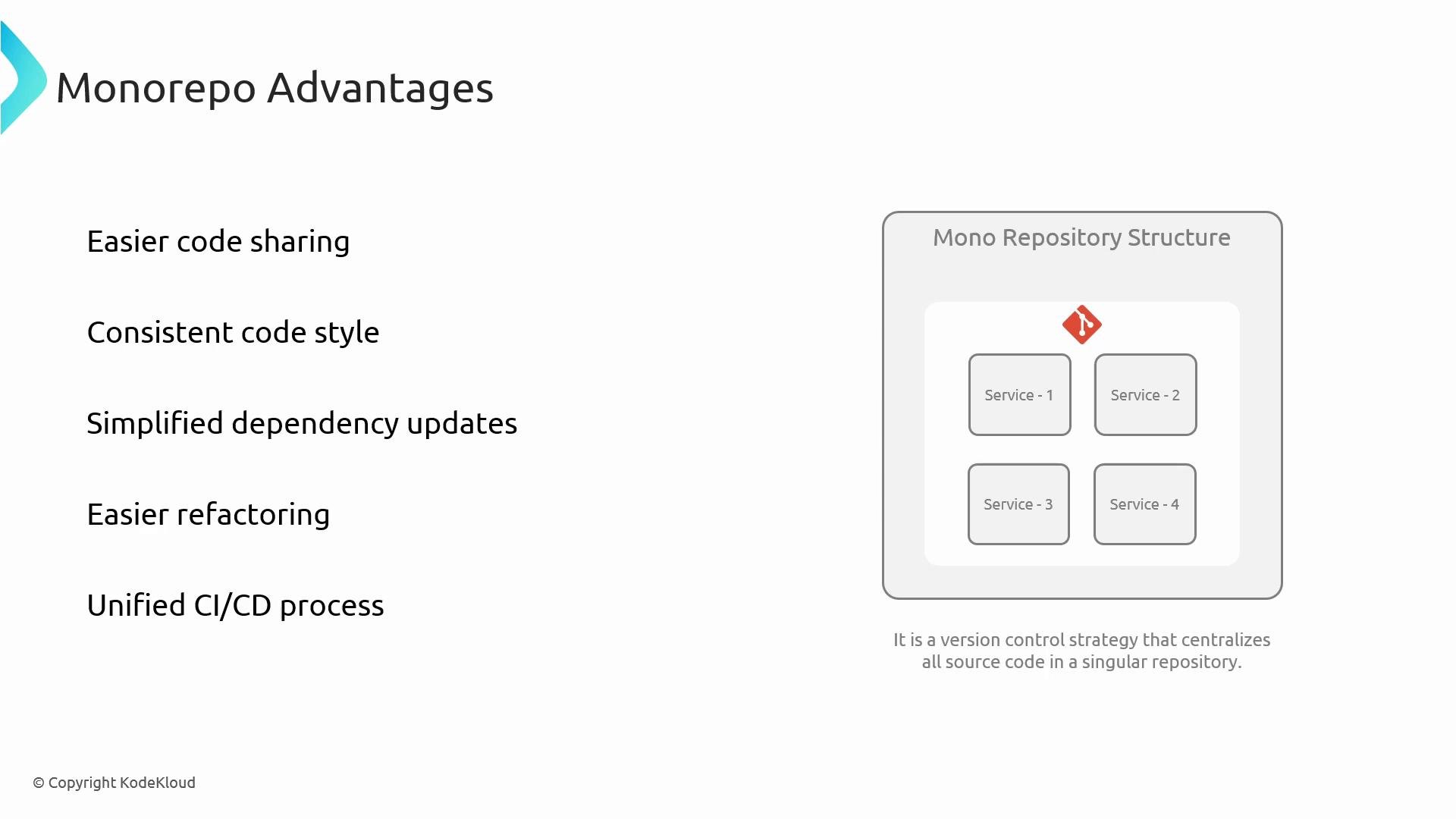
- Easier code sharing: Make cross-project changes (API updates, library fixes) in a single commit.
- Consistent standards: Apply linting, formatting, and repository policies uniformly.
- Simplified dependency updates: Update a shared dependency once and test across all consumers together.
- Large-scale refactoring: Rename or refactor APIs atomically across codebases.
- Unified CI/CD: Orchestrate pipelines centrally and implement selective build/test logic.
- Repository size and performance: Large repos increase clone times and may slow Git operations without strategies like sparse checkout, shallow clones, or partial clone.
- Access control complexity: Git lacks folder-level ACLs; restricting subdirectory access needs extra tooling or governance.
- Increased merge conflicts: More contributors working in the same repo can increase contention.
- Build and test scaling: Without selective build/test strategies, CI runs can become slow as the codebase grows.
- Operational overhead: Tooling, governance, and onboarding for a very large monorepo require ongoing investment.
Large monorepos can create operational risks if you lack automation for selective builds, robust CI pipelines, and clear governance. Plan tooling and access practices before consolidating many teams into a single repo.
Multiple repositories
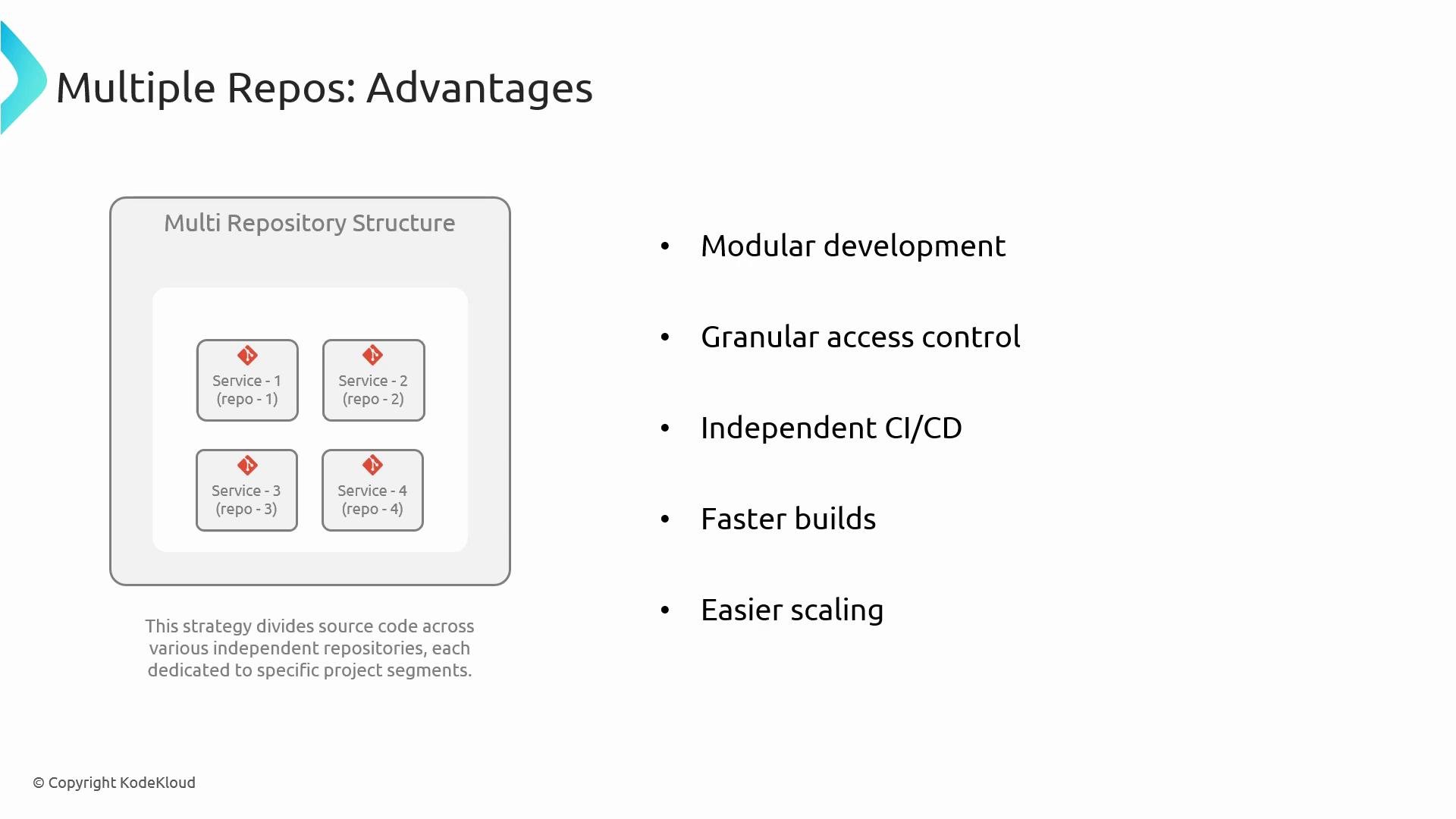
DefinitionEach service, project, or library resides in its own repository. Repos are independent and typically have separate lifecycles, CI/CD pipelines, and permissions. Common patterns
- Repository-per-service or repository-per-library.
- Publish shared libraries to package registries (e.g., npm, NuGet, Maven) with semantic versioning.
- Smaller, focused CI builds scoped to each repo.
- Modular development: Teams can work independently with minimal coupling.
- Granular access control: Use repository-level permissions to restrict and audit access.
- Independent CI/CD: Changes in one repo don’t trigger builds for unrelated projects.
- Faster local builds: Smaller repos typically yield quicker local development cycles.
- Easier horizontal scaling: Add, archive, or split repos as teams evolve without impacting others.
- Cross-repo dependency management: Coordinating library changes with consumers requires versioning and release coordination, or automation to manage multi-repo workflows.
- Divergent standards: Ensuring consistent tooling, linters, and policies across many repos needs governance and automation.
- Duplication: Without shared internal libraries, teams may reimplement similar functionality.
- Integration complexity: Building a product from many repos can require extra CI orchestration and integration testing.
- Increased CI/CD maintenance: Many pipelines increase maintenance overhead, monitoring, and cost.
How to choose — practical considerations
Consider these factors to evaluate which strategy aligns with your organization. Decision checklist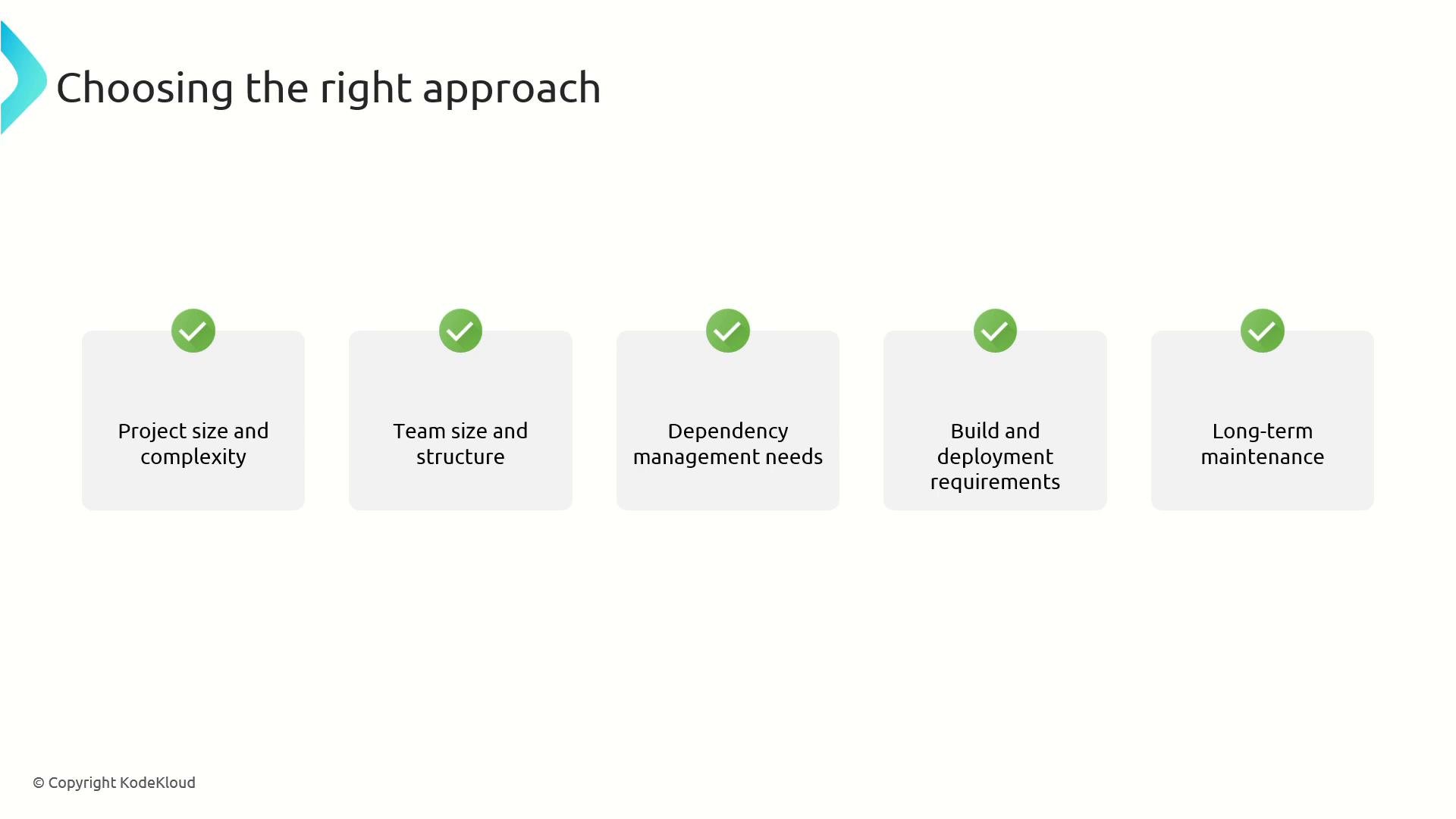
- Prototype before you commit: Try a short-term experiment (e.g., move a few modules into a monorepo or split a large repo into smaller ones) to validate build/test performance and workflow changes.
- Automate consistency: Use shared CI templates, policy-as-code, and repository scaffolding to reduce drift regardless of model.
- Implement selective CI for monorepos: Tools and scripts that detect changed modules and run targeted builds/tests reduce CI costs.
- Establish clear ownership and contribution guidelines: Make responsibilities, branching, and release processes explicit.
- Use package registries and semantic versioning when multiple repos share libraries.
When deciding, remember: repositories primarily store history — the record of changes. Azure DevOps supports either architecture; choose the one that best enables team velocity, reliable CI/CD, and clear ownership.
- Azure DevOps Services
- Git tooling references: sparse checkout, partial clone, shallow clone
- Monorepo tooling: Nx, Lerna, Bazel, Yarn Workspaces
- Package & versioning practices: Semantic Versioning, internal package registries