

Key Benefits
- Open-Source & Community-Driven: Backed by OWASP with regular updates.
- Extensible Add-Ons: Customize scans with community scripts and extensions.
- CI/CD Ready: Automate security checks in your pipeline for continuous feedback.
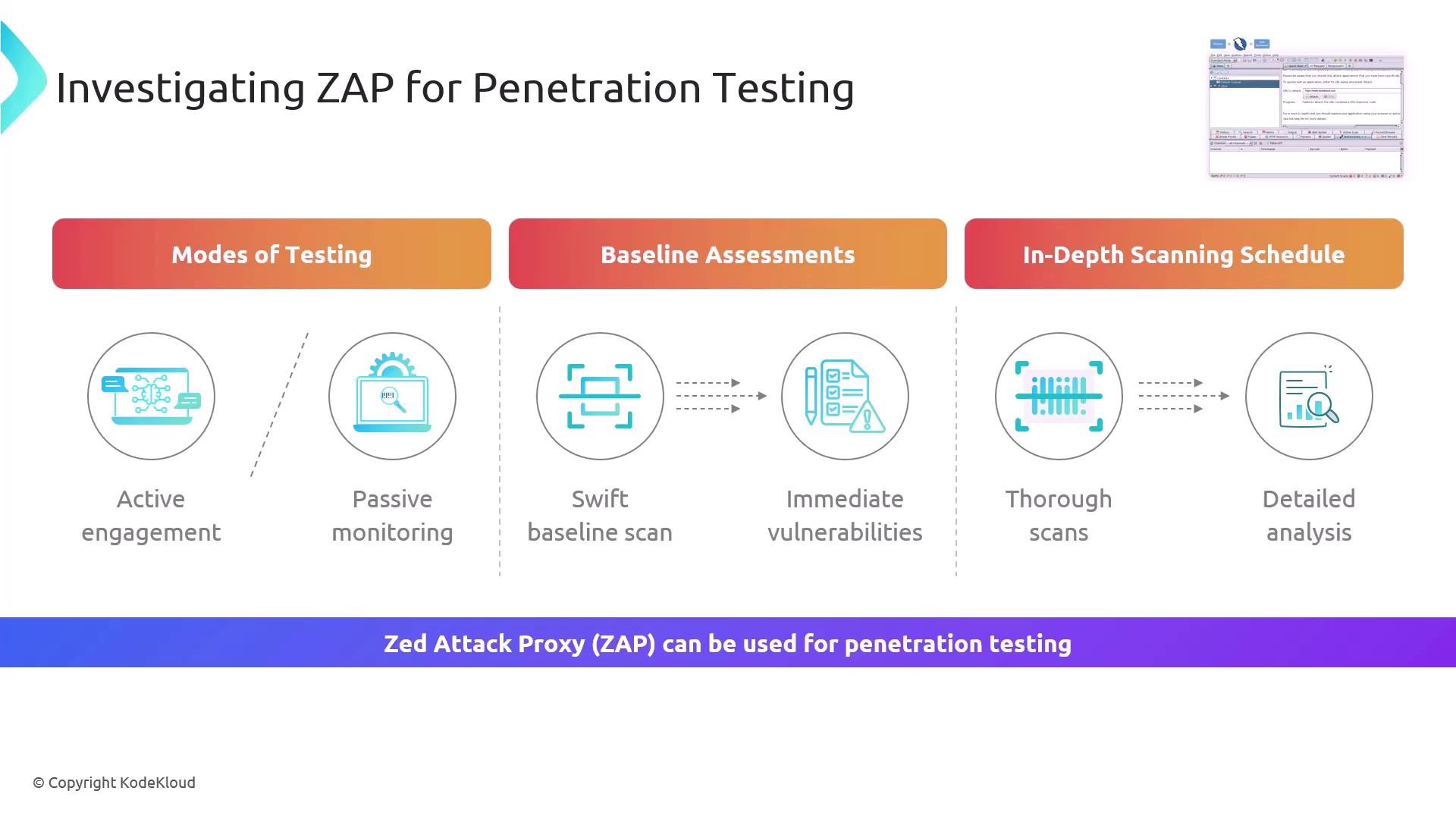
Testing Modes
Baseline vs. In-Depth Scans
Only perform active scans on applications you own or have explicit permission to test. Unauthorized scanning may violate legal or organizational policies.
By default, ZAP listens as a proxy on
http://127.0.0.1:8080. Configure your browser or API client to route traffic through ZAP for accurate results.Getting Started with ZAP CLI
Scan from the command line to integrate seamlessly with scripts and pipelines:Integrating ZAP into Your Workflow
- Automate baseline assessments on every build for immediate vulnerability feedback.
- Enable passive scanning during feature development to catch missing headers early.
- Schedule full active scans overnight for exhaustive coverage and historic tracking.