What Is a Webhook?
A webhook is an HTTP callback that enables one application to push real‐time event data to another service. Unlike polling, where you repeatedly check for updates, webhooks deliver payloads instantly when an event occurs.Scenario
Our project TestWeb hosts an ASP.NET Web API pipeline also named TestWeb. Whenever the pipeline succeeds, we want Azure DevOps to POST a JSON payload to a custom endpoint for further processing.1. Open Service Hooks
- In the lower-left, select Project Settings.
- Click Service Hooks.
- Choose + Create subscription.
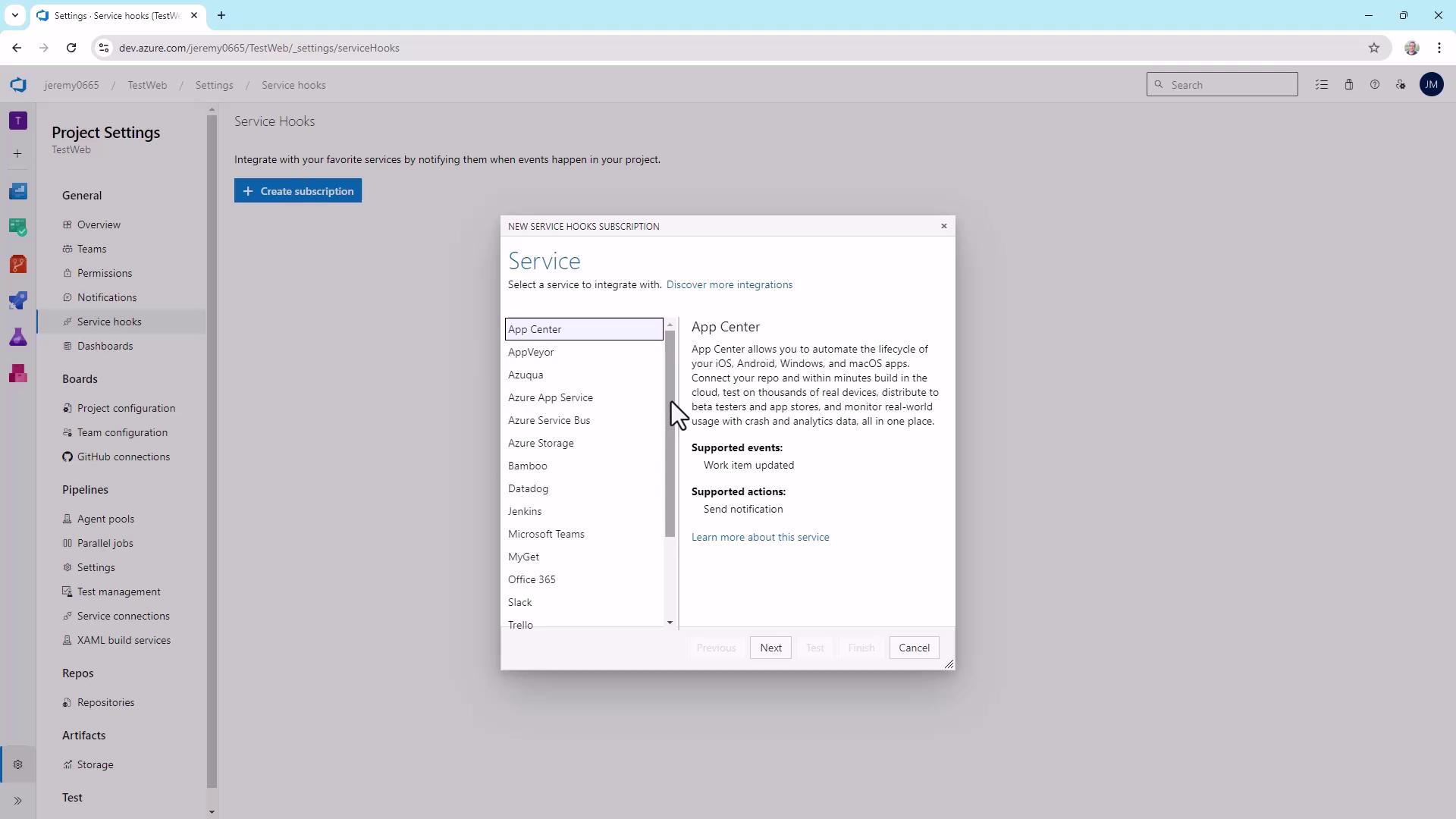
2. Choose the Webhooks Service
- Scroll through the service list and select Webhooks.
- Click Next.
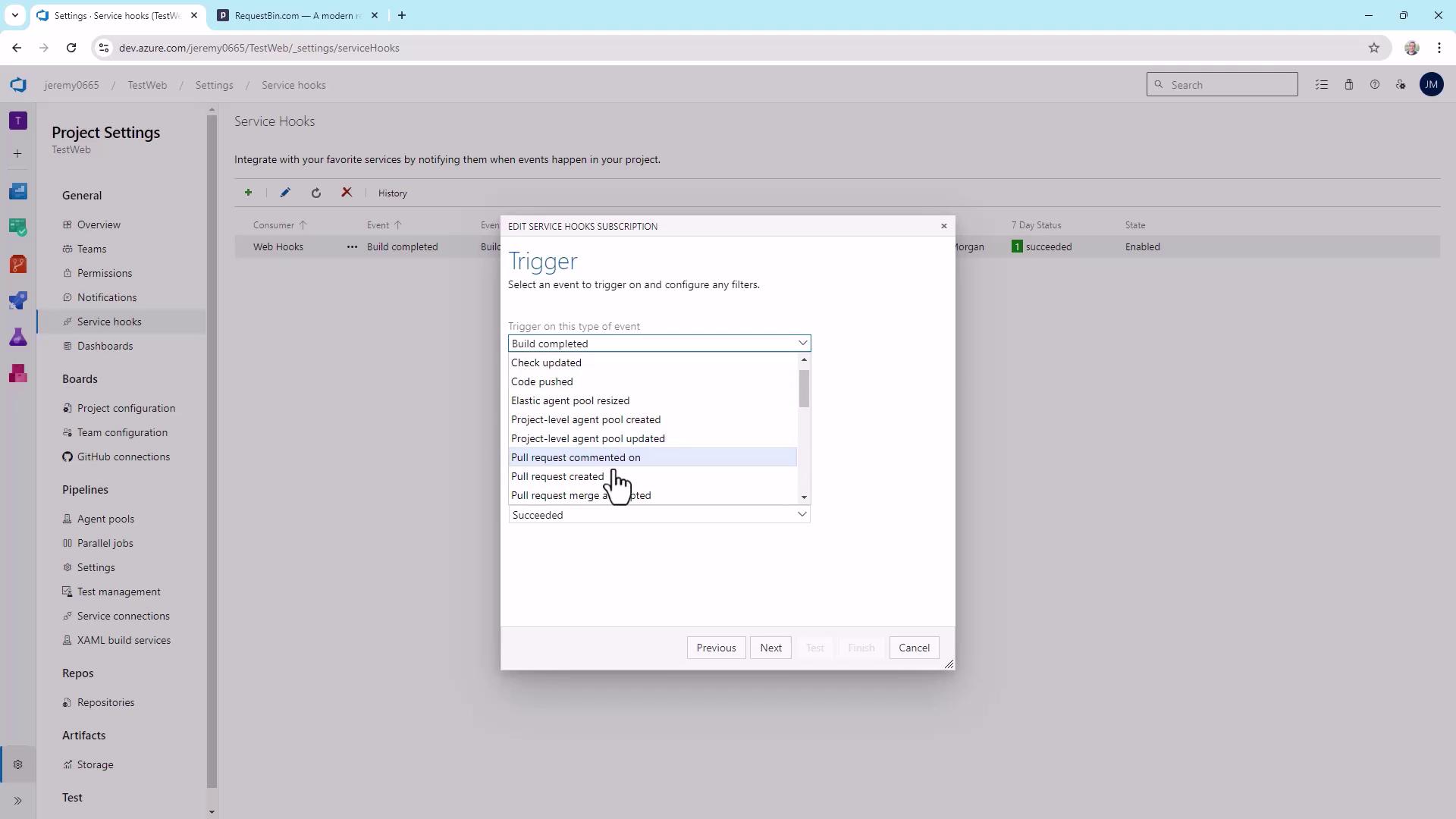
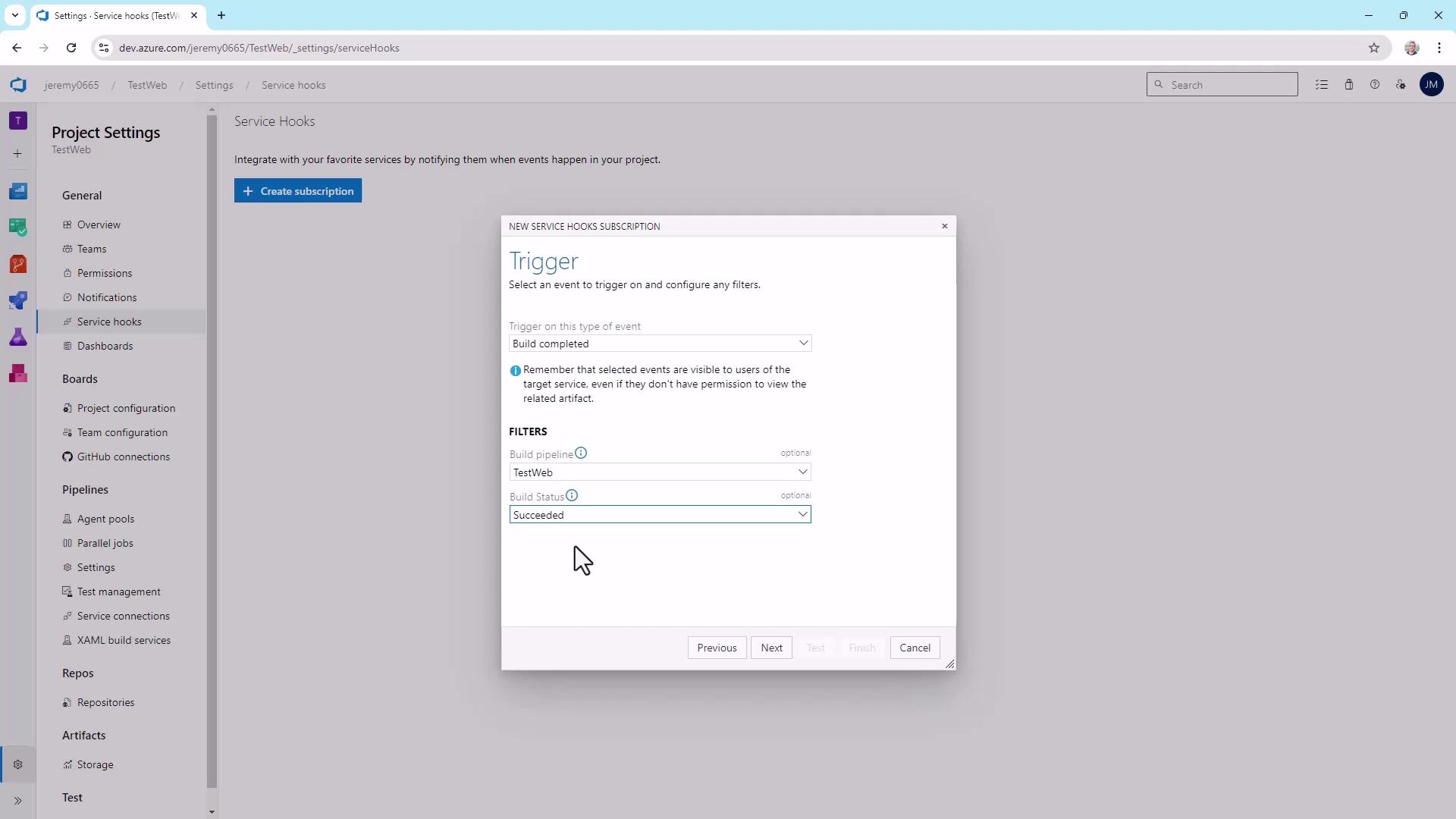
3. Configure the Trigger
- Under Trigger on this type of event, pick Build completed.
- For Project, select TestWeb.
- Restrict Build status to Succeeded.
- Click Next.
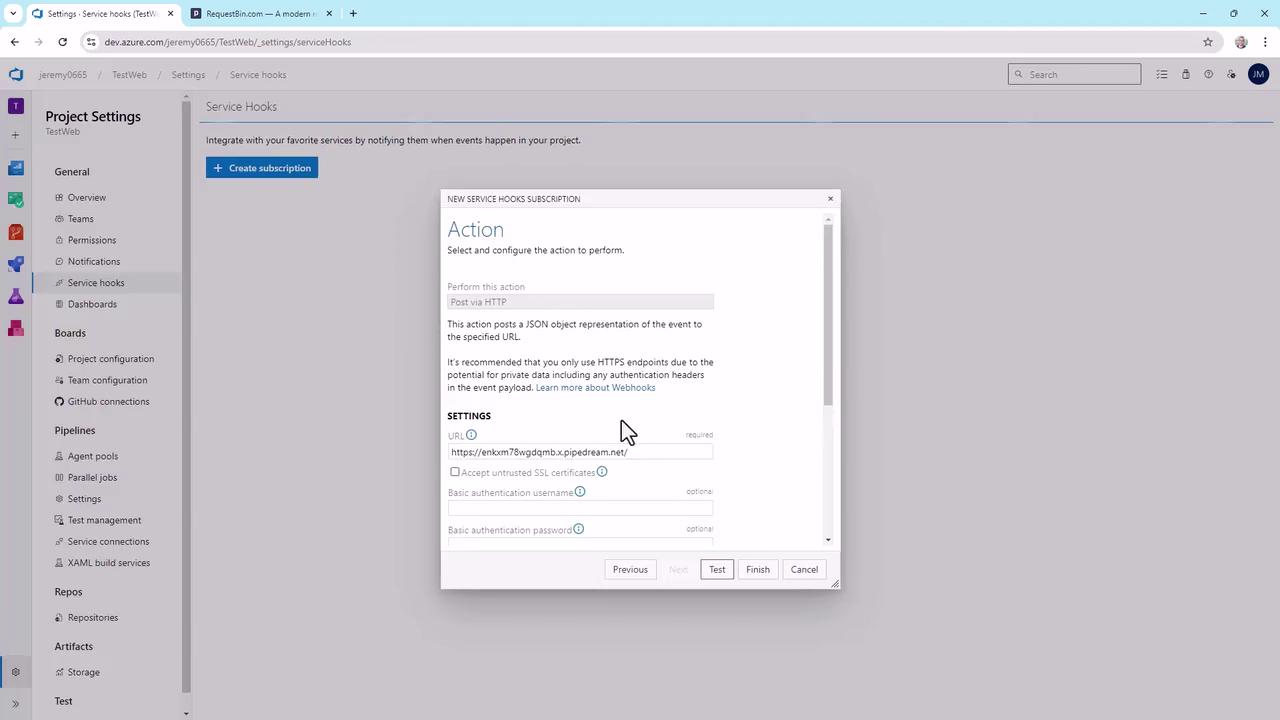
4. Define the Webhook Endpoint
You can deliver to any HTTP(S) URL—public or private. For this demo, we’ll use RequestBin to capture and inspect the payload.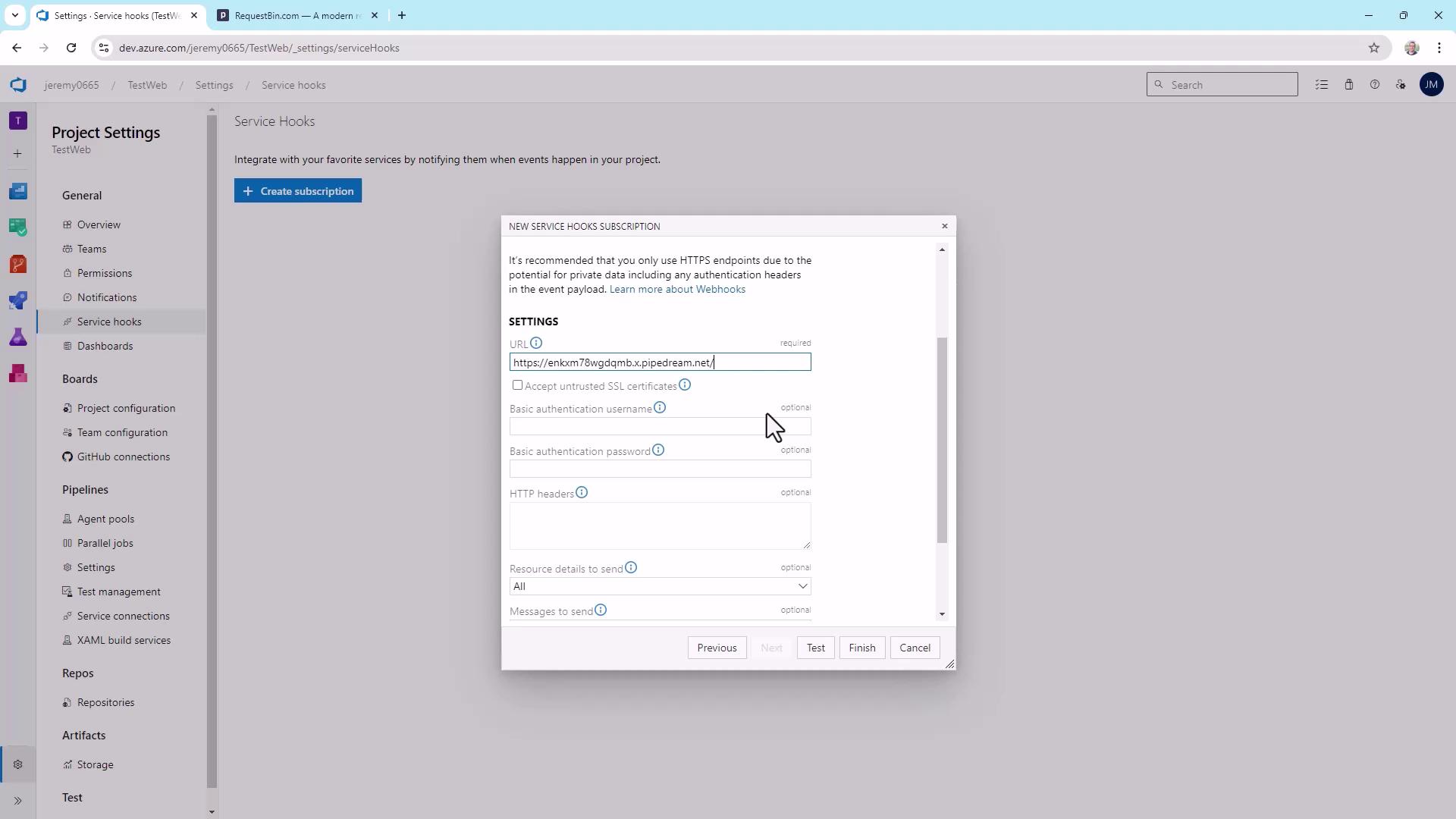
Enabling Accept untrusted SSL certificates is not recommended for public endpoints.
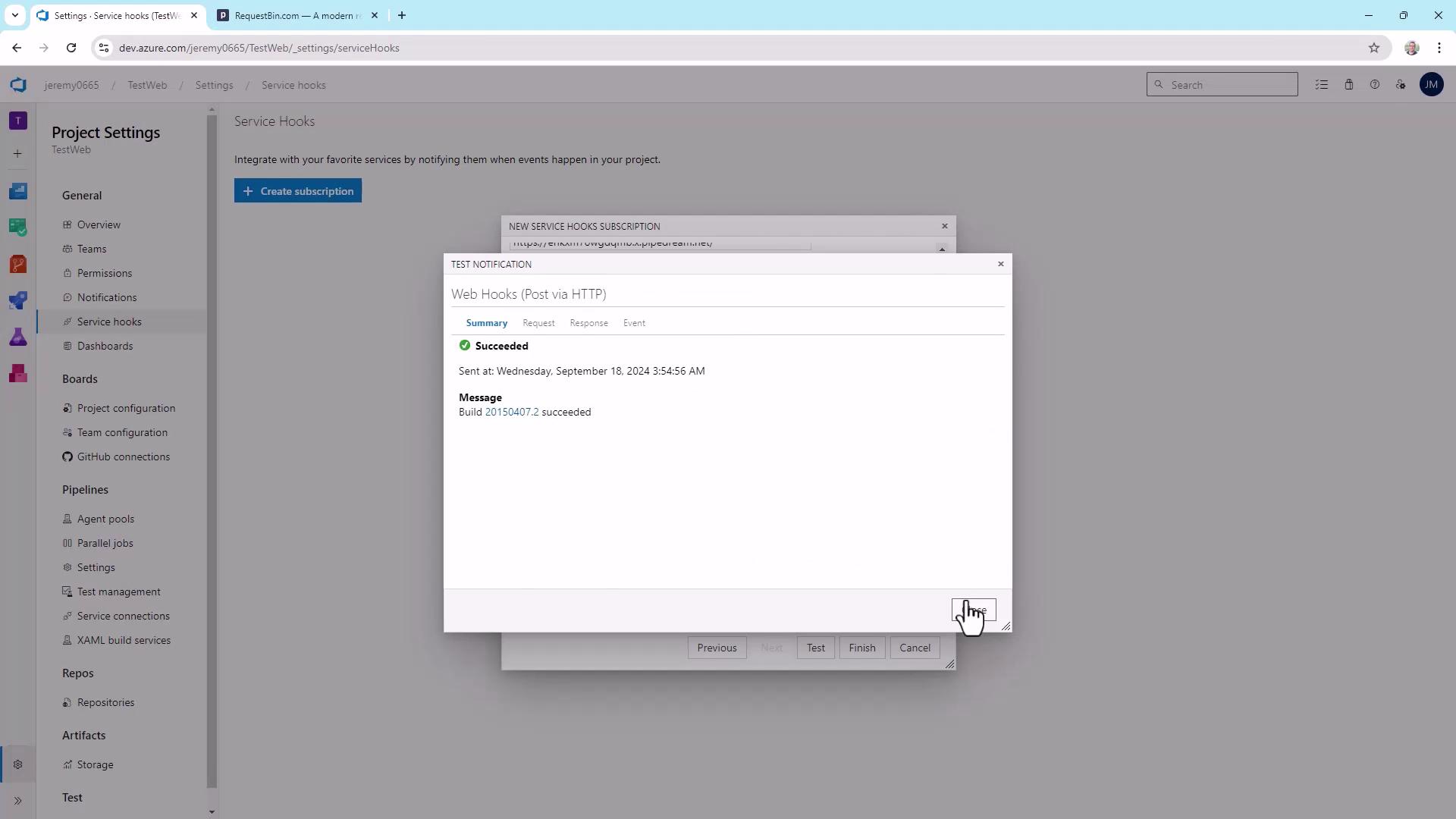
5. Inspect the Sample Payload
Choose All for resource details and message formats to see everything Azure DevOps sends: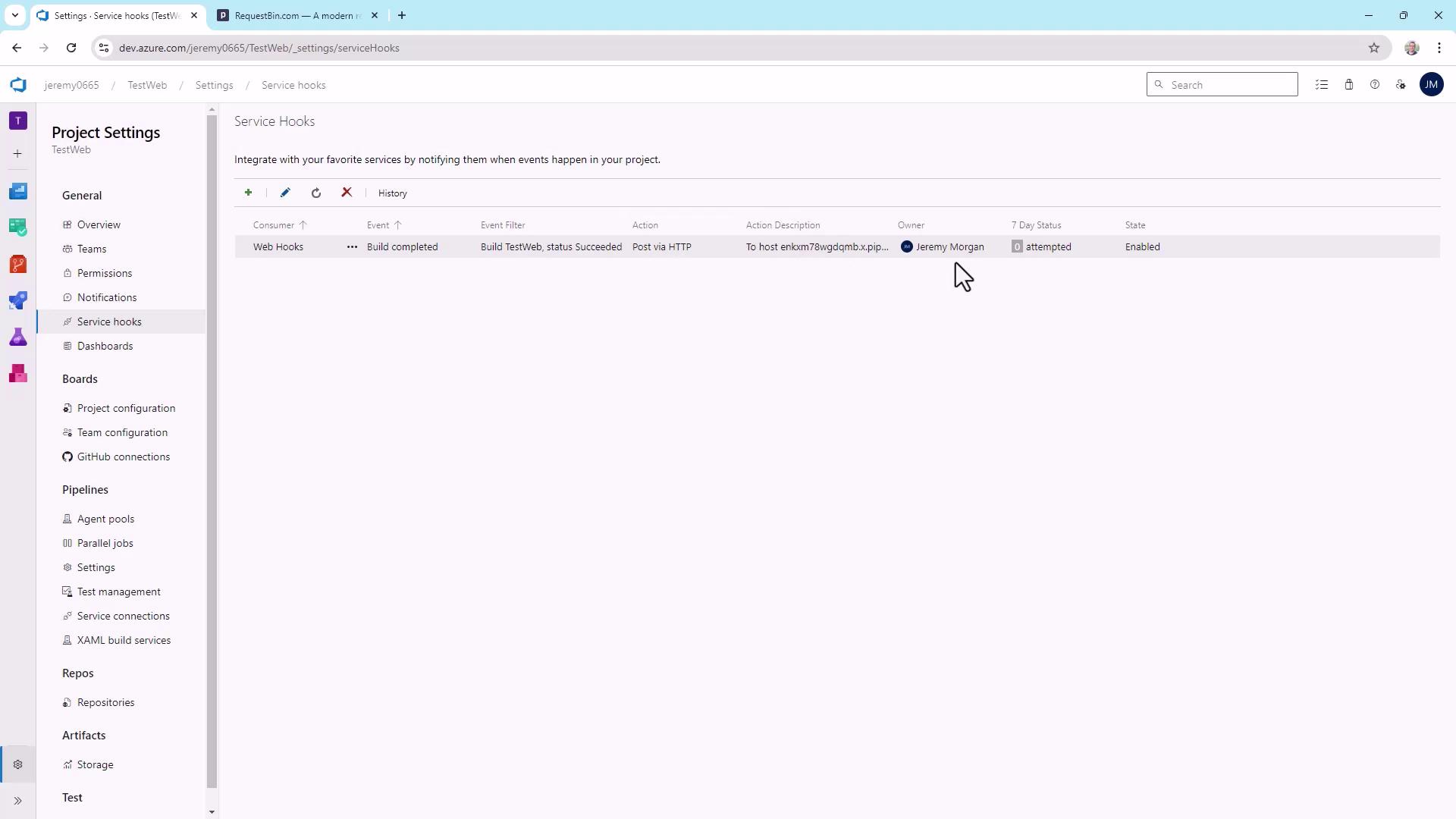
Testing the Webhook in Real Time
- Go to Pipelines > TestWeb.
- Click Run pipeline (or Queue).
- After it succeeds, refresh your RequestBin URL to view the new POST payload.
Editing or Creating Additional Subscriptions
Return to Project Settings > Service Hooks at any time to:- Modify existing webhooks (e.g., trigger on pull requests).
- Add integrations for Microsoft Teams, Slack, Trello, and more.
- Build multiple subscriptions for custom apps.