Why Connectivity Matters
Connectivity is the backbone of any DevOps workflow. When pipelines cannot reach external package feeds or self-hosted agents lack network access, builds fail and deployments stall. By designing a resilient network topology, you guarantee:- Secure access to source code and artifacts
- Efficient data transfer between pipeline stages
- Compliance with organizational security policies
Azure Pipelines Network Components
The following table summarizes the key elements involved in Azure DevOps connectivity:Advanced Connectivity Features
Azure provides private and service endpoints to enhance security by avoiding the public internet:-
Private Endpoints
Connect directly to Azure services like Azure Storage over the Azure backbone. -
Service Endpoints
Extend your VNet identity to PaaS resources such as Azure Key Vault and Azure Container Registry, ensuring traffic stays within Azure’s network.
Troubleshooting Connectivity Issues
Even the best network designs encounter issues. Start with these steps:- Verify NSG rules and route tables for correct port ranges and address prefixes.
- Check DNS resolution and outbound connectivity from self-hosted agents.
- Use Azure Monitor and Network Watcher to review logs for dropped packets or denied traffic.
Enable NSG Flow Logs in Azure Monitor to capture detailed traffic information and speed up root cause analysis.
Best Practices for Secure Connectivity
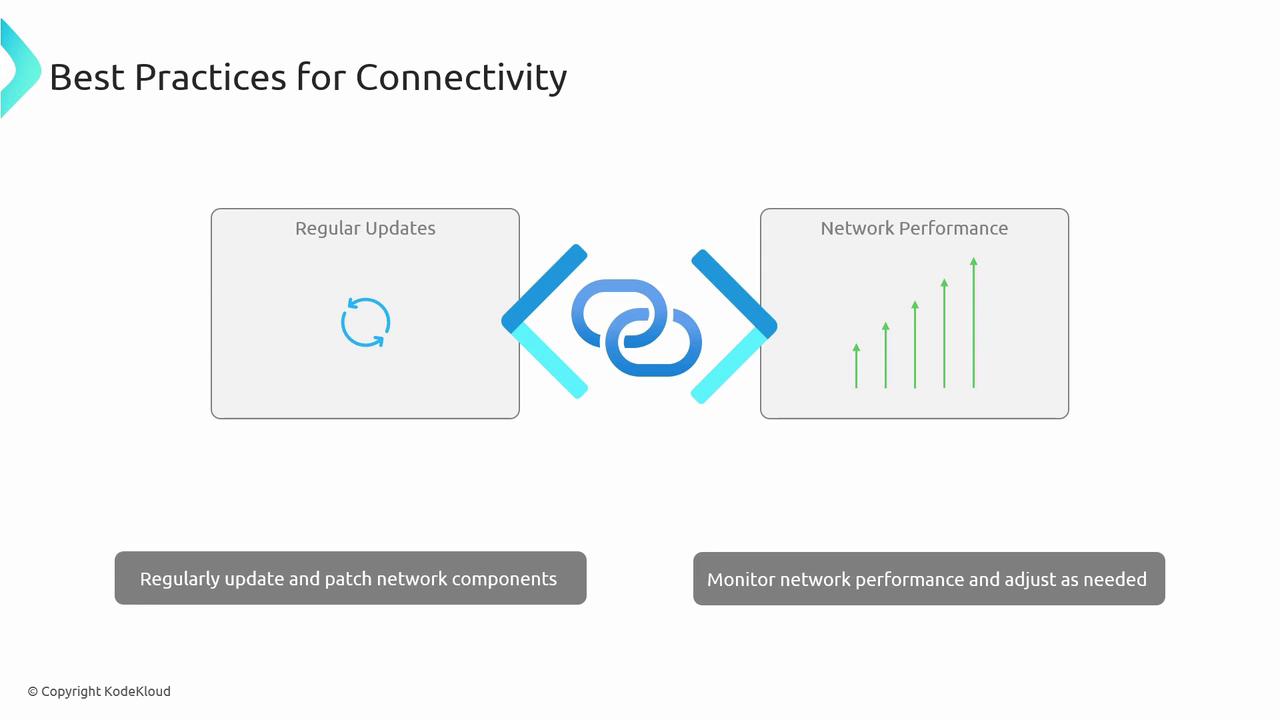
- Define least-privilege NSG rules and avoid overly permissive configurations.
- Keep self-hosted agent VM images and NSG rule sets up to date with security patches.
- Continuously monitor network performance metrics and security alerts.
Overly broad port rules increase attack surface. Always restrict access to specific IP ranges and protocols.
Conclusion
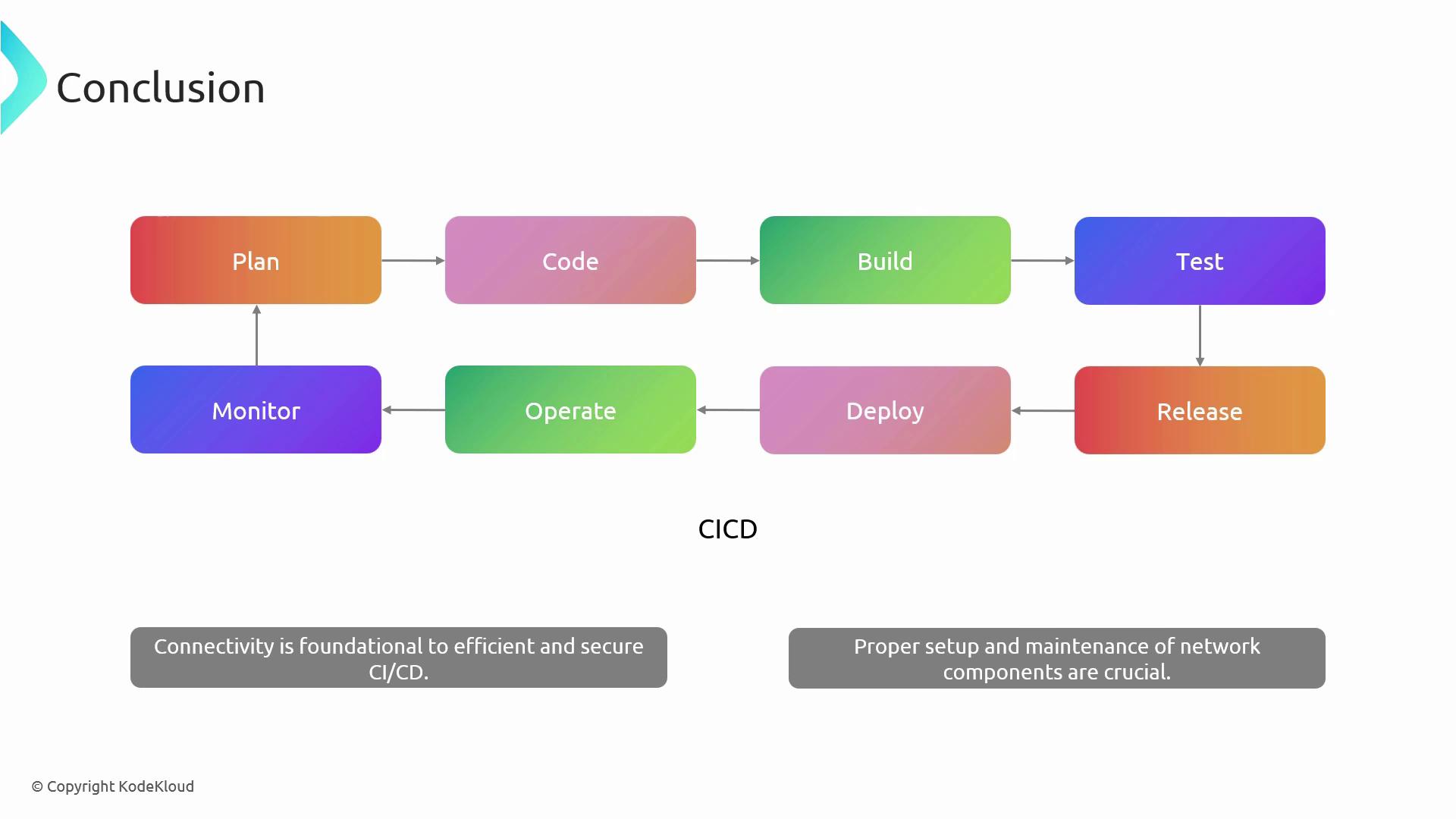
Robust network connectivity is critical for seamless CI/CD operations in Azure DevOps. By correctly configuring VNets, NSGs, agent pools, and leveraging private or service endpoints, you’ll ensure your pipelines remain secure, reliable, and performant.