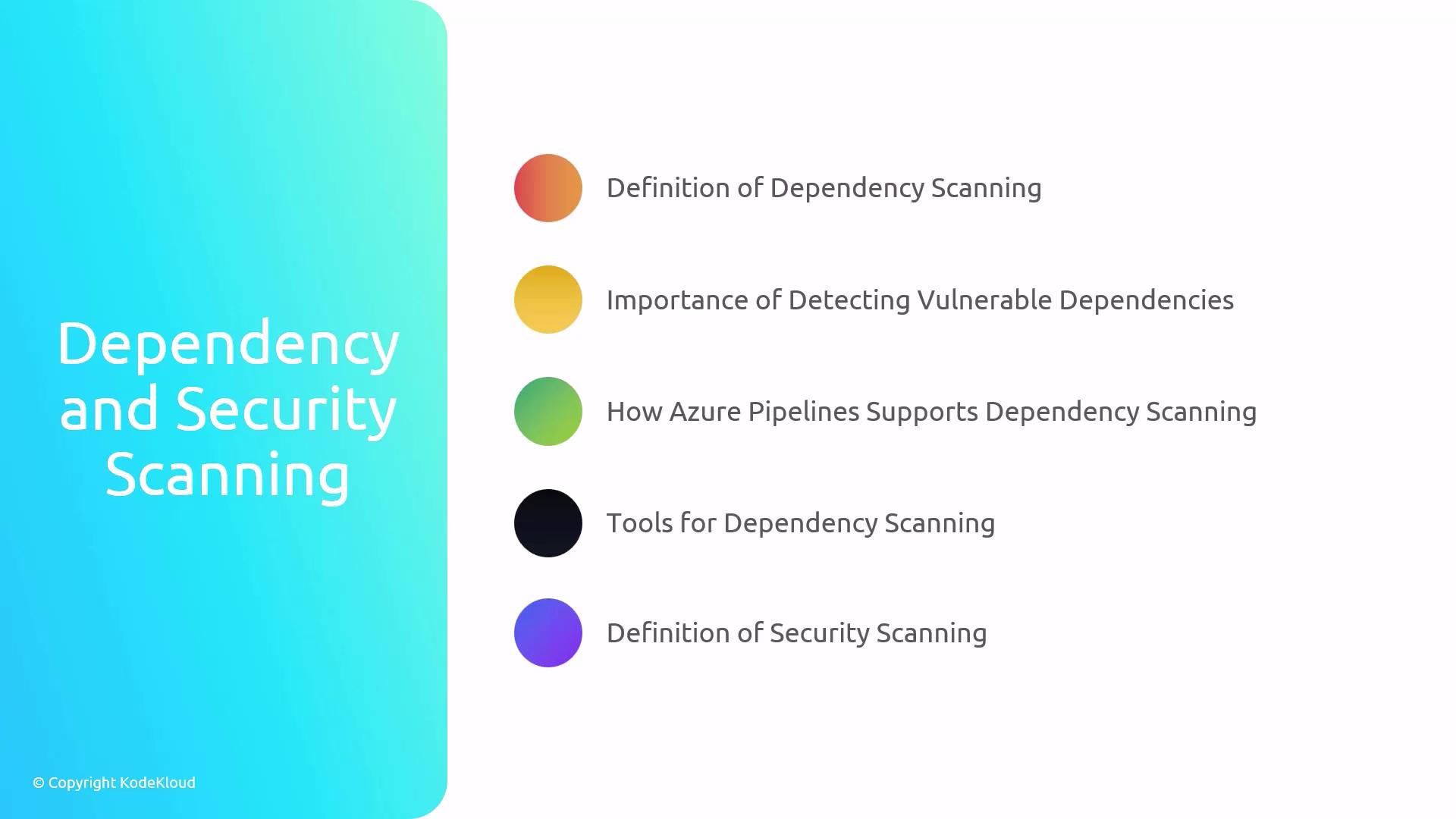
- Dependency Scanning
- Security Scanning
- Continuous Integration (CI) & Continuous Deployment (CD)
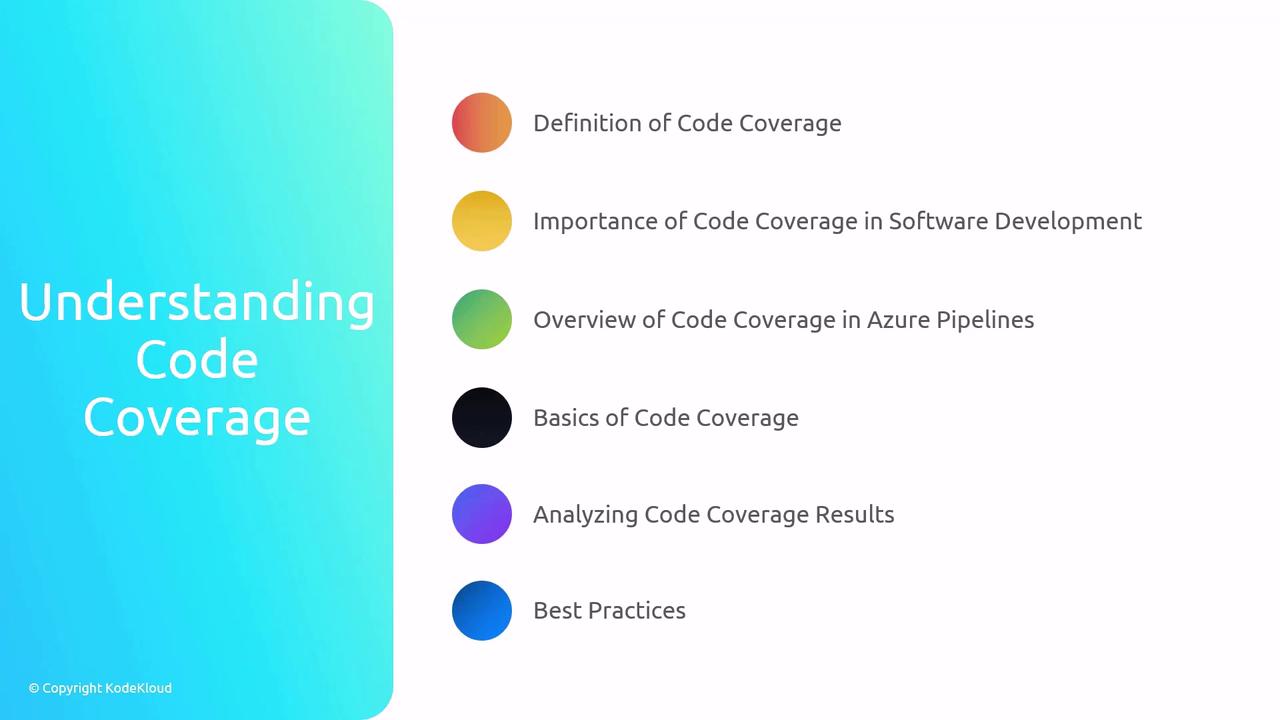
- Code Coverage
Dependency and Security Scanning
Dependency and security scanning are essential to catch vulnerabilities before they reach production. By integrating these scans into your CI/CD pipeline, you ensure a proactive defense against potential risks.What Is Dependency Scanning?
Dependency scanning identifies known vulnerabilities in your project’s libraries and packages.- Detect outdated or insecure dependencies
- Automate scans in Azure Pipelines
- Stop builds on critical findings
What Is Security Scanning?
Security scanning reviews your source code and configuration for common security flaws.- Analyze code for injection, misconfigurations, and secrets
- Integrate with pull requests for immediate feedback
Running scans early in your development cycle helps prevent remediation costs later in production.
Popular Tools
Continuous Integration (CI) & Continuous Deployment (CD)
Automated integration and deployment pipelines accelerate delivery while maintaining high quality.CI/CD Definitions
- Continuous Integration (CI): Automatically build and test code on each commit.
- Continuous Deployment (CD): Automatically deploy tested code to staging or production.
Testing Strategies in Pipelines
In Azure Pipelines, you can define multiple stages:
Always fail the pipeline on test failures to prevent unverified code from progressing.
Code Coverage
Code coverage measures how much of your source code is exercised by tests. It helps you identify untested areas and improves software quality.Why Code Coverage Matters
- Visibility: Shows untested code paths
- Quality: Encourages writing meaningful tests
- Metrics: Helps track testing progress over time
Coverage Types
Integrating Coverage in Azure Pipelines
- Focus on critical modules with low coverage
- Increase branch and path coverage for complex logic
- Set realistic coverage targets (e.g., 80–90%)