

1. Discovering Pipeline Health
Pipeline health ensures reliable, predictable releases. Focus on tracking the right metrics and using Azure DevOps analytics tools.Key Metrics to Monitor
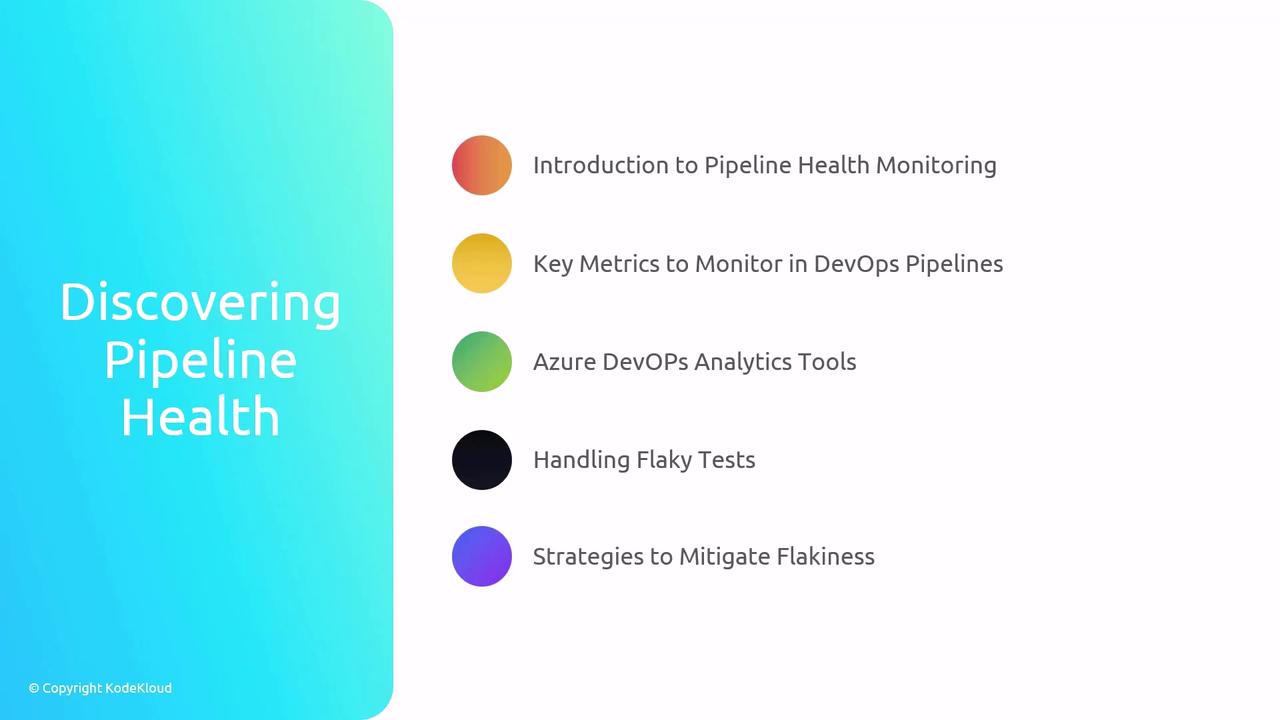
Analytics Tools in Azure DevOps
- Azure DevOps Dashboards: Custom charts and widgets for real-time insights.
- Analytics Views & Widgets: Prebuilt reports on build trends and test outcomes.
- Azure Test Plans:
- Organize, execute, and track test suites.
- Integrates seamlessly with CI/CD to isolate flaky tests.
Use Azure Test Plans to tag and quarantine flaky tests. Consistent test results improve confidence in your releases.
2. Optimizing Pipeline Concurrency
Concurrency controls how many jobs or tasks run in parallel. Proper tuning accelerates delivery and reduces costs.
Concurrency Concepts
Sample YAML Snippet
Limiting
maxParallel helps avoid agent contention and unexpected billing spikes.3. Migrating Pipelines from Classic to YAML
YAML pipelines offer versioning, flexibility, and better collaboration. Follow a structured checklist for a seamless migration.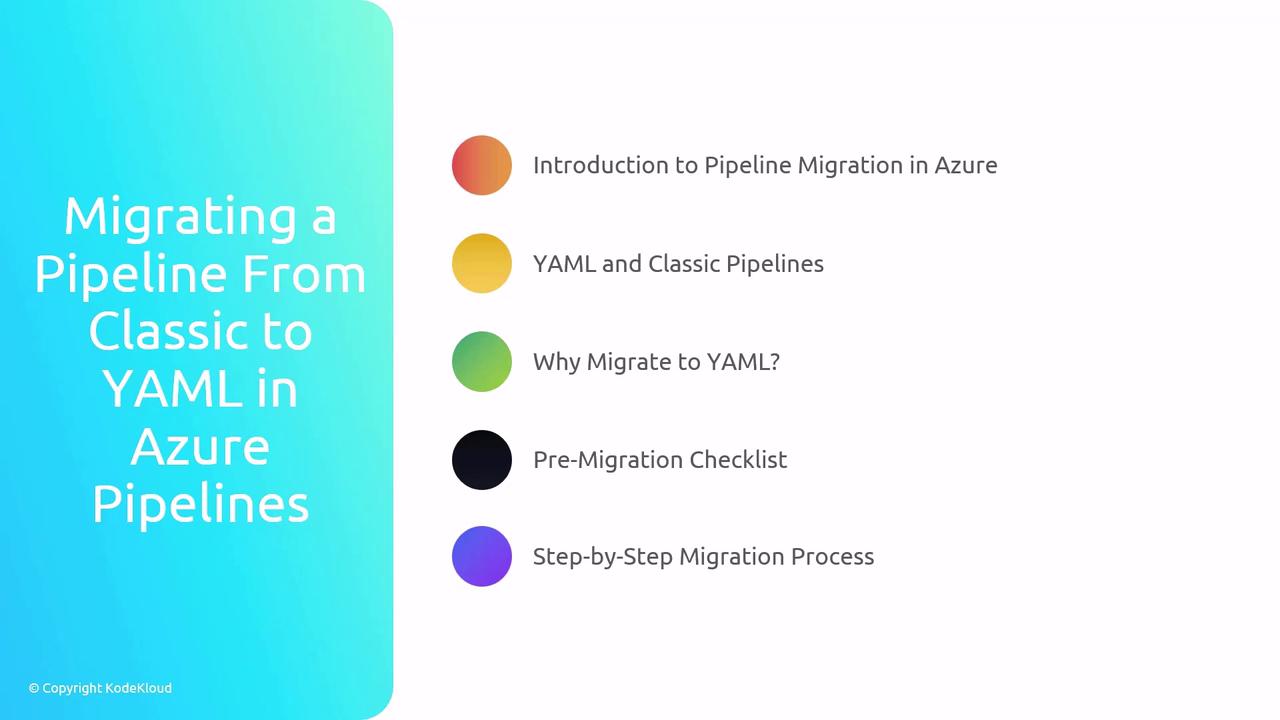
Classic vs. YAML Comparison
Pre-Migration Checklist
- Inventory existing Classic pipelines and variable groups.
- Identify custom tasks or extensions.
- Review environment configurations and security permissions.
Step-by-Step Migration Process
- Create initial YAML file
- Export existing pipeline settings as reference.
- Reproduce Classic settings
- Define pools, variables, triggers, and tasks in YAML.
- Validate incrementally
- Run small sections of the pipeline using
az pipelines run.
- Run small sections of the pipeline using
Watch for YAML indentation and syntax errors. A single space can break your pipeline!
By mastering pipeline health metrics, optimizing concurrency, and migrating Classic to YAML pipelines, you’ll be fully prepared for the AZ-400 exam and ready to enhance your organization’s DevOps workflows.