

Use grubby — the safe tool for kernel entries and kernel arguments
On RHEL 10, avoid hand-editing the generated GRUB configuration file (for example, /boot/grub2/grub.cfg on BIOS systems). Use grubby to query and modify kernel entries and kernel command-line arguments safely. Use grub2-mkconfig only to regenerate the grub.cfg after you update configuration sources such as /etc/default/grub or scripts under /etc/grub.d/.
Common grubby commands
Examples and commands you’ll use
List installed kernel RPMs:--info=ALL):
Where grubby makes changes
grubby updates the kernel entries GRUB2 uses at boot time:
- On BIOS-based systems, the active GRUB configuration is at
/boot/grub2/grub.cfg. - On UEFI systems, GRUB files are typically placed on the EFI system partition — e.g.
/boot/efi/EFI/redhat.
Regenerate GRUB configuration after editing configuration sources
Only rungrub2-mkconfig after you update configuration sources such as /etc/default/grub or scripts under /etc/grub.d/.
- BIOS systems:
- UEFI systems (example path):
Before changing GRUB configuration files, back up the current configuration — for example, copy
/boot/grub2/grub.cfg and files under /etc/default. Prefer grubby for per-kernel parameter changes instead of editing grub.cfg directly.Manual edits to
/boot/grub2/grub.cfg are error-prone and can render a system unbootable. Only edit generated grub.cfg temporarily if you have a recovery plan (rescue media or alternate boot methods). When in doubt, use grubby or update /etc/default/grub and regenerate with grub2-mkconfig.When to use grubby vs. direct edits
- Use
grubbyto:- Add or remove kernel command-line arguments safely.
- Set the default kernel without manually editing
grub.cfg.
- Use
grub2-mkconfigafter updating configuration sources in/etc/default/grubor/etc/grub.d/. - Avoid hand-editing
/boot/grub2/grub.cfgexcept for temporary troubleshooting with a recovery plan in place.
Summary
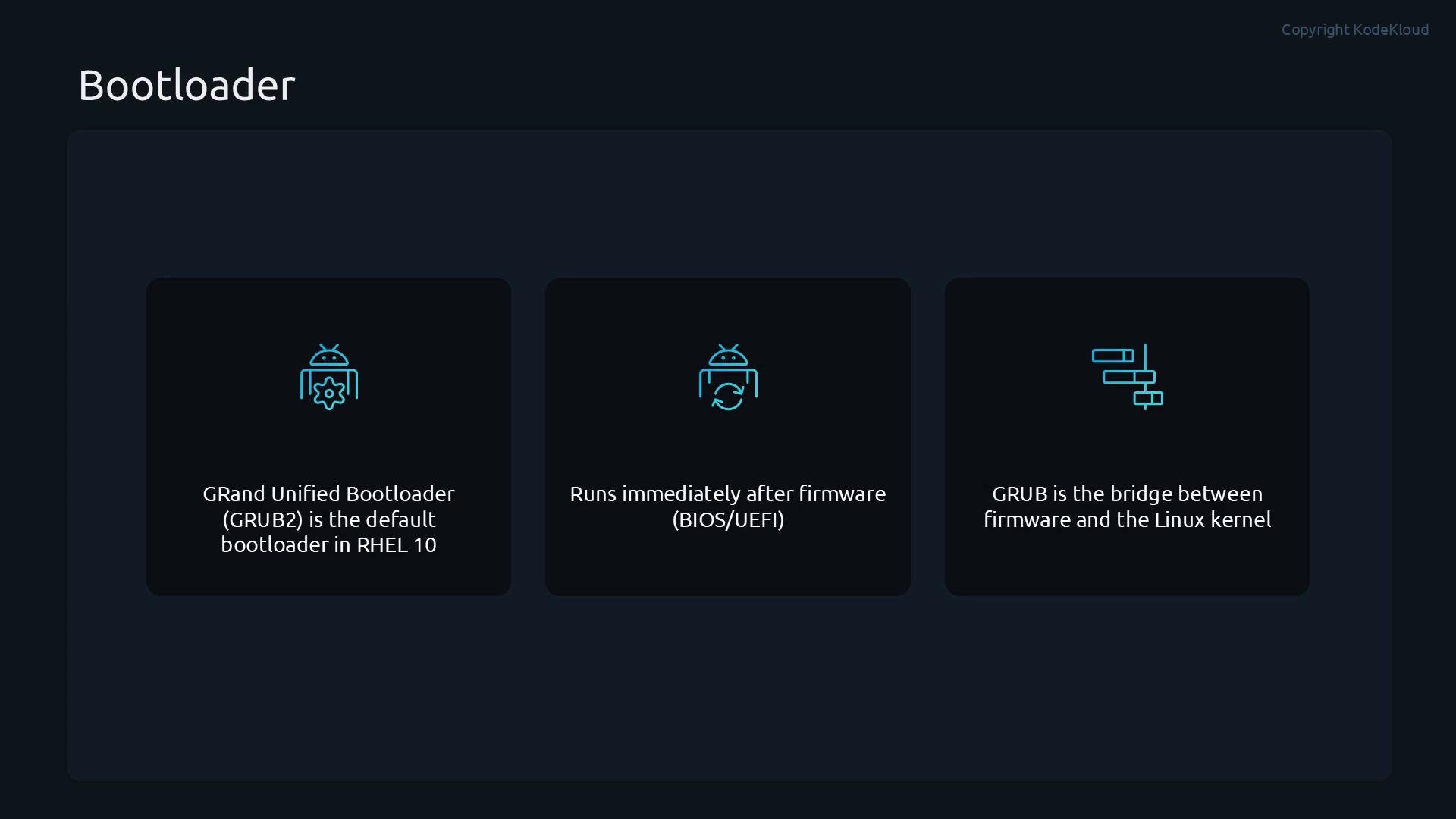
- GRUB2 is the bootloader used on RHEL 10 and runs directly after BIOS/UEFI firmware.
- Use
grubbyto inspect installed boot entries, change the default kernel, and add or remove kernel boot arguments safely. - Regenerate the active
grub.cfgwithgrub2-mkconfig -o <path>only after updating configuration sources. - Always back up existing GRUB files before making changes to avoid rendering the system unbootable.
Links and references
- GRUB Manual (GNU)
- Red Hat Enterprise Linux documentation — Boot Loader
grubbyman page: runman grubbyon your RHEL systemgrub2-mkconfigman page: runman grub2-mkconfigon your RHEL system