

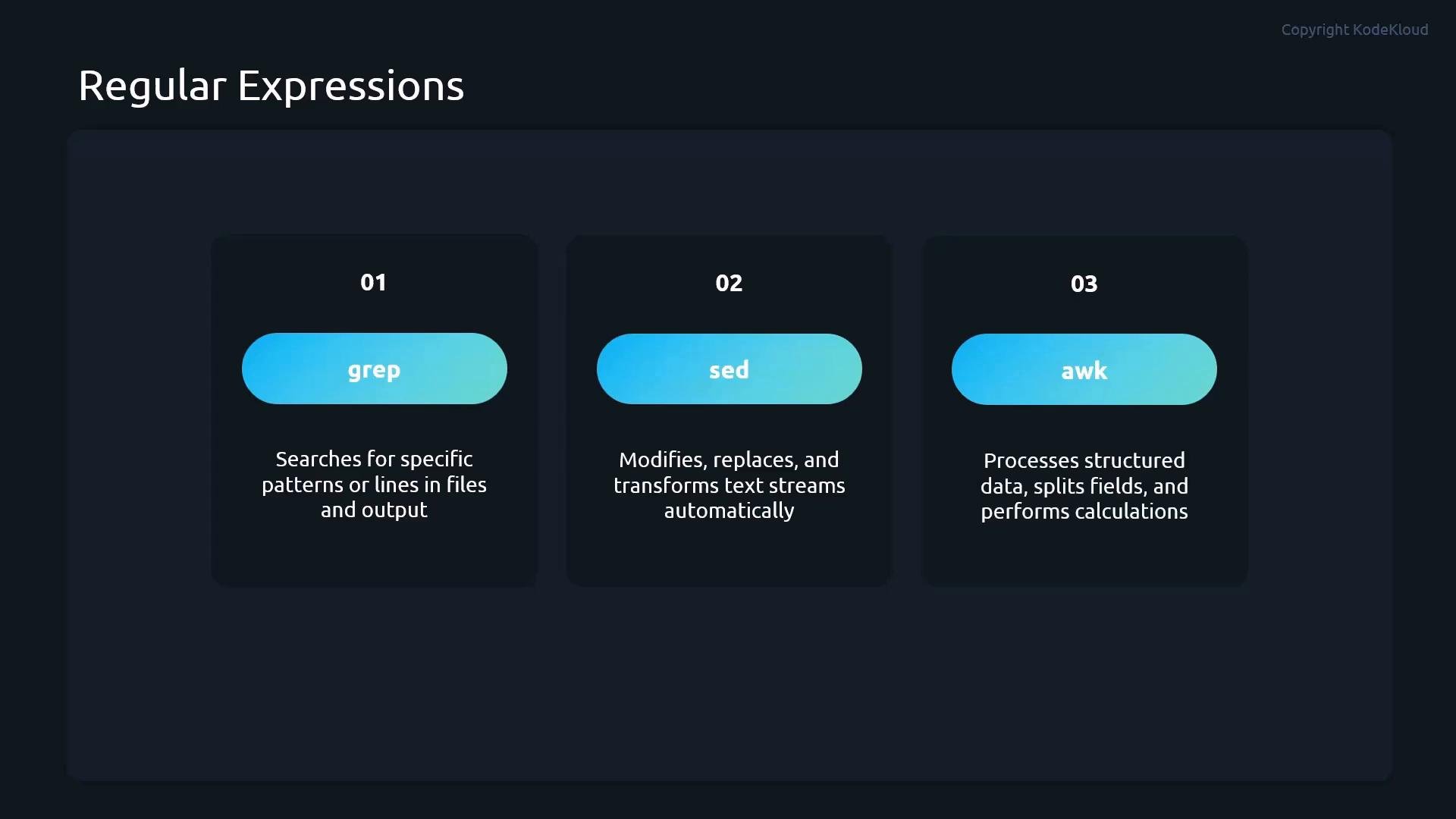
- grep — search files or command output for matching lines (often your first choice).
- sed — stream editor for automated search-and-replace, deleting lines, and transforming text in pipelines.
- awk — pattern-based processing for structured, field-oriented data (useful for files like
/etc/passwd).
Core regex symbols and examples
Below are the most useful regex metacharacters when working with grep/sed/awk, plus short examples showing how they behave.
Notes:
- Use
grep -E(oregrep) to enable extended regular expressions so constructs like|(alternation) and{n}work without backslashes. - In POSIX grep (basic regex) some metacharacters must be escaped (e.g.,
\{3\}), so prefer-Efor readability.
Short examples in context
- Anchor to the start:
- Anchor to the end (match shells that end with
bash):
- Match any single character:
- Zero or more of previous token:
- Any number of any characters between two tokens:
- Character class (one of listed characters):
- Negated character class (no digits):
- Alternation with extended regex:
- Exact repetition (three digits in a row):
Always quote your regex patterns (single or double quotes) to prevent the shell from interpreting special characters and to ensure the regex is passed intact to the tool.
Practical tips and next steps
- Combine these regex patterns with shell pipelines and scripting to automate log filtering, field extraction, and bulk edits.
- Use
awkwhen you need field-aware processing (e.g., splitting/etc/passwdon:and extracting specific fields). - Use
sedfor in-place transformations (search-and-replace) across many files or streamed input.
Links and references
- grep manual (GNU)
- sed — Stream Editor (GNU sed manual)
- awk — GNU Awk User’s Guide
- Regular Expressions (MDN) — reference and examples