

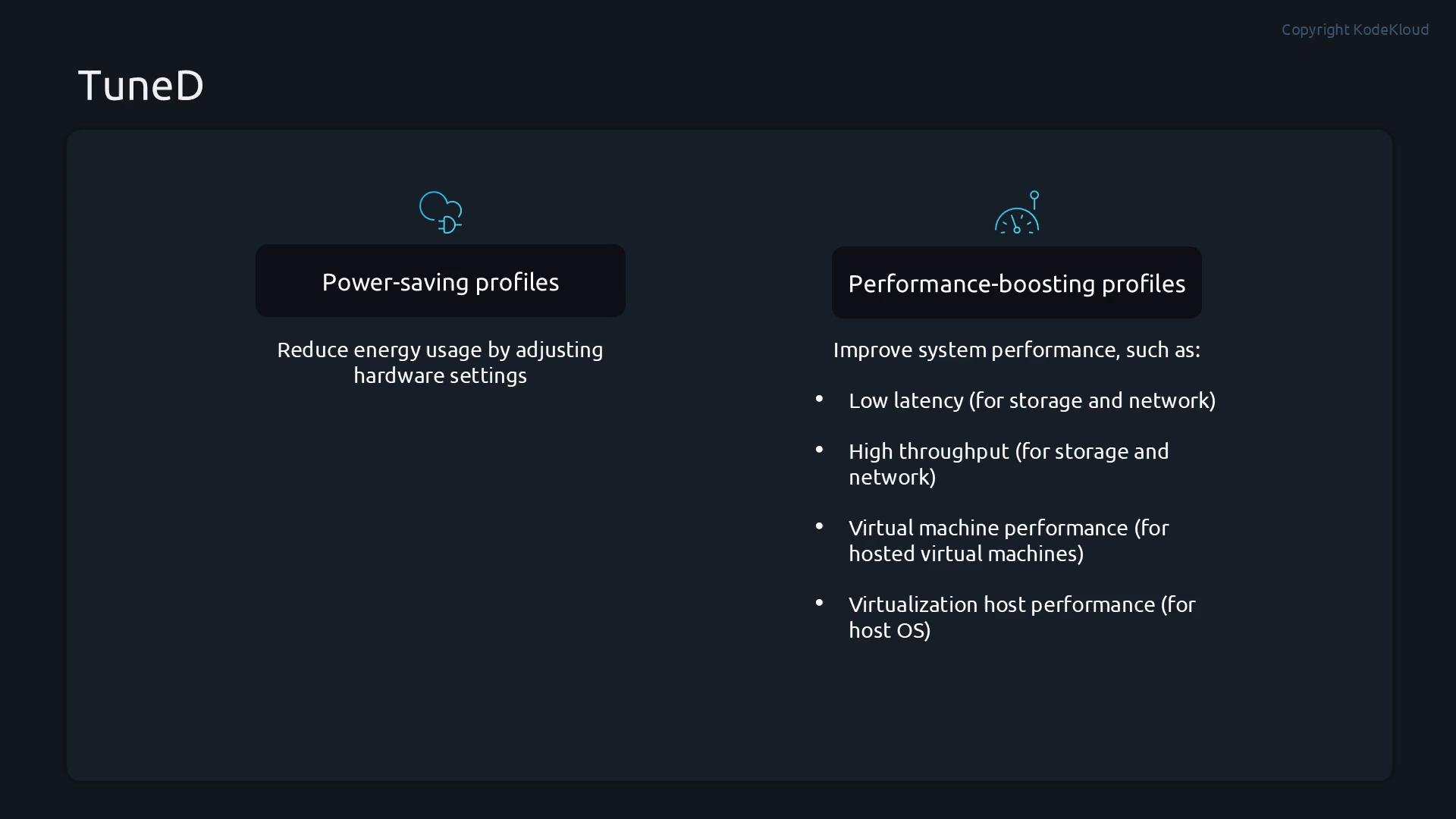
- Power‑saving profiles: reduce energy use by disabling inactive devices or using low-power modes.
- Performance‑boosting profiles: tune for low latency, high throughput, or virtualization (guest/host).
Automatic profile selection
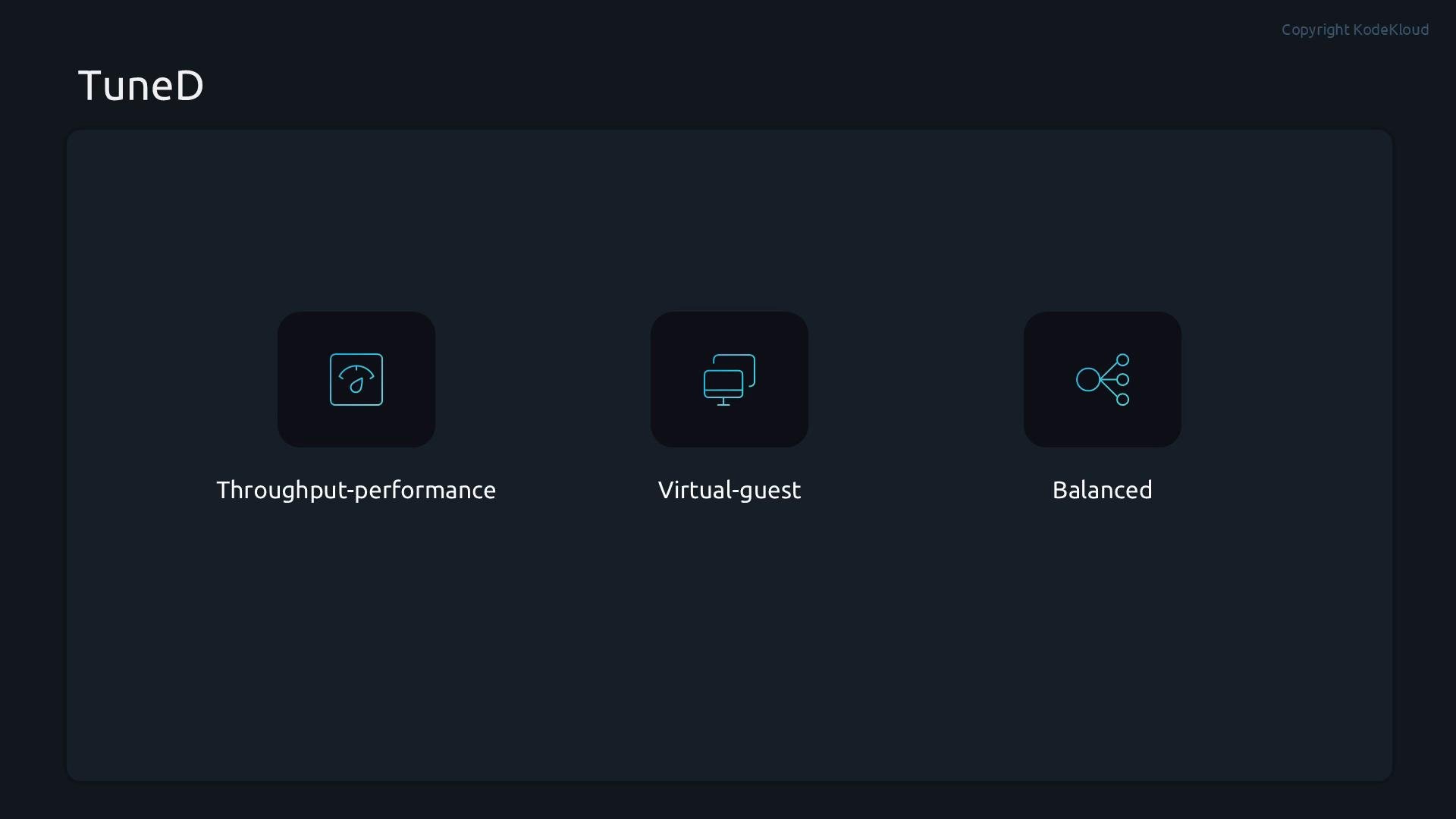
When TuneD is installed and running it can automatically pick the most appropriate profile for the current environment:- Throughput-optimized servers typically receive
throughput-performance. - Virtual machines often receive
virtual-guest. - All other cases default to
balancedto balance performance and power.
Install and start TuneD
Install TuneD with your package manager (RHEL/Fedora family shown):Where profiles and configuration live
TuneD ships profiles under/usr/lib/tuned. System-wide or administrator overrides are placed under /etc/tuned. The primary configuration file is /etc/tuned/tuned-main.conf.
Example directory listings:
Common tuned-adm commands
tuned-adm is the main CLI to interact with TuneD. Use the table below for a quick reference, then see examples and workflows.
Example interactive session:
Merging multiple profiles
TuneD can merge multiple profiles in one command. Supply several profile names and TuneD will combine settings where applicable:When merging profiles, TuneD applies settings from all given profiles. If profiles define conflicting settings, the behavior depends on how the profiles are implemented. Always verify with
tuned-adm verify and check /var/log/tuned/tuned.log for details.Dynamic tuning (monitor and react at runtime)
TuneD supports dynamic tuning: the daemon can monitor system state and reapply or adjust settings at runtime. This is controlled by thedynamic_tuning option in /etc/tuned/tuned-main.conf (defaults to 0 — disabled).
Check the current setting:
Enabling dynamic tuning makes TuneD more active (it will re-evaluate and reapply settings). This can increase CPU or I/O activity from the daemon; test changes in a non-production environment first and monitor
/var/log/tuned/tuned.log.tuned-main.conf include sleep_interval and update_interval — review file comments to tune these safely.
Useful tuned-adm subcommands (quick reference)
tuned-adm --help lists the available subcommands and options. Below is a condensed excerpt:
Quick demo workflow
A concise workflow for testing TuneD (useful in VMs or lab hosts):-
Check current active profile:
-
List what is available:
-
Ask for a recommendation:
-
Apply the recommended profile:
-
Verify system settings:
-
If necessary, disable TuneD tunings:
Summary
This article covered:- What TuneD does and typical profile categories (power-saving vs. performance).
- How to install, enable, and verify the TuneD service.
- Where TuneD profiles and configuration files are located.
- How to list, apply, merge, and verify profiles using
tuned-adm. - How to enable dynamic tuning and considerations for runtime adjustments.
tuned-adm --help, man tuned.conf, and your distribution documentation.
Links and References
- TuneD man pages — tuned-adm
- TuneD configuration reference — tuned.conf
- Systemd — Managing systemd services