

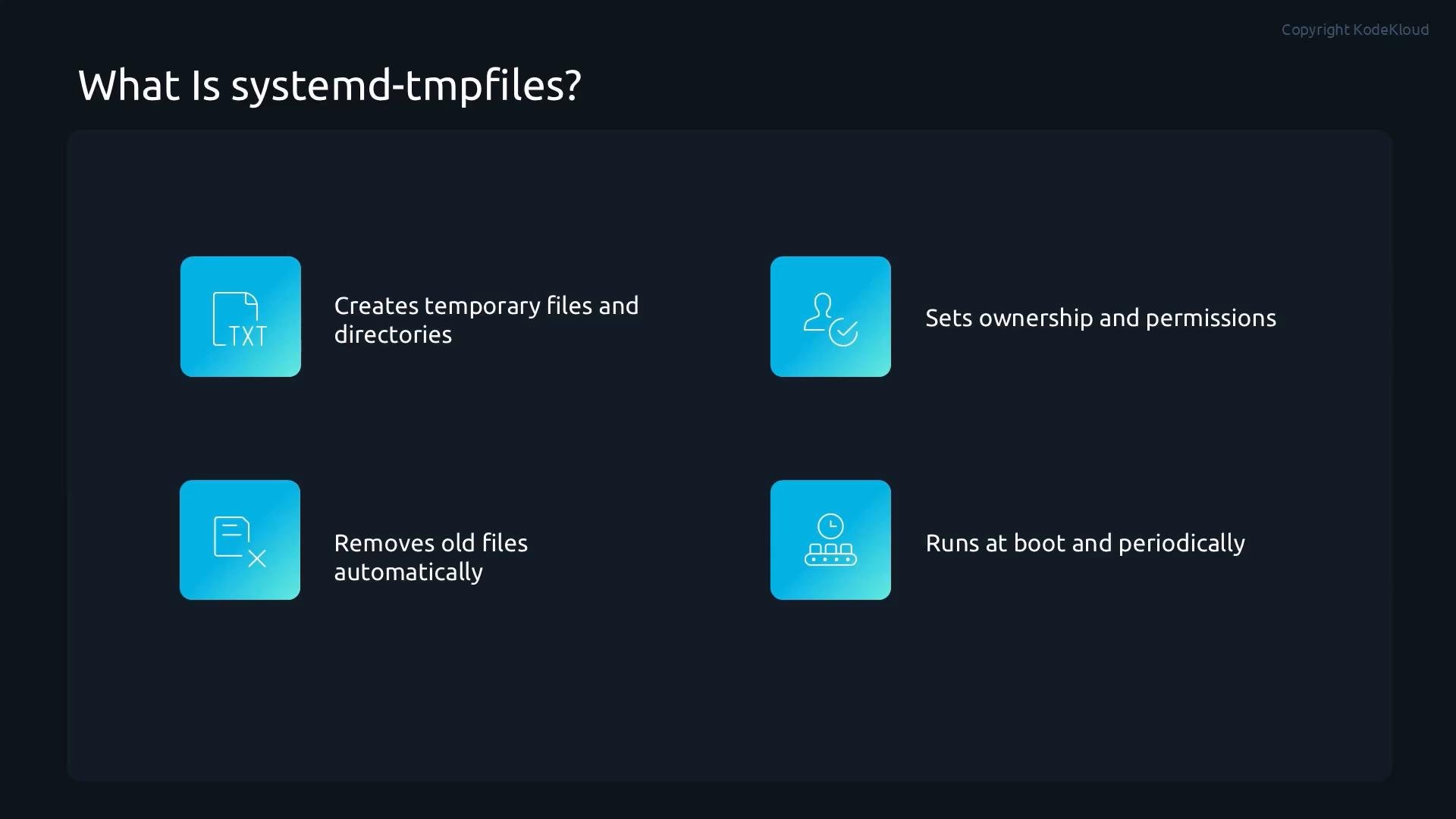
- Create directories and files at boot or on demand
- Enforce ownership and permission bits
- Remove old files according to age-based rules
- Run at boot and periodically in the background so the system stays clean without manual intervention
Configuration format (tmpfiles.d)
systemd-tmpfiles uses a simple, space-separated configuration format. Each configuration line is a series of fields that define an action and its parameters.
Example: create a directory
/mydirectory, set permissions and ownership, and remove files older than 30 seconds when cleanup runs:
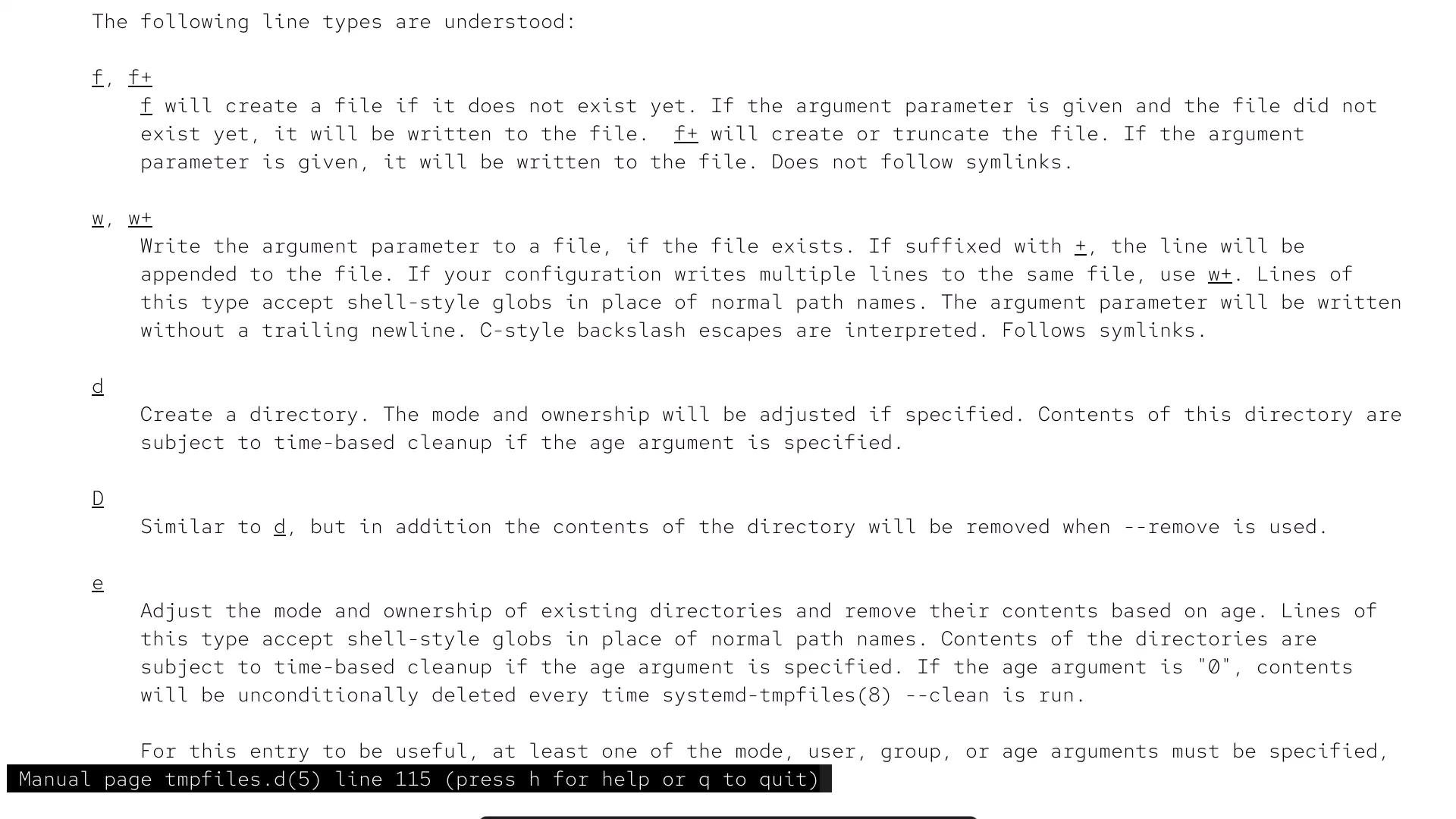
Common tmpfiles type examples
d— create directory (and optionally clean contents)f— create a file with specified content (usef+to truncate)w/w+— write or append content to a fileD— create a directory and remove it completely when cleanede— clean up directory contents onlyv— create subvolumes (Btrfs)
tmpfiles.d manual page for the full list and modifiers.)
Age units
The
age field controls time-based cleanup when systemd-tmpfiles --clean runs (manually or via the system timer). For example, 30s means 30 seconds; 30d means 30 days.
Where rules are stored and how to run them
systemd-tmpfiles reads.conf files from standard locations. Administrator-created custom rules belong in /etc/tmpfiles.d/; distribution-provided rules are typically in /usr/lib/tmpfiles.d/.
Common commands:
Configuration files must end with the
.conf extension to be processed (for example, /etc/tmpfiles.d/mytmp.conf).tmpfiles.d manual page excerpt below.
Demo: create a tmpfiles rule and observe creation and cleanup
- Create a configuration file called
mytmp.confin/etc/tmpfiles.d/:
/mydirectory with mode 0755, owned by root:root, and set cleanup age to 30 seconds:
:wq in vim).
- Apply creation rules immediately:
- Verify the directory exists and has the configured ownership and permissions:
- Create a test file and watch cleanup behavior:
systemd-tmpfiles --clean is run (manually or by the system timer). The cleanup action occurs when --clean executes, not precisely at the moment the age threshold is reached.
Be careful when authoring tmpfiles rules—incorrect paths or aggressive age settings may remove important data. Always test new rules in a controlled environment before deploying them to production.
Benefits and use cases
Using systemd-tmpfiles gives you a flexible, declarative approach to:- Ensure required runtime directories exist at boot (for services that expect them)
- Enforce consistent ownership and permission policies
- Automatically remove stale temporary data to reclaim disk space
- Combine with
at,cron, and systemd timers for broader maintenance automation
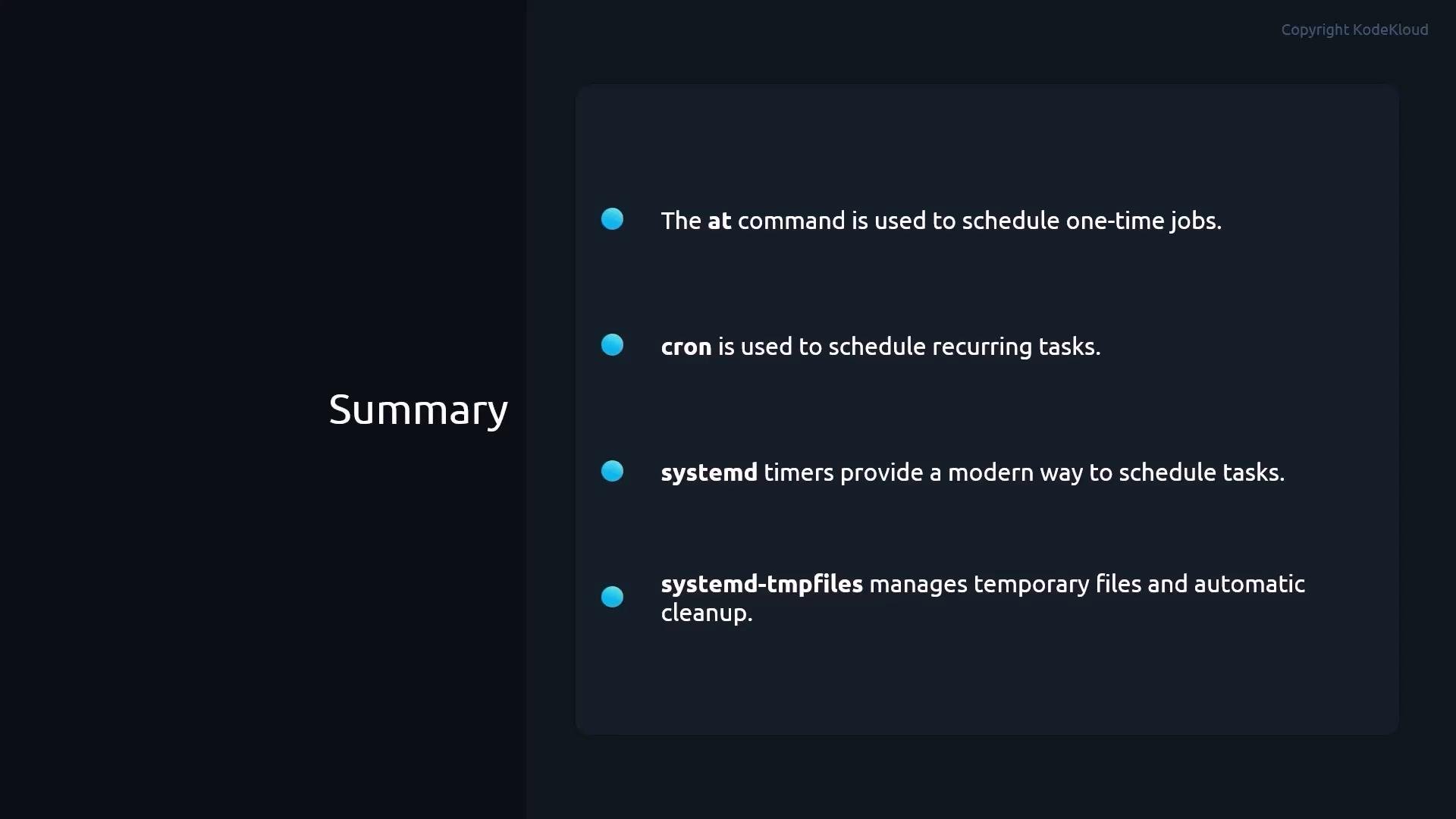
at, cron, and systemd timers, systemd-tmpfiles helps you automate routine maintenance and keep systems clean and reliable.
References
- systemd
tmpfiles.dmanual: https://www.freedesktop.org/software/systemd/man/tmpfiles.d.html - systemd-tmpfiles usage:
man systemd-tmpfiles