

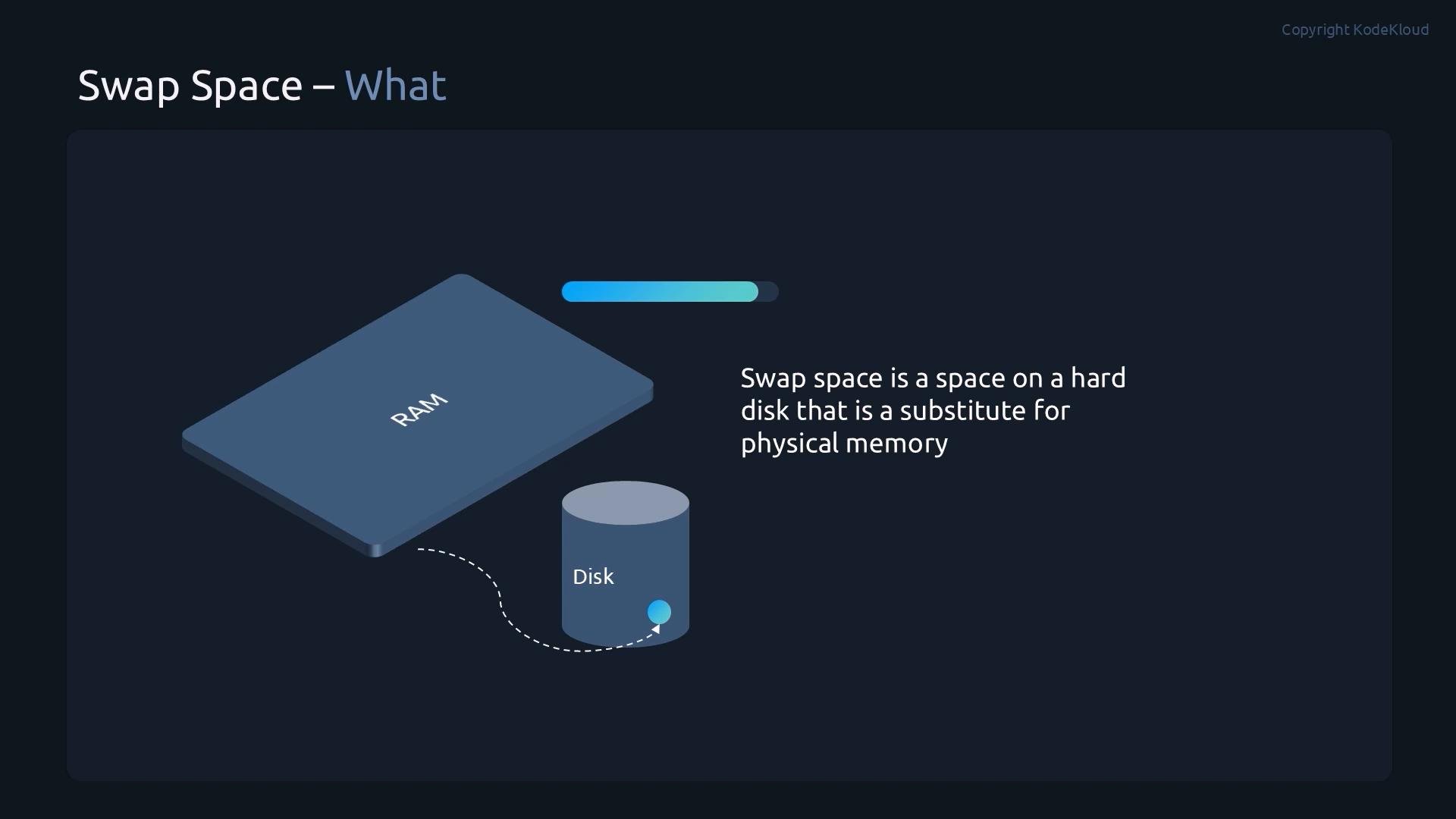
- Prepare the swap area with
mkswap(on a partition or file). - Activate it immediately with
swapon. - Make it persistent across reboots by adding an entry to
/etc/fstab.
Swap is useful for system stability, but it is not a replacement for adequate RAM. Disk-backed swap is orders of magnitude slower than RAM.
Why use swap?
- Prevents out-of-memory (OOM) conditions by giving the kernel somewhere to relocate inactive pages.
- Useful for systems with variable memory loads or for hibernation (swap file/partition must be large enough).
- Note: excessive swapping (thrashing) will degrade performance.
Demo — create two swap partitions, initialize, enable, and persist
This demo shows creating two swap partitions on a spare disk (/dev/sdb), initializing them with mkswap, enabling with swapon, verifying usage, and making them persistent by adding entries to /etc/fstab.
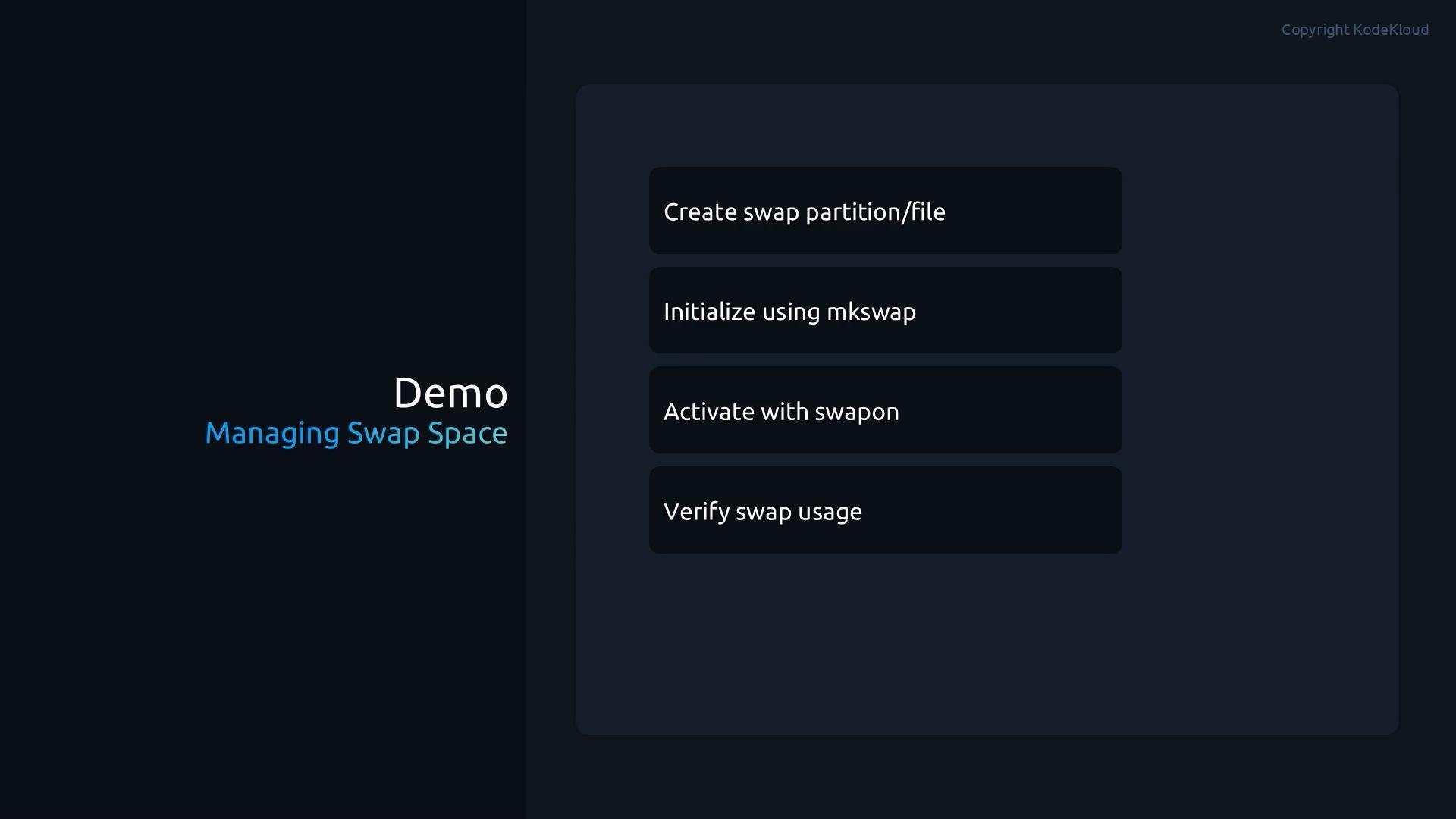
- Inspect block devices and create two partitions on
/dev/sdbusingparted:
- Verify the newly created partitions and initialize them as swap with
mkswap:
- Activate a swap device and verify active swap with
swapon --showandfree -h:
swapon --showlists active swap areas and their priorities.free -hshows total swap available to the system (existing swap + newly added).
Make swap persistent across reboots
To persist newly created swap devices, add entries to/etc/fstab. You can refer to swap partitions by UUID (recommended) or by device path. Below is an example fstab with the two swap devices added using absolute paths and priority values so the kernel prefers one swap area over another:
/etc/fstab, enable all swap entries defined there:
Disable swap temporarily
For maintenance or testing you can turn off all swap withswapoff -a:
Quick reference — common swap commands
Checklist / Summary
- You can create swap on a dedicated partition or a file.
- Use
mkswapto format the partition or file for swap usage. - Use
swaponto enable swap immediately andswapon --show/free -hto verify. - Add swap entries to
/etc/fstabto make them persistent across reboots. - Avoid relying on swap for performance — consider adding RAM if swapping is frequent.