

systemctl command so you can diagnose problems quickly and restore system functionality.
In this article you will learn:
- What systemd is and how it manages units and services.
- The core
systemctlcommands you will use every day. - How to control boot-time behavior and apply unit overrides safely.
- A practical troubleshooting workflow with
journalctl.
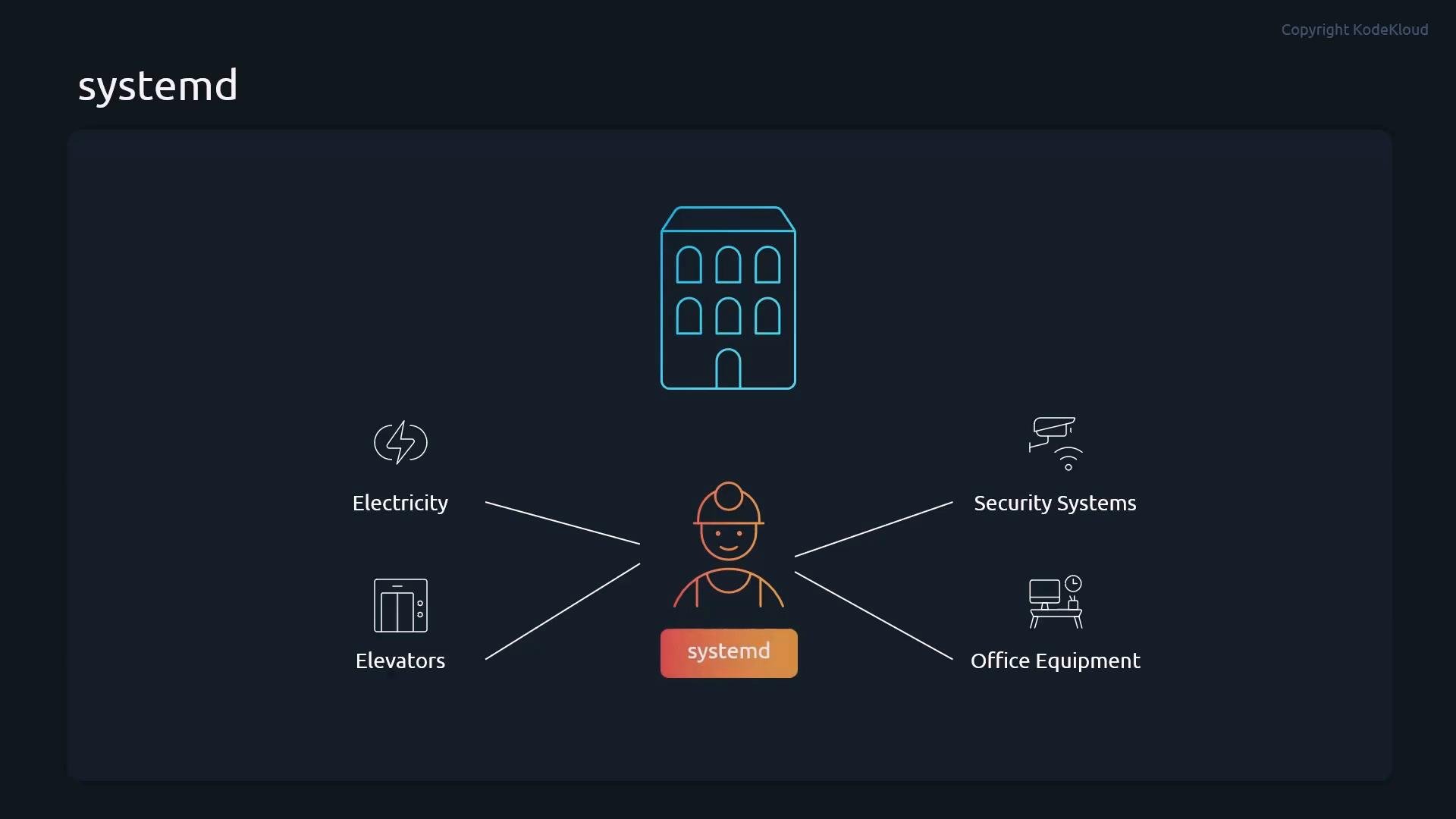
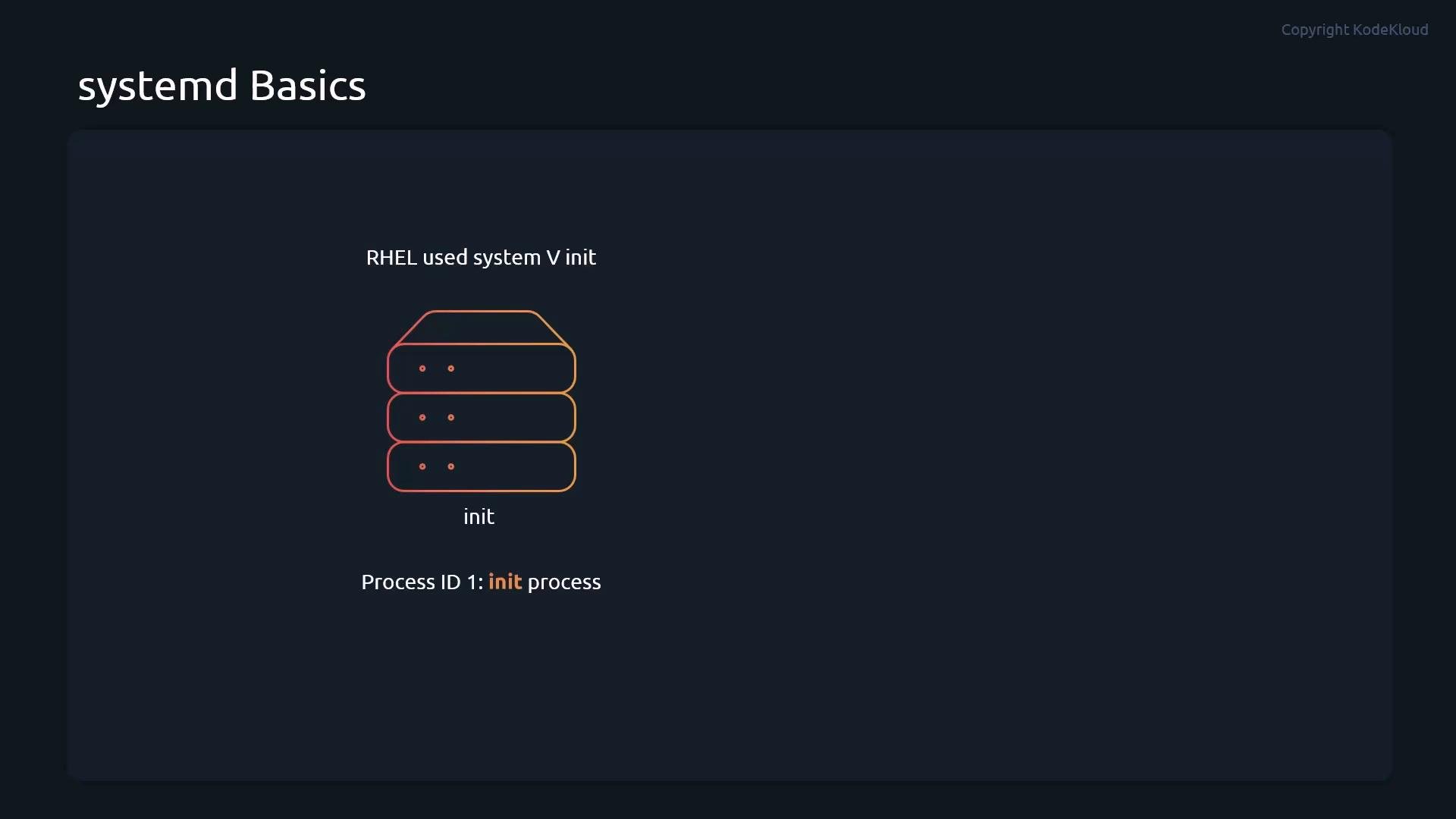
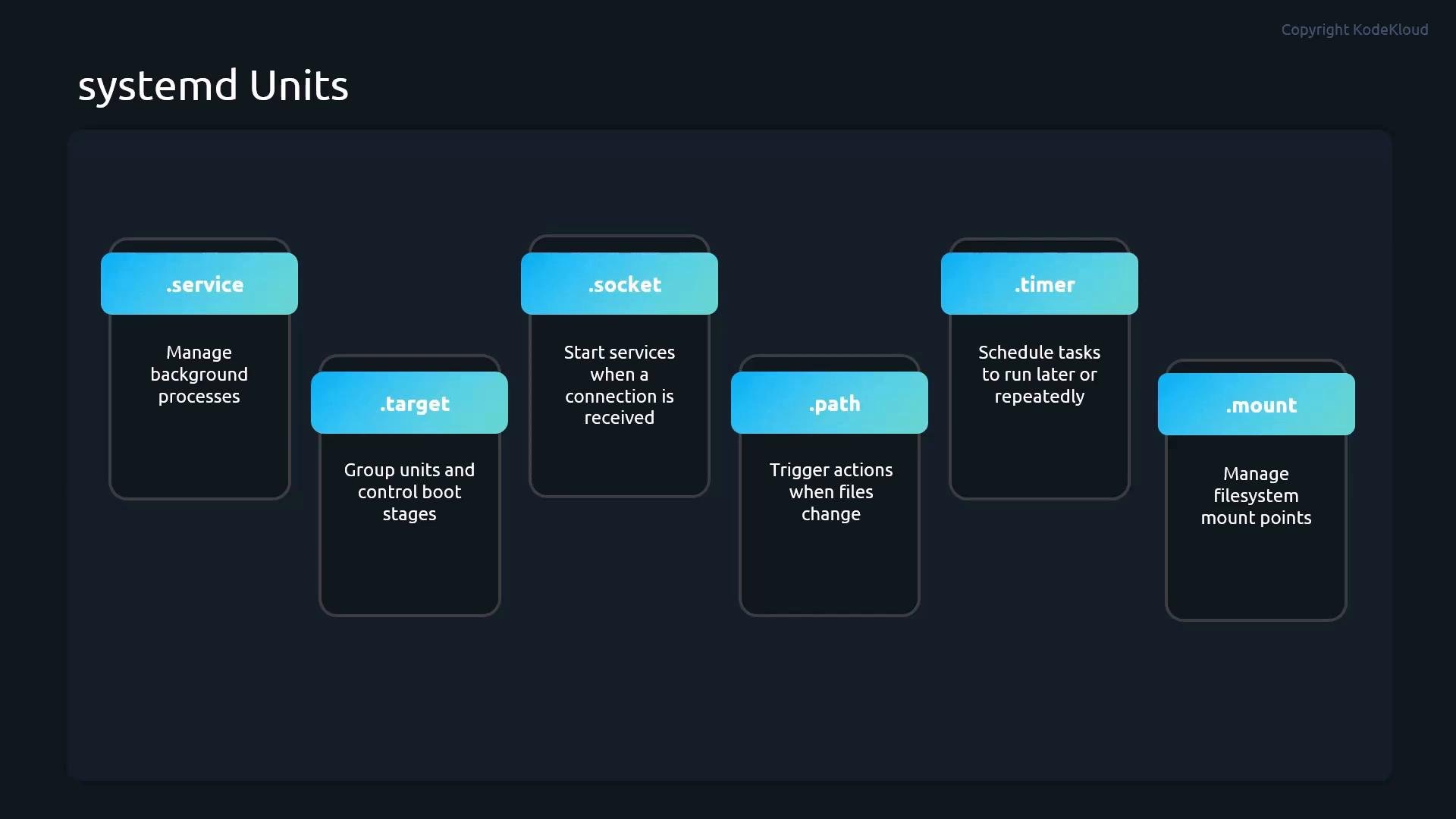
init; today PID 1 is the systemd process which coordinates units. A unit is a configuration object describing how systemd should manage a resource: services, mount points, sockets, timers, and so on.
Unit file locations
/etc/systemd/system— administrator-managed units and overrides/run/systemd/system— runtime units (ephemeral)/usr/lib/systemd/system— packaged unit files (do not edit directly)
systemctl operations you will use most often. Use the exact unit name (including .service) to avoid ambiguity.
Use
reload when the service supports it to avoid downtime. If reload is unsupported or the process is unhealthy, use restart to perform a clean stop-and-start.- Enable on boot:
- Disable on boot:
- Check enablement state:
- List loaded and active units (filter by type):
- Prevent a service from being started (mask):
- Remove mask:
- After adding or modifying unit files, notify systemd of changes:
/usr/lib/systemd/system. Use systemctl edit to create drop-in override files under /etc/systemd/system/<unit>.service.d/. This preserves package updates while allowing safe customization.
Example: open an override editor for the httpd service:
Do not modify files under
/usr/lib/systemd/system directly—package updates will overwrite your changes. Use systemctl edit or drop-in files under /etc/systemd/system instead.- Check the unit status and immediate error hints:
- Read the unit’s journal output for detailed logs:
- If you modified the unit or drop-ins, reload systemd and restart:
- If a service must be prevented from starting (for recovery or to avoid cascading failures), mask it:
- systemd manual pages
man systemctlandman journalctlon your system for local documentation- RHEL / CentOS systemd guides and administrative references
systemctl is the primary tool to start, stop, reload, restart, enable, disable, mask, and inspect units. Mastering the core commands and using the journal effectively lets you quickly diagnose failures and restore services with confidence.