

- How the Bash shell executes commands — what happens from the moment you type a command until it runs as a process.
- How to find help and the right options inside RHEL — using built-in tools and documentation.
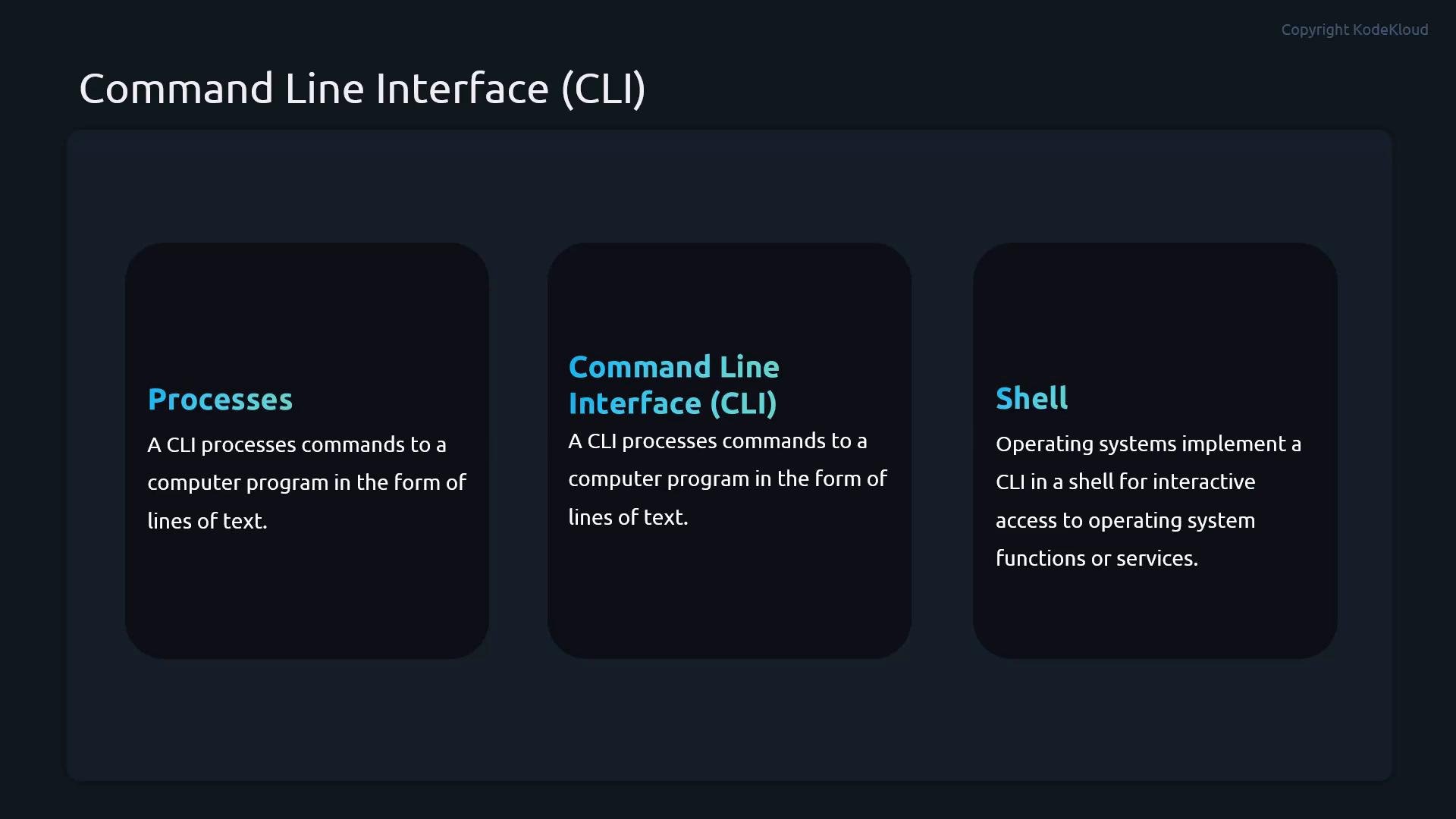
- CLI — where you type commands.
- Shell — the interpreter that processes your input (Bash is the default on RHEL).
- Process — a running instance of a program created when a command executes.
- The command name — what to run.
- Options (flags) — modify behavior.
- Arguments — targets or inputs.
Bash shell features
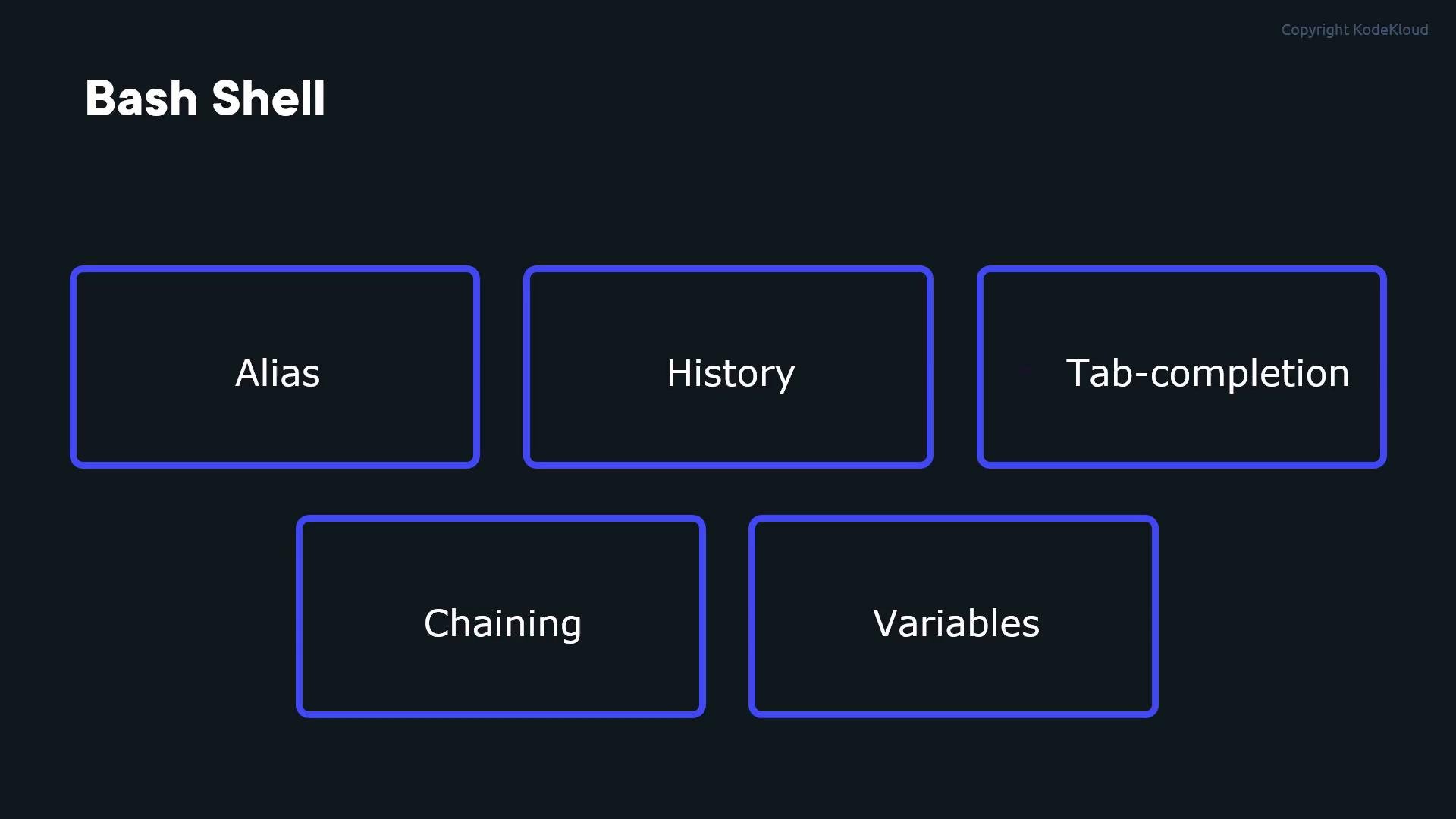
Bash supplies many features to speed up administration and reduce typing:
- Aliases — create shortcuts for long commands.
- History — your command history is recorded and searchable.
- Tab completion — quickly complete filenames, commands, and paths.
- Chaining and conditional execution — run multiple commands on one line.
- Variables & command substitution — reuse values and command output.
~/.bashrc or another shell initialization file and reload the file with source ~/.bashrc.
History
Bash tracks commands you run so you can re-run or inspect them later. Common history operations:
- View recent commands:
history - Navigate interactively: Up / Down arrow keys
- Re-run a listed command:
!<number>e.g.!42
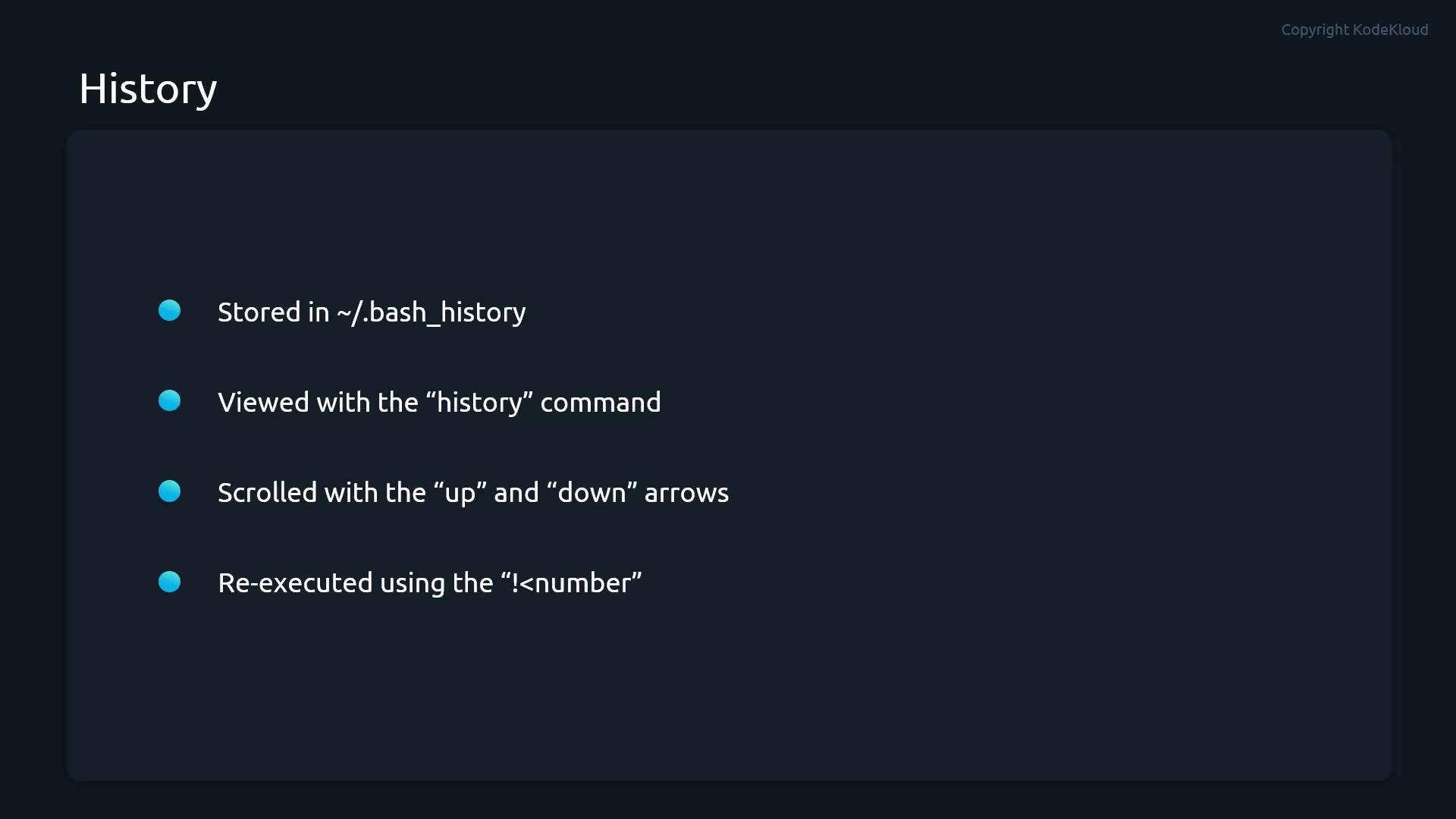
The history file
~/.bash_history is typically written when a shell session exits. Some shells are configured to append commands in real time; check your HISTCONTROL, HISTSIZE, and PROMPT_COMMAND settings if you need immediate persistence.$ to retrieve a variable value.
Example:
$(...):
Be careful using
$(ls ...) when filenames may contain spaces or special characters — this can break. For robust handling of arbitrary filenames, use find -print0 | xargs -0 or while IFS= read -r -d '' file; do ...; done < <(find ... -print0).
These operators let you create quick checks and conditional flows without writing a script.
Additional tips
- Use
man <command>or--help(e.g.ls --help) for command-specific options. - Combine
manwith search:man -k keywordto find related commands. - Use
type <name>to check whether a name is a shell builtin, function, or external executable. - Practice in a non-production environment before running commands that modify system state.