

sudo, and why assigning the minimum necessary privileges (least privilege) is critical for security and auditability.
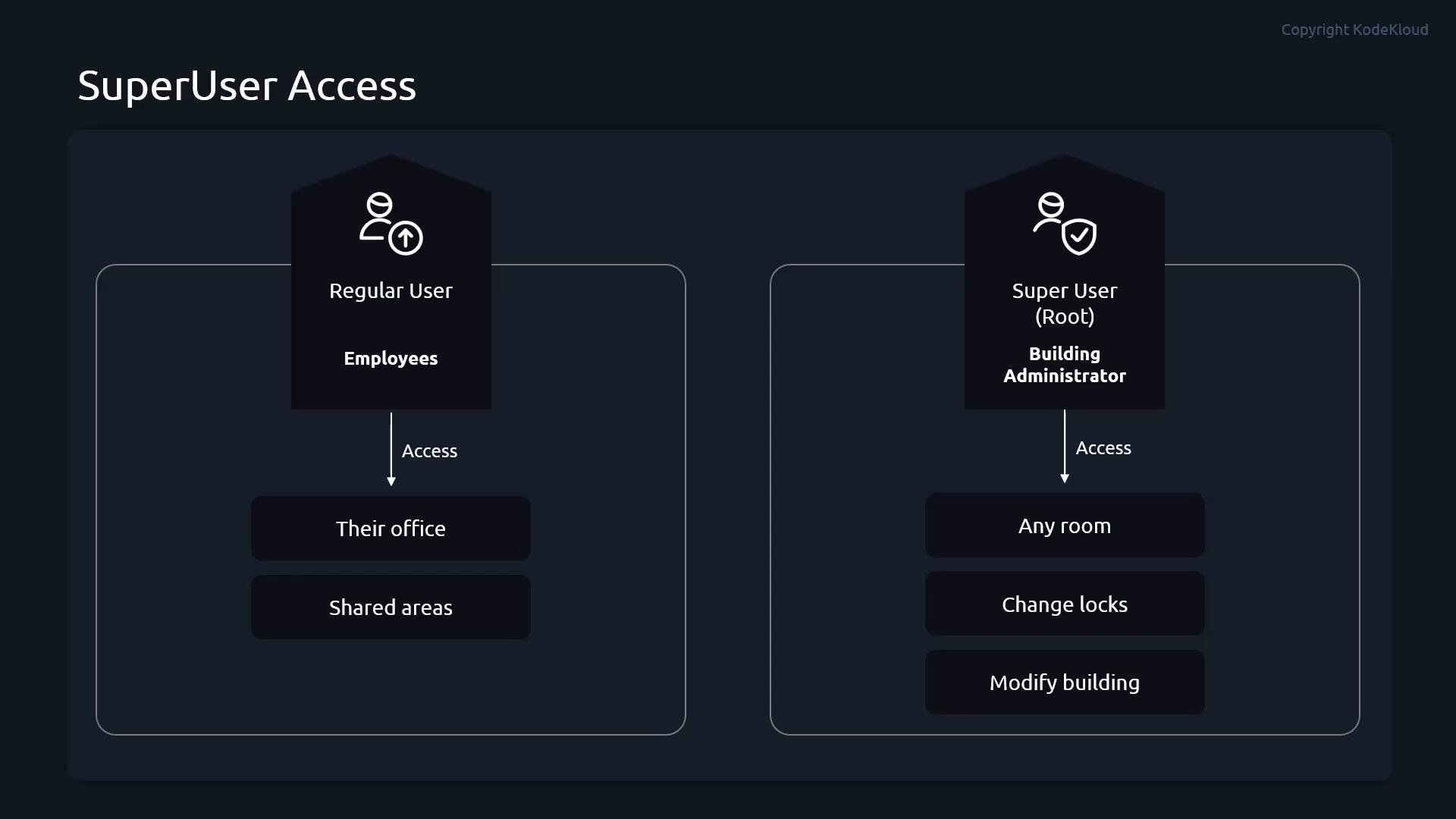
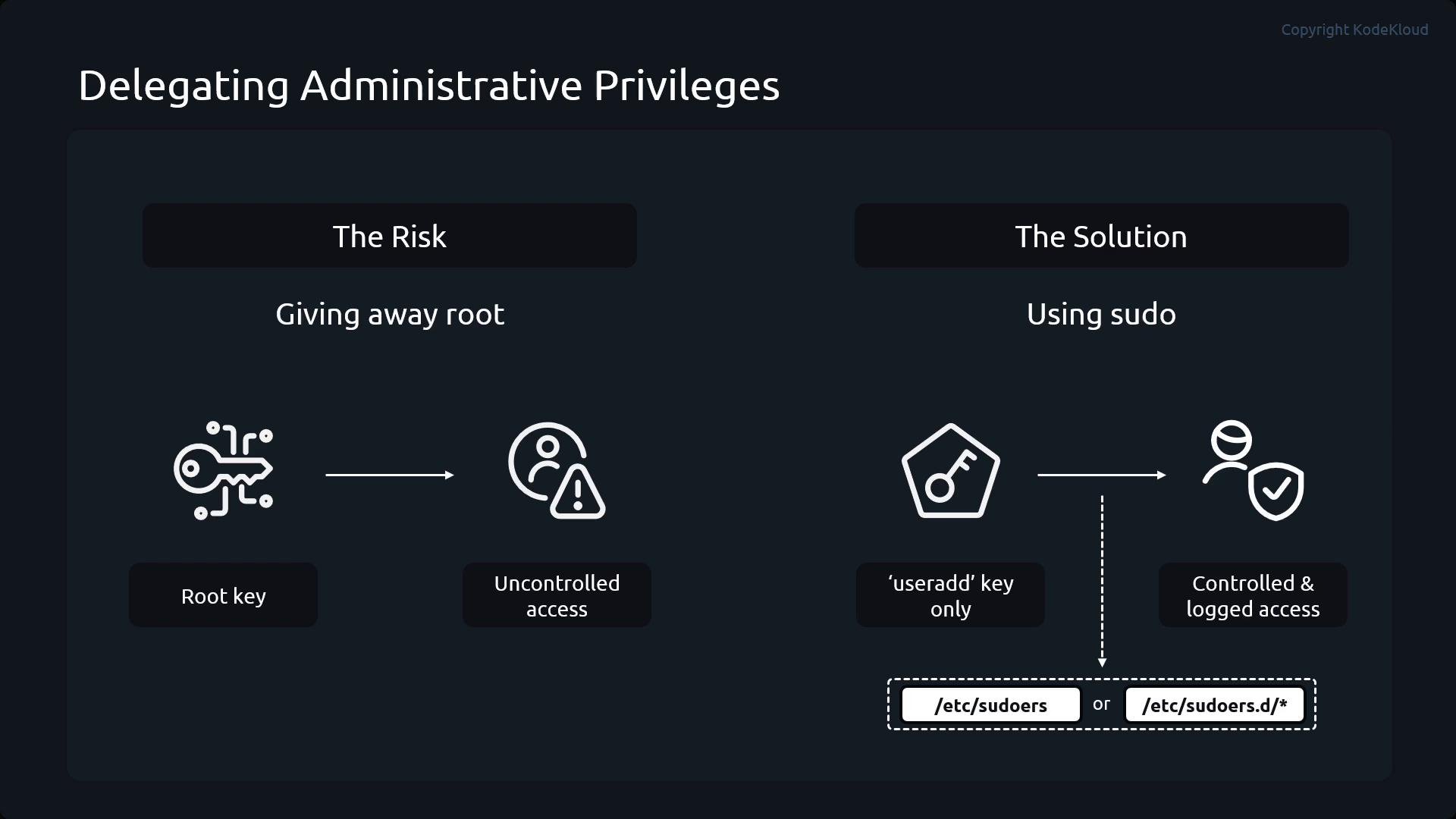
Analogy: regular users are employees with keys to their office and shared areas. The superuser (root) is the building administrator with a master key who can change locks and modify the building. You wouldn’t hand out the master key to everyone — instead, delegate only the keys needed for specific tasks. sudo is the mechanism that lets you do exactly that: grant specific administrative commands, optionally require a password, and record who ran what.
sudo, and which commands they may run, are defined in /etc/sudoers and in files under /etc/sudoers.d/. Because a malformed sudoers file can break sudo for everyone, always edit these files with visudo, which validates syntax before saving.
Always use
visudo (or visudo -f /etc/sudoers.d/<file>) to edit /etc/sudoers or files under /etc/sudoers.d/. visudo checks syntax and helps prevent configuration errors that could lock out administrative access.Sudoers entry structure
A sudoers entry consists of:- Subject: a user or a group (groups use a leading
%) - Host: which host(s) the rule applies to (often
ALL) - Run-as specification: who the command may be run as, e.g.
(ALL)or(root) - Command list: the allowed commands, or exclusions prefixed with
!
Examples of common sudoers lines:
Practical demo: granular sudo rules
In this demo we use four pre-created users: Alice, Bob, Carol, and Dave. Dave is a member of theopsadmins group. First, verify the users and groups:
visudo -f:
/etc/sudoers.d/demo-sudo to demonstrate common delegation patterns:
1) Alice — full sudo access (password required)
sudo.
2) Bob — limited to useradd and userdel
usermod because they are not listed.
3) Carol — all commands except userdel
4) Dave — member of opsadmins, passwordless full access
sudo privileges, use sudo -l:
Best practices
- Follow the principle of least privilege: grant only the commands required for a task.
- Use group aliases and command aliases in sudoers to simplify complex policies.
- Prefer
sudoover sharing the root password:sudoprovides per-user accountability and logs commands to the system audit logs. - Test sudoers changes with
visudoand validate behavior withsudo -lfor each user.
- visudo manual: https://man7.org/linux/man-pages/man8/visudo.8.html
- sudoers manual: https://www.sudo.ws/man/1.8.31/sudoers.man.html
- Red Hat documentation: https://access.redhat.com/documentation/en-us/red_hat_enterprise_linux/