

- Files: 666 (rw-rw-rw-)
- Directories: 777 (rwxrwxrwx)
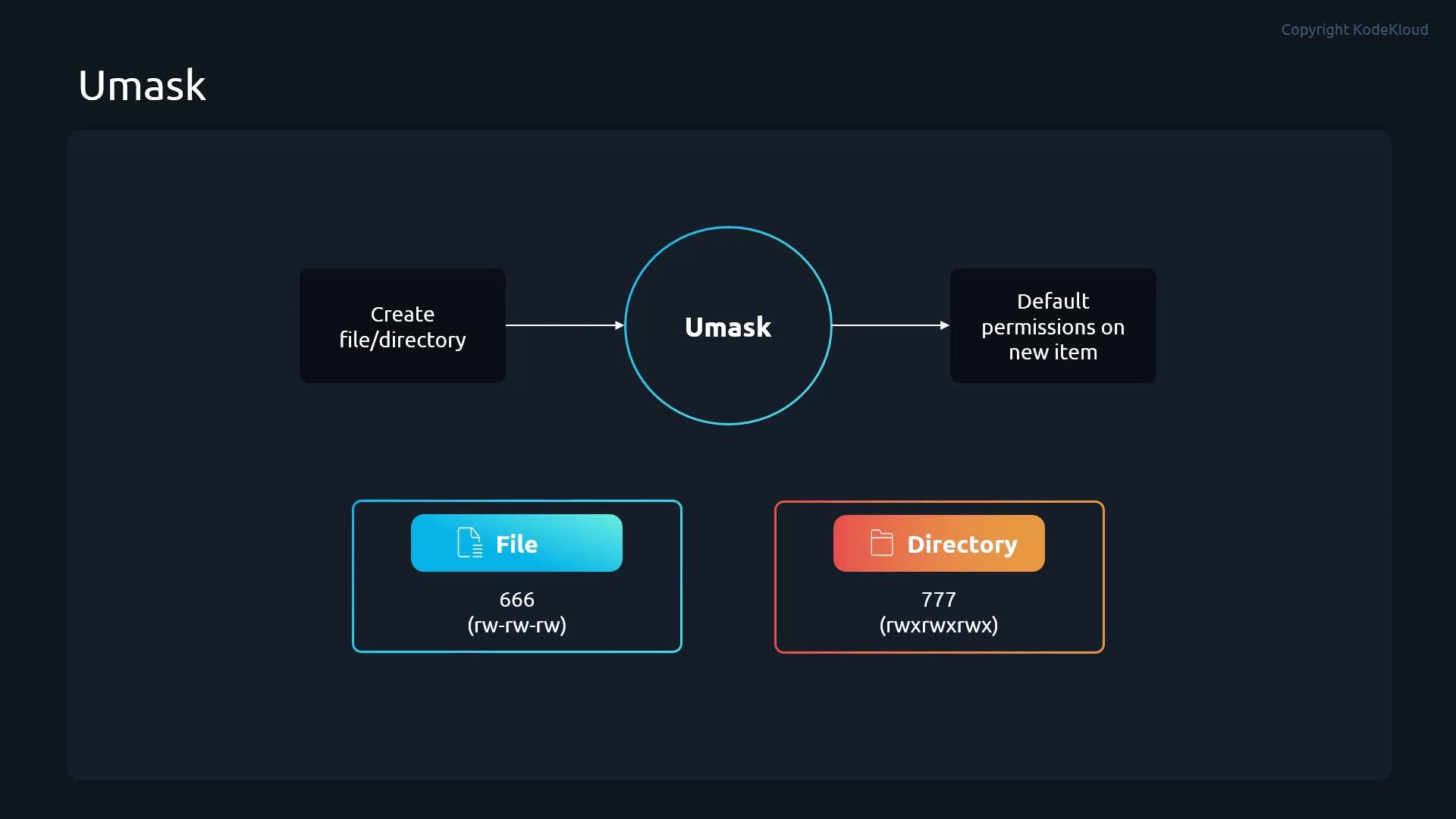
- The umask subtracts (masks off) permission bits from those defaults when a file or directory is created.
- Practically,
umaskis subtractive: bits set in the umask are removed from the default permission sets (files:666, directories:777). - You can set
umasktemporarily for the current shell session with theumaskcommand, or persist it by adding it to shell startup files (per-user) or system-wide scripts.
umask is subtractive: the bits set in the umask are removed from the defaults (666 for files, 777 for directories).
Demonstration: runtime umask and its effects
- Scenario: perform operations as user
student, check currentumask, create directories/files, and inspect permissions/ACLs.
- With
umask 0022, group and others lose write permission: directory755, file644. - With
umask 0077, group and others lose all permissions: only the owner retains full access—directories700, files600. The file listing shows-rw--------.
umask set from the shell applies only to that shell session. Logging out and back in resets the runtime umask to whatever is configured for the account.
Persisting a umask for a single user
- To make a user’s umask persistent, add a
umaskline to their shell startup file (for example,~/.bashrc,~/.profile, or~/.bash_profiledepending on shell and distribution).
~/.bashrc snippet (add umask 0077 at the end):
- To enforce a default umask for all interactive logins, place a small script containing the
umaskcommand in/etc/profile.d/. Files ending with.shin that directory are sourced by/etc/profileon login shells.
/etc/profile.d/umask.sh:
0644); otherwise it may not be sourced when /etc/profile iterates files in that directory.
Example listing showing the umask.sh file with proper permissions:
If a script in
/etc/profile.d/ is not world-readable (ensure mode 0644), non-root logins may not source it. Set the file’s permissions so it can be read by all users.- If your expected umask is not applied:
- Check shell startup order (
/etc/profile,~/.bash_profile,~/.bashrc,~/.profile) for overridingumasksettings. - System services and non-interactive shells (cron, systemd units) might not source the same files—set umask appropriately within service unit files or the specific environment.
- For Samba, FTP servers, or other services, consult their configuration options; they may have their own
create mask/directory masksettings.
- Check shell startup order (
- Use
getfaclto confirm ACLs and effective permissions if extended ACLs are in use.
umaskcontrols default permissions by subtracting bits from file (666) and directory (777) defaults.umaskset in a shell affects only that session; persist per-user in~/.bashrc/~/.profileor system-wide via/etc/profile.d/*.sh.- Always ensure
/etc/profile.d/*.shscripts are readable (0644) so they’re applied to all users. - Choosing a secure default like
0077helps prevent accidental exposure by ensuring new files and directories are owner-only by default.