

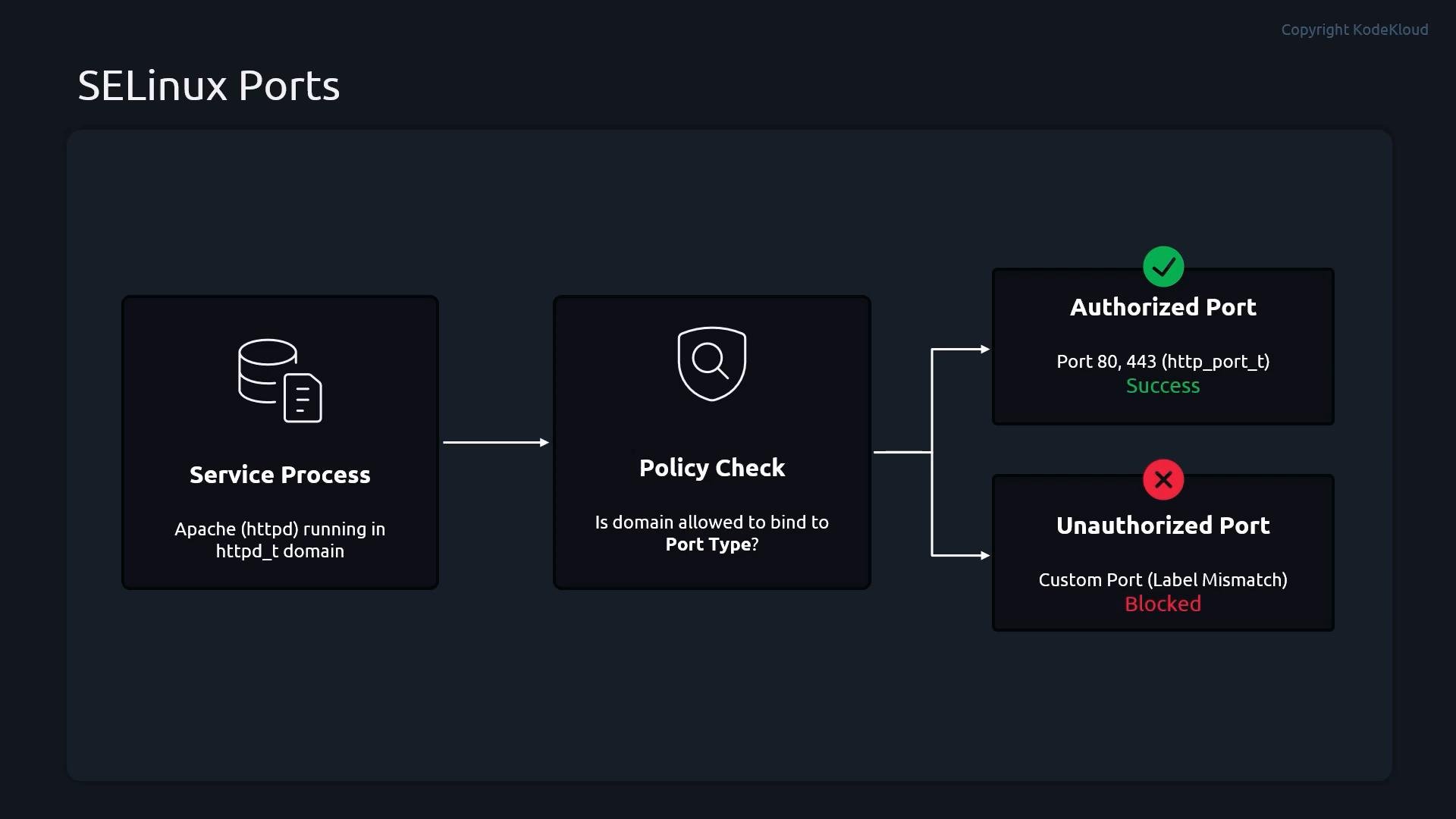
http_port_t). A service with a given domain/type (like Apache running under httpd_t) can only bind to ports labeled with the corresponding SELinux port type. If you configure a service to listen on a port that is not labeled for that service type, the bind will fail while SELinux is enforcing, even if the service configuration is otherwise correct. This helps prevent services from running on unauthorized or unexpected ports.
- Configure Apache (
httpd) to listen on a non-standard TCP port:9496. - Attempt to restart
httpdwhile SELinux isenforcing(it will fail). - Temporarily switch SELinux to
permissiveto confirm the denial is SELinux-related. - Add the new port to the SELinux policy with
semanage. - Re-enable
enforcingand verifyhttpdcan bind to the port.
root.
- Edit the HTTPD configuration and change the Listen directive to the new port:
- Try to restart httpd (expected to fail while SELinux is enforcing):
- Confirm SELinux is blocking the bind by switching to permissive and restarting httpd:
- Inspect SELinux port mappings.
semanage port -llists ports and their SELinux types; filter for HTTP-related entries:
http_port_t does not include 9496, so SELinux prevents the httpd_t process from binding to that port while in enforcing mode.
If
semanage is not available (semanage: command not found), install the package that provides it. Package names vary by distribution — for example policycoreutils-python-utils or policycoreutils-python on some RHEL/CentOS/Fedora releases.- Add the new TCP port to the
http_port_ttype:
- Verify the port was added to
http_port_t:
- Return SELinux to enforcing mode and restart httpd:
- Optionally verify the service is listening on the new port:
Adding a port to an SELinux type grants processes of that type permission to bind to the port — consider the security implications before changing policies. Make sure firewall rules and overall network exposure are adjusted accordingly.
semanage changes are persistent across reboots.- SELinux maps ports to types (for example
http_port_t) and enforces which types of processes may bind to those ports. - If a service fails to bind to a configured port while SELinux is enforcing, check
audit.logandsemanage port -lfor denials and mappings. - Use
semanage port -a -t <type> -p <protocol> <port>to add a port to a type. Ensuresemanageis installed and run commands asroot.
- SELinux Project Wiki: SELinux Policy
man semanage(local manual)