

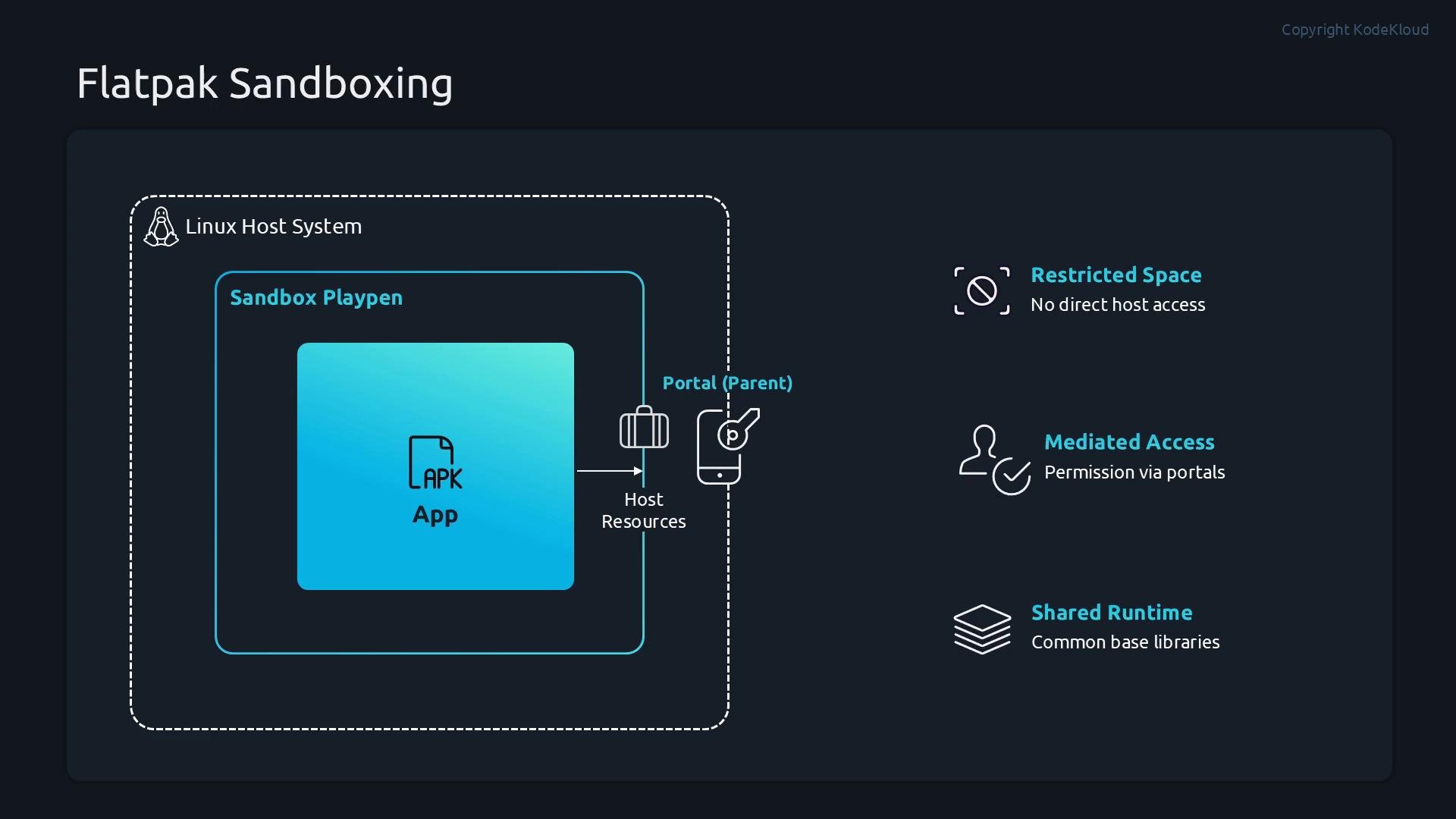
- Each Flatpak app runs inside its own sandbox, separated from the host filesystem and other processes by default.
- If an app needs external resources (files, network, devices), it must request permission through the portal system; portal mediation grants or denies access.
- Common libraries are provided via shared runtimes so apps don’t need to duplicate every library, reducing disk usage while preserving isolation.
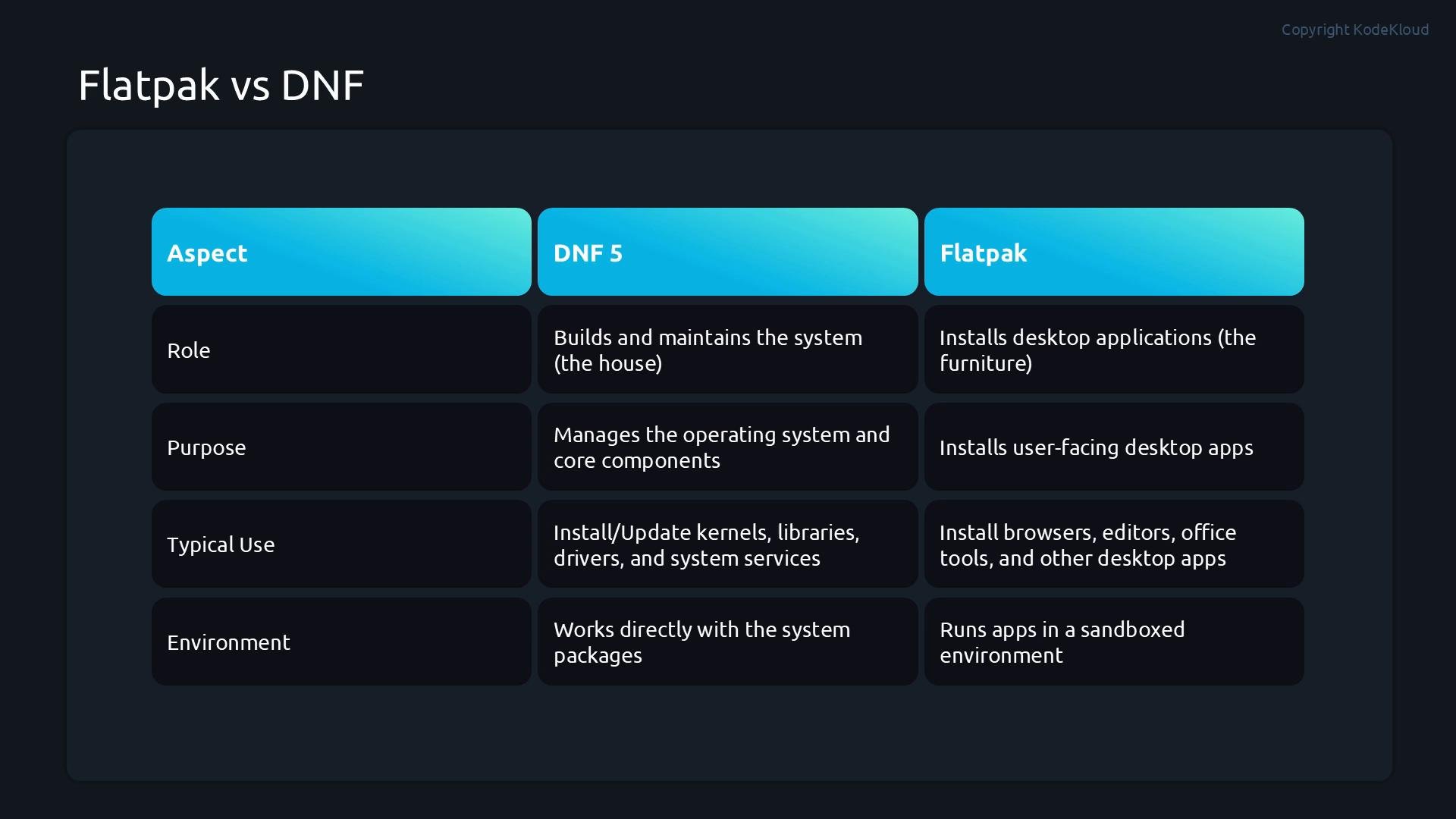
- Use Flatpak for sandboxed desktop applications that need portability and consistent behavior across distributions (browsers, editors, multimedia apps).
- Use DNF (or the distro package manager) to manage system-level software, kernels, system libraries, and services.
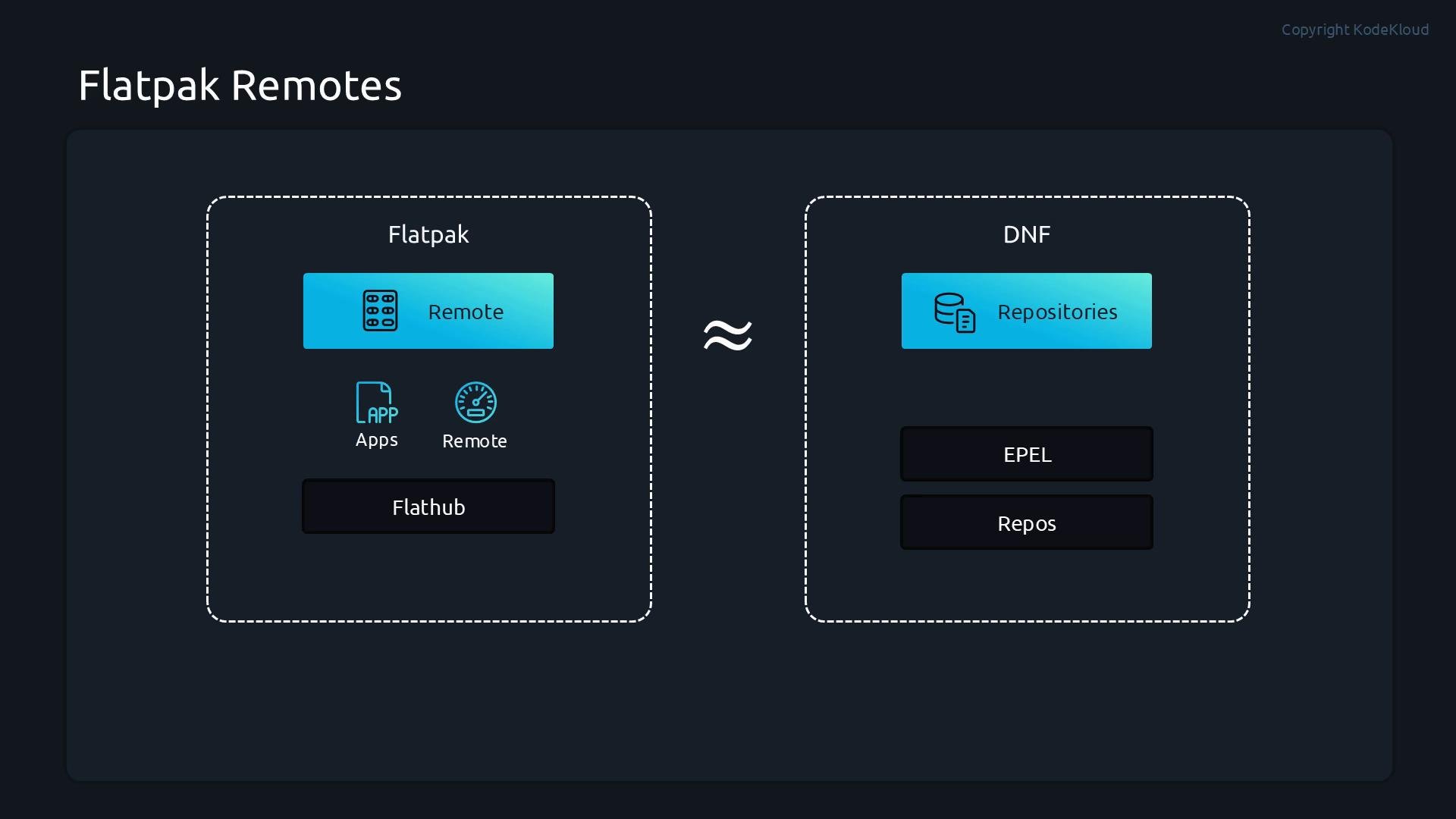
Remotes like Flathub provide a broad catalog of runtimes and applications. On RHEL-derived systems, you typically add Flathub explicitly to access that catalog.
- Install the Flatpak client (system-wide or per-user).
- Verify Flatpak is available.
- Inspect configured remotes.
- Add remotes (for example, Flathub).
- Search, install, update, list, and remove apps as needed.
sudo for system-wide operations):
Important install/update flags
Demo walkthrough (example session)
- Install Flatpak and verify the version:
- Add Flathub and confirm configured remotes:
- Search for VLC across remotes:
- Install VLC from Flathub (system-wide):
- Verify installed Flatpak items:
- Update Flatpak applications and runtimes:
- Run an installed Flatpak app:
- Inspect detailed information about an installed app:
flatpak info output includes fields such as ID, Ref, Arch, Branch, Version, License, Origin, Collection, Installation, installed size, runtime, sdk, commit IDs, subject, and date. Example (truncated):
- Uninstall an application:
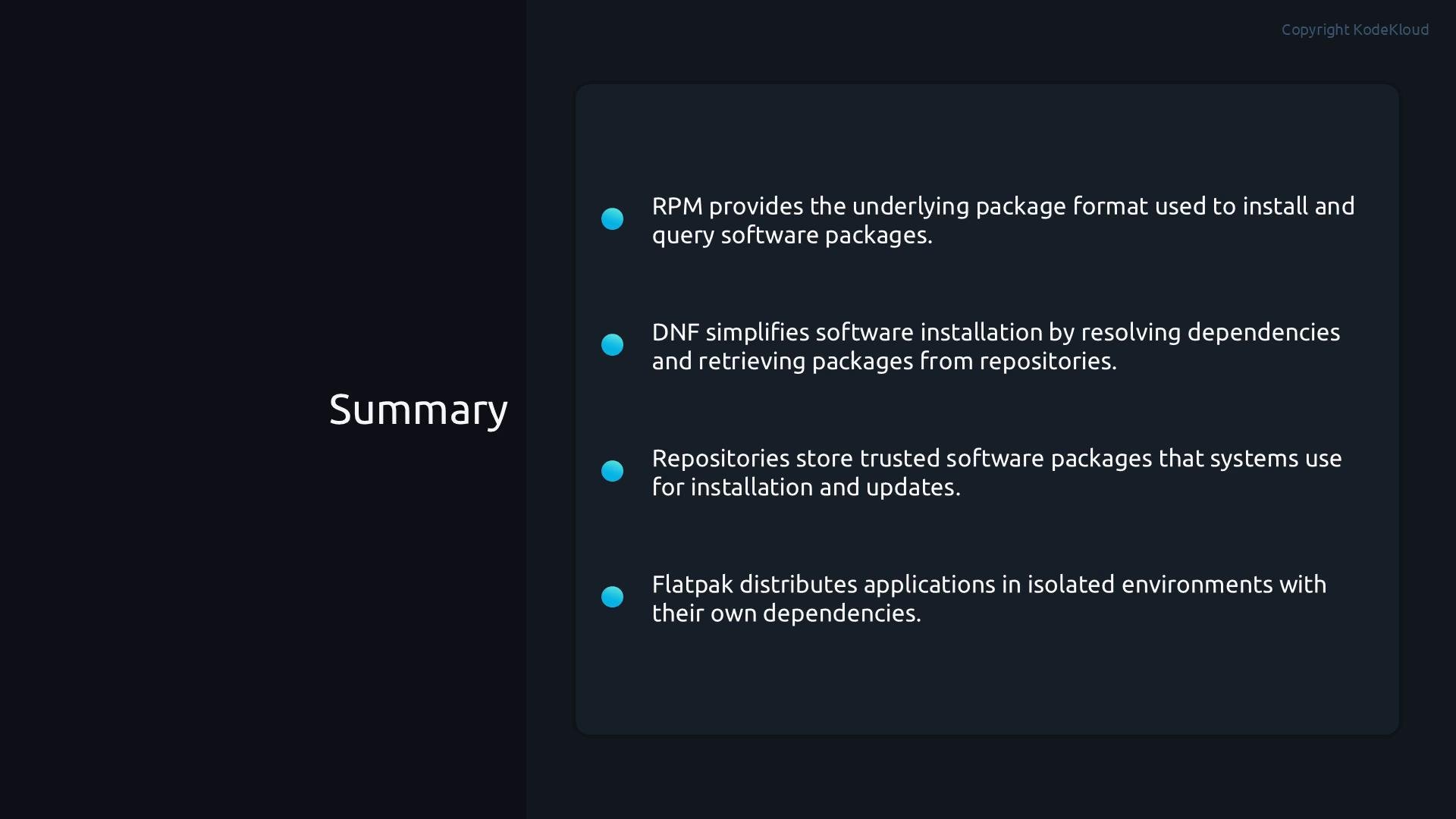
- RPM is the package format used for distribution packages.
- DNF is the distribution package manager responsible for system-level software, dependencies, and updates.
- Repositories (repos) provide trusted sources for distribution packages—Flatpak’s equivalent is remotes.
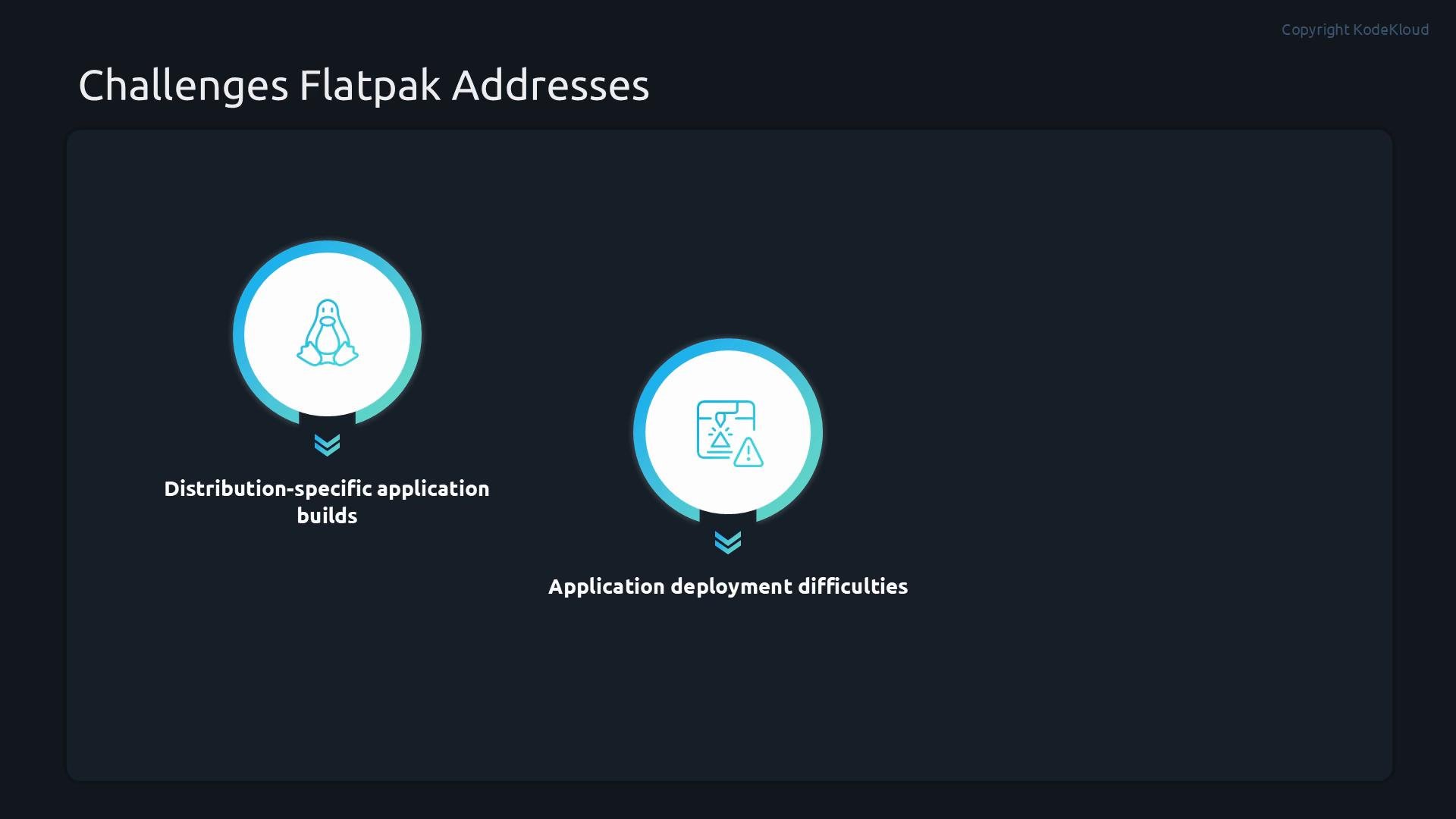
- Flatpak is a cross-distribution application distribution system that bundles apps with runtimes and runs them in sandboxes to provide portability and isolation.
- Flathub: https://flathub.org/
- Flatpak documentation: https://docs.flatpak.org/
- RHEL Flatpak guidance and enterprise considerations: consult your distribution’s documentation for best practices on enabling and managing remotes on RHEL-derived systems.