

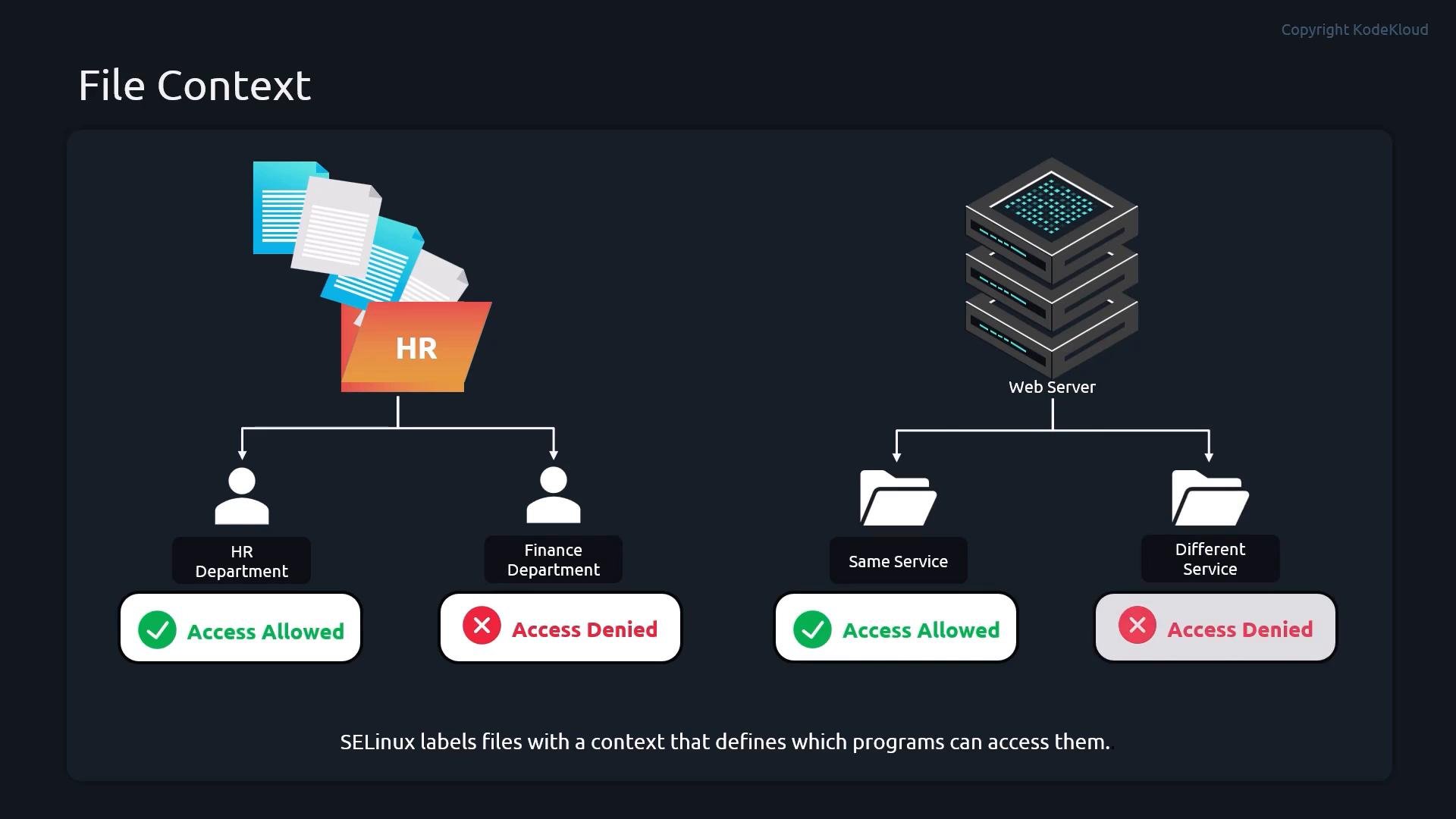
Viewing file contexts
Usels -Z to display SELinux contexts for files and directories:
Components summary:
type is the most important field for those decisions.
Check and change SELinux mode
Quick commands to check SELinux status:/etc/selinux/config:
selinux=0 as a kernel argument to disable SELinux at boot. Use grubby to add or remove that kernel argument:
Demo: Apache blocked by wrong file context
This demo walks through a common scenario: Apache cannot serve files located in a non-standard directory because those files have the wrong SELinux file context.- Install Apache and create a custom document root:
- Point Apache to the new document root (place these directives in the appropriate httpd configuration file):
- Start Apache and test:
- Request the page — on an enforcing system you may get a 403 Forbidden even though UNIX permissions allow access:
Inspecting contexts: standard vs custom paths
Typical contexts for standard Apache content:Fixing file contexts with semanage and restorecon
To let Apache serve content from a non-standard directory, add a persistent file-context rule withsemanage fcontext and then relabel files with restorecon.
You can consult the
semanage fcontext manual for pattern examples; they help construct correct regular-expression paths for matching files and directories.httpd_sys_content_t, the httpd policy permits Apache to serve files from /webcontent/html.
Useful commands reference
Summary
- SELinux file contexts are labels in the format
user:role:type:level. - The
typefield is used by policy to allow or deny accesses (e.g.,httpd_sys_content_tfor web content). - Use
ls -Zto inspect contexts;semanage fcontextandrestoreconadd and apply persistent labels. - Toggle enforcement temporarily with
setenforceor persistently via/etc/selinux/configor kernel arguments. - When a service is denied access despite correct UNIX permissions, check SELinux contexts and policy.
Links and references
- SELinux Project Wiki
- Red Hat SELinux Guide
man semanage_fcontextandman restorecon(local man pages)- Apache HTTP Server