

- Deploy manifests to a Kubernetes cluster
- Capture the Ingress hostname as a workflow output
- Consume that output in a downstream integration-testing job
Adding the Integration Test Job
After yourdev-deploy job completes, add an integration-testing job that references the URL output:
The
curl and jq utilities are pre-installed on the ubuntu-latest runner.Using
curl -k skips TLS verification. Only use this in non-production or trusted test environments.Retrieving the Ingress Host URL
To surface the Ingress host from Kubernetes into your workflow:- Invoke
kubectlin the deploy job to read the host via JSONPath. - Write that hostname to
GITHUB_OUTPUT. - Expose it as a job-level output.
1. Modify the Deploy Job
In yourdev-deploy job, after applying the manifests, add a step with an ID to capture the host:
Kubernetes Ingress Example
2. Extract the Ingress Host via CLI
Run these commands locally or in a step to confirm your JSONPath:3. Expose the Step Output as a Job Output
Enable downstream jobs to consume the captured host by defining anoutputs section:
Consuming the Output in Integration Testing
In theintegration-testing job, map the job output to an environment variable:
Passing Values Between Jobs
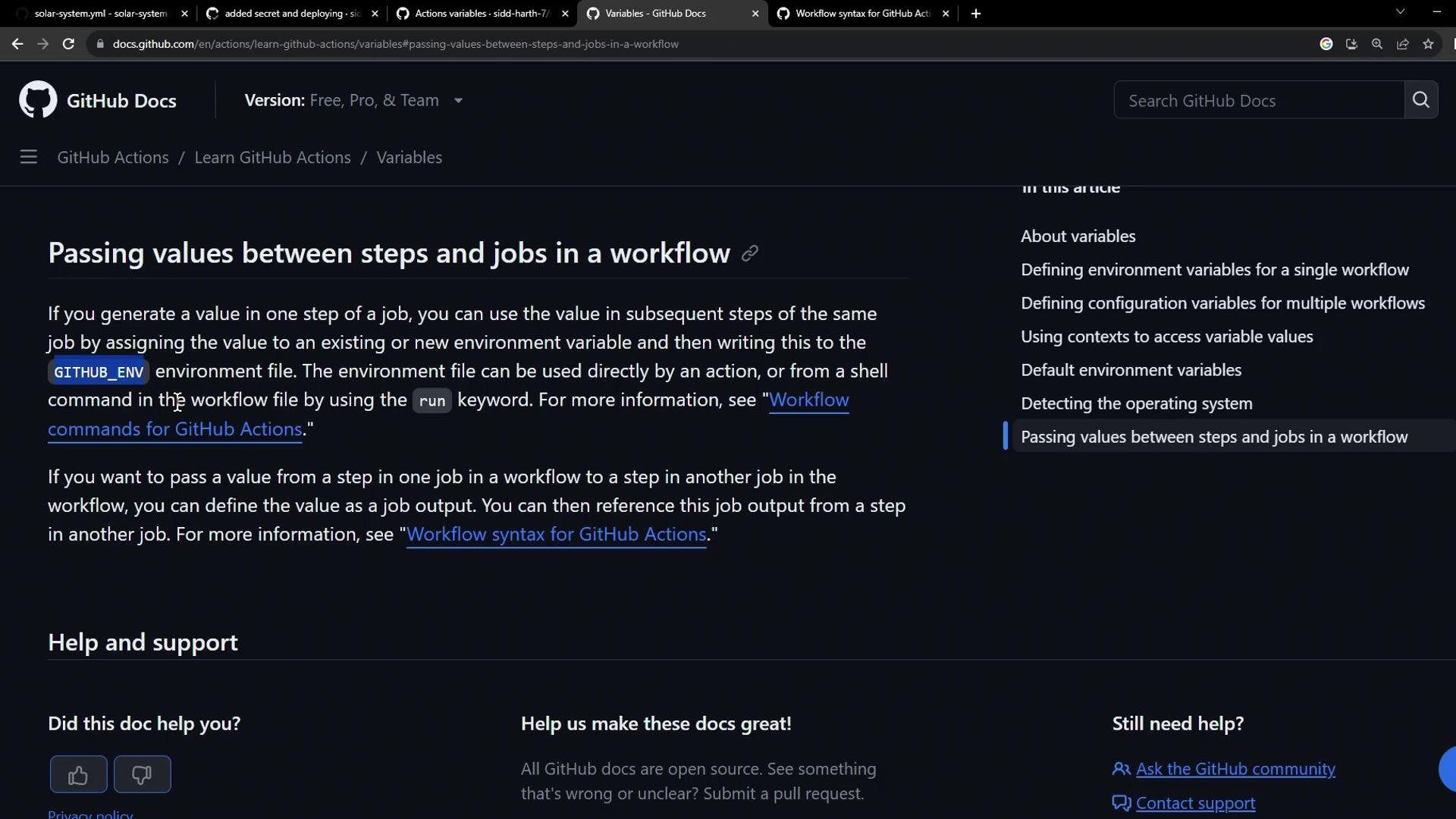
Official Example
Workflow Run Summary
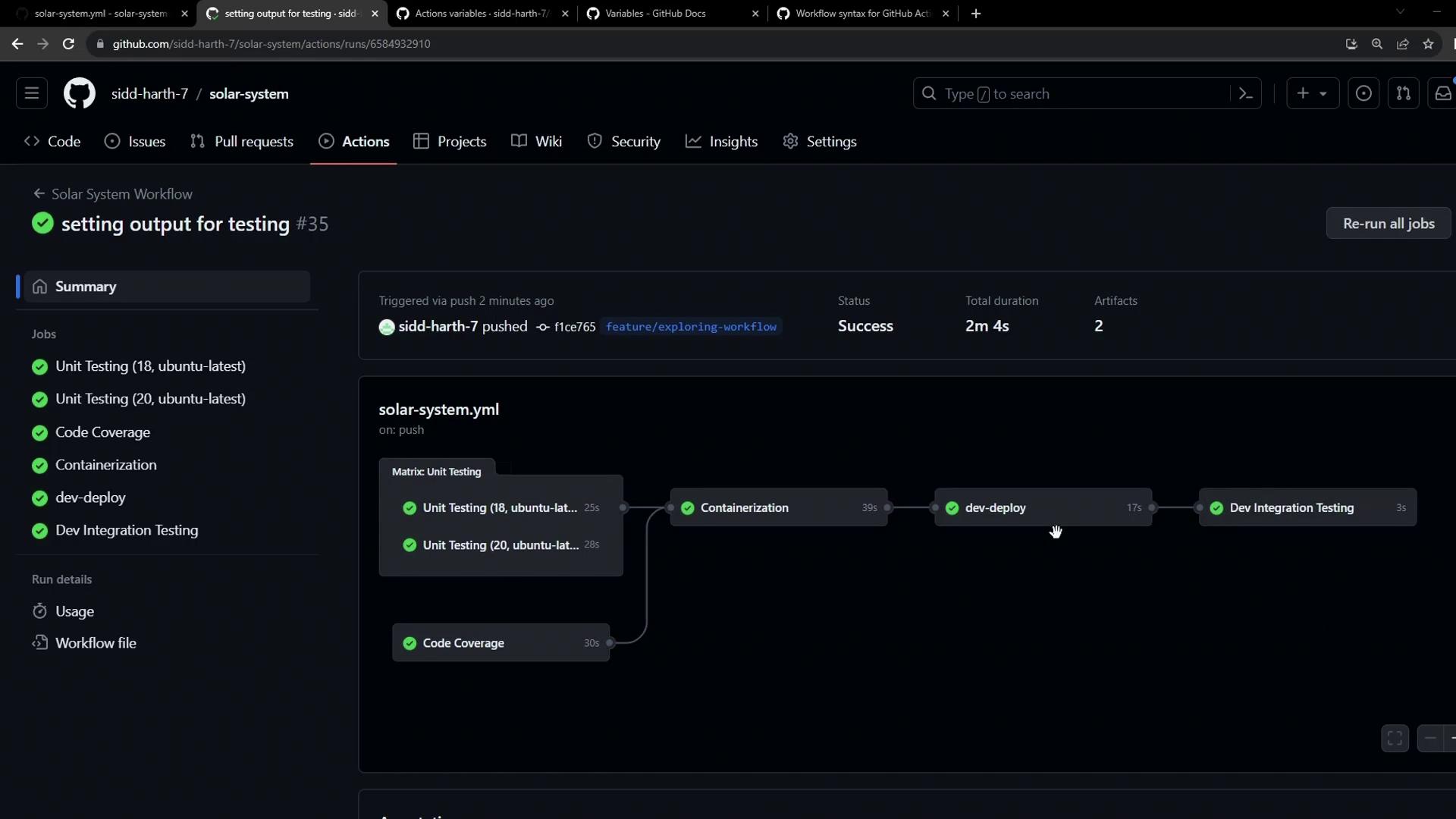
Integration Testing Job Log
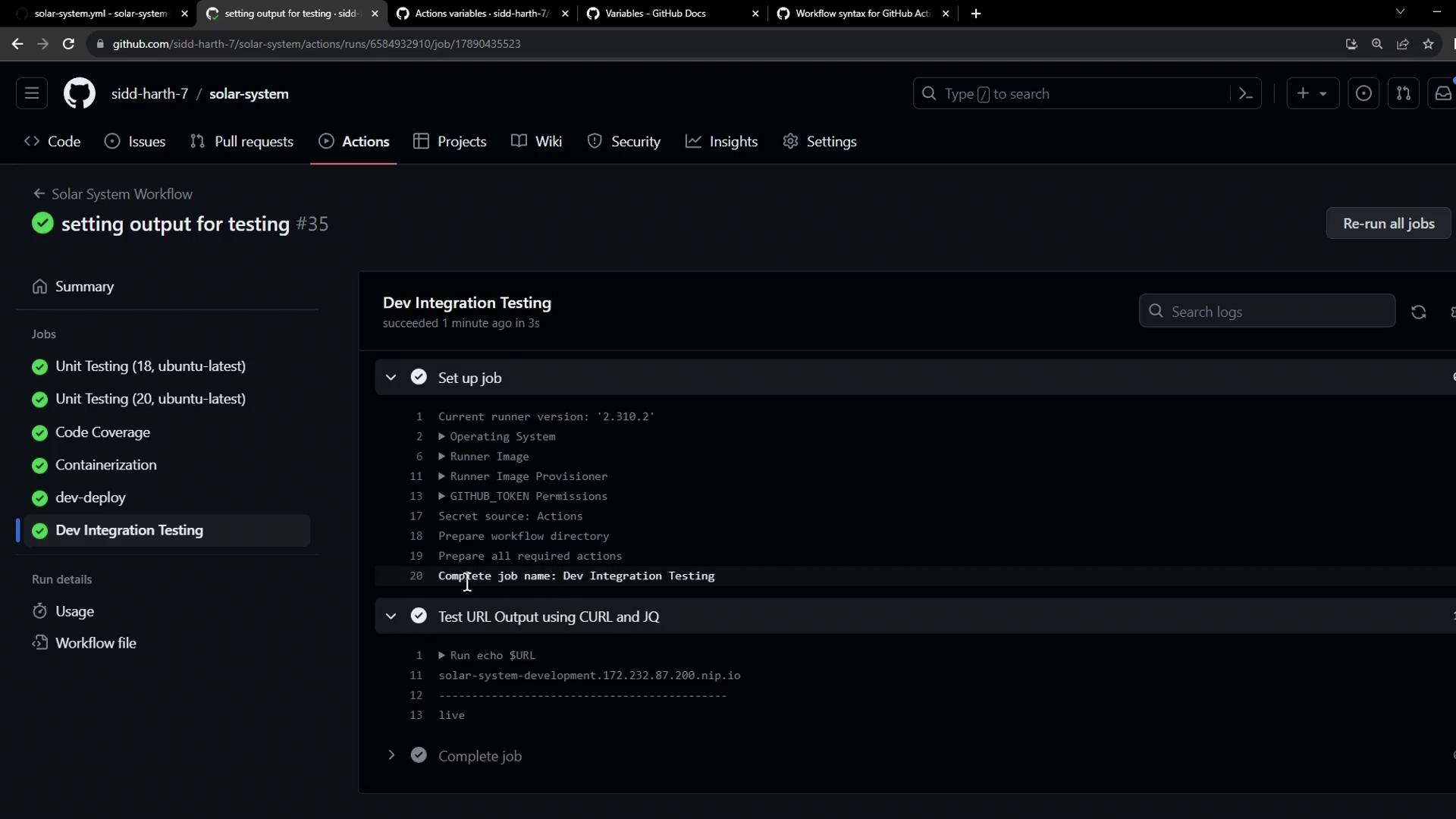
References
- GitHub Actions: Passing values between jobs
- Kubernetes Ingress Documentation
- Actions Workflow Syntax