

Example Workflow
The following workflow triggers on newly opened issues. It inspects the issue title for the keywordbug, echoes a message, and assigns a label. An AWS secret is loaded from repository secrets as an environment variable.
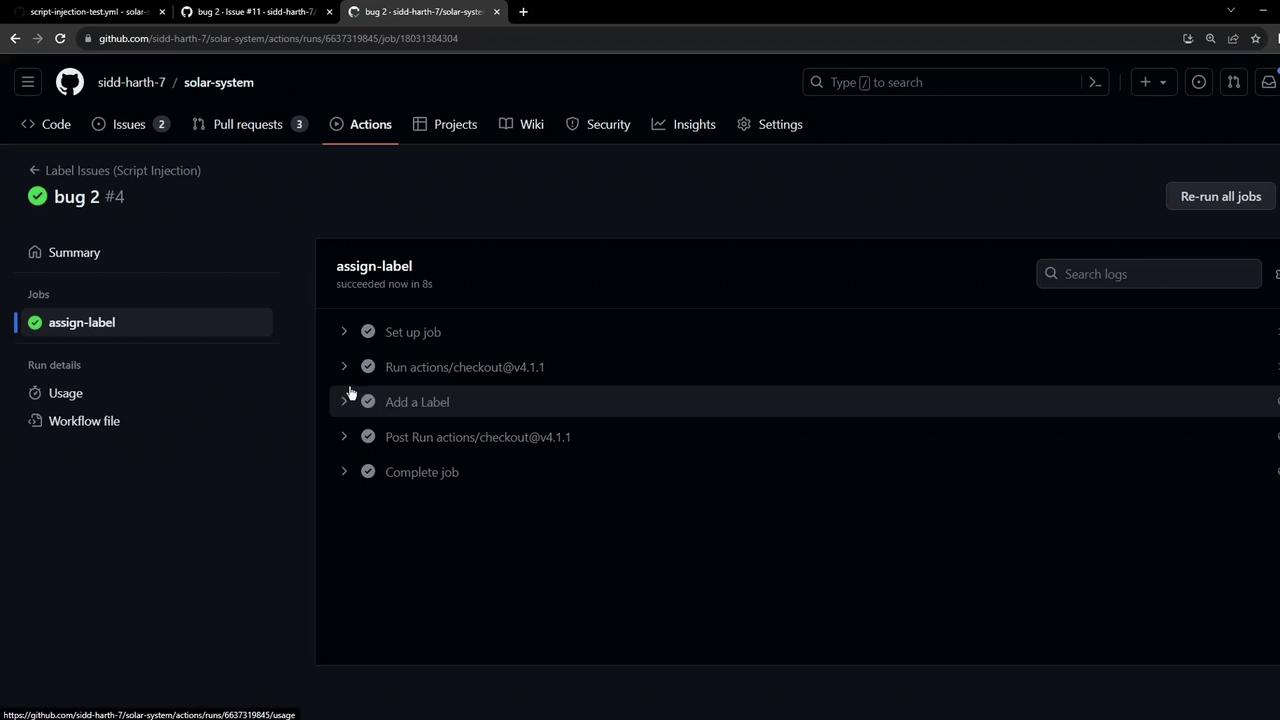
Demonstrating Script Injection
An attacker can craft an issue title that injects shell commands into therun step. For example:
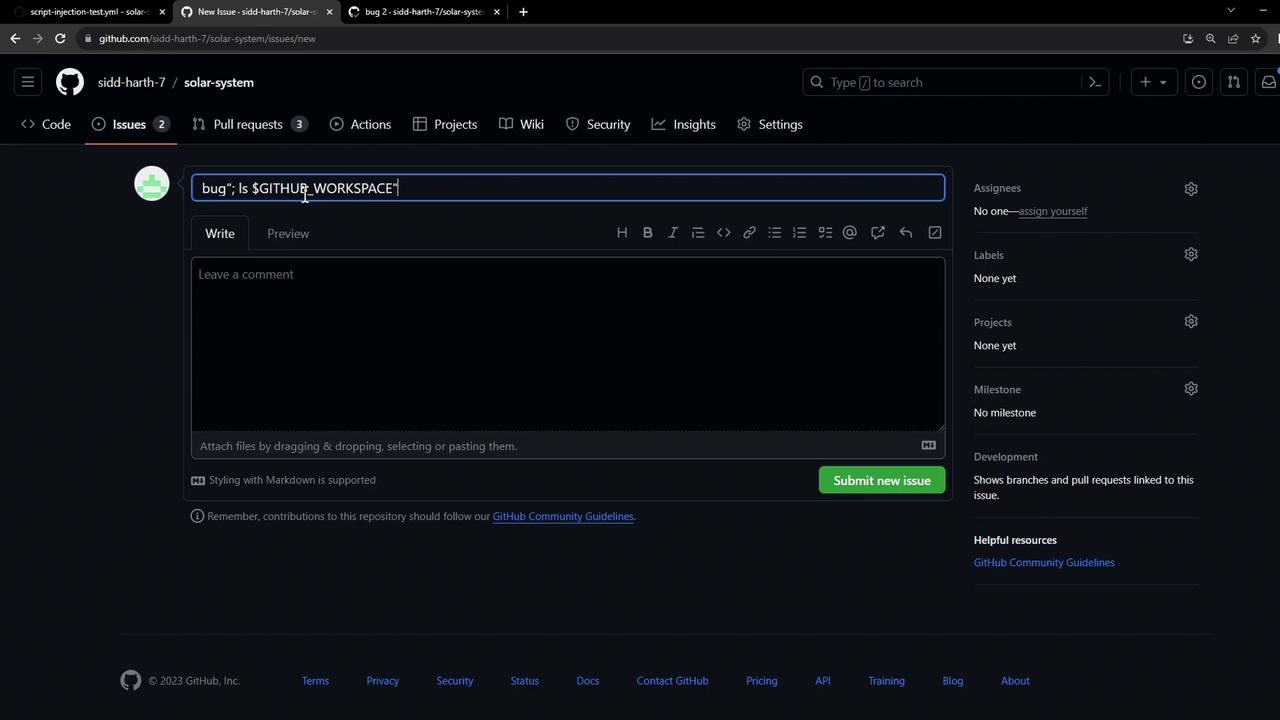
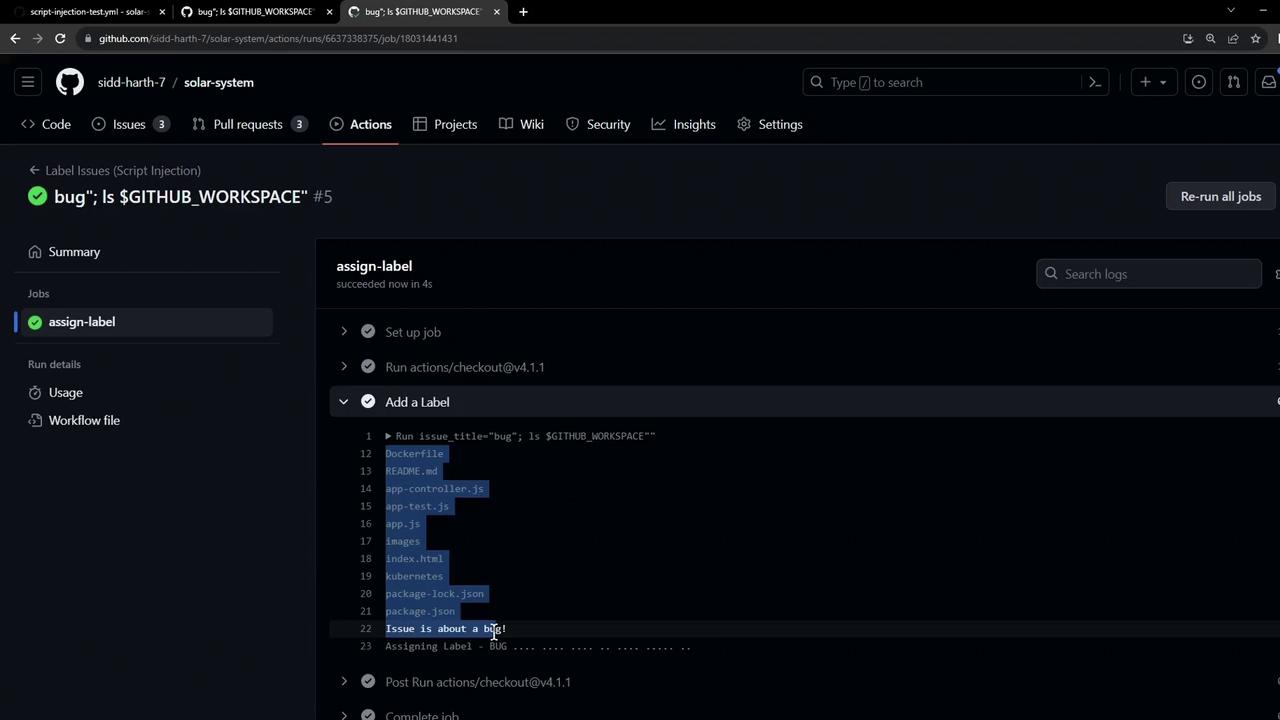
ls command executes on the runner, revealing files:
Exfiltrating Secrets
Beyond directory listing, an attacker can chain commands to leak secrets. The followingcurl command posts the AWS secret to a remote dump service:
Exposed
AWS_SECRET_ACCESS_KEY can be exploited to access AWS resources, incurring data breaches or infrastructure compromise.Risk Summary
Mitigation Strategies
- Sanitize Inputs
Avoid direct interpolation of untrusted data. Use proper quoting: - Use Composite or JavaScript Actions
Isolate processing in actions that handle inputs without a shell. - Scope Secrets Minimally
Restrict secret access with job permissions. - Validate Patterns
Enforce regex or allowlists when matching user-supplied values. - Leverage Third-Party Utilities
Consider actions like nektos/act-sanitizer for automatic escaping.
For more guidance on securing workflows, see the GitHub Actions security hardening guide.