In this guide, you’ll clone a Node.js application, install dependencies, run tests with coverage enforcement, and start the server locally. These steps form the foundation for automating your CI/CD pipeline with GitHub Actions.

Prerequisites

Make sure you have the following installed:
  • Node.js (v14+)
  • npm (bundled with Node.js)
On Debian/Ubuntu, you can install them with:

Clone the Repository

Fetch the project source and switch into its directory:

Project Structure

package.json

Your package.json defines scripts, dependencies, and code coverage settings:

Available npm Scripts

Application Code (app.js)

Test Suite (app-test.js)

Frontend Controller (client.js)

Dockerfile

Kubernetes Service Manifest

Install Dependencies

Install all Node.js dependencies:
This creates the node_modules/ directory.

Run Tests

Your tests require MongoDB credentials set via environment variables:
If credentials are not provided, you may see an error like:
Be sure to export MONGO_URI, MONGO_USERNAME, and MONGO_PASSWORD before running tests.

Hard-code Credentials (for Demo)

If you want to bypass environment variables during a demo, update app.js:
Then re-run:
Expected output indicating the server started and tests passed:
Verify exit code:
A test_results.xml file is generated for CI.

Run Coverage

Generate coverage reports with:
Sample failure output if coverage is below threshold:
Verify exit code:
Reports are available in the coverage/ directory (cobertura XML, lcov, JSON summary).

Start the Application

Launch your server locally:
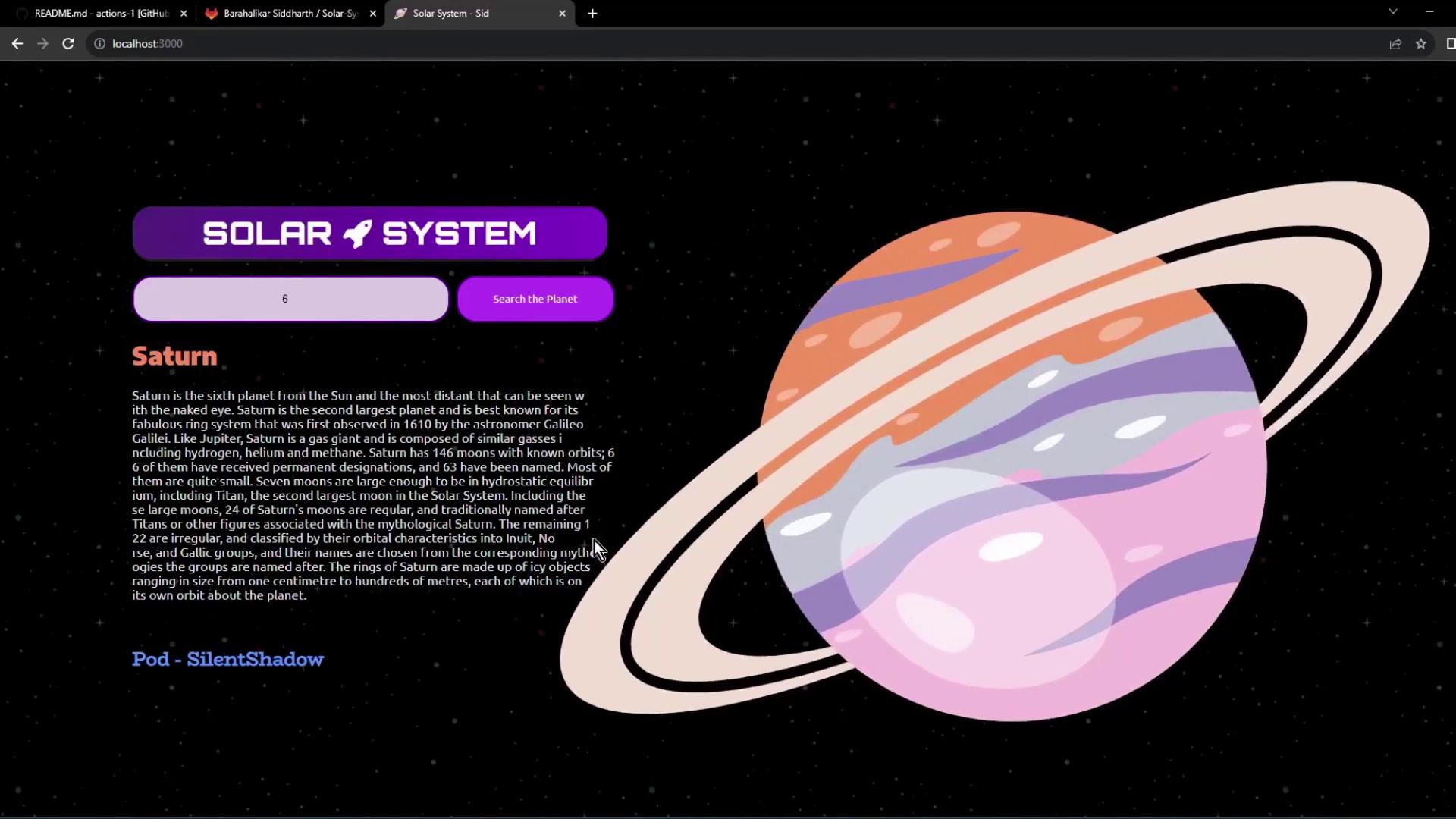
By default, the server listens on port 3000. Open your browser at: http://localhost:3000 Use the search bar to look up planet details by ID. Data is served from a MongoDB Atlas cluster and displayed in the UI.
The image shows a webpage about the solar system, featuring an illustration of Saturn with its rings and a description of the planet. There is a search bar labeled "Search the Planet" and a title "Solar System."

Watch Video