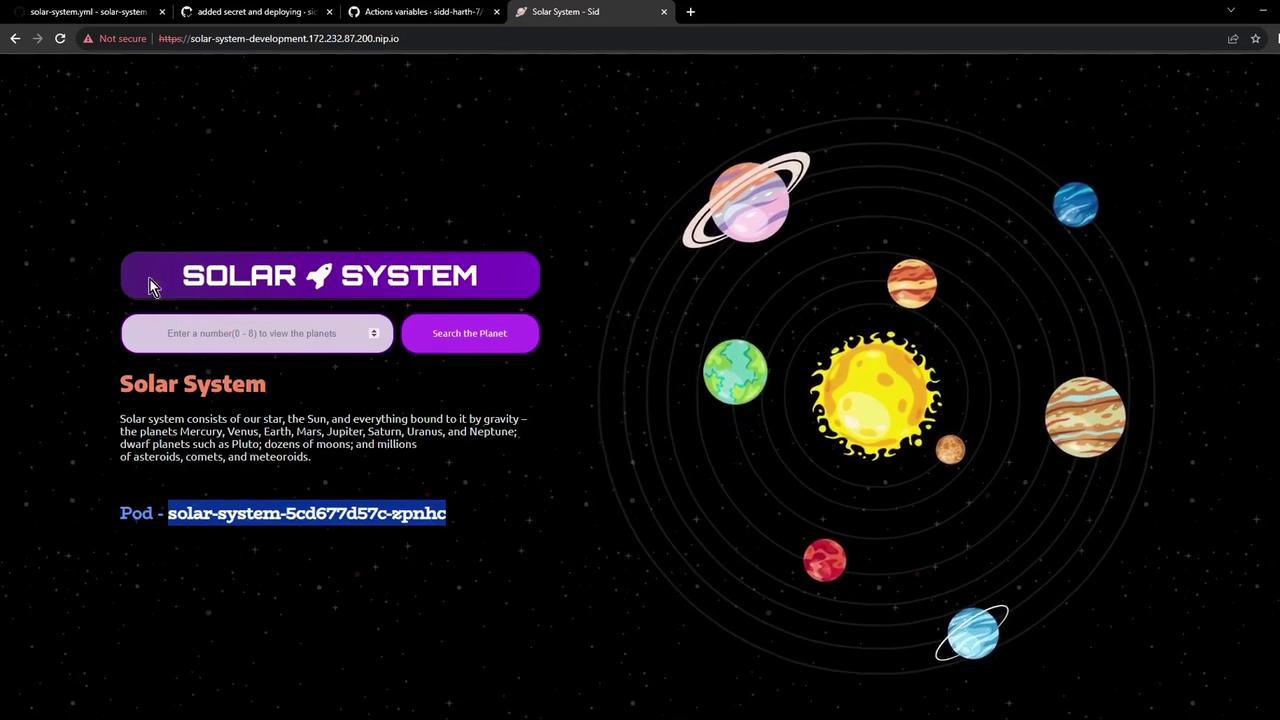
development namespace. This ensures automated, secure credential management and consistent application delivery.
1. Configuring the Dev-Deploy Job
Underjobs: in your workflow YAML, add a dev-deploy job that:
- Replaces placeholders in your manifest files
- Creates a Kubernetes secret for MongoDB credentials
- Applies all manifests to your development namespace
Ensure that
vars.NAMESPACE, vars.REPLICAS, and your Docker Hub credentials are configured in your GitHub repository settings.Workflow Steps at a Glance
2. Kubernetes Deployment Manifest
Inkubernetes/development/deployment.yaml, reference the mongo-db-creds secret to populate environment variables for your container:
3. Why Use a Secret?
Your Dockerfile includes placeholder environment variables:- You avoid hard-coding sensitive data
- Credentials are injected at runtime
- Configuration is decoupled from your application image
Never commit real credentials into source control. Use GitHub Secrets and Kubernetes Secrets to manage sensitive data.
4. Verify a Fresh development Namespace
Before deployment, confirm that the namespace is empty:
5. Watching GitHub Actions in Motion
When you push changes, thedev-deploy job runs alongside other CI tasks:
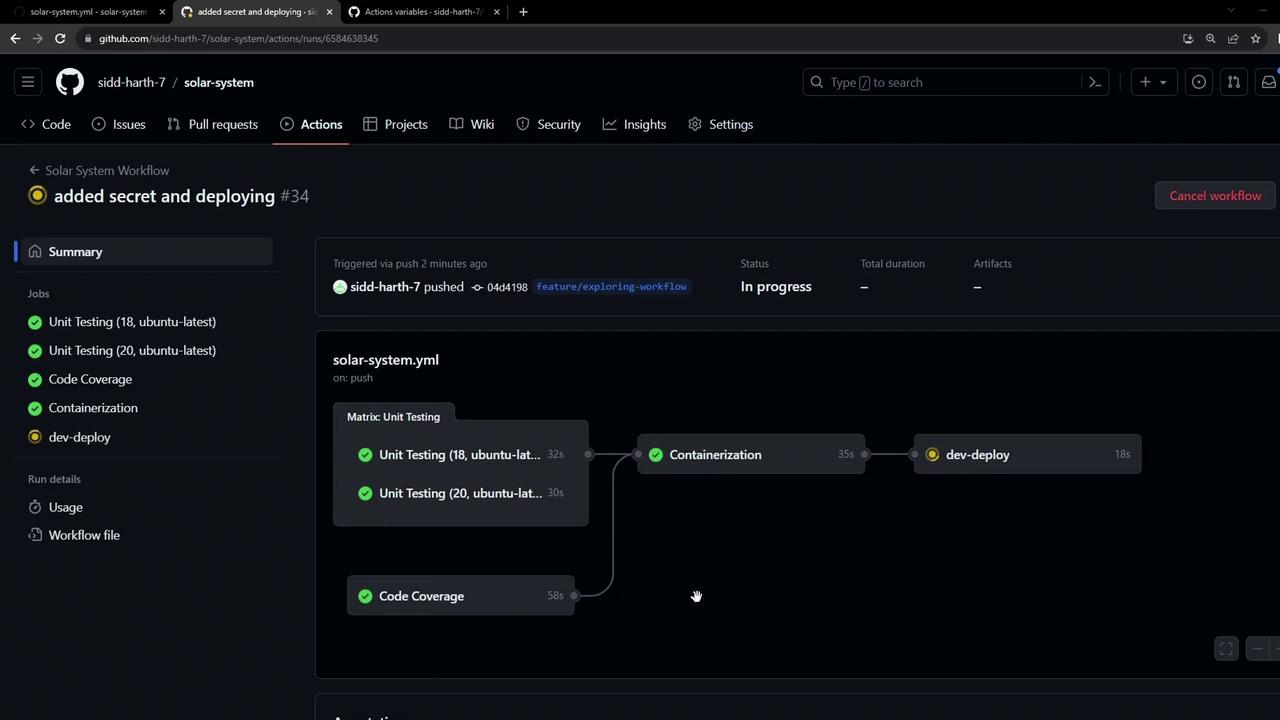
5.1 Secret Creation Logs
5.2 Applying Manifests
6. Validate Resources in the Cluster
Check that your secret and resources are live:7. Access the Application
Open the ingress hostname in your browser. You may see a self-signed TLS warning—proceed to view your live Solar System app: