

workflow_call inputs. By declaring inputs explicitly, you avoid the common pitfall where environment variables defined at the caller level don’t automatically propagate.
Reusable workflows require GitHub Actions
workflow_call. See the GitHub Actions Reusing Workflows guide for details.The Problem: Empty Environment Variables
When you define environment variables in the caller workflow, they aren’t forwarded to the reusable workflow. For example, this secret creation command ran with an emptyMONGO_URI:
MONGO_URI was never passed, the URI value remained blank:
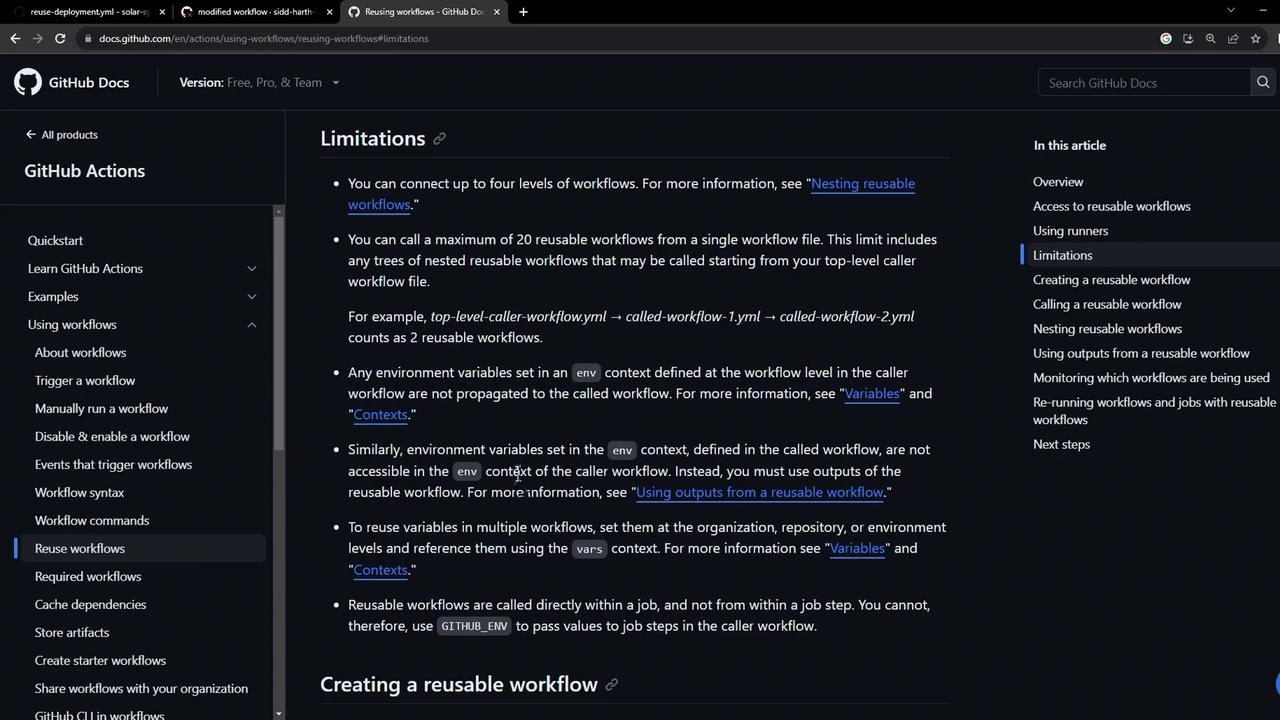
Define an Input in the Reusable Workflow
Edit your reusable workflow (e.g..github/workflows/reuse-deployment.yml) and add an inputs section under workflow_call. Here we declare a required string input mongodb-uri:
MONGO_URI with ${{ inputs.mongodb-uri }}.
Store the URI as a Repository Variable
In your repository settings under Settings › Actions › Variables, create a variable namedmongo_uri:
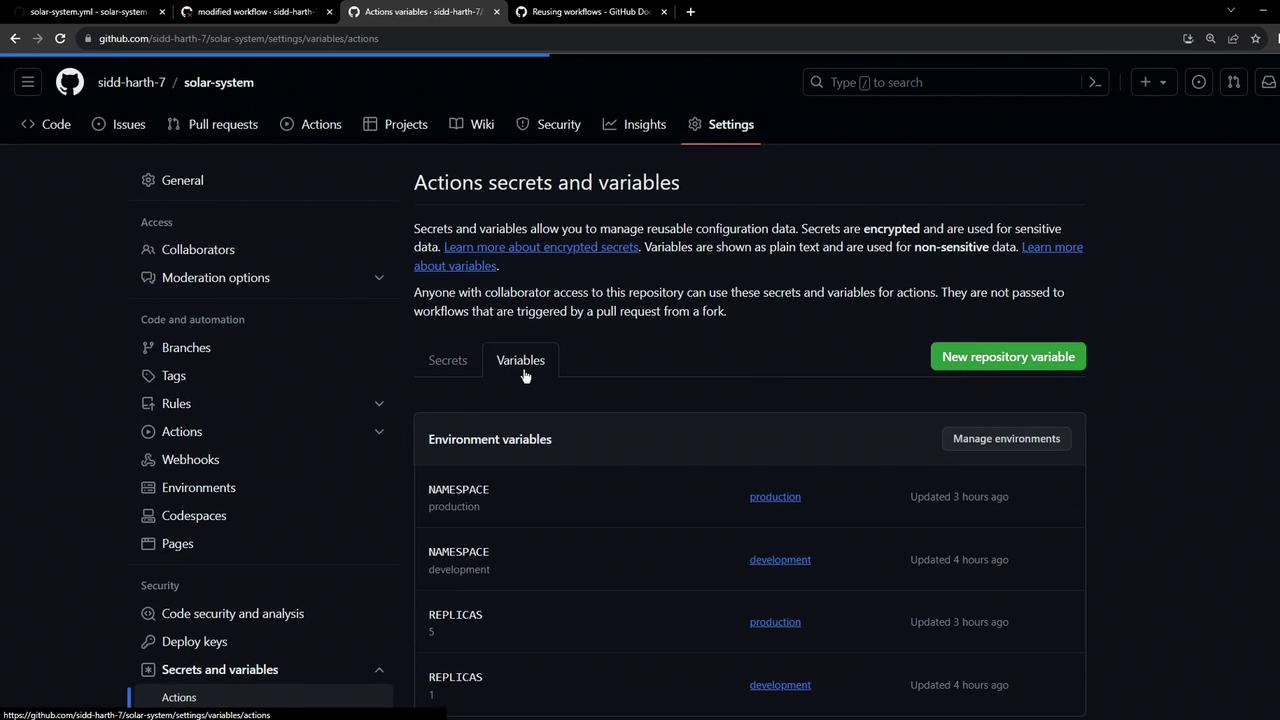
- Name:
mongo_uri - Value:
mongodb+srv://supercluster.d8jjj.mongodb.net/superData
Repository variables are not encrypted. Use Secrets for sensitive values like passwords.
Call the Reusable Workflow with Inputs
In your caller workflow (e.g..github/workflows/solar-system.yml), remove the old env: block for MongoDB and invoke the reusable workflow using a with block:
mongodb-uri.
Adding Dynamic Inputs
To make your reusable workflow more flexible, you can declare additional inputs—such askubectl-version, k8s-manifest-dir, and environment. Update workflow_call like so:
Reference these inputs in your job steps:
Keep input names consistent between caller and reusable workflows to minimize errors.
Verification in Workflow Run
When the workflow executes, you’ll see the passed inputs in the reusable job’s Inputs section: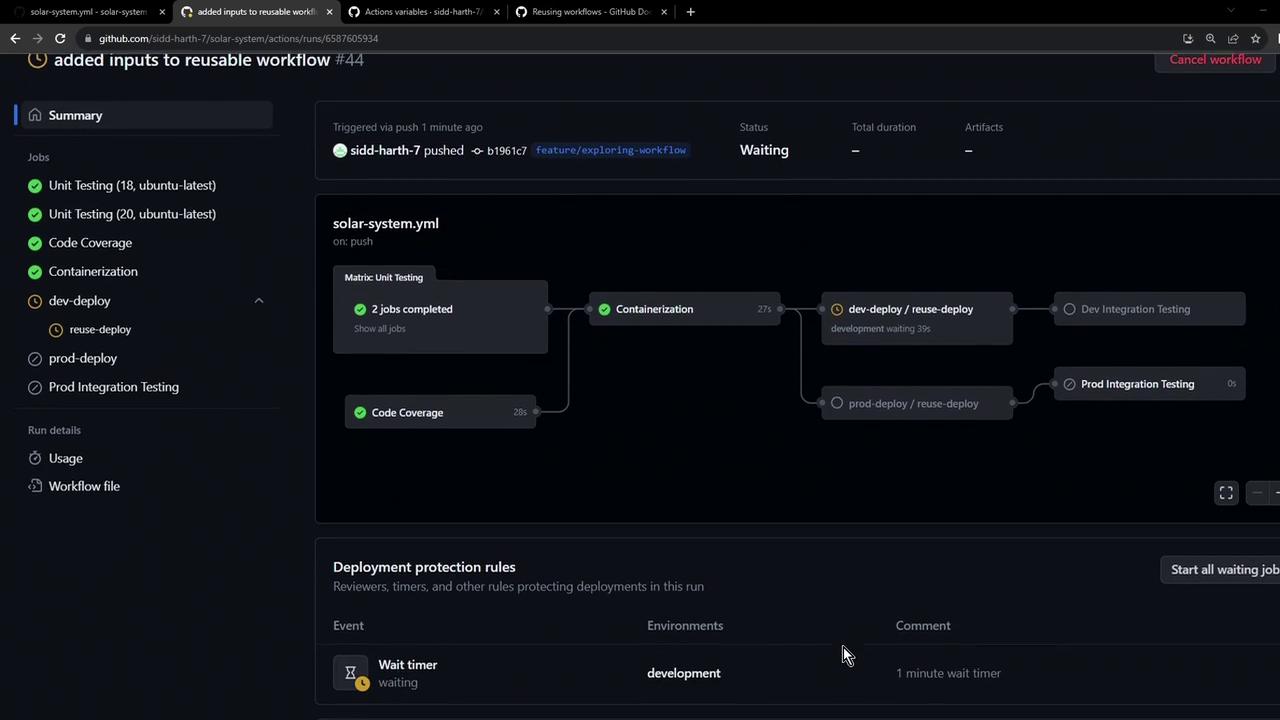
mongodb-uri,kubectl-version,k8s-manifest-dir, andenvironmentare listed under Inputs.- The MongoDB secret is created with the correct URI.
- Manifests are applied from the specified directory.
- The deployment environment dynamically matches your input.
Next, we’ll explore how to propagate outputs from the reusable workflow back into the caller workflow for advanced chaining and reporting.
References
- GitHub Actions Reusing Workflows
- GitHub Actions Variables
- Azure/setup-kubectl Action
- cschleiden/replace-tokens Action