

Background
GitHub Actions uses cache keys to store and restore dependencies. By hashingpackage-lock.json, we ensure that any update to dependencies generates a new cache key, invalidating the old cache automatically.
Key points:
- We cache
node_modulesusing the hash ofpackage-lock.json. - Changing dependencies updates the lock file, resulting in a new cache key.
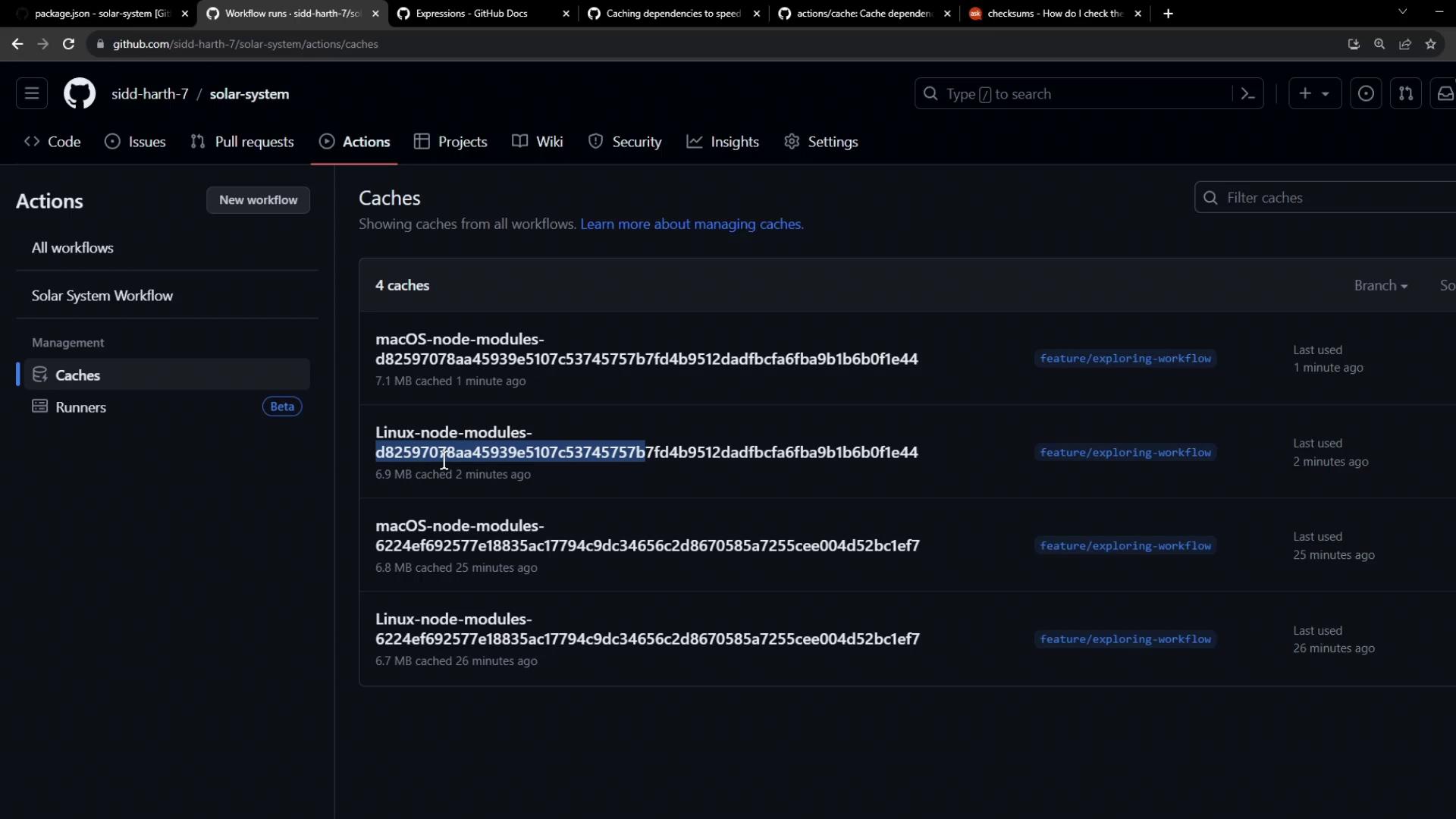
- A new cache is created when the key doesn’t match any existing cache.
Local Setup
First, clone the repository and switch to the feature branch:package.json to review current dependencies:
Adding a New Dependency
Let’s simulate a dependency change by installingnodemon:
package.json will now include:
Workflow Cache Configuration
Our GitHub Actions workflow uses the officialactions/cache action to save and restore node_modules:
When you push a change to
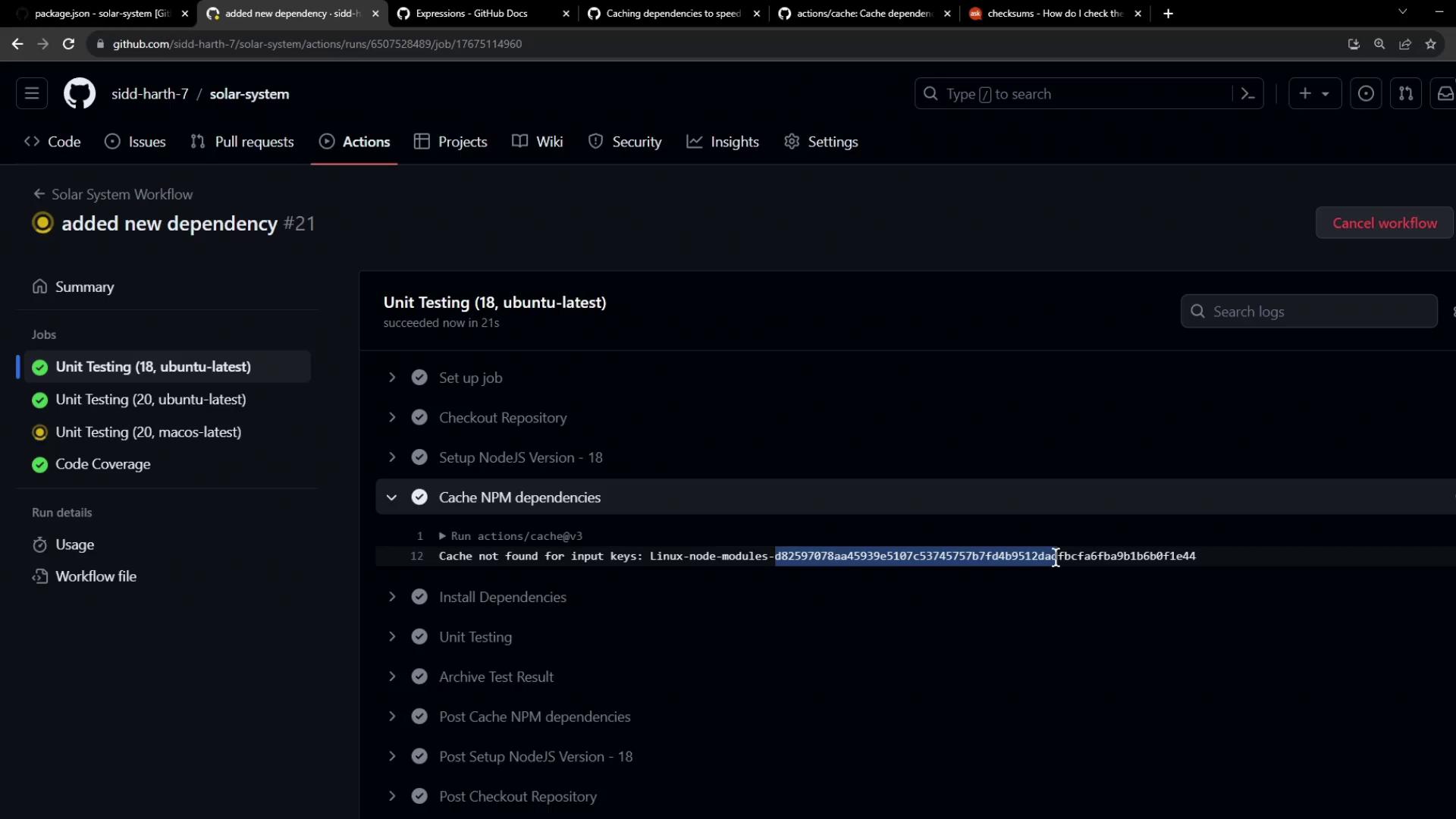
package-lock.json, the hashFiles function produces a new key, and the workflow cannot find an existing cache that matches it.
Observing the Workflow
After pushing your commit, the workflow runs again. In the Unit Testing job, open the Cache NPM dependencies step: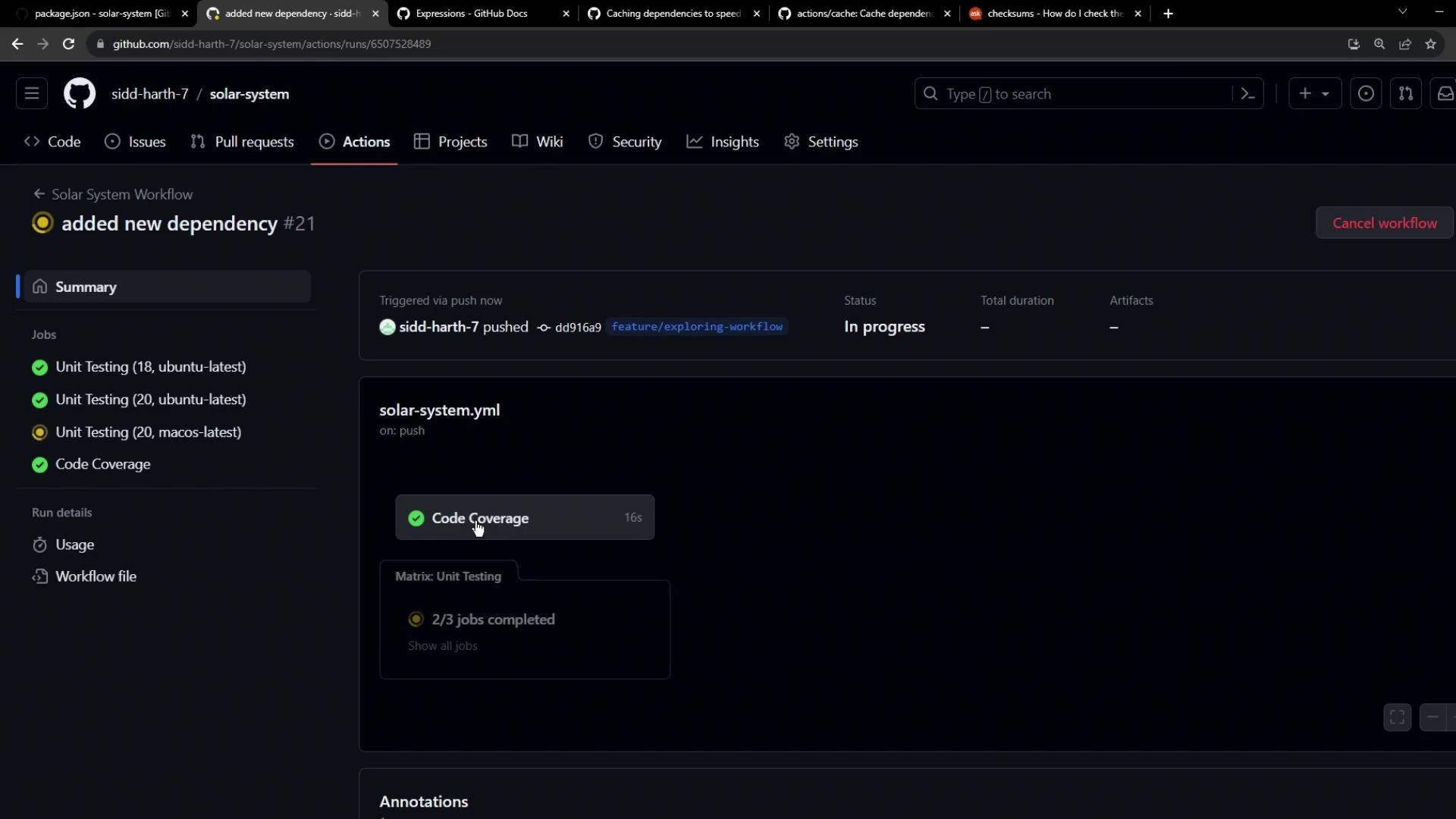
No cache was found
If multiple jobs use the same cache key, one job will succeed in saving while the others may report a save failure. This is expected behavior.
Summary
- GitHub Actions invalidates caches when the cache key changes.
- Hashing
package-lock.jsonensures dependencies are up to date. - You can confirm the cache status in the workflow logs and the Caches tab.