

- Prerequisites for local development
- Project scaffolding and configuration
- Defining metadata in
action.yml - Implementing core logic in
index.js - Bundling with Vercel NCC
- Publishing your action to GitHub Marketplace
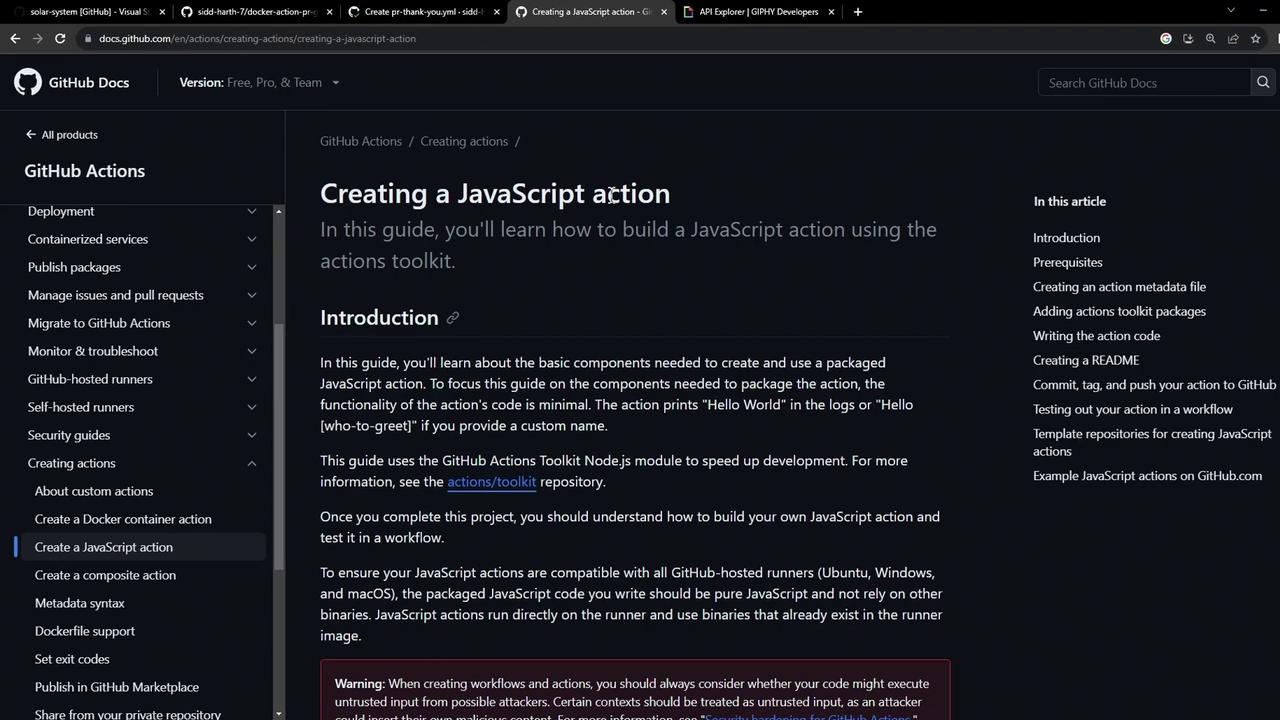
Prerequisites
Before you begin, ensure you have:- Node.js v20 or later installed
- A GitHub account and repository
Keep your GitHub token and API keys secure. Never commit secrets directly to your repo.
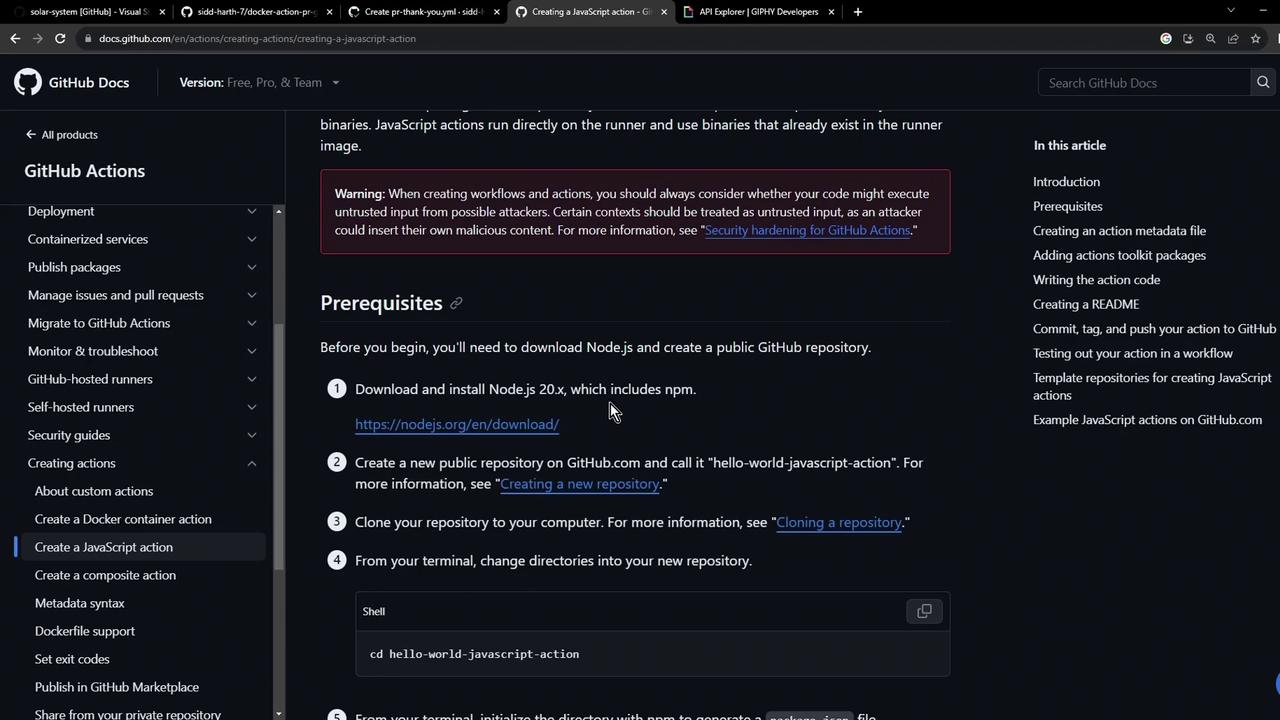
1. Define Your Action Metadata
All GitHub Actions require anaction.yml file to declare inputs, outputs, and execution details. Here’s a minimal example:
2. Scaffold the Project
Create a new directory and initialize with npm:package.json will look like:
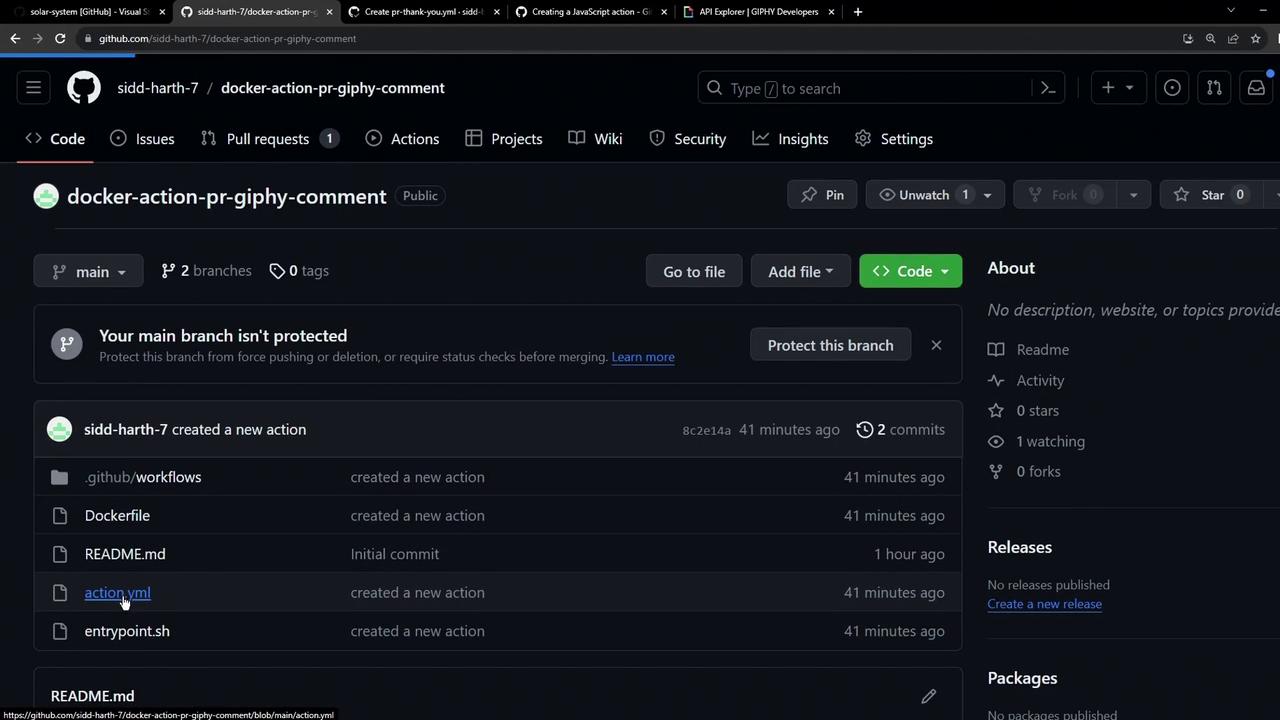
3. Create and Update action.yml
We’ll start with a Docker-based example and then switch to Node.js.
4. Install Dependencies
Inindex.js, we’ll require the following modules:
Dependency Versions
5. Write the Action Logic
Create anindex.js file and implement the core workflow:
6. Bundle with Vercel NCC
To reduce file size and avoid committingnode_modules, bundle your code into a single file:
action.yml to reference the bundled script:
Add a
.gitignore file to prevent tracking large files:7. Publish Your Action
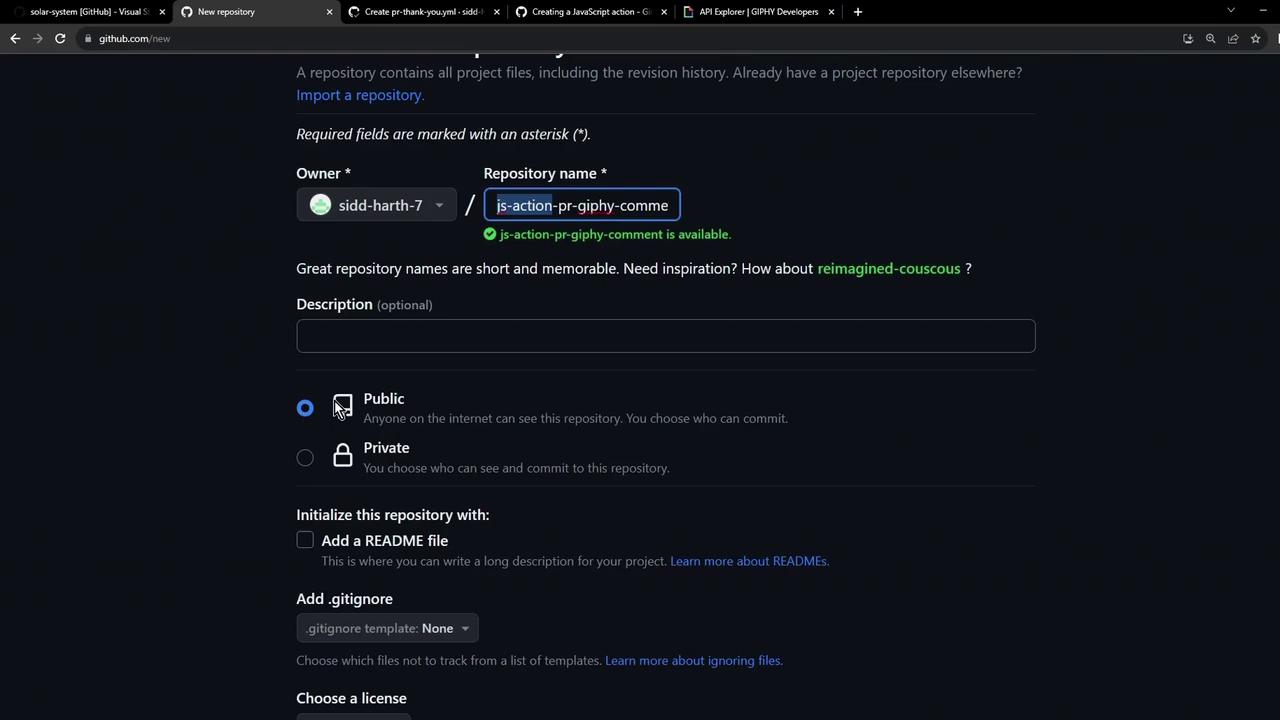
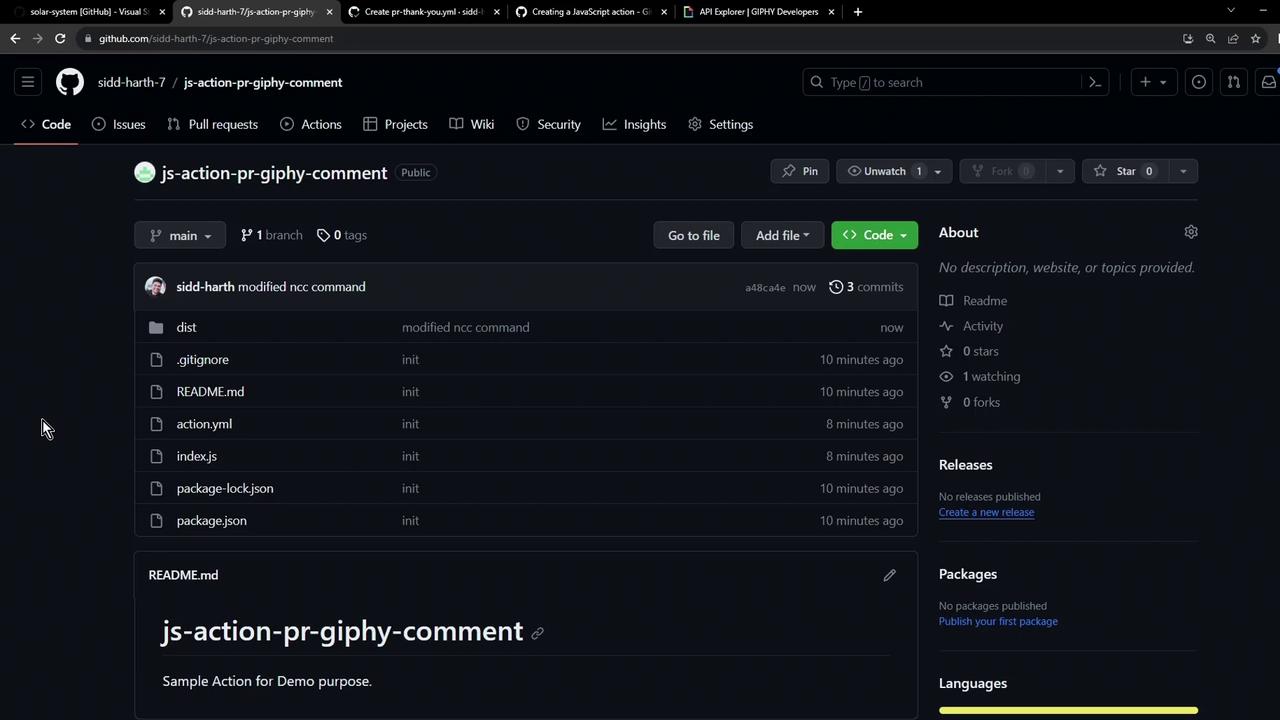
- Create a new repository on GitHub, e.g., js-action-pr-giphy-comment.
-
Push your code:
- Tag a release and publish on the GitHub Marketplace following Publishing actions in the GitHub Marketplace.
Links and References
- GitHub Actions Toolkit
- Octokit REST.js
- Vercel NCC
- Giphy API Documentation
- Publishing actions in the GitHub Marketplace