Original Workflow
The workflow below sets up Node.js, caches dependencies, installs packages, runs tests, and uploads test results:Refactoring with a Composite Action
Instead of repeating cache and install steps, reference a custom composite action stored under.github/custom-actions/npm-action:
You can omit the
action.yml filename and simply point to the directory containing your composite action.Comparison of Workflows
Defining the Composite Action
Below is theaction.yml for our reusable NPM composite action. It accepts a required path-of-folder input and runs cache & install steps:
Every
run step in a composite action must specify a shell (e.g., bash, pwsh, sh, cmd) depending on the runner OS.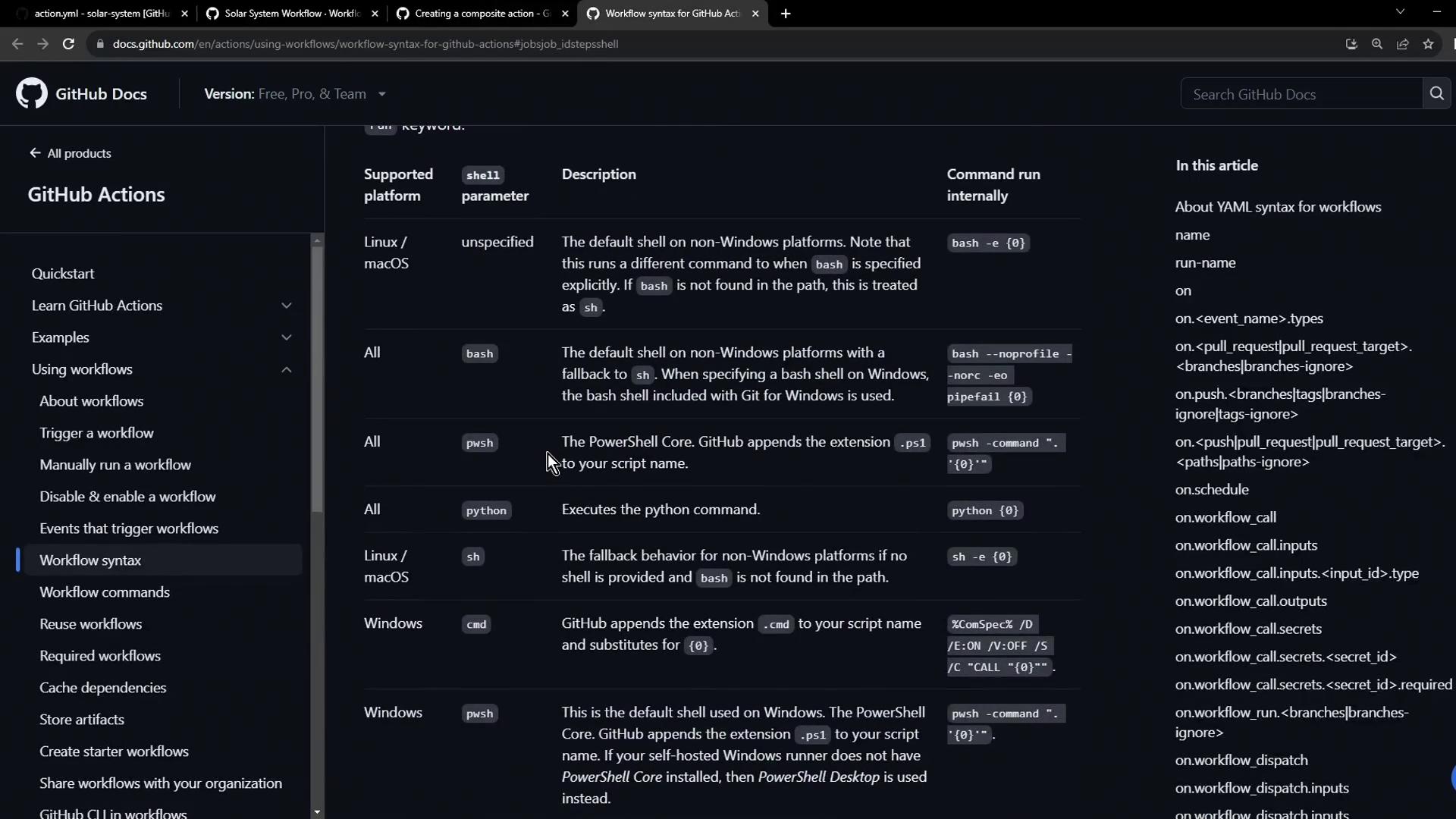
Running the Refactored Workflow
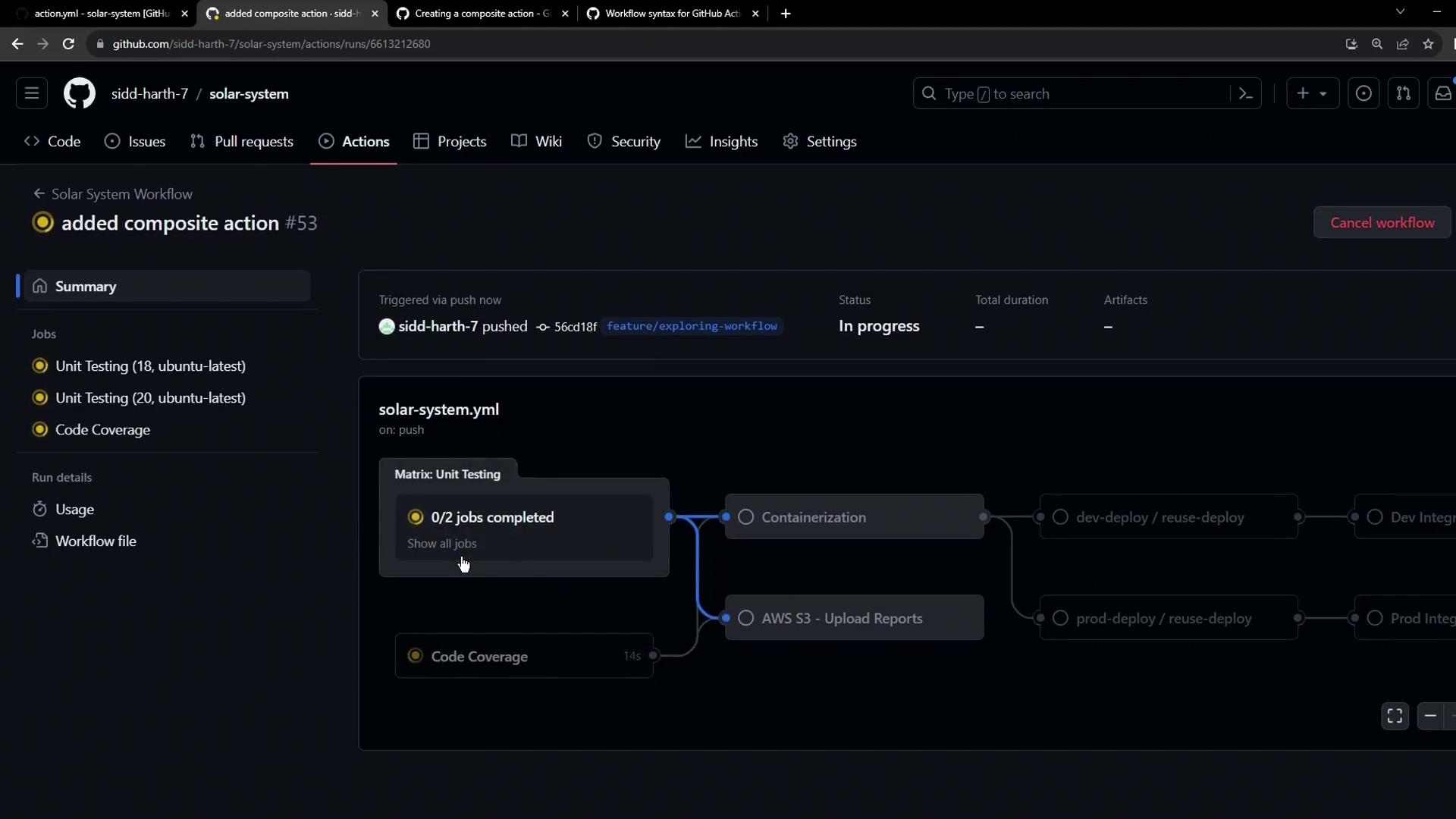
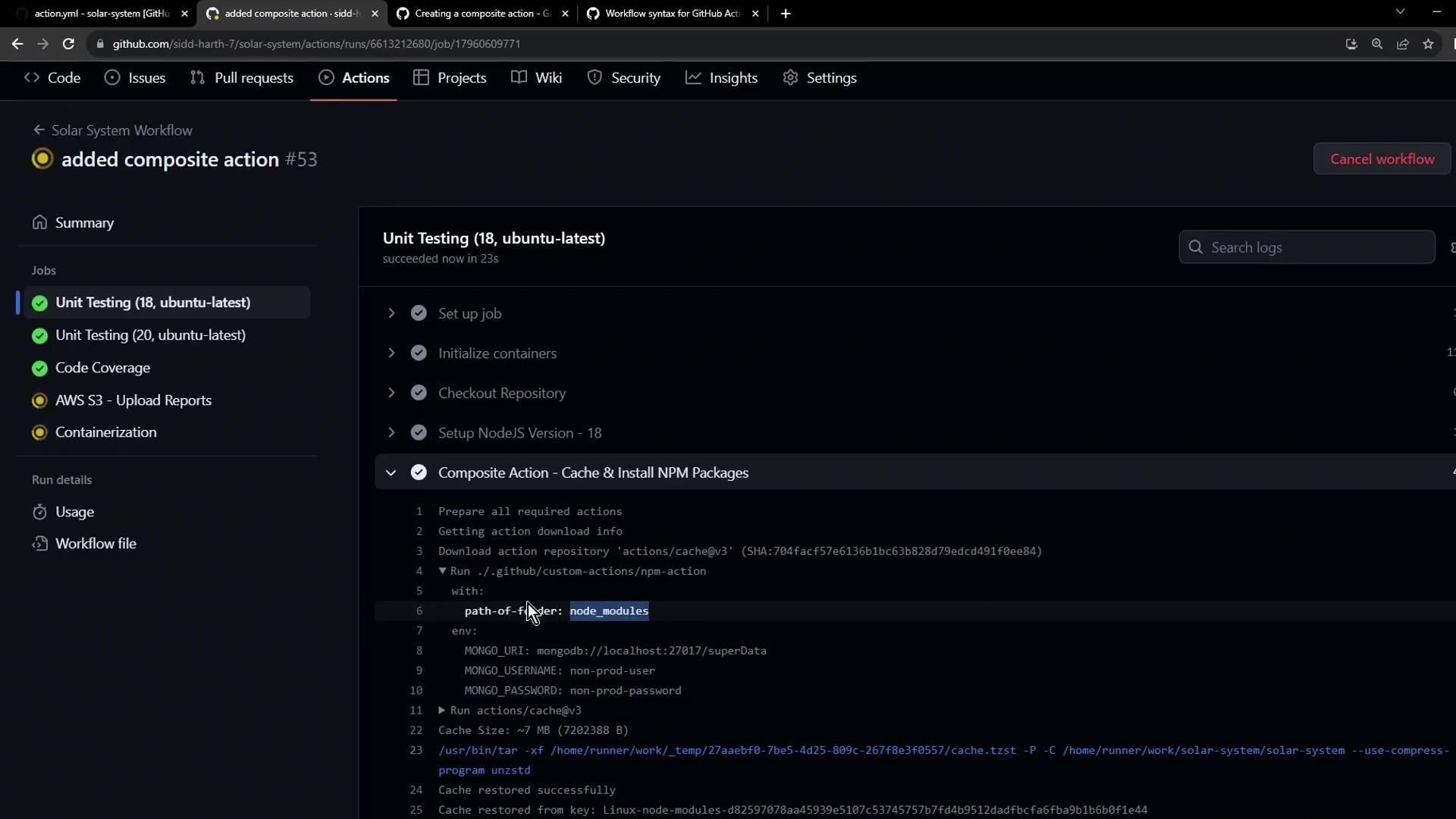
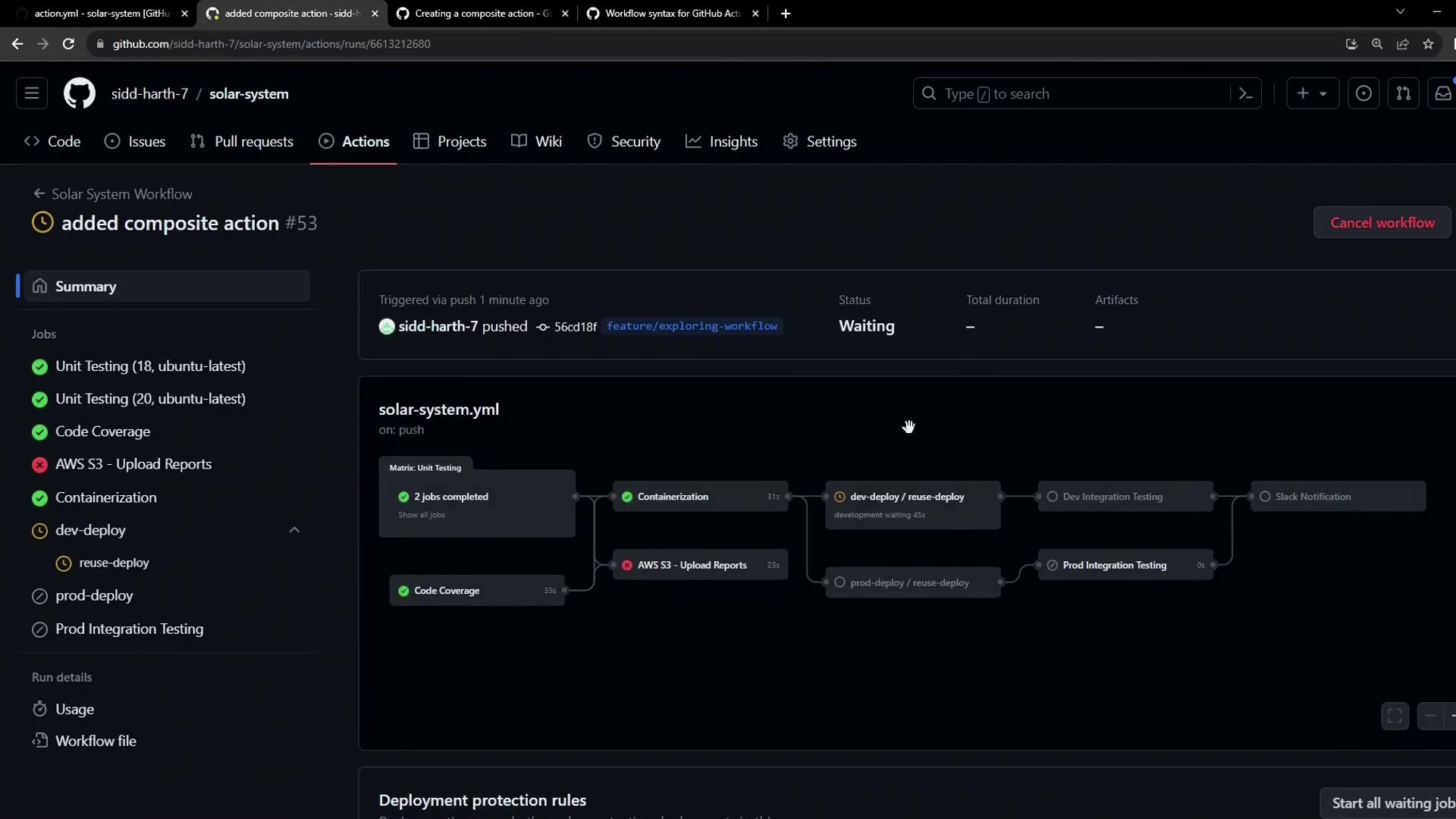
After committing your composite action and workflow changes, view the GitHub Actions dashboard. You’ll see the unified “Cache & Install NPM Packages” step replace the individual cache and install tasks across all jobs: