

github, runner, job, steps, and secrets—to better understand what data is available during a workflow run.
What are contexts?
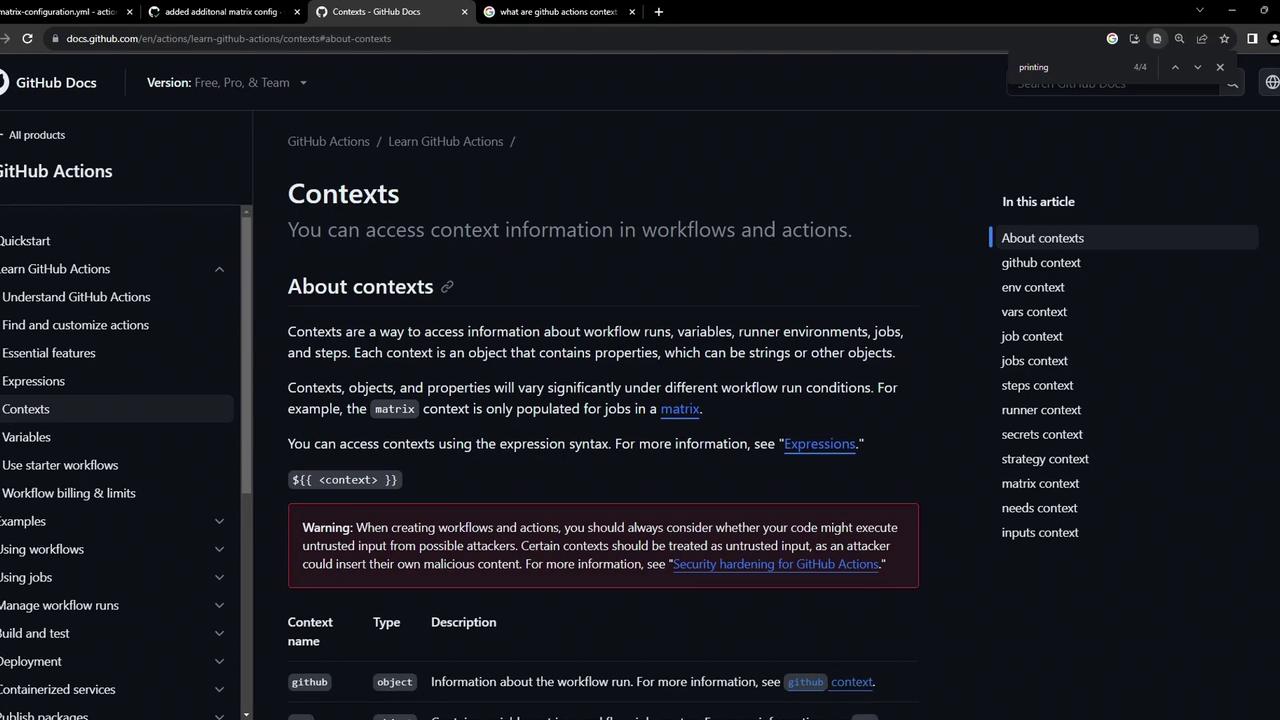
A context in GitHub Actions is a set of predefined objects containing information about the event payload, workflow, jobs, steps, secrets, runner environment, and more. You can reference any context property using the${{ }} syntax.
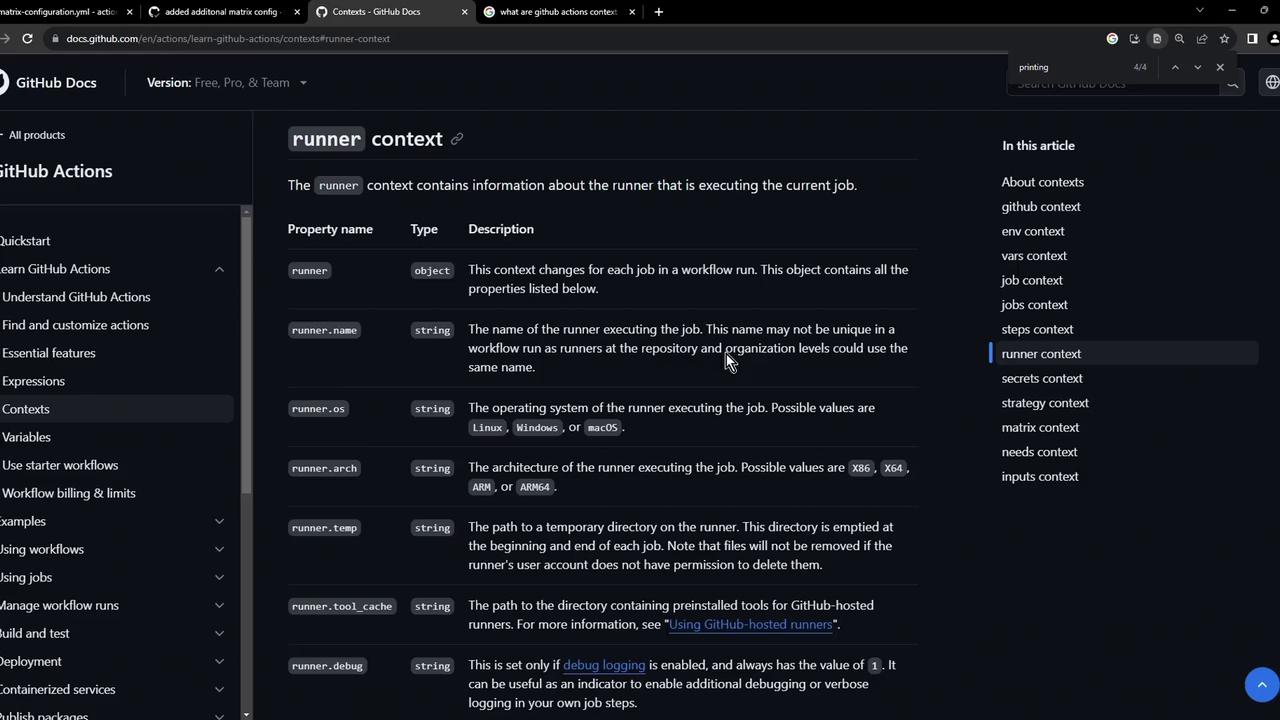
Runner context
The runner context provides properties likerunner.name, runner.os, runner.arch, and more. These can drive conditional logic:
Workflow example: dumping contexts
The followingcontext-testing.yml workflow runs on every push and uses the toJSON function to serialize contexts, then echoes them to the log.
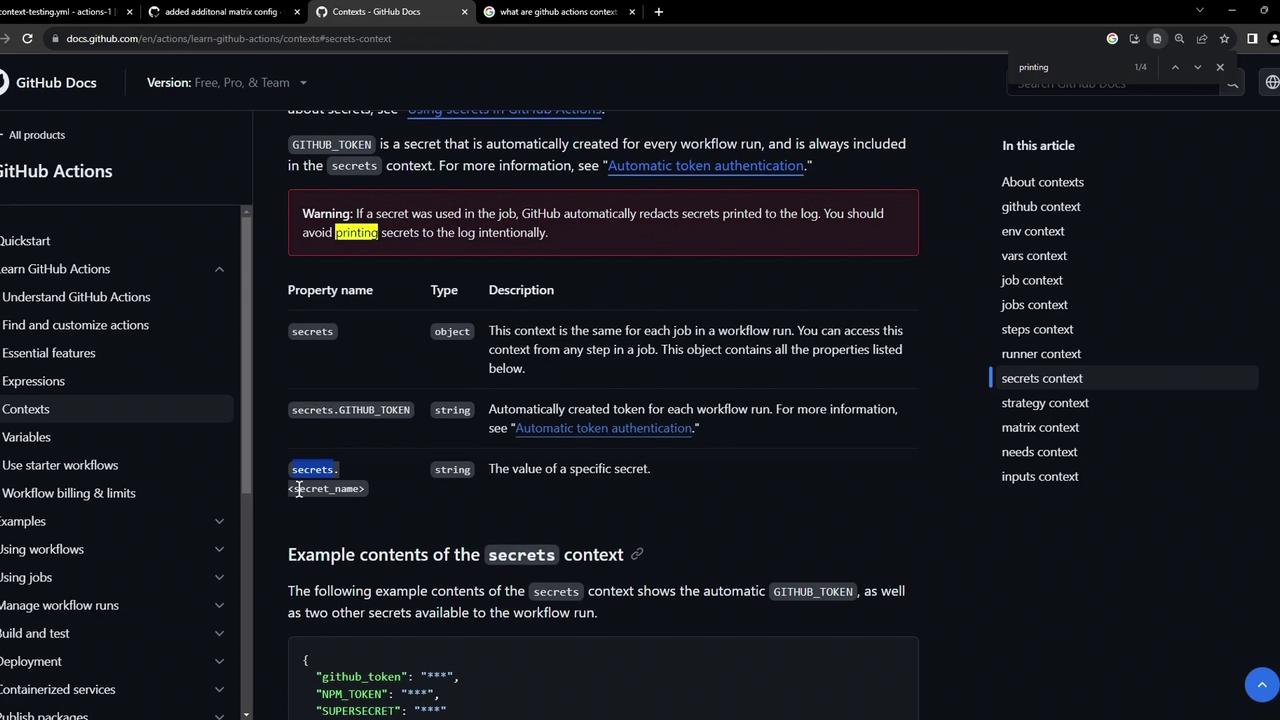
Never print secrets unmasked in public logs. Secrets may appear in the output of
toJSON(secrets) if not handled securely.strategy or matrix, or reference individual secrets via secrets.<NAME> (for example, secrets.GITHUB_TOKEN).
Viewing workflow runs
After pushing this workflow, navigate to the Actions tab to see the run in progress or completed status.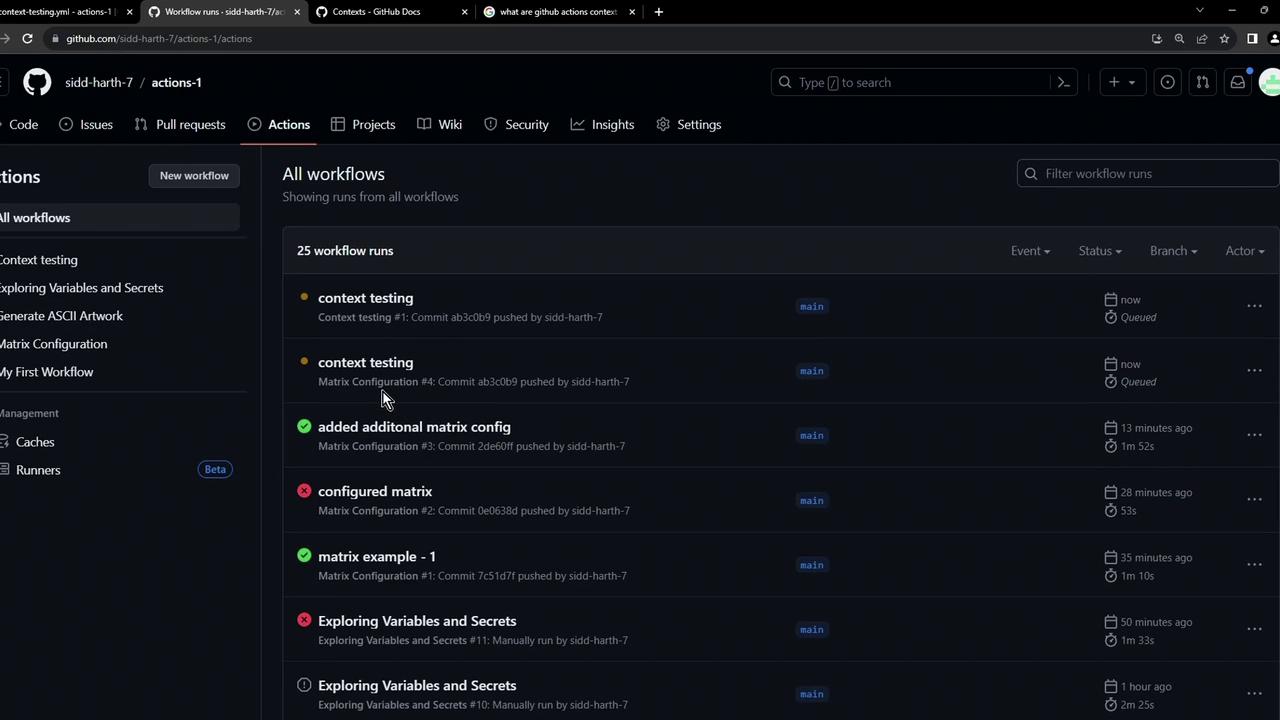
Inspecting logs
Once the workflow completes, open the job logs to view the dumped context values.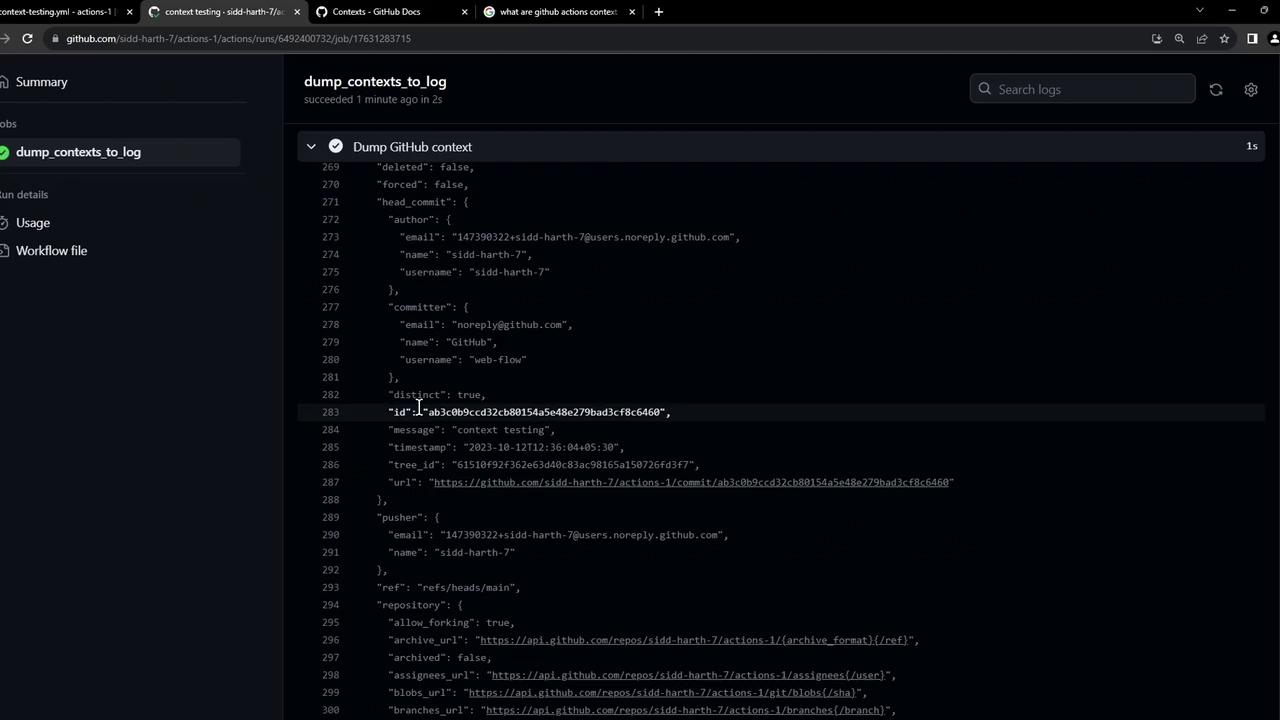
Examples
GitHub context JSON
Repository & user metadata
Job, steps, and runner context output
GITHUB_TOKEN and any custom secrets you’ve configured.
Links and References
- Contexts in GitHub Actions (official docs)
- GitHub Actions: Workflow syntax for GitHub Actions
- GitHub Secrets