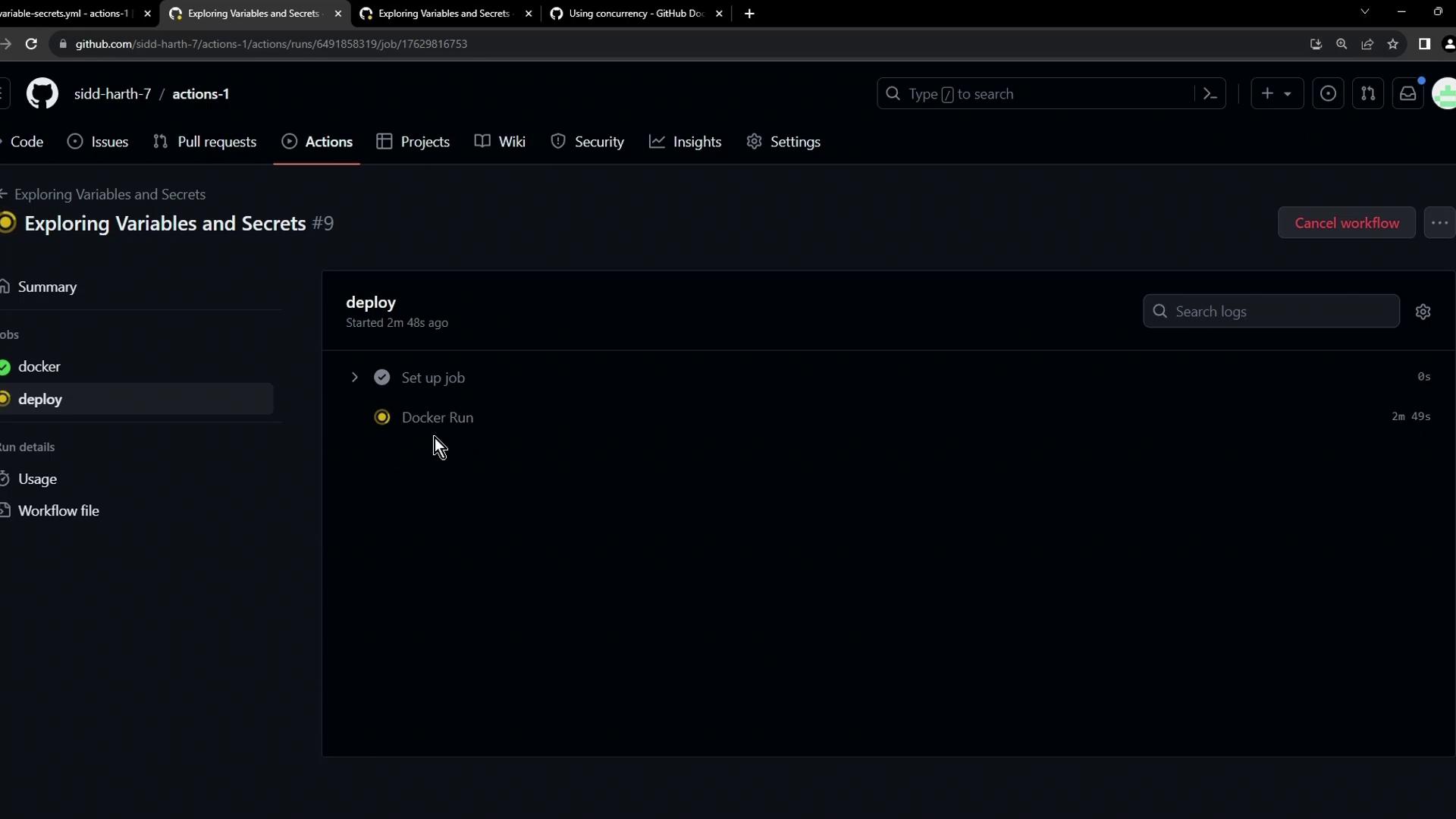
concurrency key lets you ensure that only one workflow or job in a specified group runs at a time—preventing resource contention, conflicting deployments, or race conditions.
1. Baseline Workflow: Parallel Jobs
Consider a simple workflow with two jobs:workflow_dispatch), the docker job runs first. The deploy job then spins up the container and sleeps for 600 seconds:
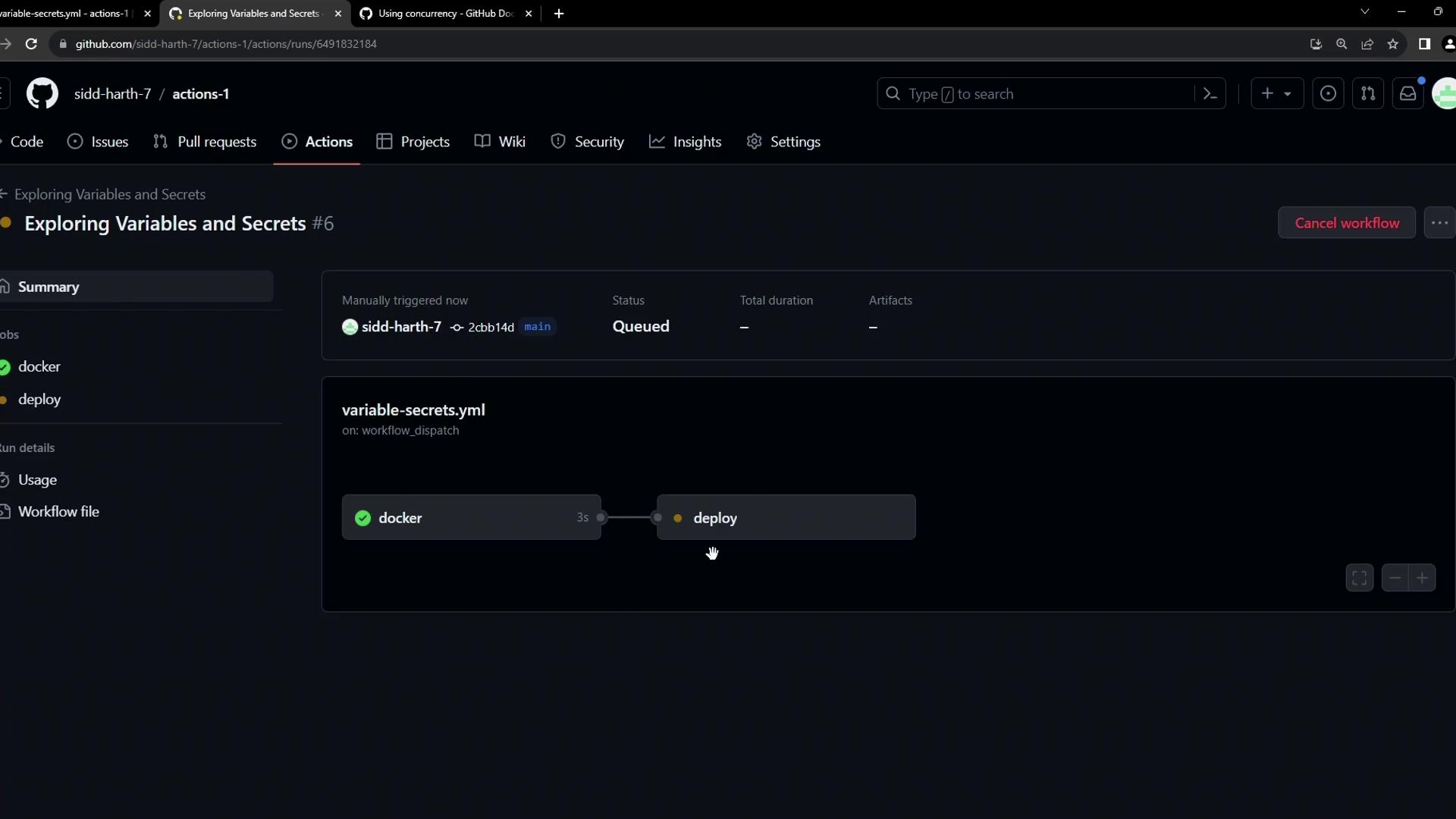
deploy in parallel—often not what you want in production.
2. Introducing concurrency
Use the concurrency key to define a group name and control behavior with cancel-in-progress. Here’s how to cancel any in-progress deploy when a new run starts:
The
group value can include {{ github.ref }}, {{ github.sha }}, or environment variables to make it unique per branch or environment.
See workflow syntax: concurrency.production-deployment is canceled:
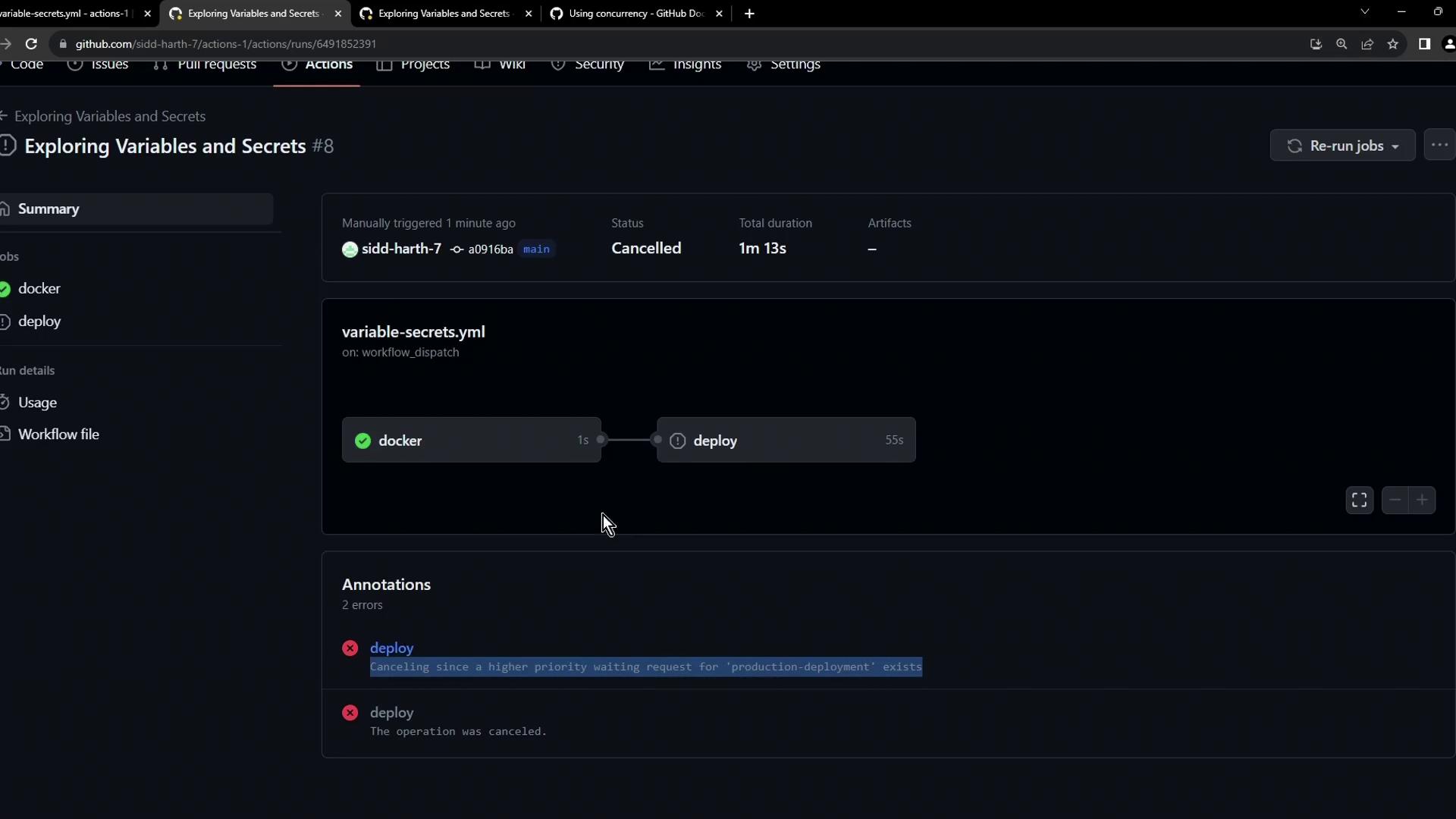
3. Comparing cancel-in-progress Options
4. Queuing New Runs (No Cancellation)
If you’d rather wait for the current deploy to finish, setcancel-in-progress: false:
deploy job will wait in the Waiting state until the first completes: