

- Triggers when a pull request is opened.
- Fetches a random “thank you” GIF from Giphy.
- Posts a comment with the GIF on the PR using the GitHub REST API.
External APIs
We rely on two REST APIs:Giphy API: Random GIF Endpoint
Request URL: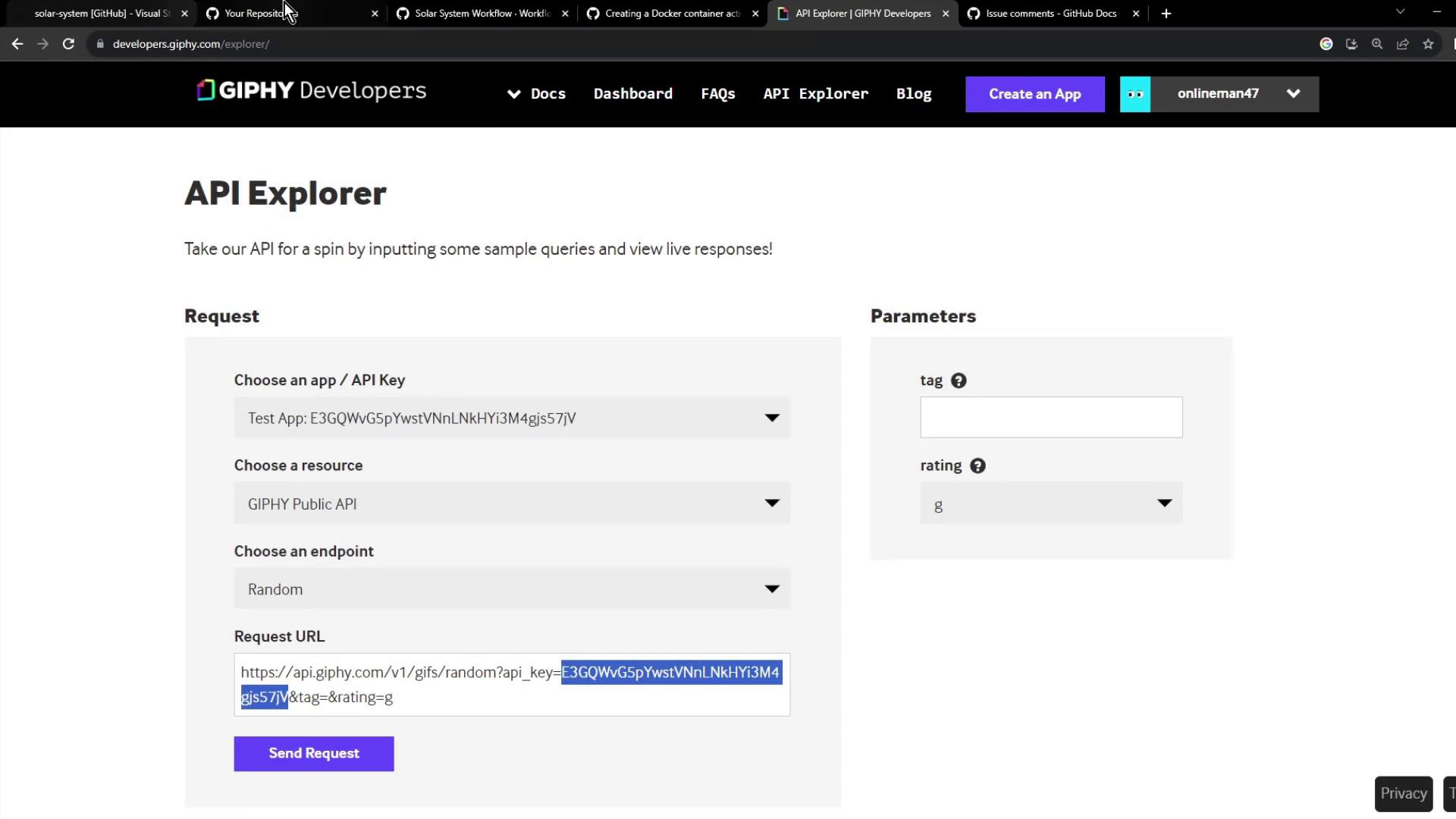
GitHub REST API: Post a Comment
Use the Issues API to add a comment: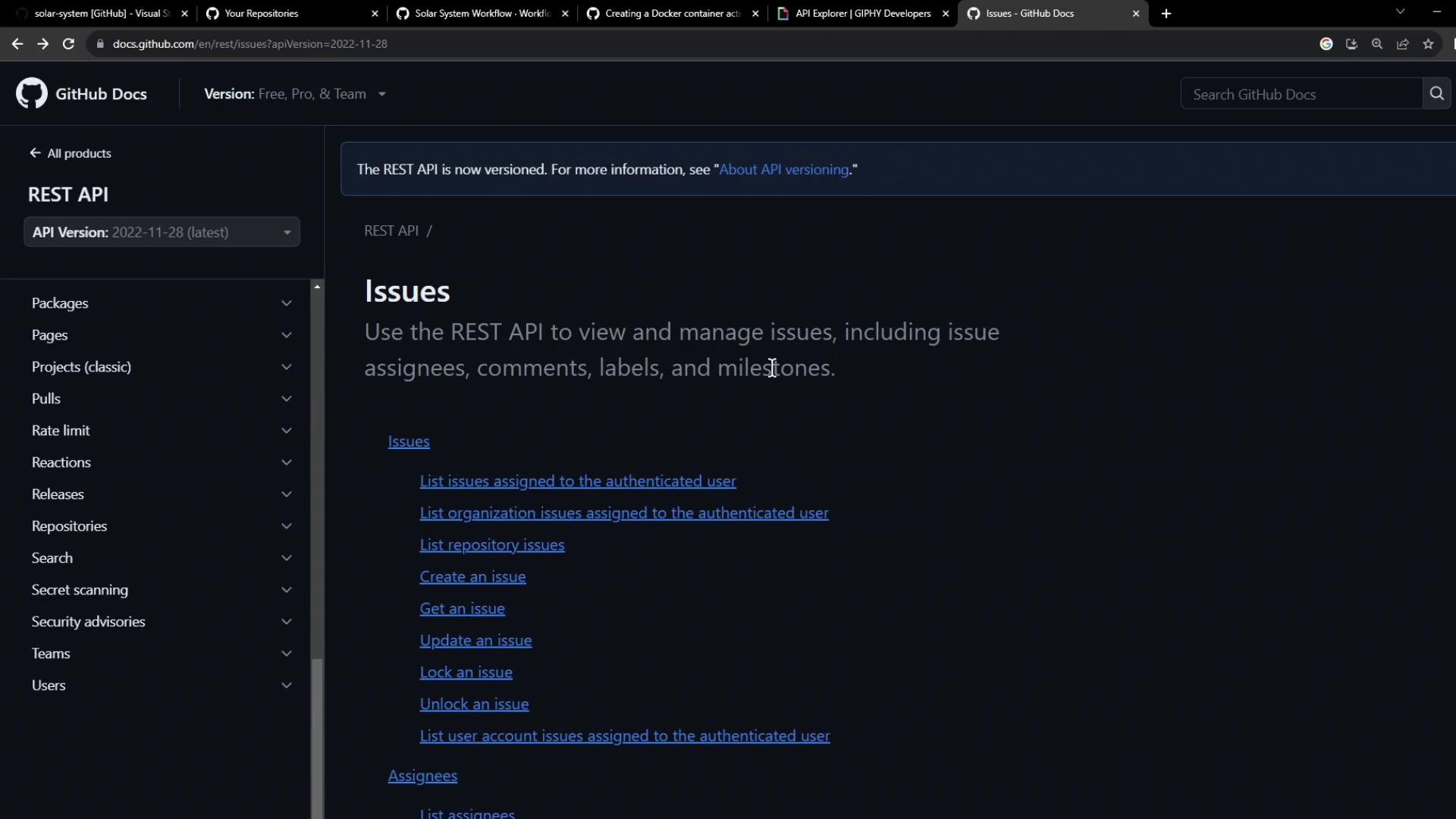
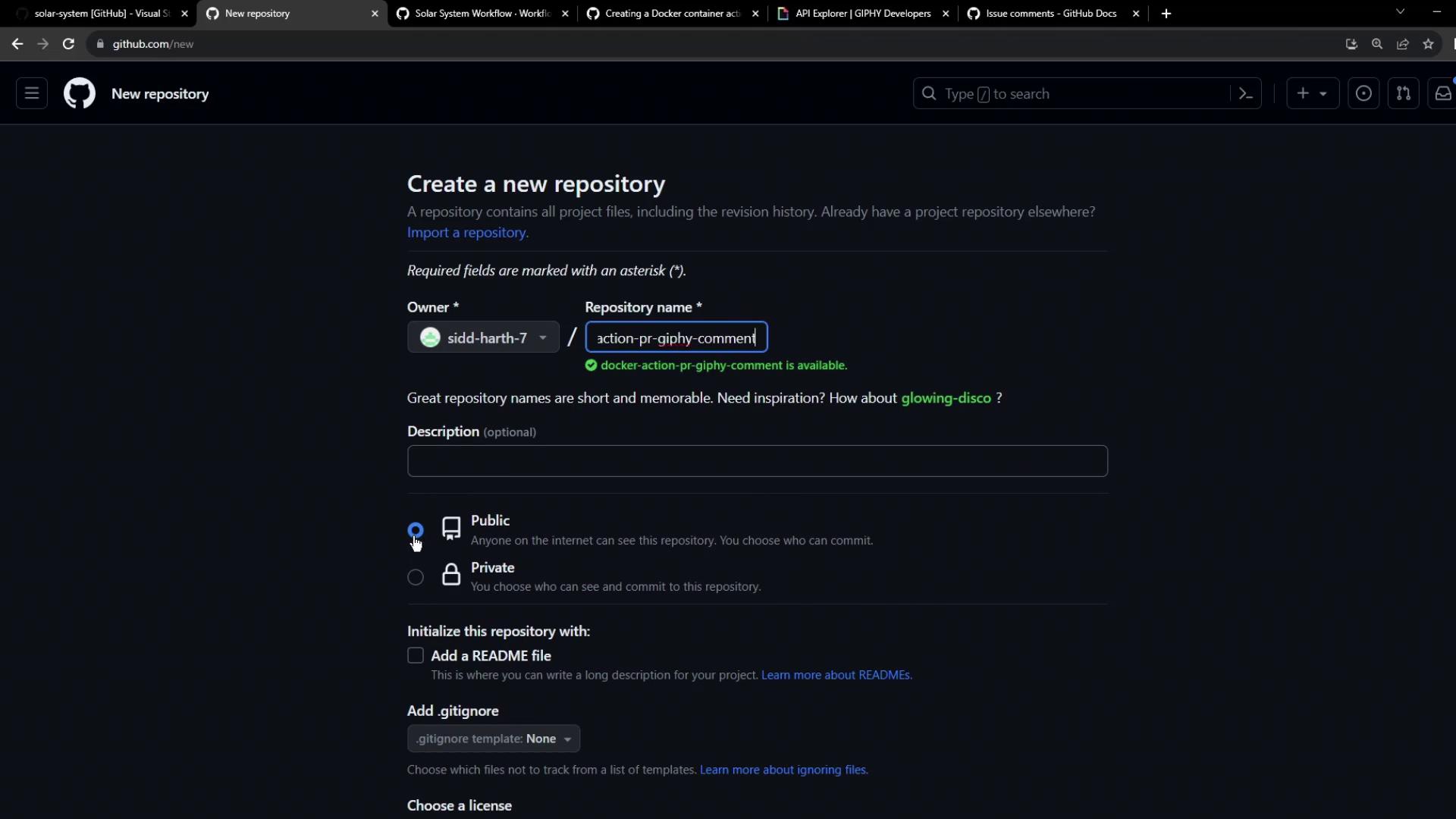
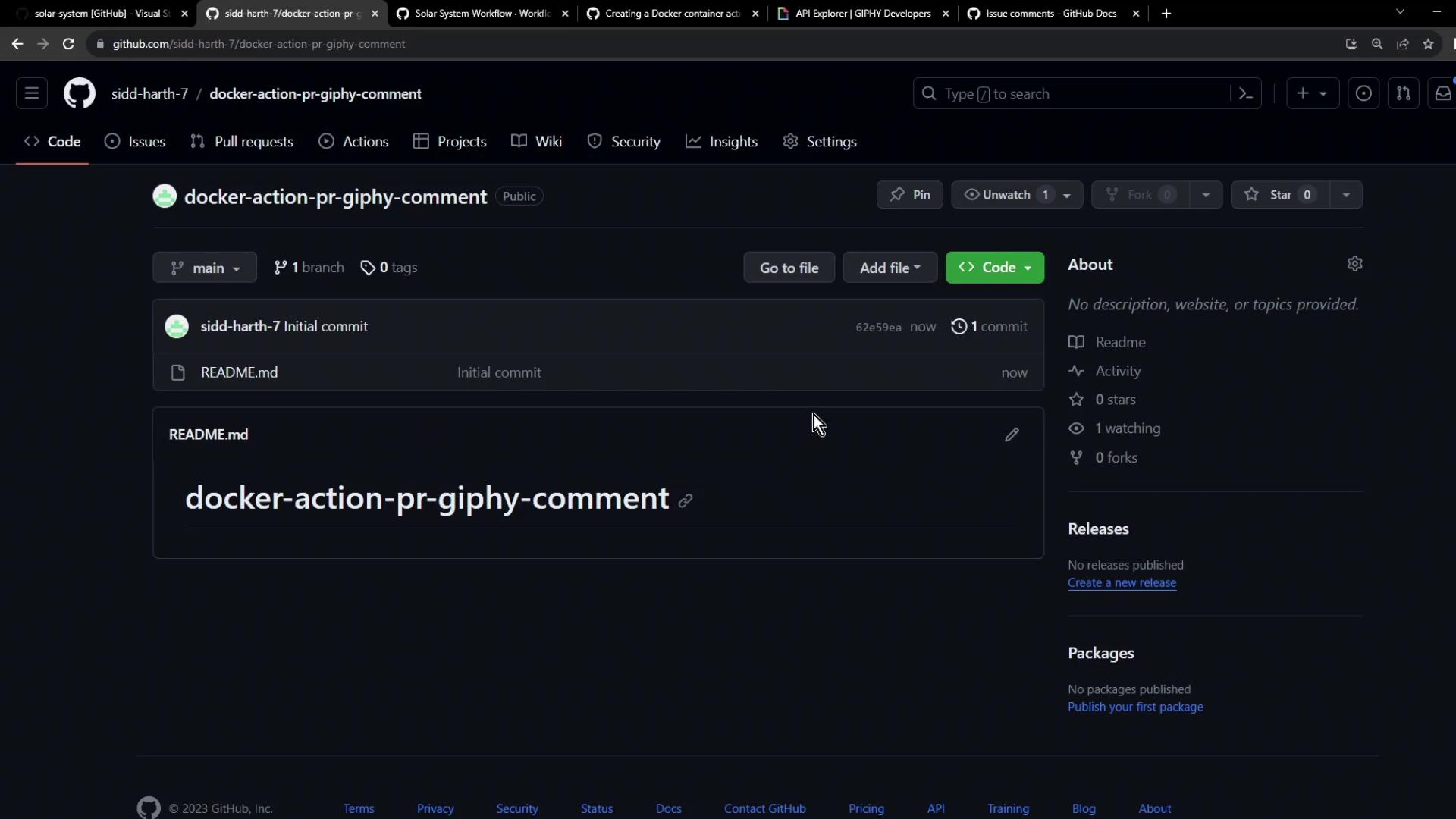
1. Create the Repository
- On GitHub, create a new public repo named
docker-action-pr-giphy-comment. - Initialize with a
README.md.
Add Giphy API Key as a Secret
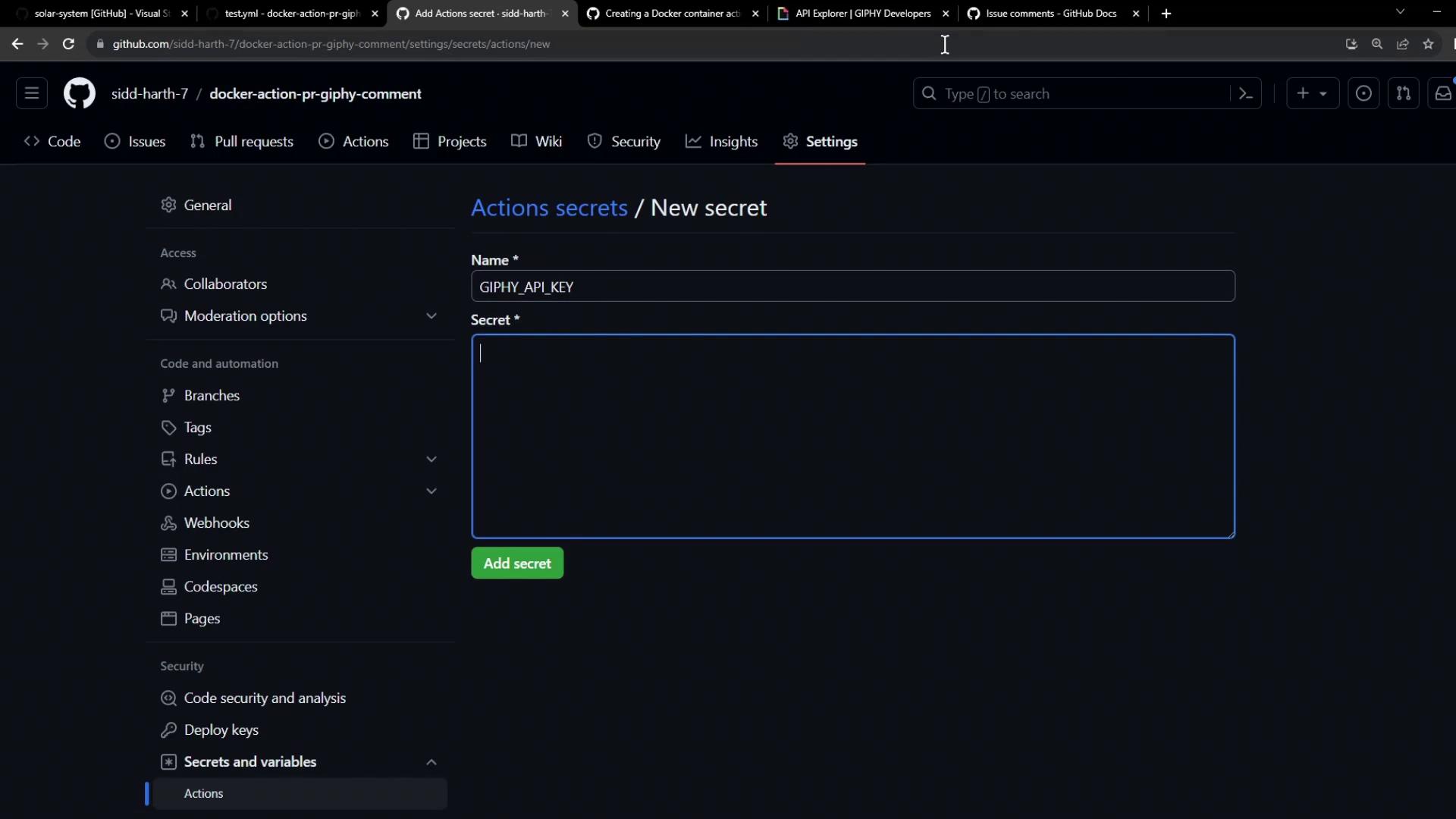
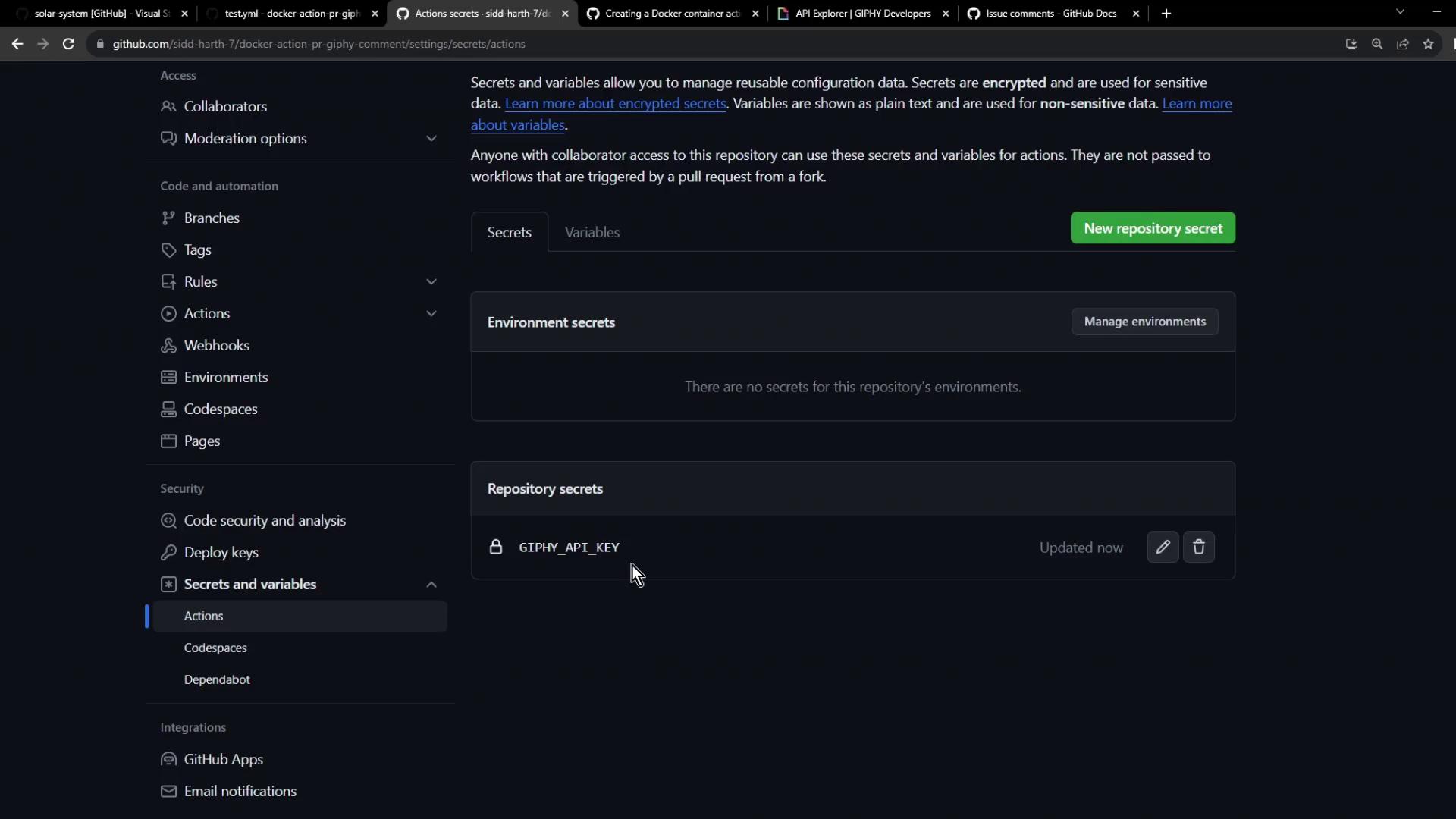
- Go to Settings → Secrets and variables → Actions.
- Add a new secret
GIPHY_API_KEYwith your Giphy API key.
Keep your secrets safe. Never hard-code API keys in your code or Docker image.
2. Define the Action Structure
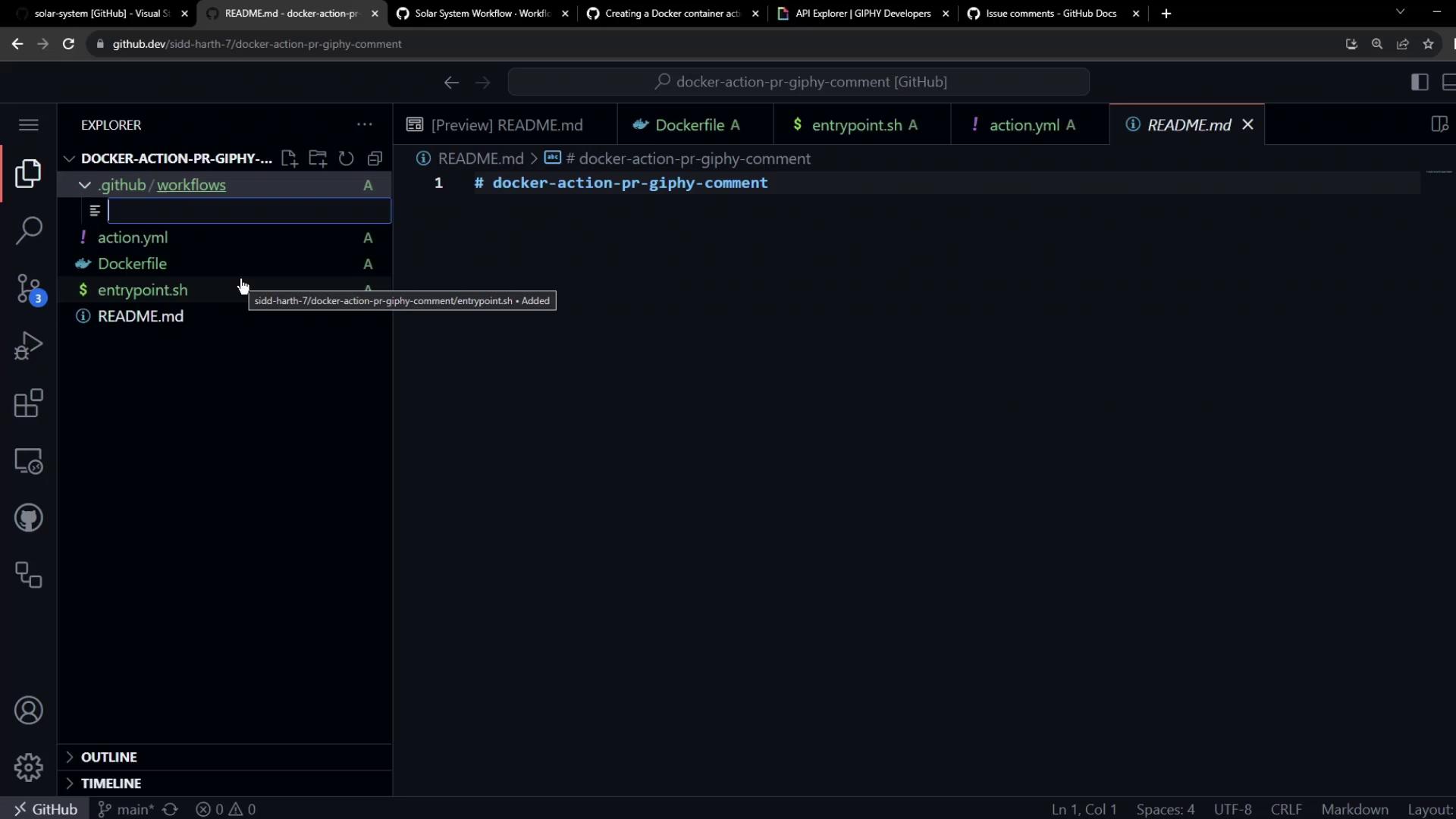
In your repo root, create:Dockerfileentrypoint.shaction.yml
Dockerfile
Entrypoint Script (entrypoint.sh)
This script retrieves a GIF and posts a comment on the PR:
Action Metadata (action.yml)
3. Test Your Action
Create a test workflow at.github/workflows/test.yml:
4. Commit, Push, and Trigger
- Commit all changes and push to GitHub.
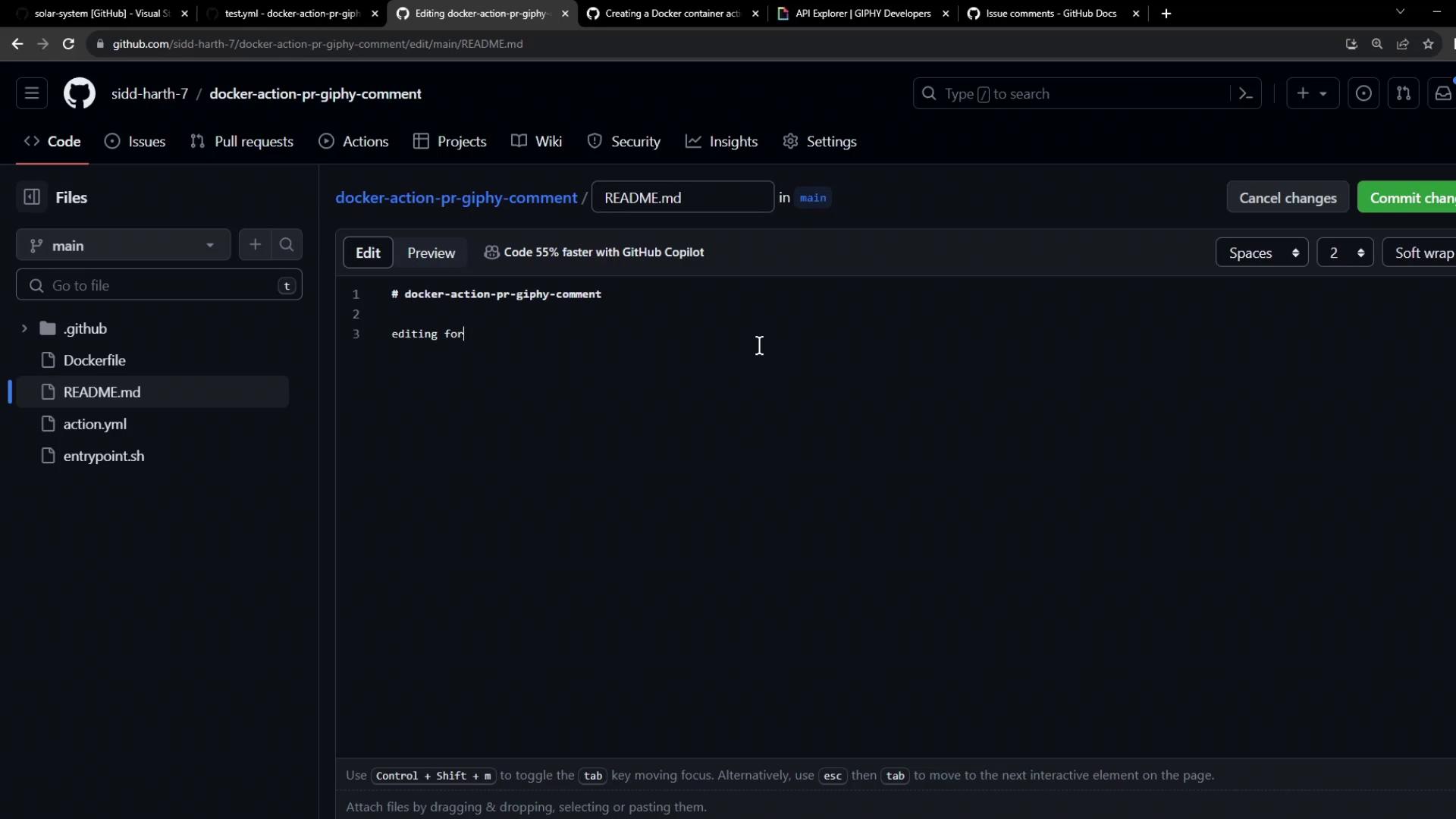
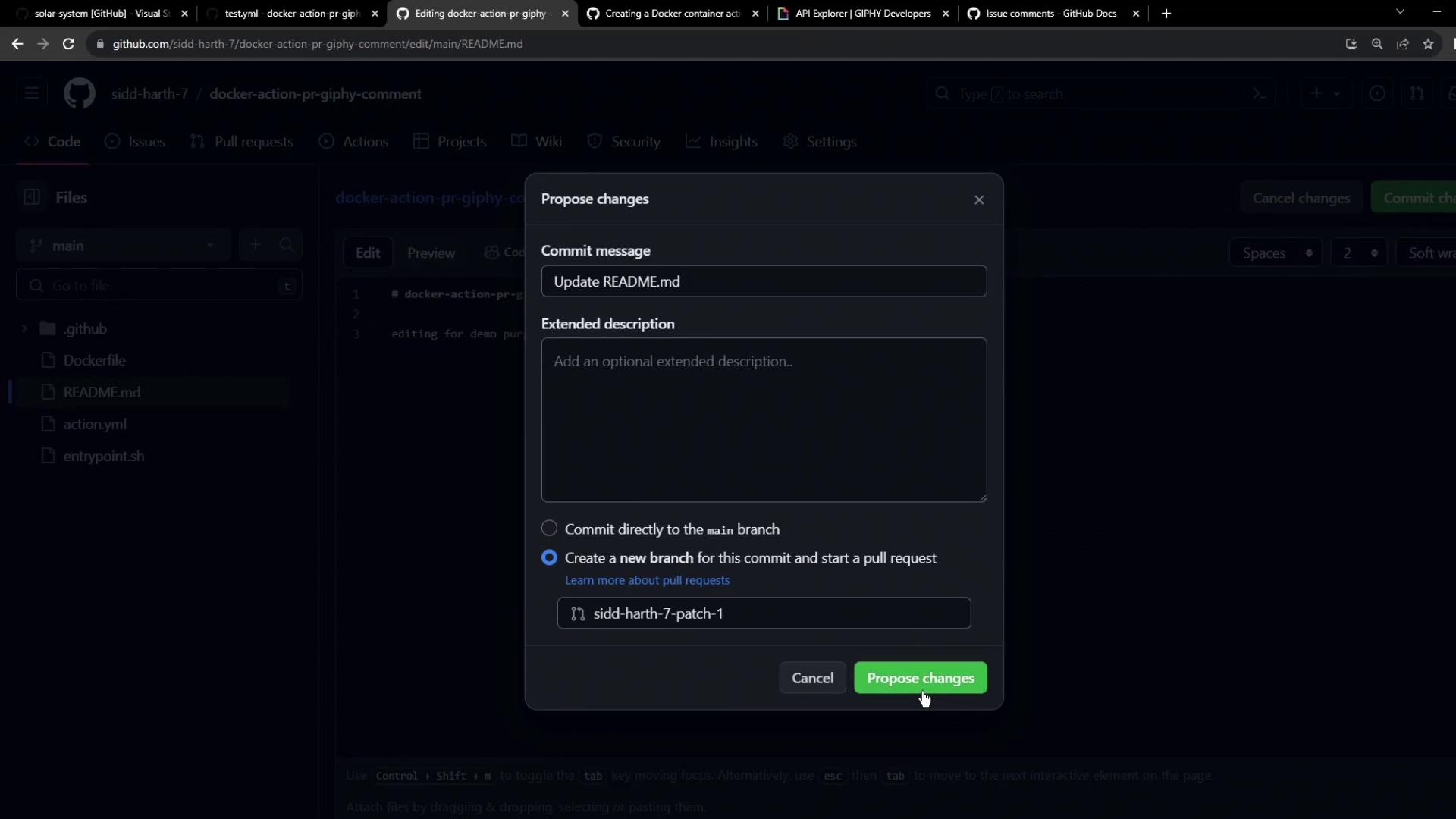
- Edit
README.mdon a new branch and open a pull request.
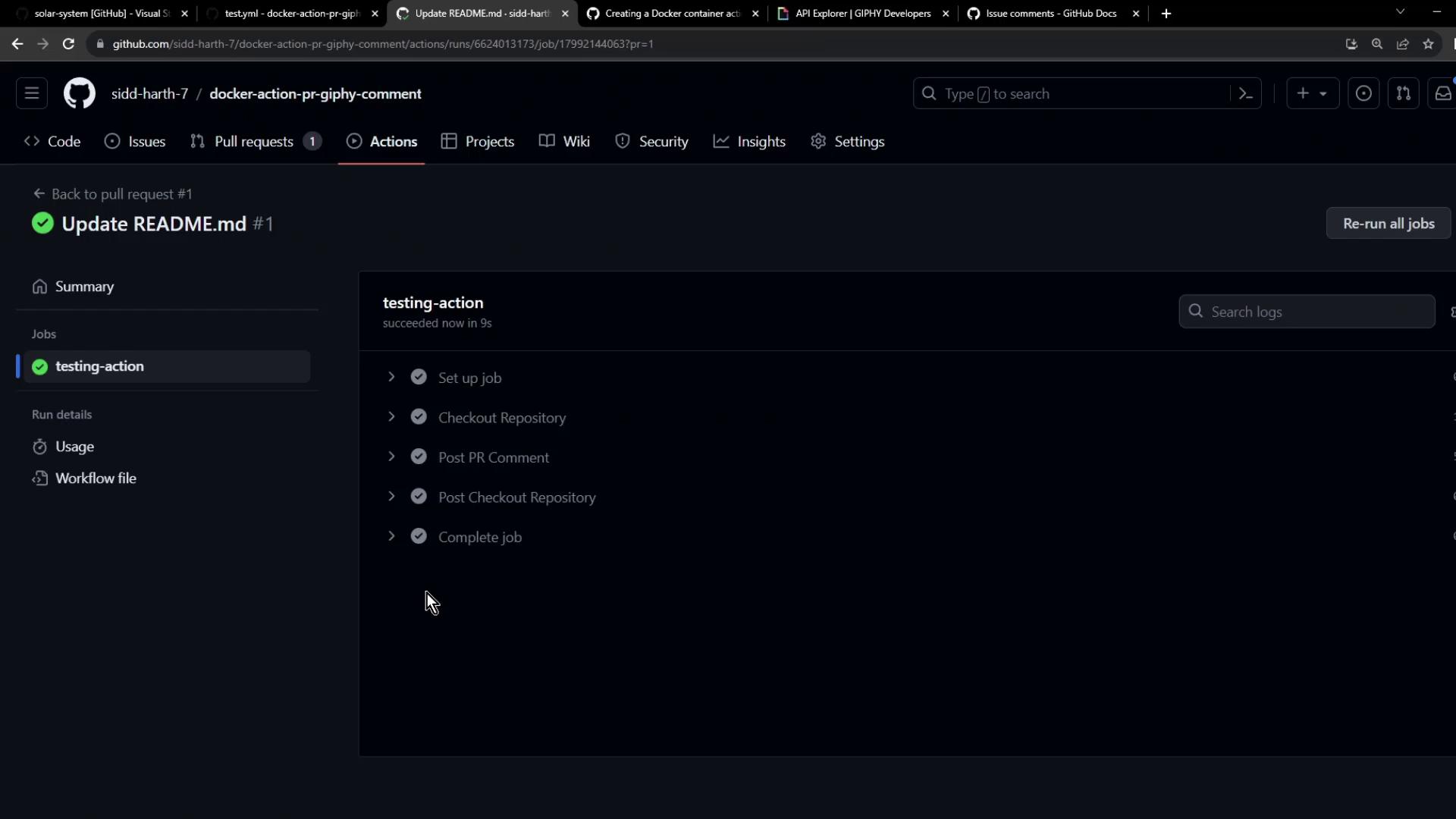
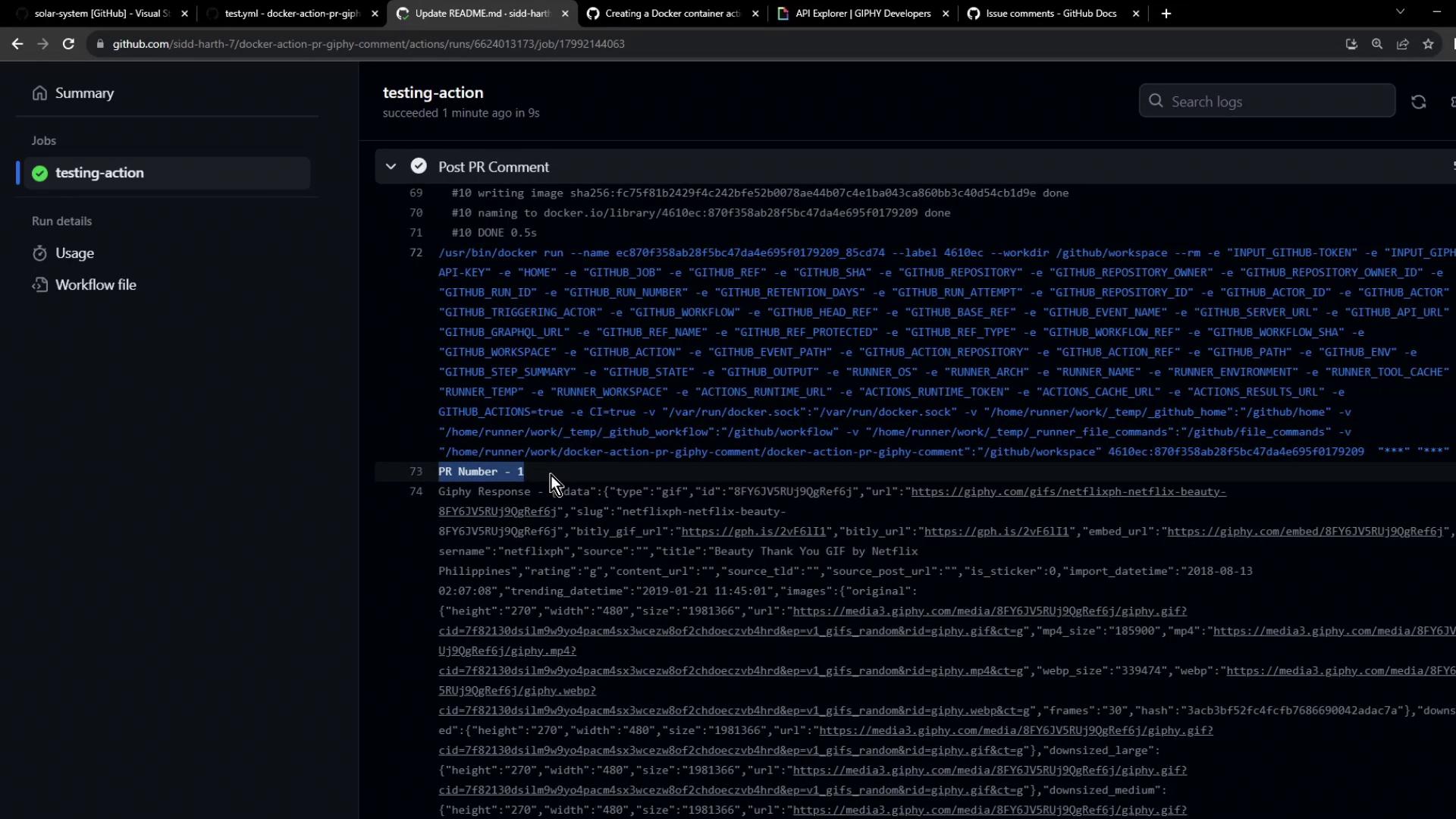
github-actions bot on your pull request:
Next Steps
You’ve built and tested a Docker-based GitHub Action that posts Giphy comments on PRs. To take it further:- Publish your action to the GitHub Marketplace.
- Consume the published action in other repositories.