Learn how to control step execution based on the outcome of previous steps. In this guide, we’ll update a Unit Testing workflow so that the Archive Test Result step runs regardless of test success or failure.

Initial Workflow

Our current Unit Testing job runs on Node.js v18 and v20 across Ubuntu and macOS. If any step fails, subsequent steps (like archiving test results) are skipped:

Simulating a Failing Test

Modify app-test.js to introduce an assertion error and force a failure:
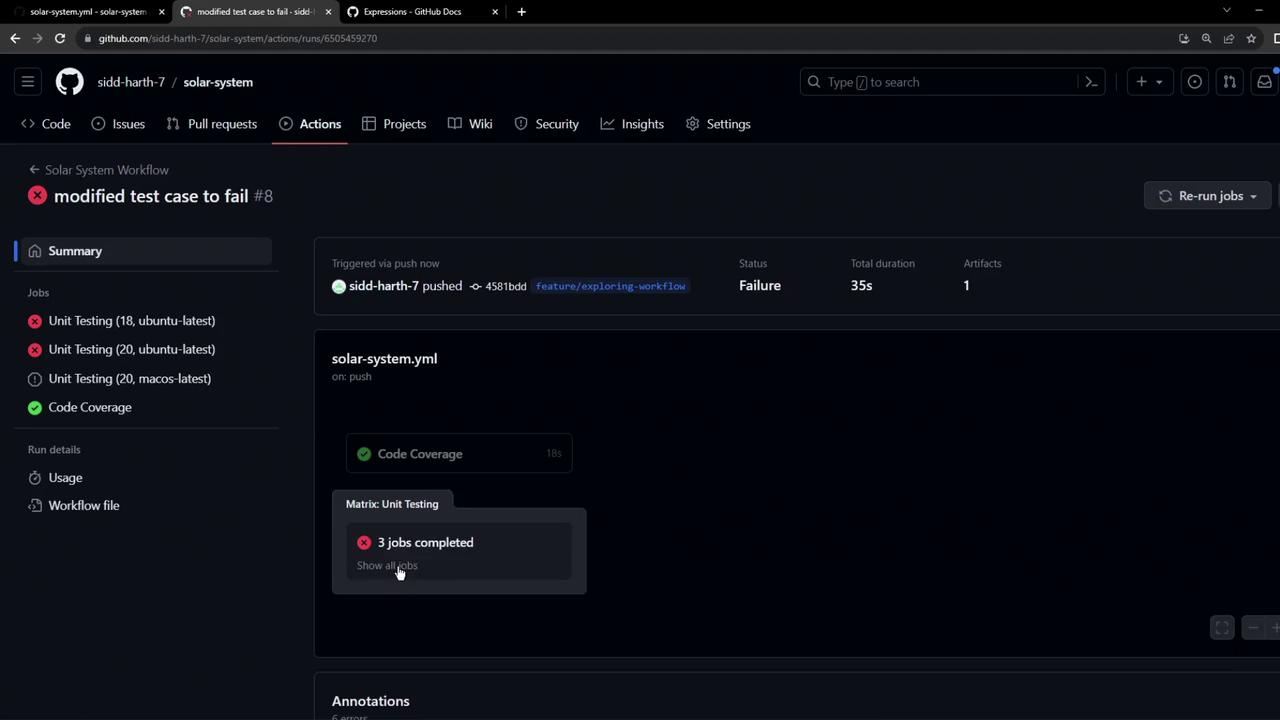
After pushing this change, the workflow fails at the Unit Testing step:
The image shows a GitHub Actions workflow summary with a failed status, indicating that unit testing jobs did not pass.
Because the test step failed, the Archive Test Result step never runs and no XML artifact is produced.

Understanding Step Contexts

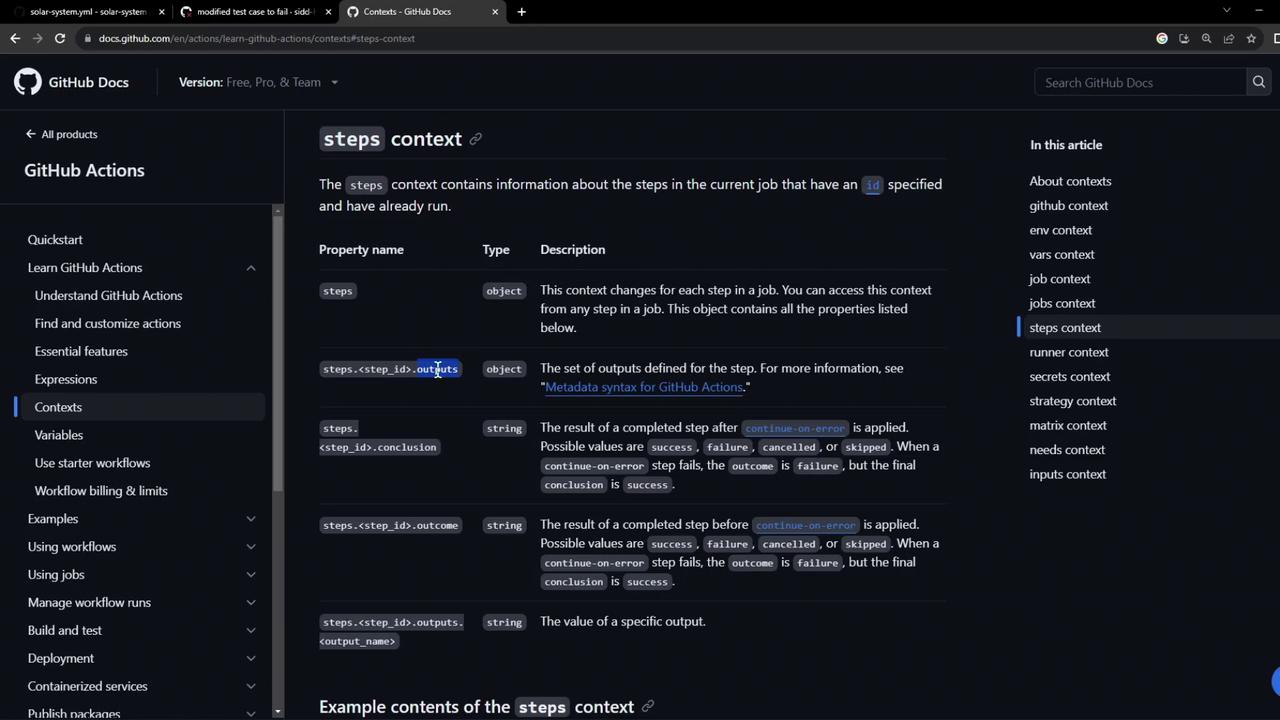
GitHub Actions exposes a steps context to examine the outcome of previous steps. Each step can have properties like outcome, conclusion, and custom outputs accessible by its id.
You can learn more about contexts in the official docs:
Contexts documentation
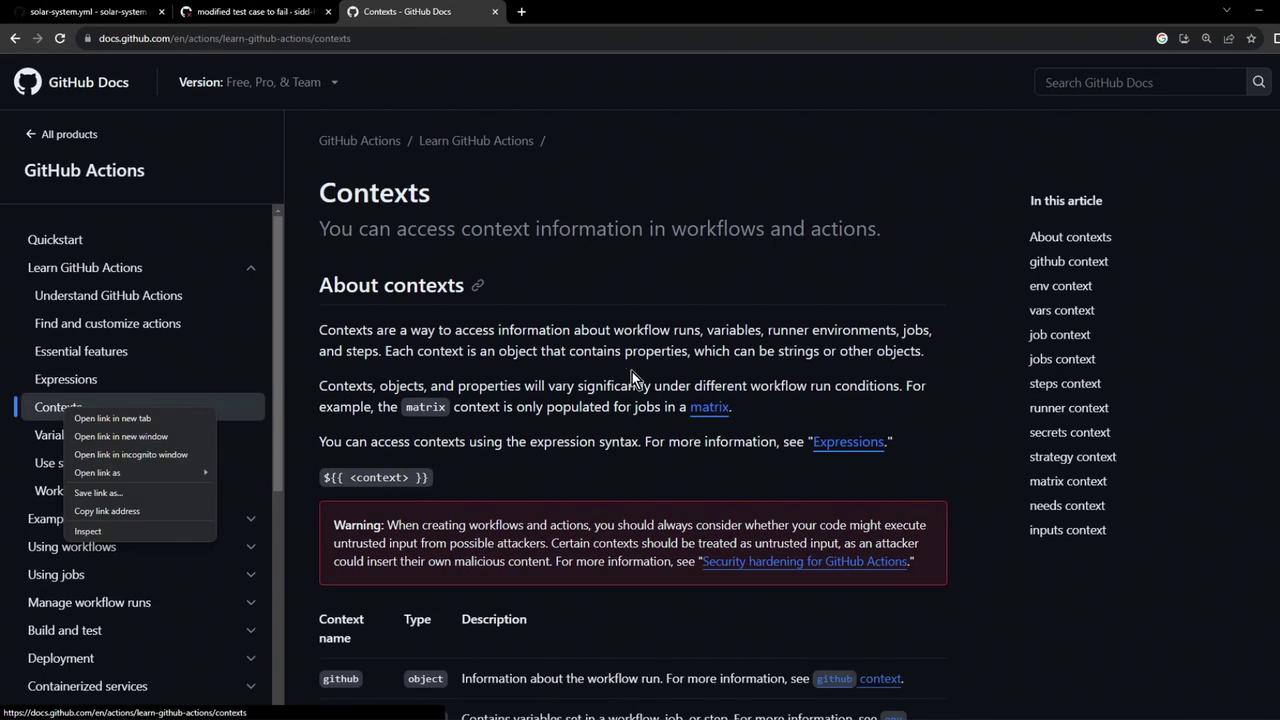
The image shows a GitHub Docs page about "Contexts" in GitHub Actions, explaining how to access context information in workflows and actions. It includes a sidebar with navigation links and a warning about security considerations.
The image shows a GitHub Docs page about the "steps context" in GitHub Actions, detailing properties like outputs and conclusions for job steps.
Reference a step property like this:

Assigning an ID to the Testing Step

Give your test step an id so other steps can refer to it:

Status Check Functions

Use built-in functions to control when steps run: Learn more in the GitHub Actions expressions guide: Evaluating expressions
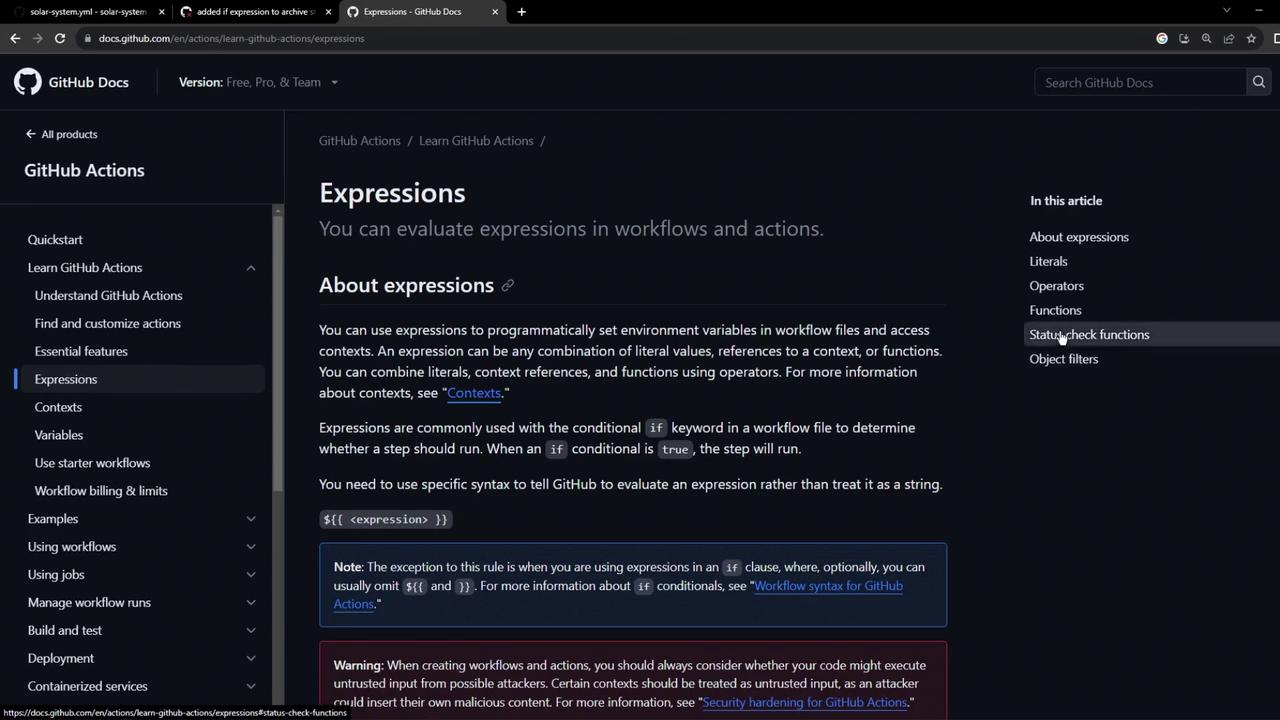
The image shows a GitHub Docs page about evaluating expressions in workflows and actions, with navigation links on the left and a content section on the right.

Conditional Archive Step

1. Archive Only on Failure

To upload artifacts only when tests fail:
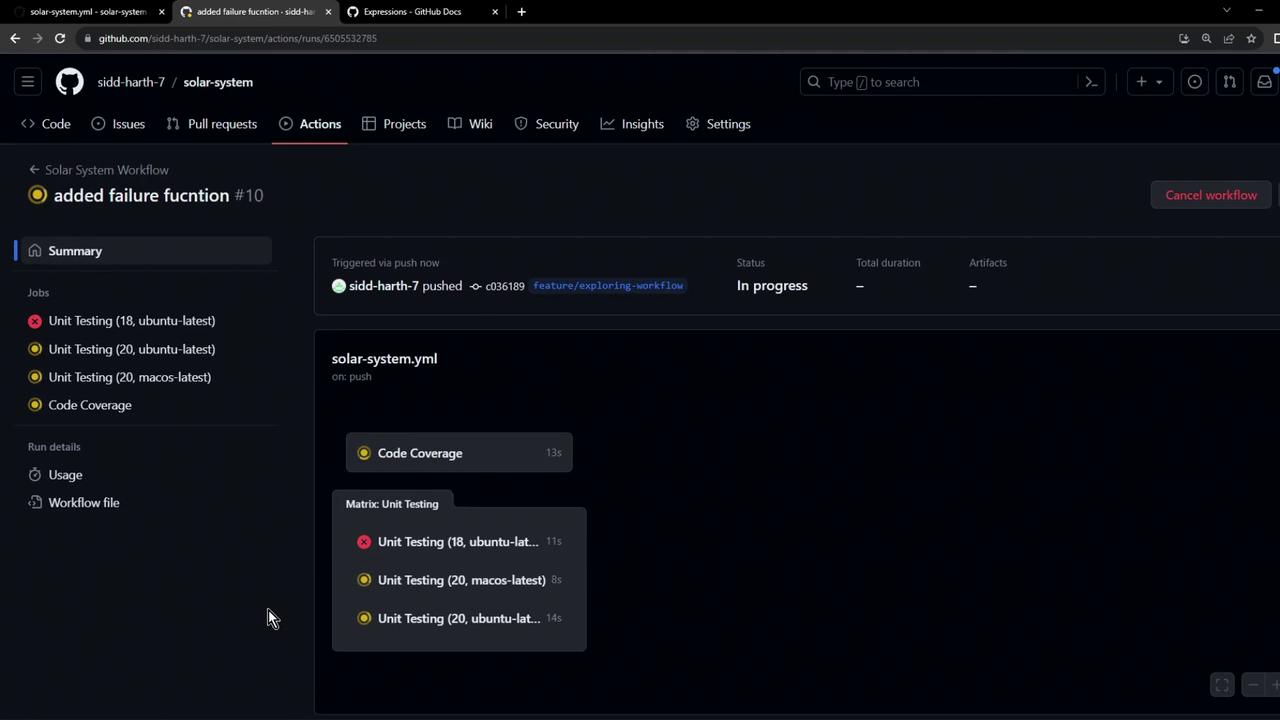
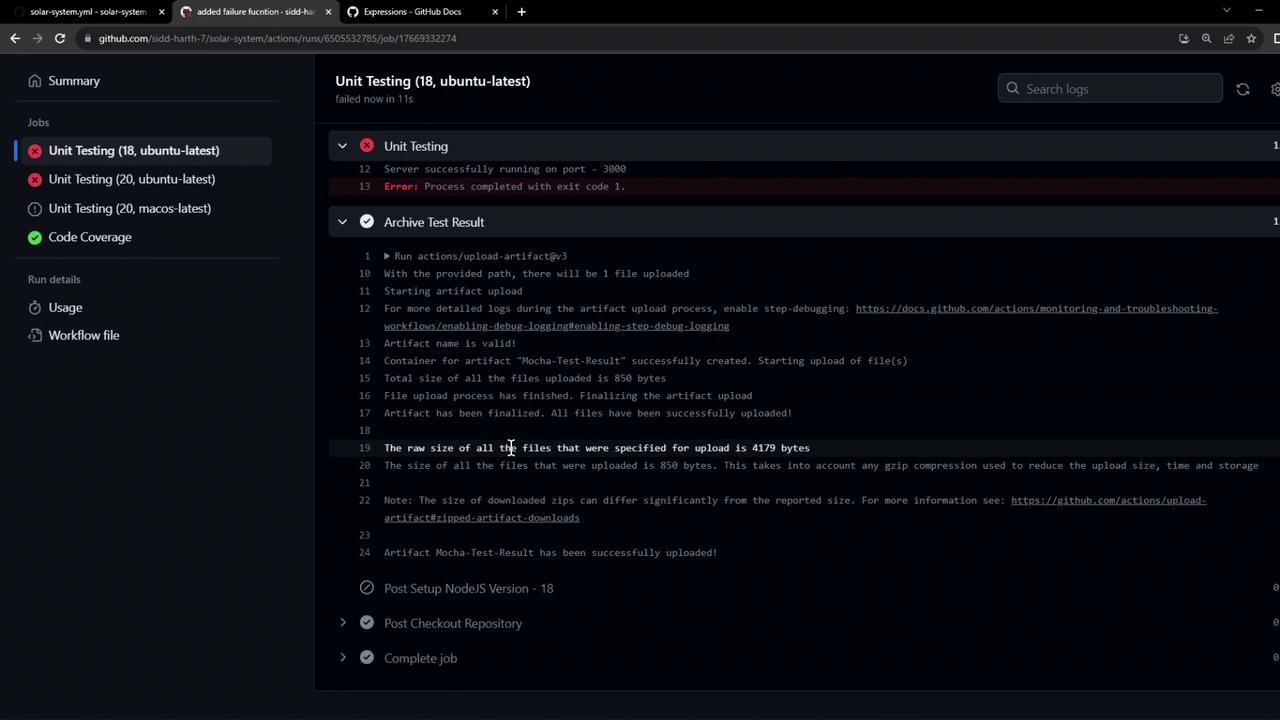
This runs the archive step when the testing step fails:
The image shows a GitHub Actions workflow in progress, with unit testing and code coverage jobs being executed. Some unit tests have failed, as indicated by red and yellow status icons.
The image shows a GitHub Actions interface with a failed unit testing job on Ubuntu, displaying error logs and details about artifact uploads.

2. Archive on Every Run

If you want the test results available on both success and failure, use always():
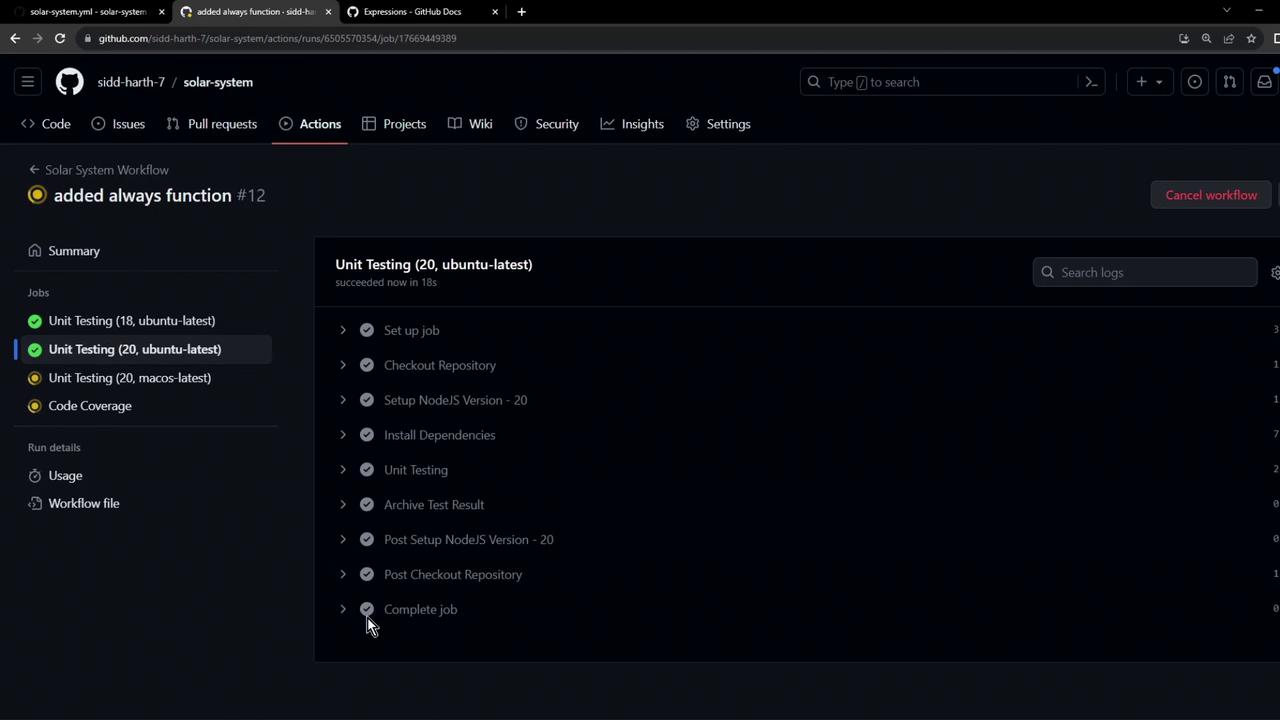
On a successful run, archiving still occurs:
The image shows a GitHub Actions workflow interface with a unit testing job for Ubuntu, displaying a list of completed steps in the job.

Watch Video

Practice Lab