

Prerequisites
- A GitHub repository with an existing workflow file (e.g.,
.github/workflows/pr-thank-you.yml) GITHUB_TOKENandGIPHY_API_KEYset in Repository → Settings → Secrets- Basic familiarity with YAML and GitHub Actions
1. Review the Existing Workflow
Open.github/workflows/pr-thank-you.yml and locate the step that invokes the Docker-based action:
2. Add the JavaScript Action
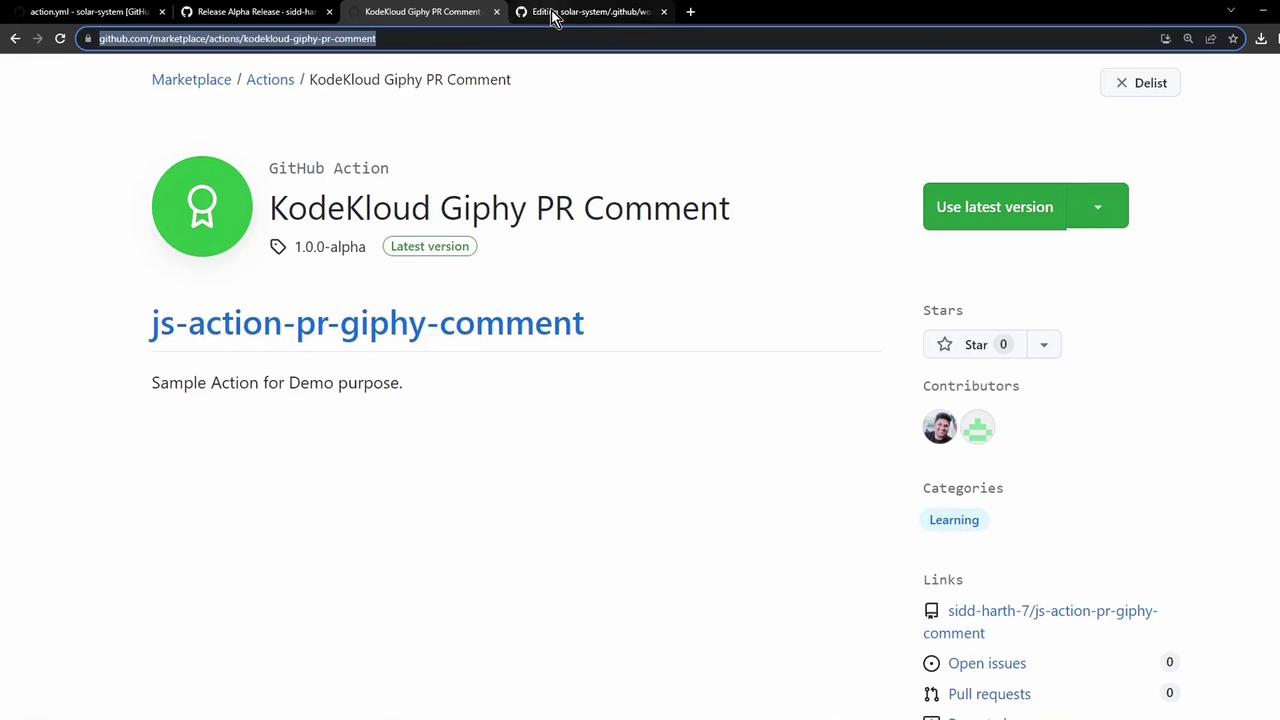
Head over to the GitHub Marketplace and search for the JavaScript version:sidd-harth-7/js-action-pr-giphy-comment, currently at tag
1.0.0-alpha.
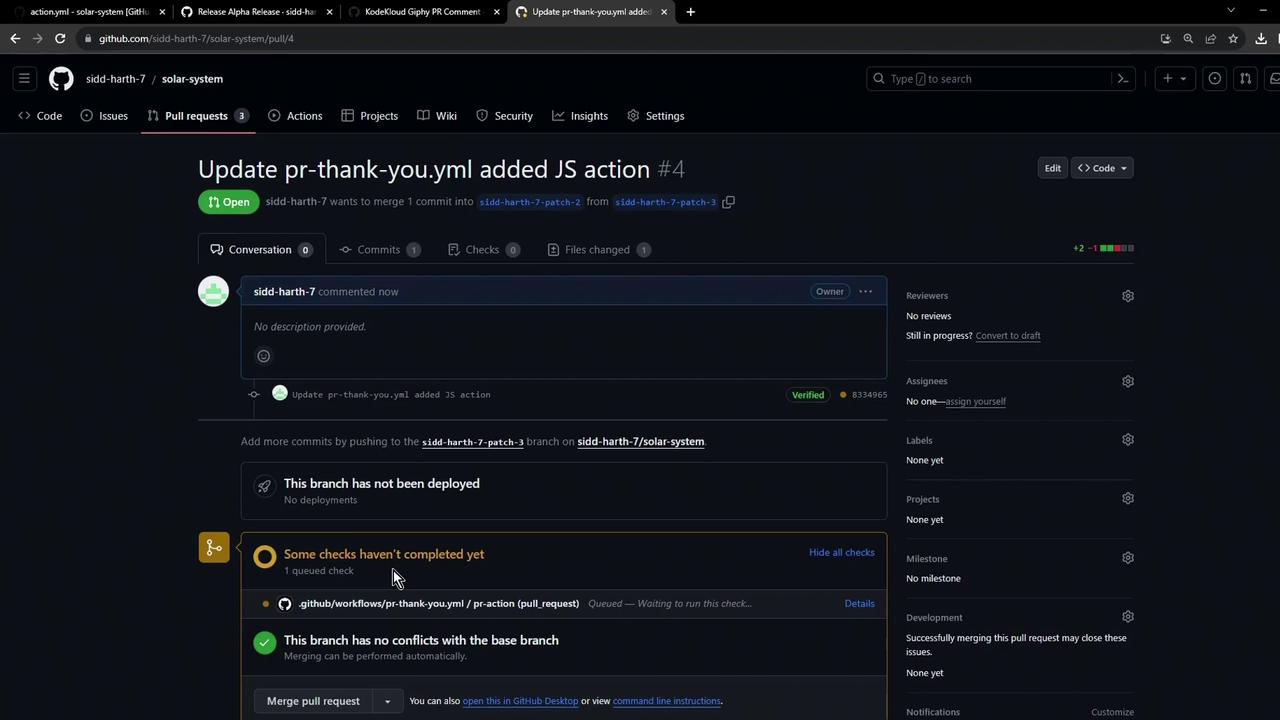
3. Commit Changes and Open a Pull Request
Commit your updated workflow. You can commit directly or create a new branch for a pull request: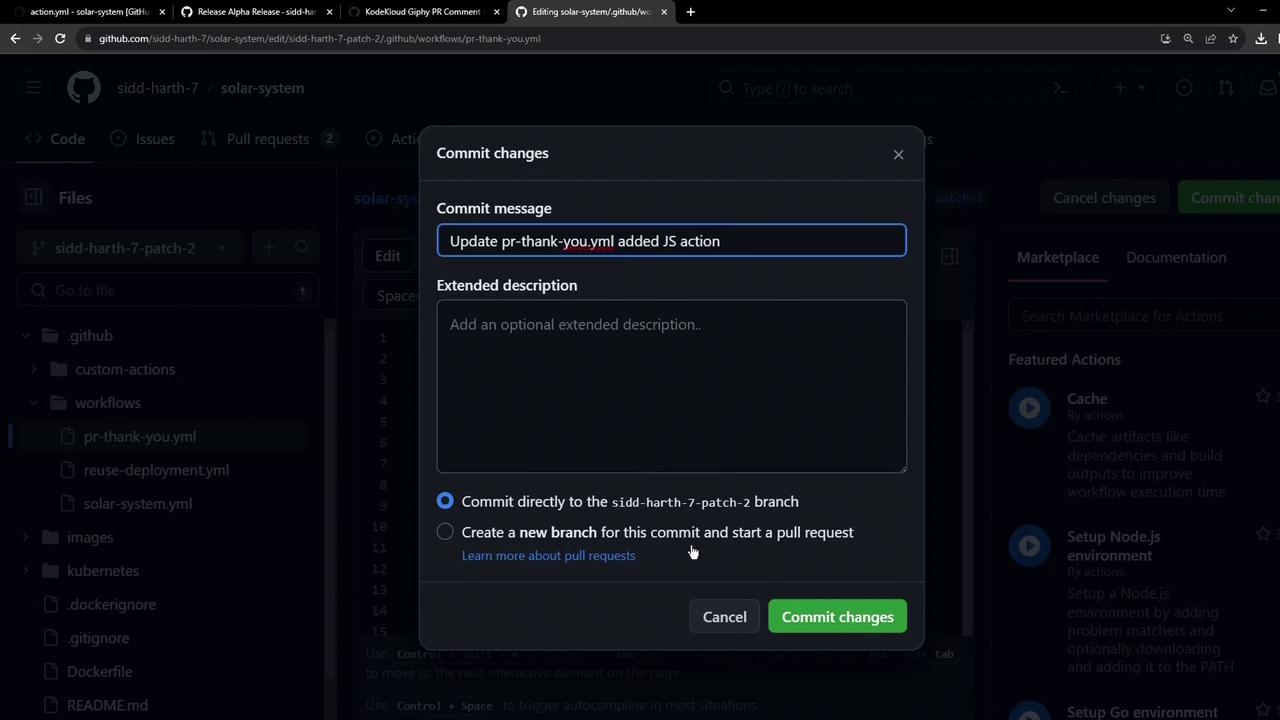
4. Verify the Comments
After the workflow completes, check the pull request conversation. You should see two GIF comments—one from each action: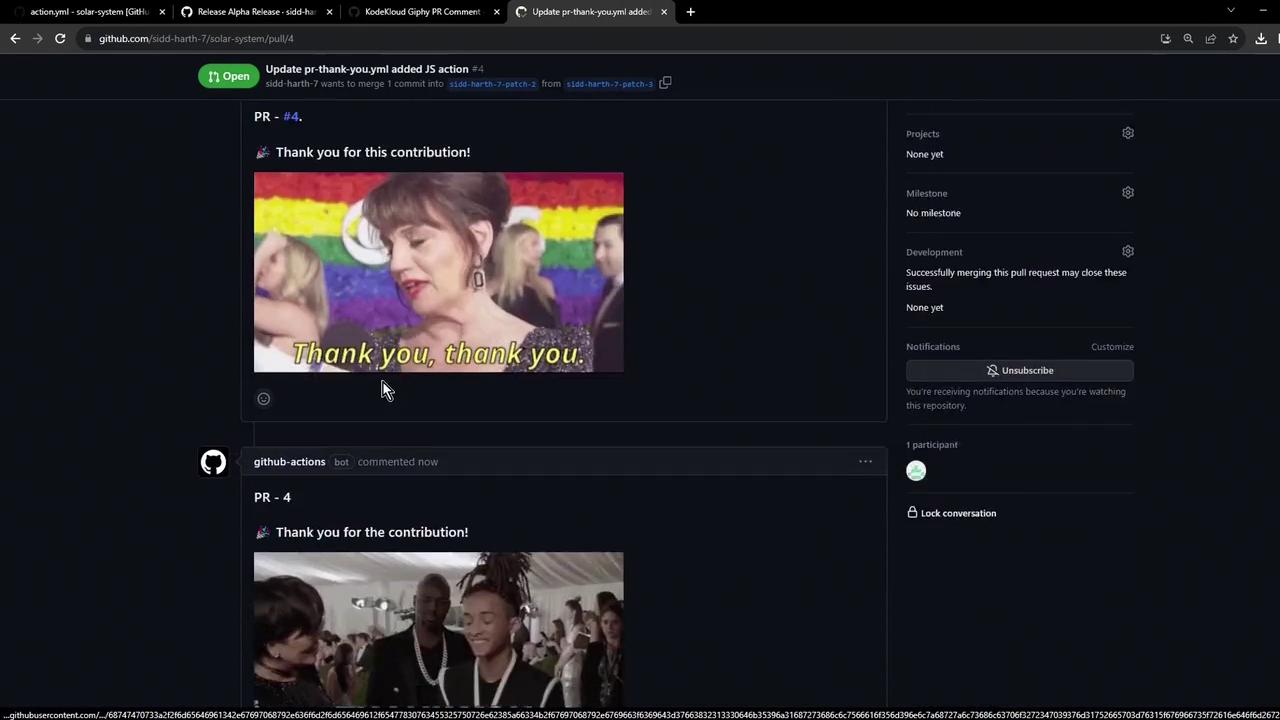
5. Inspect the Workflow Run
Go to the Actions tab and select the latest run of your PR workflow: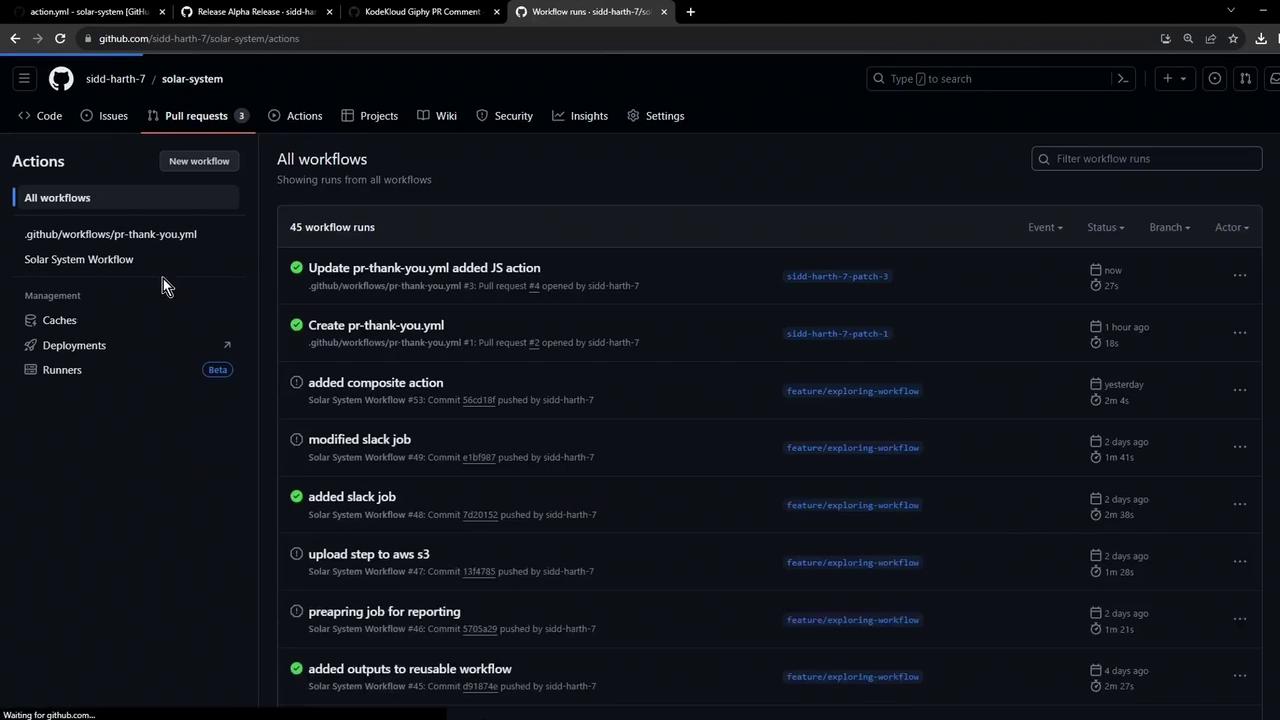
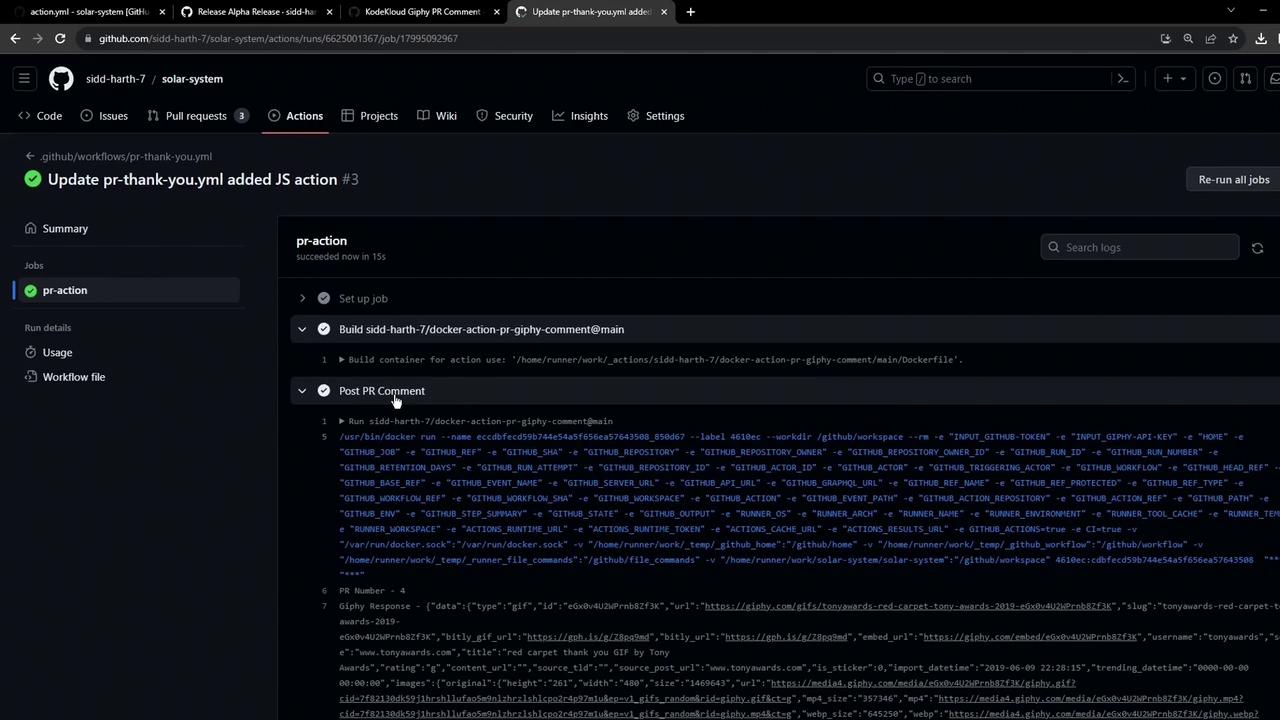
pr-action job, you’ll see two distinct steps:
- Docker Action: Builds the image and posts its comment
- JavaScript Action: Runs the pre-built bundle and posts its comment
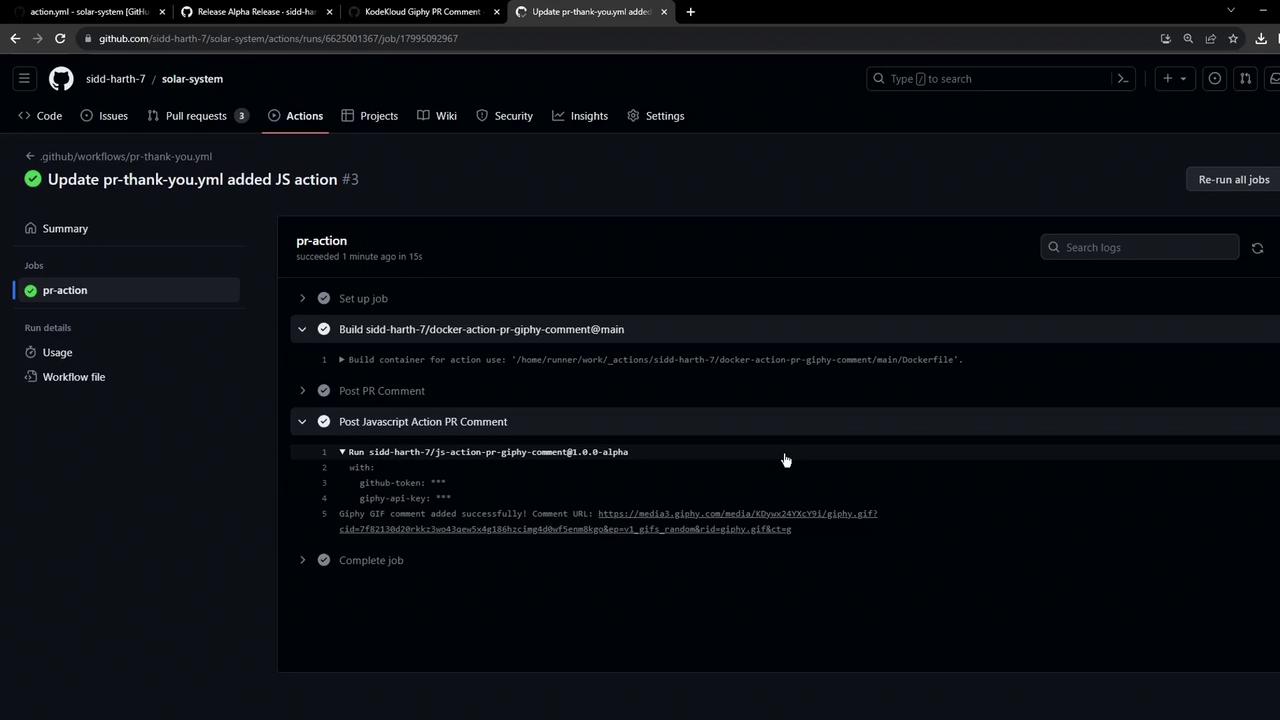
You’ve now successfully integrated a JavaScript custom action with your existing Docker action in the same workflow. Both can be versioned, published, and reused via the GitHub Marketplace.