

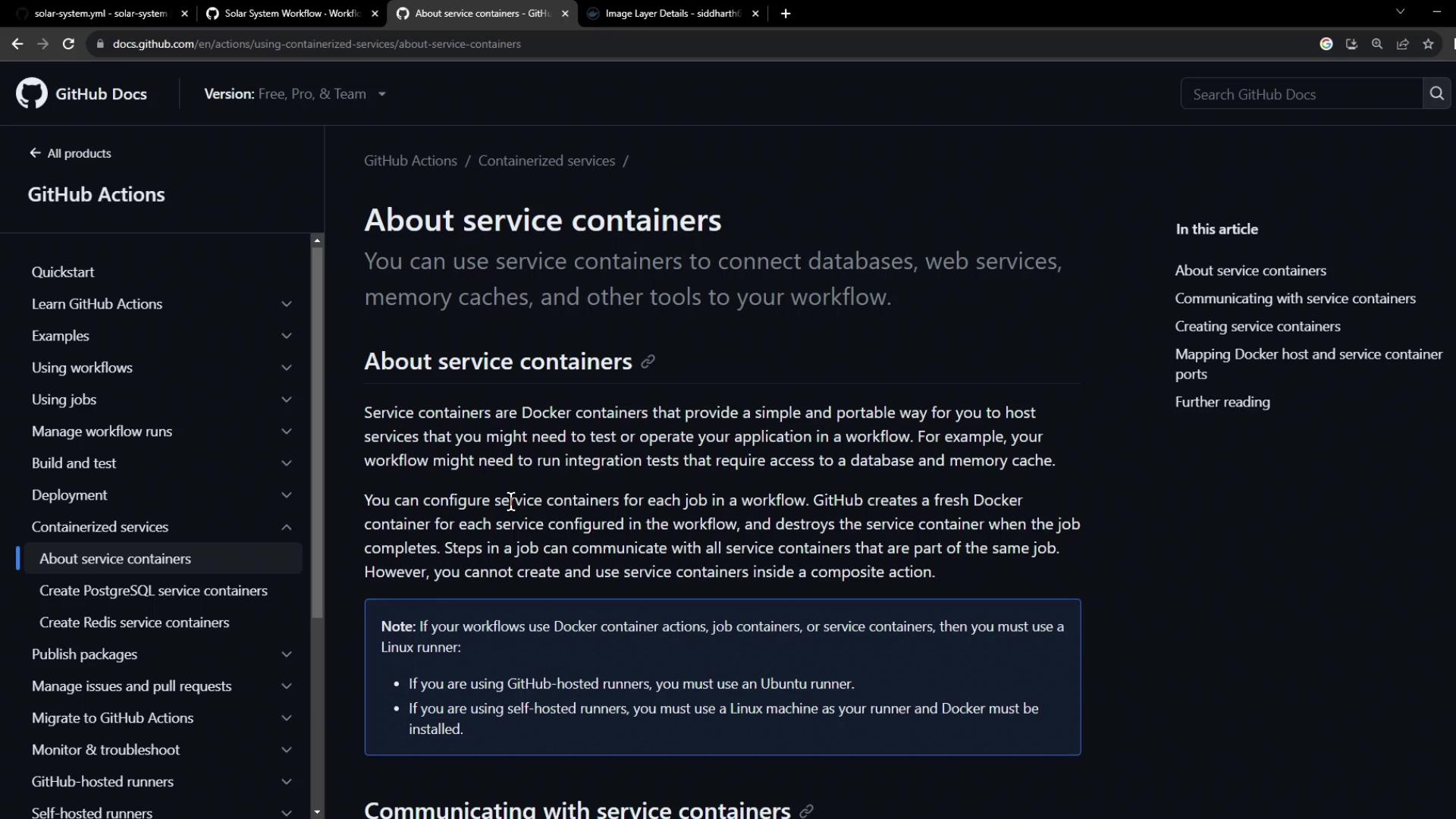
Service containers are Docker containers that run in parallel with your job, providing databases, caches, or other dependencies in an isolated environment.
1. Base Workflow Configuration
Here’s our existing workflow using a production MongoDB instance. We need to replace it with a test container:2. Configuring MongoDB as a Service Container
We’ll use the pre-built imagesiddharth67/mongo-db:non-prod from Docker Hub. Add a services section to your unit-testing job:
27017 on the host to the container lets your tests connect via localhost:27017.
3. Overriding Environment Variables
Job-level environment variables override global settings. Point your test suite at the local MongoDB service:Job-level
env entries take precedence over workflow-level env values.4. Initialization Behind the Scenes
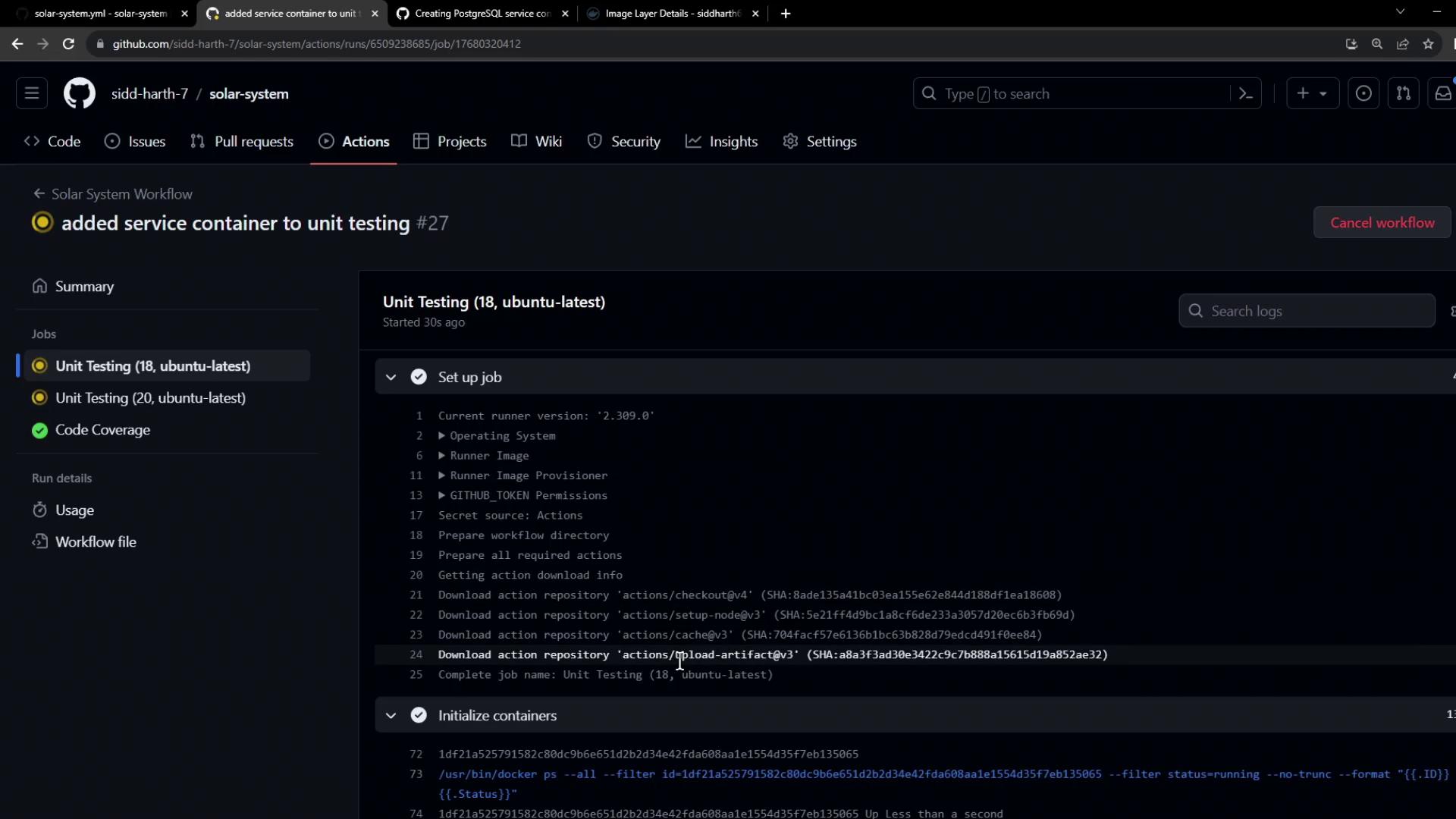
During theinitialize containers step, GitHub Actions:
- Creates an isolated Docker network
- Pulls the service image
- Launches the container and maps its ports
- Waits for any health checks to pass
5. Fixing Connection String Errors
If you encounter:Check for typos and ensure
mongodb:// (not mongodb+srv://) when connecting to a local container.6. Successful Run
A successful unit-testing job looks like this: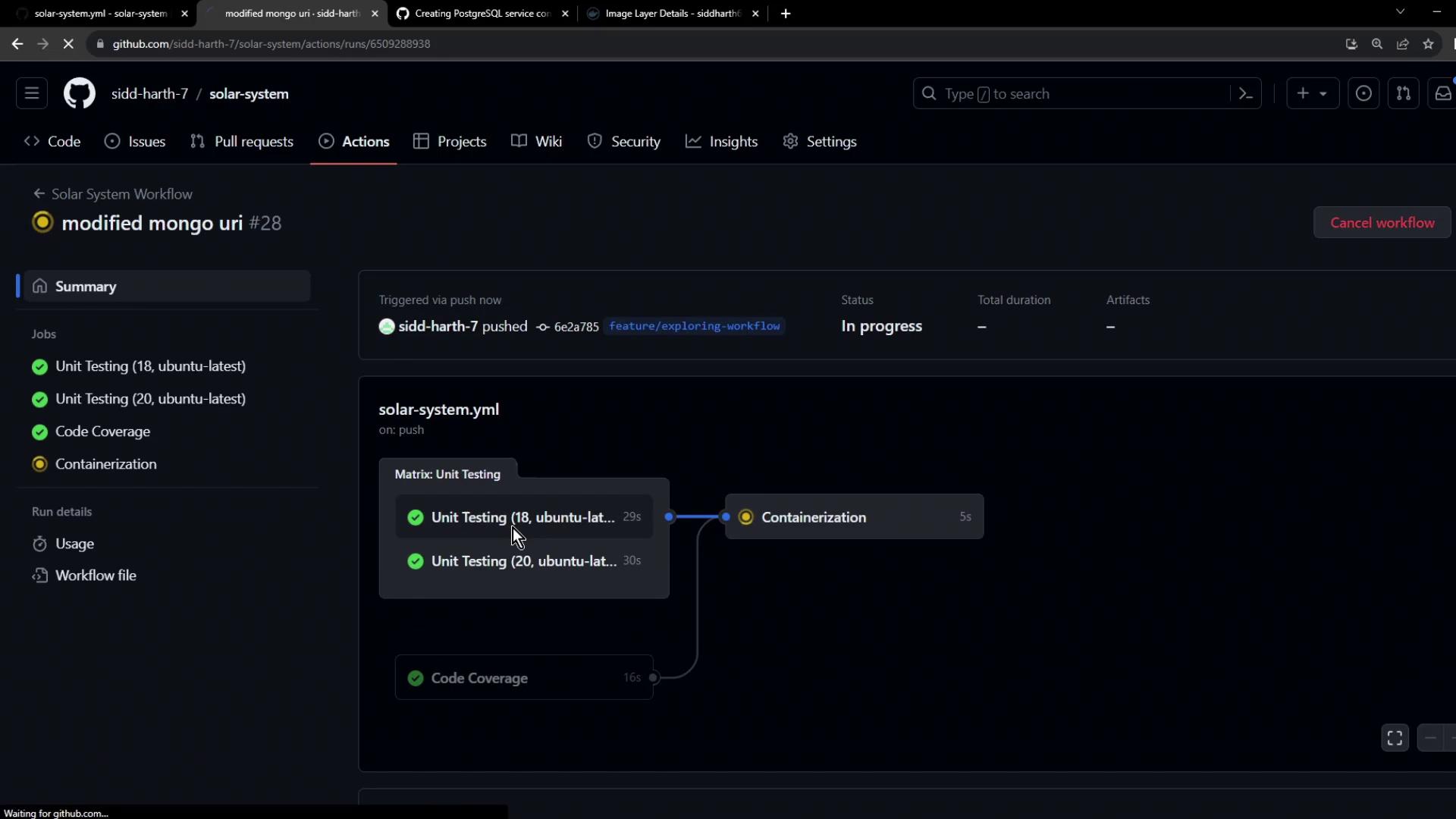
References
- Using a service container in GitHub Actions
- GitHub Actions: Runner container initialization
- Docker Hub: MongoDB Official Image
- GitHub Actions: setup-node action