

- Chain multiple shell commands in a single GitHub Actions step
- Install and invoke a third-party CLI tool (
cowsay) on the Ubuntu runner
Why Combine Commands in One Step?
By default, eachrun step in a job runs in its own shell session. This can lead to redundant setup and slower workflows. Using YAML’s pipe syntax (|) lets you:
- Share the same shell environment
- Reduce runner overhead
- Improve readability
Every
run step runs in a fresh shell. Use multi-line commands to keep related tasks together.Separate run Steps Example
Single Multi-Line run Step
Executing a Third-Party CLI (cowsay)
Suppose you want to generate ASCII art using cowsay. Since it isn’t installed by default on the Ubuntu runner, invoking it directly will fail:
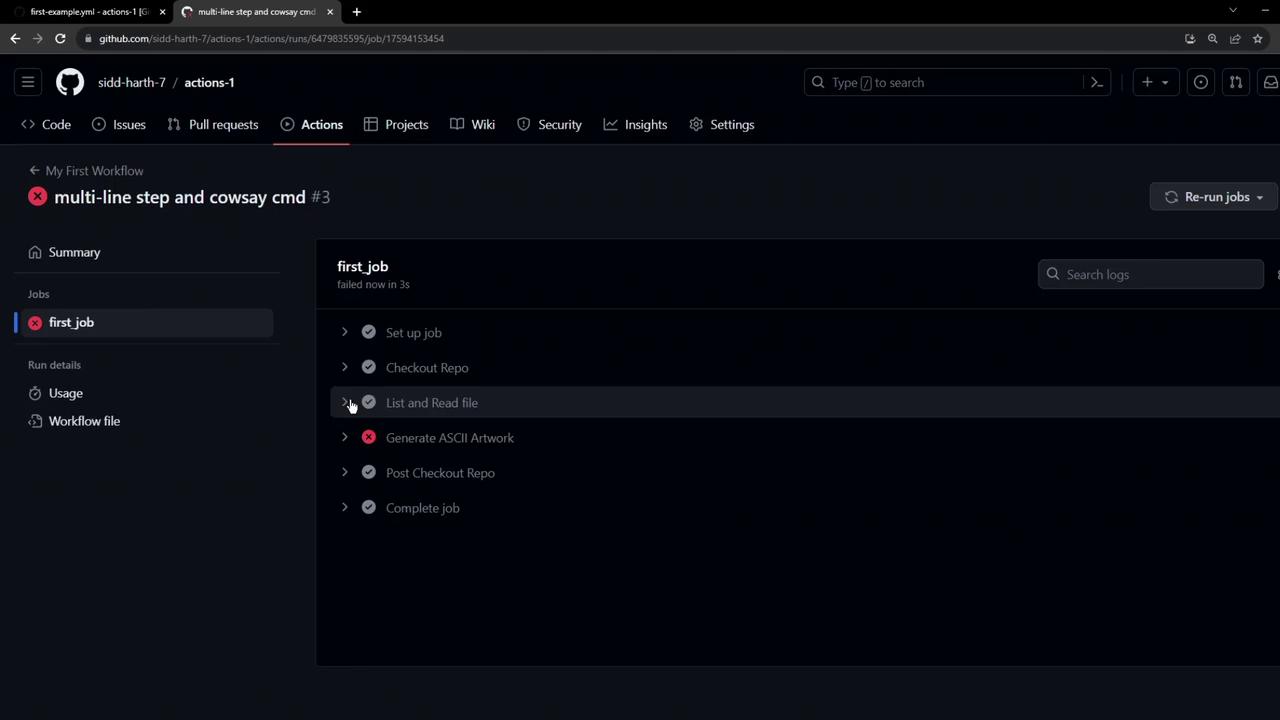
cowsay is not found.
Non-native tools must be installed before you can use them in your workflow.