In this guide, you’ll learn how to set up a simple GitHub Actions workflow that runs on every push. We’ll walk through creating a new repository, editing in the browser-based editor, installing the GitHub Actions extension, and troubleshooting a common error.

1. Initialize a New Public Repository

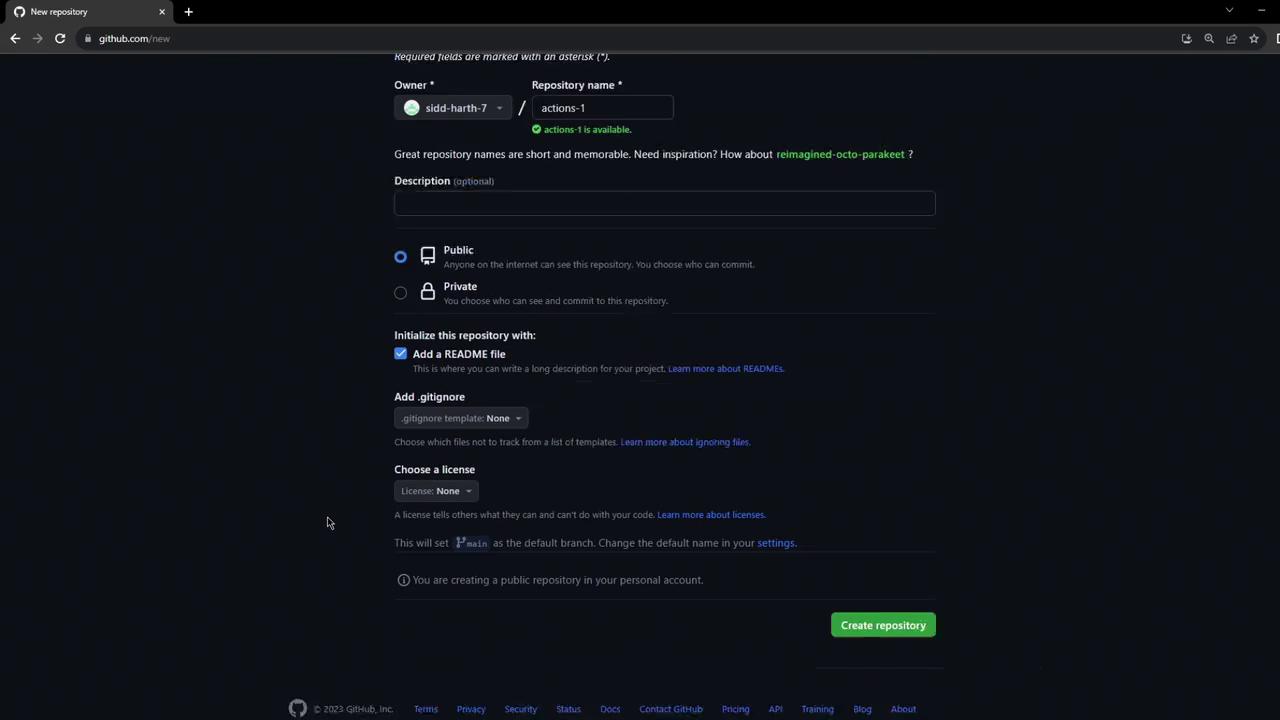
  1. Navigate to GitHub and click New to create a repository.
  2. Name it actions-1, set visibility to Public, and Initialize with a README.
  3. Click Create repository.
The image shows a GitHub interface for creating a new repository, with options to set the repository name, description, visibility, and initialize with a README file.

2. Edit in the GitHub.dev Browser IDE

  1. In your browser’s address bar, replace github.com with github.dev and press Enter.
  2. Wait a few seconds for the VS Code–powered editor to load.
  3. You can now edit, commit, and push files directly from the web IDE.
Using GitHub.dev gives you instant access to a VS Code–like environment without any local setup.
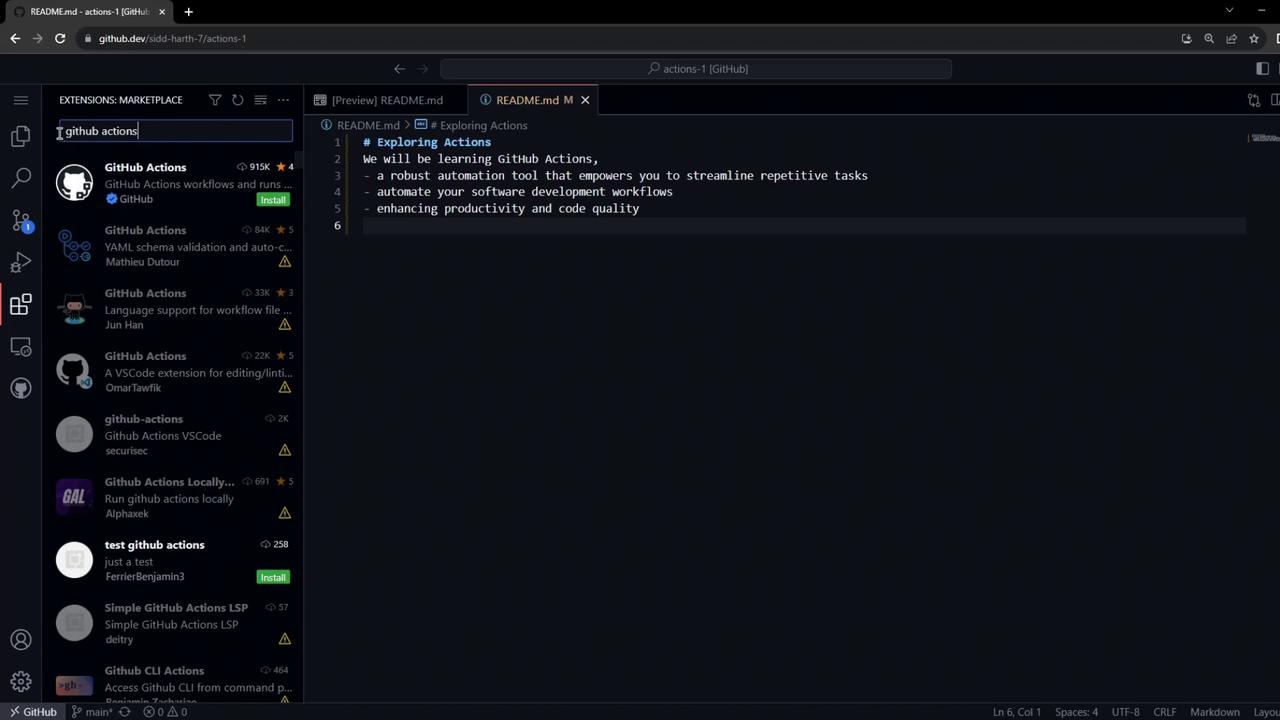
The image shows a GitHub.dev interface with a README.md file open, discussing GitHub Actions, and a sidebar displaying a search for "GitHub actions" in the extensions marketplace.

3. Install the GitHub Actions Extension

For syntax highlighting, validation, and IntelliSense in YAML workflows:
  1. Open the Extensions tab in the sidebar.
  2. Search for GitHub Actions.
  3. Click Install on the GitHub Actions extension.
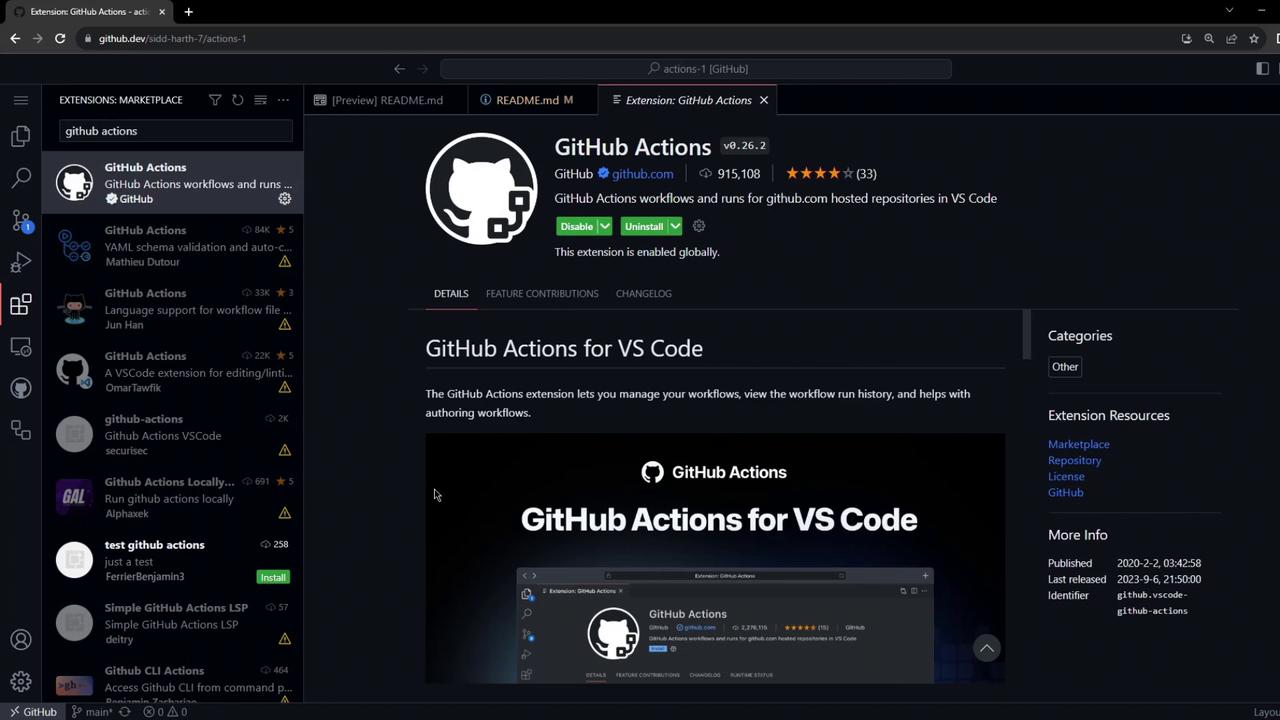
The image shows the GitHub Actions extension page in Visual Studio Code, displaying details about the extension, including its features and installation status.

4. Create the Workflow File

  1. In the file explorer, create a new folder: .github/workflows/.
  2. Inside it, add firstexample.yml.
The image shows a GitHub.dev interface with a file explorer open, displaying a .yml file and a README.md file. The interface prompts the user to sign in to GitHub to access repositories and GitHub Actions workflows.
  1. Paste the following YAML:
YAML is indentation-sensitive. Ensure you use spaces (not tabs) and proper nesting to avoid validation errors like “mapping or sequence required.”
  1. Commit and push your changes:

5. Observe the Workflow Run

Since the workflow triggers on push, it runs immediately. Switch back to GitHub.com and click the Actions tab.
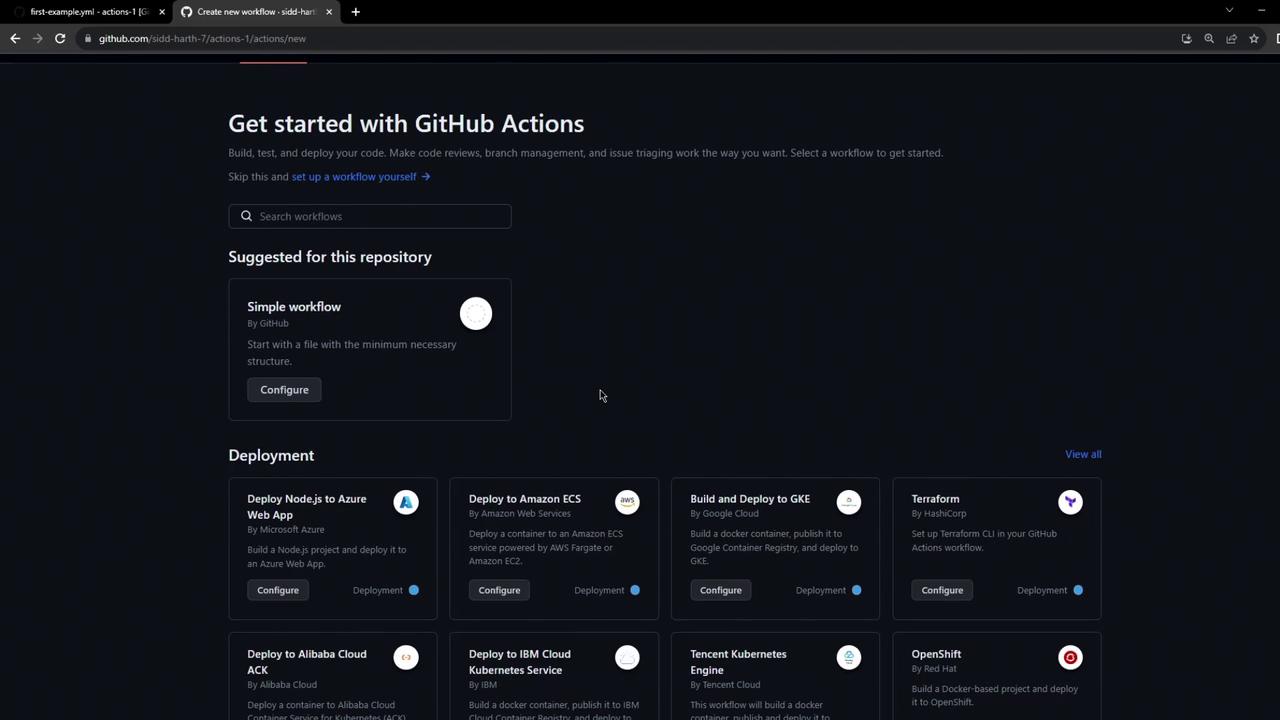
The image shows a GitHub Actions setup page, offering options to configure workflows for deployment, such as deploying Node.js to Azure or using Terraform.
Refresh to see My First Workflow in the list.
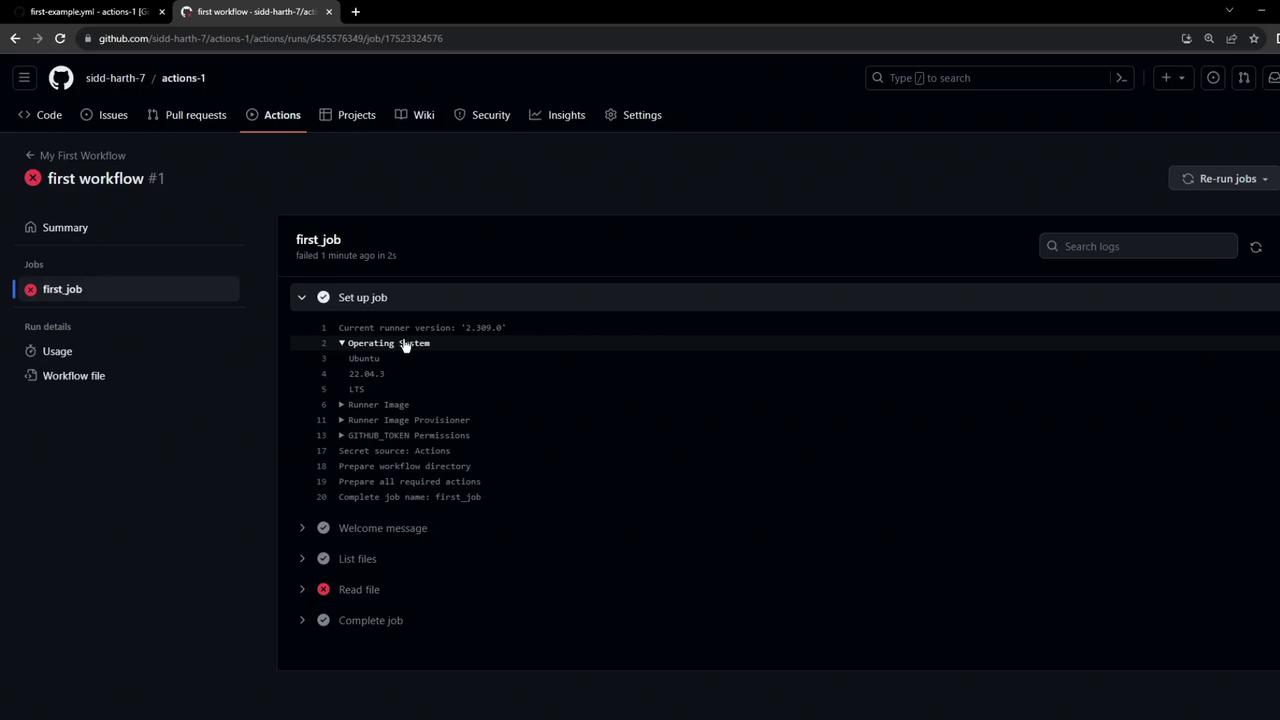
The image shows a GitHub Actions interface with a failed workflow run named "first workflow #1." It includes details of a job setup and logs indicating the use of Ubuntu as the operating system.
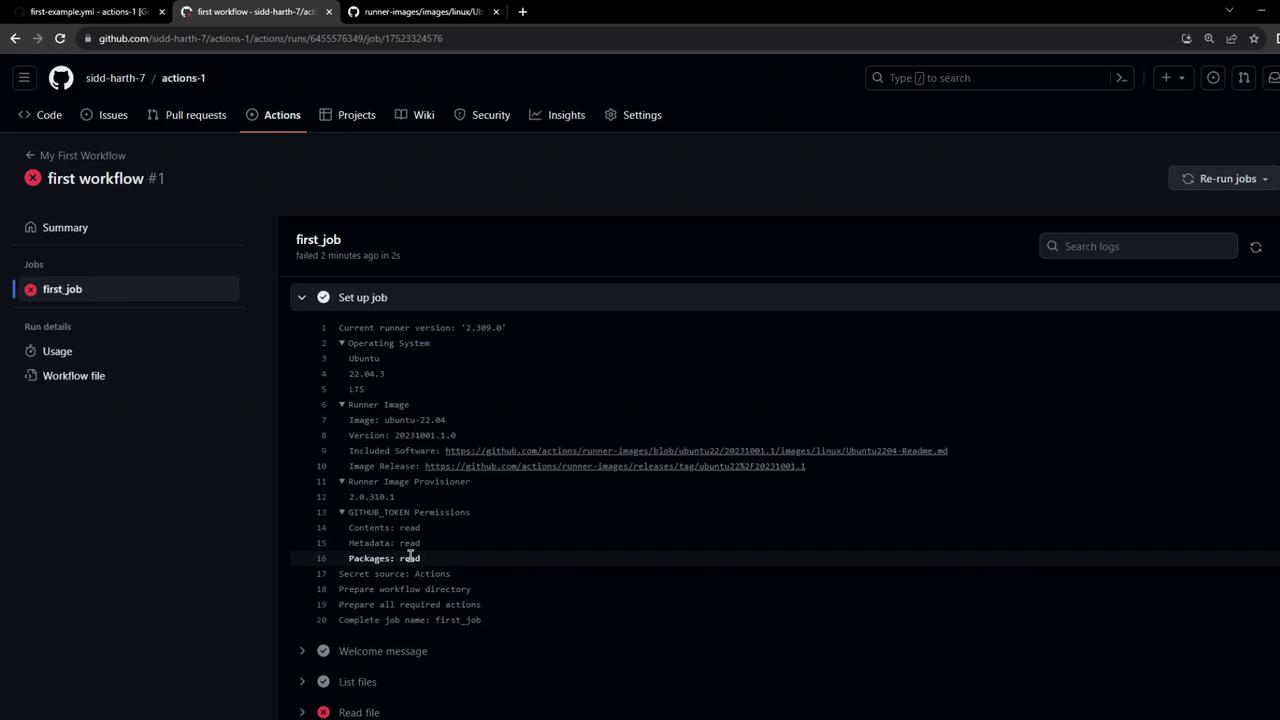
Click the run to inspect:
The image shows a GitHub Actions interface with a failed workflow run named "first workflow." It includes details about the job setup, operating system, and runner image.

6. Troubleshoot: Missing Checkout Step

You’ll see this error in the logs:
By default, Actions runners don’t fetch your code. Add the checkout action before accessing files:

Workflow Components Overview

Watch Video