

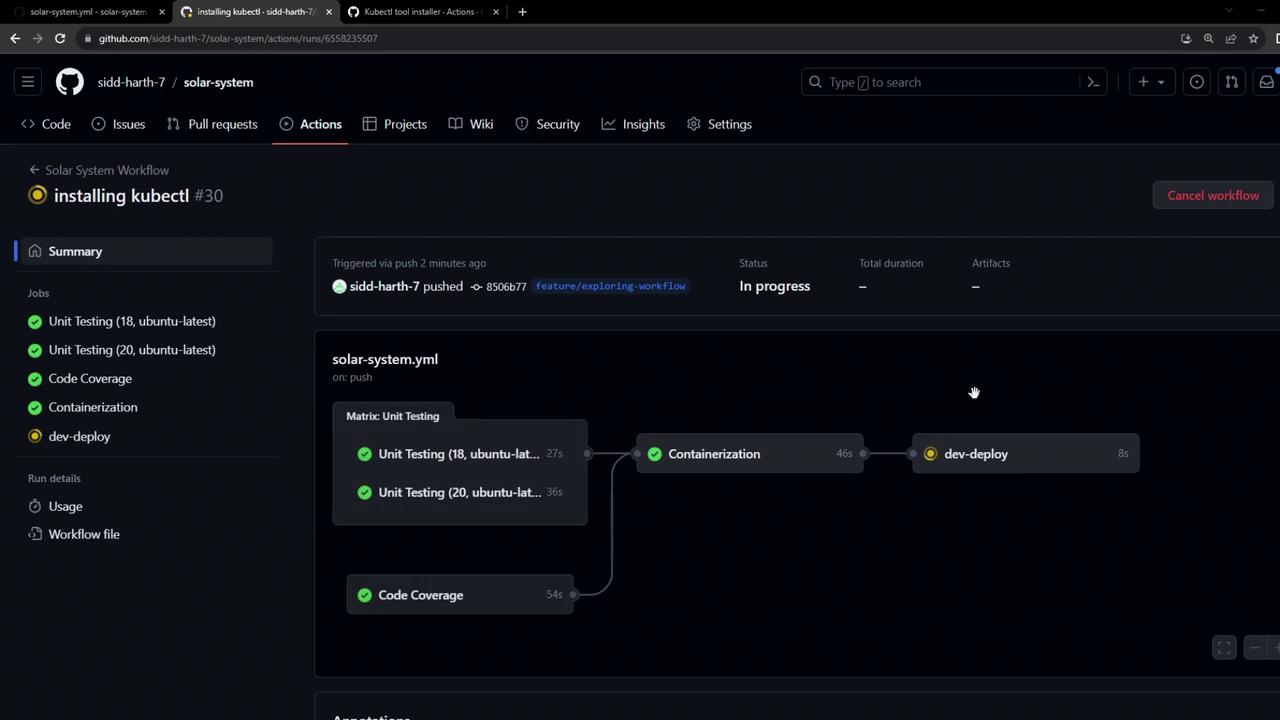
kubectl CLI on the runner. We’ll introduce a new job—dev-deploy—which deploys our application to the development Kubernetes namespace. This job will:
- Check out the code
- Install
kubectl - Validate cluster connectivity by fetching version and node details
Existing Workflow Overview
Below is the current workflow up to thedocker job. It runs on pushes to the main branch or any feature/* branch, and it uses MongoDB credentials stored in GitHub Secrets and Variables.
Job Summary
Adding the dev-deploy Job
Append the following job after docker to install kubectl and fetch cluster details:
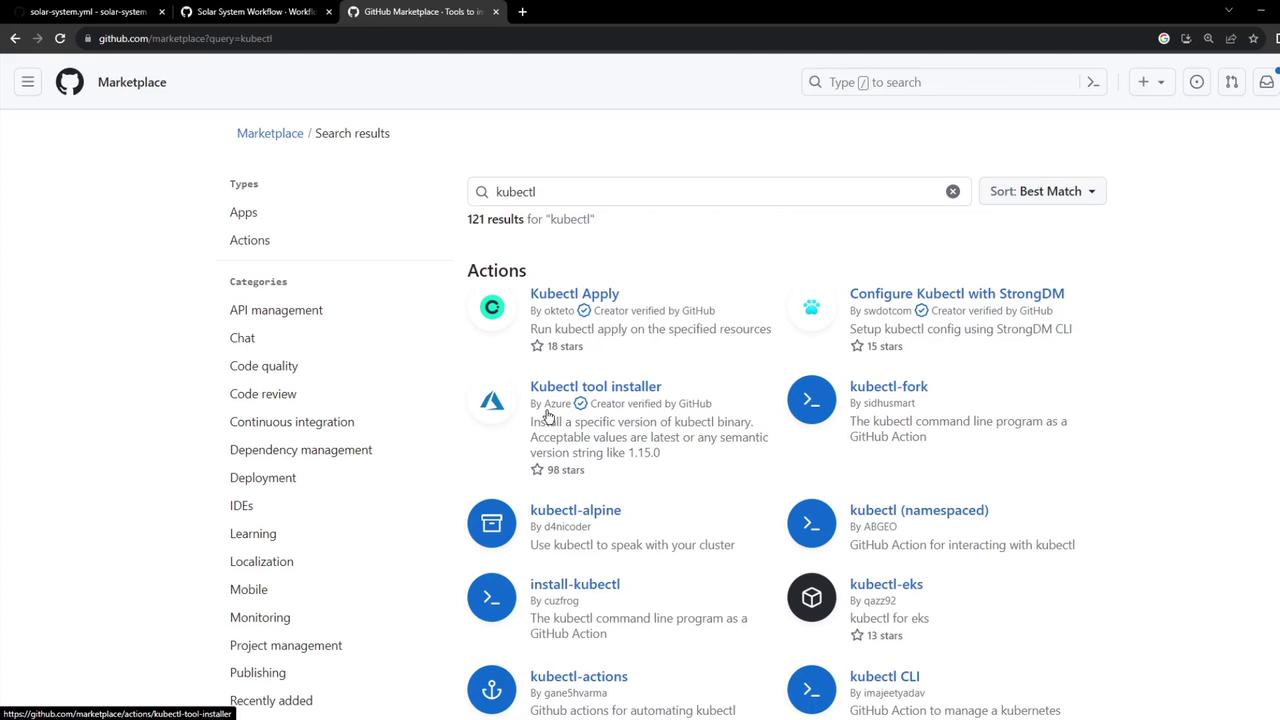
azure/setup-kubectl action in the GitHub Marketplace:

Troubleshooting: Kubeconfig Required
If you see an error like this, it meanskubectl has no cluster context:
You must provide a valid Kubeconfig so
kubectl can authenticate with your Kubernetes API. Never commit this file to version control—store it as a GitHub Secret.kubeconfig looks like this:
Using the Kubeconfig in Your Workflow
- Add the Kubeconfig as a secret, e.g.,
KUBECONFIG_DATA. - Inject it into the runner and write it to
~/.kube/config:
dev-deploy job will authenticate successfully and you’ll see both version and node information printed.
Links and References
- GitHub Actions: Workflow Syntax
- azure/setup-kubectl Action
- Kubernetes Configuration Docs
- GitHub Secrets