1. Recap: Unit Testing with a Service Container
Below is a sample job that runs unit tests in Node.js while using a MongoDB service container:2. What Is a Job Container?
A job container allows you to execute every step of a job inside a specified Docker image instead of on the default runner VM. This ensures your CI environment matches production more closely.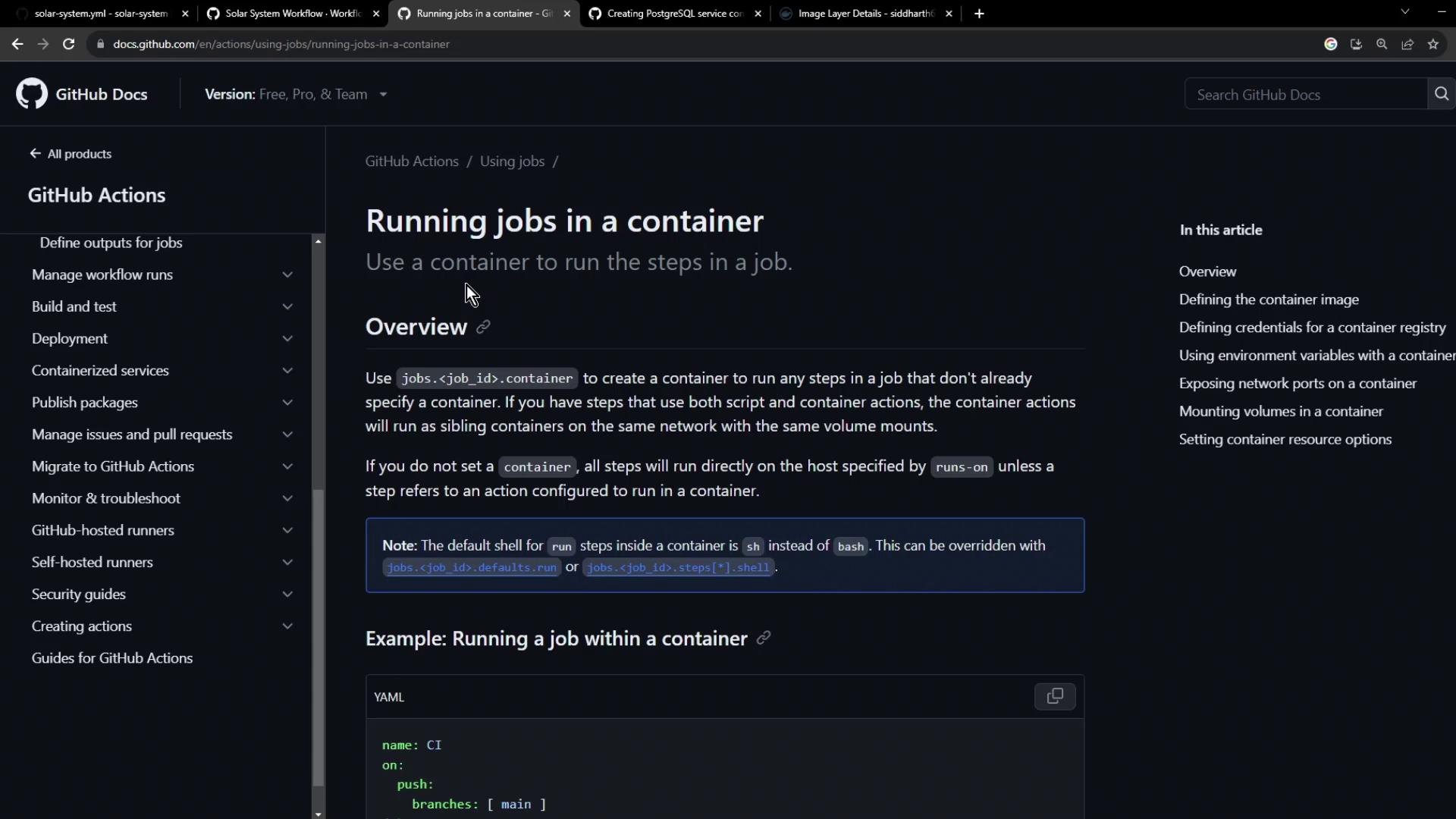
By specifying
container.image, all subsequent steps run inside that Docker image. You no longer need a separate setup action for Node.js.3. Defining the Code Coverage Workflow
The following workflow runs a code coverage job in a Node.js 18 container and attaches a MongoDB service container for database operations:Make sure the service container name (
mongo) matches the hostname used in MONGO_URI. Incorrect naming can lead to connection failures.4. Verify and Inspect Logs
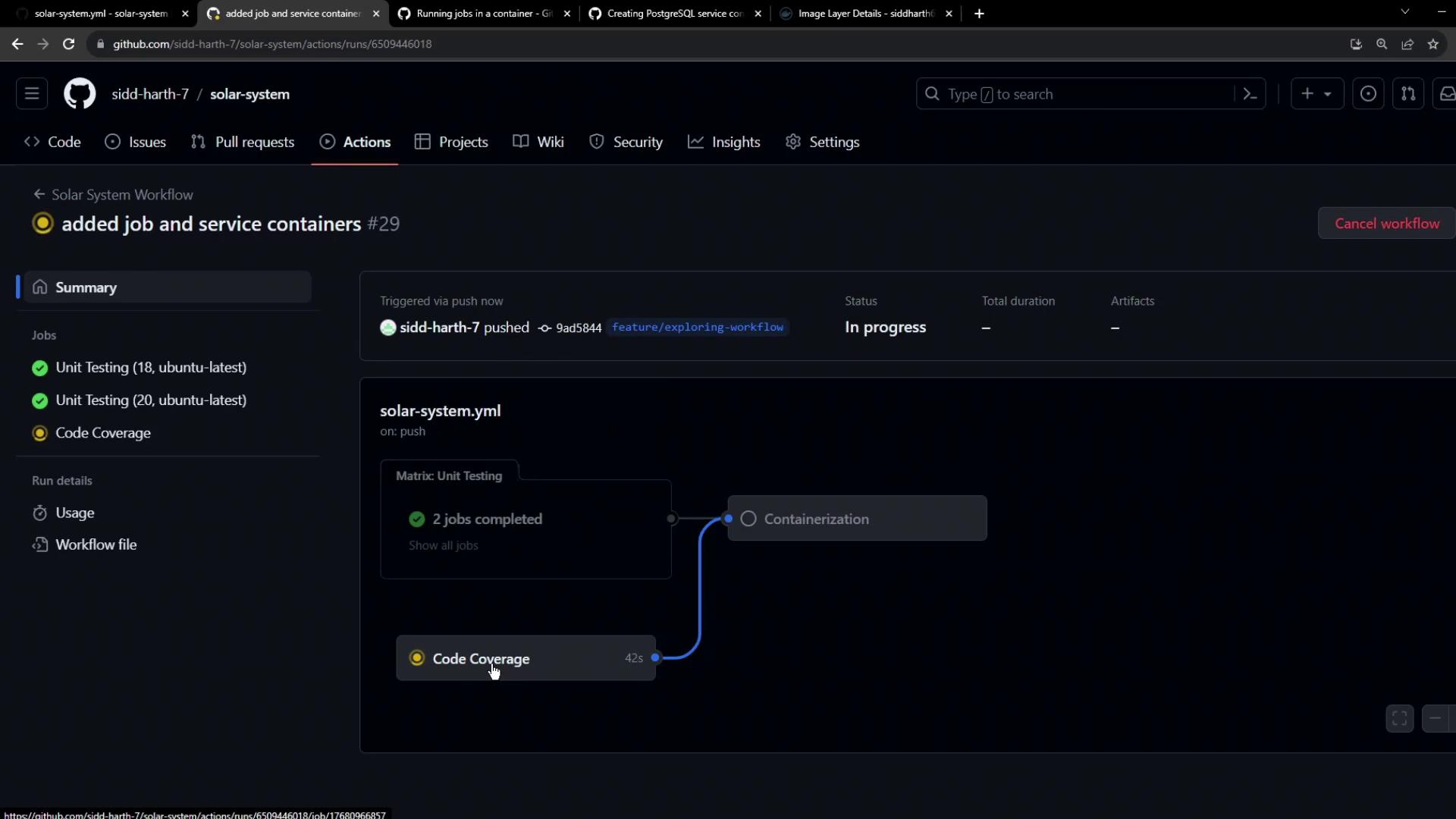
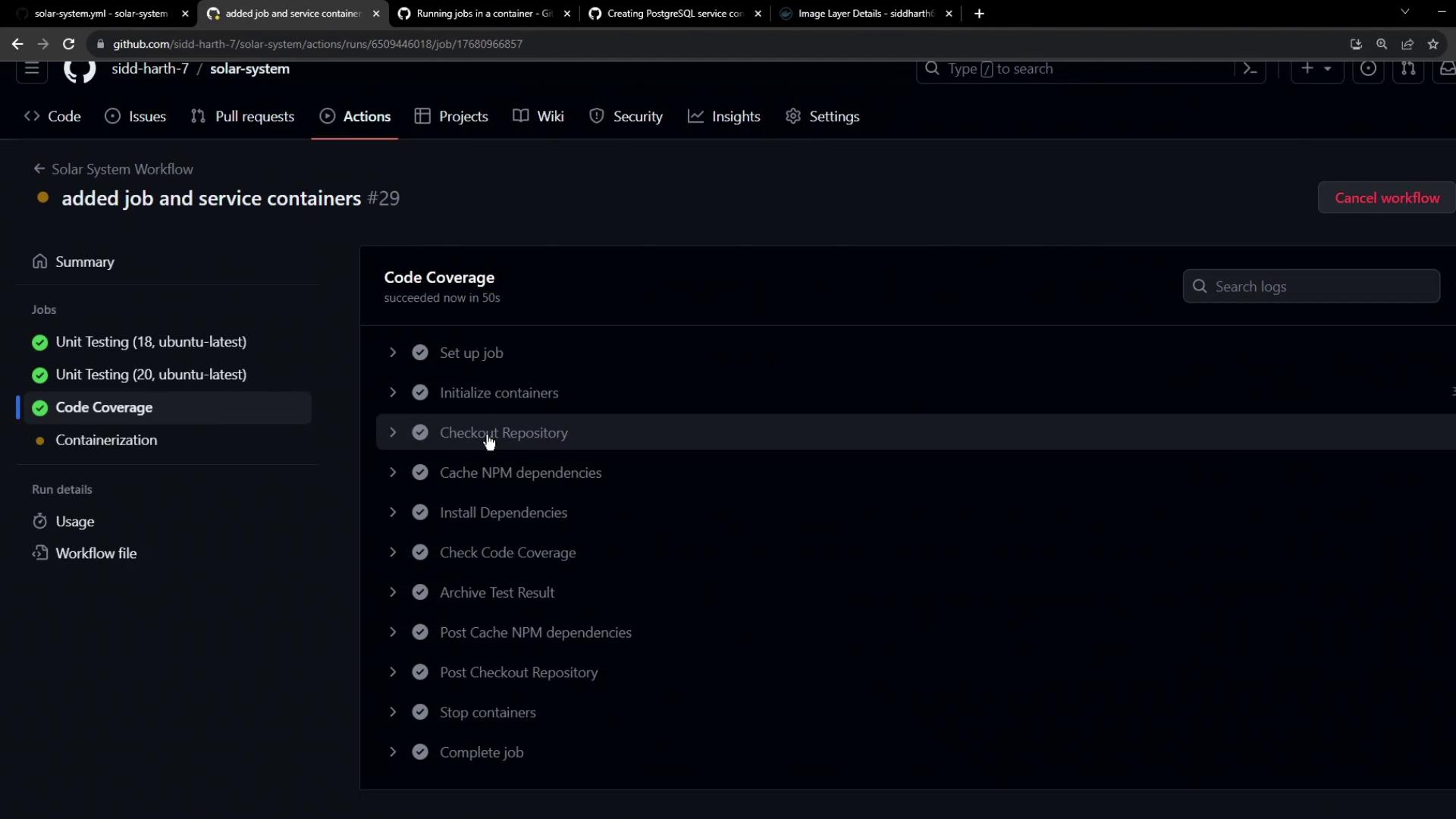
After committing and pushing your workflow, navigate to the Actions tab in GitHub. You should see both the Unit Testing and Code Coverage jobs running in parallel.