

cowsay, you’ll generate and display art in your CI logs, verify its output, and explore how ephemeral runners handle generated files.
1. Create the Workflow File
Under.github/workflows, create generate-ascii.yaml:
2. Workflow Steps Overview
Installing
cowsay is crucial. Without it, any cowsay commands will fail.3. Workflow Execution & Results
Once you commit and push, GitHub Actions triggers all workflows onpush. In our example:
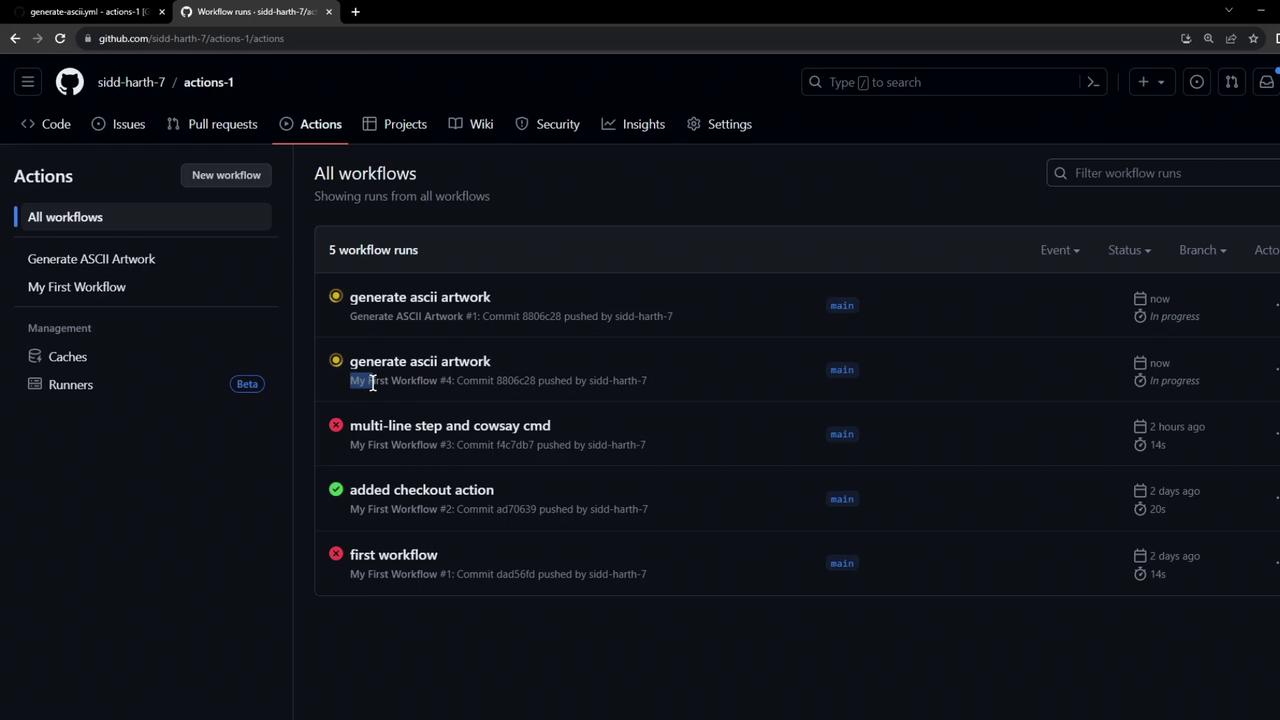
- The legacy workflow fails because it skips the
cowsayinstall. - Generate ASCII Artwork completes successfully.
Installation Logs
Generate & Verify Art
List Workspace Files
4. Ephemeral Runner Environment
Art files like
dragon.txt exist only on the runner VM. Once the job ends, the VM is torn down and all generated files are lost.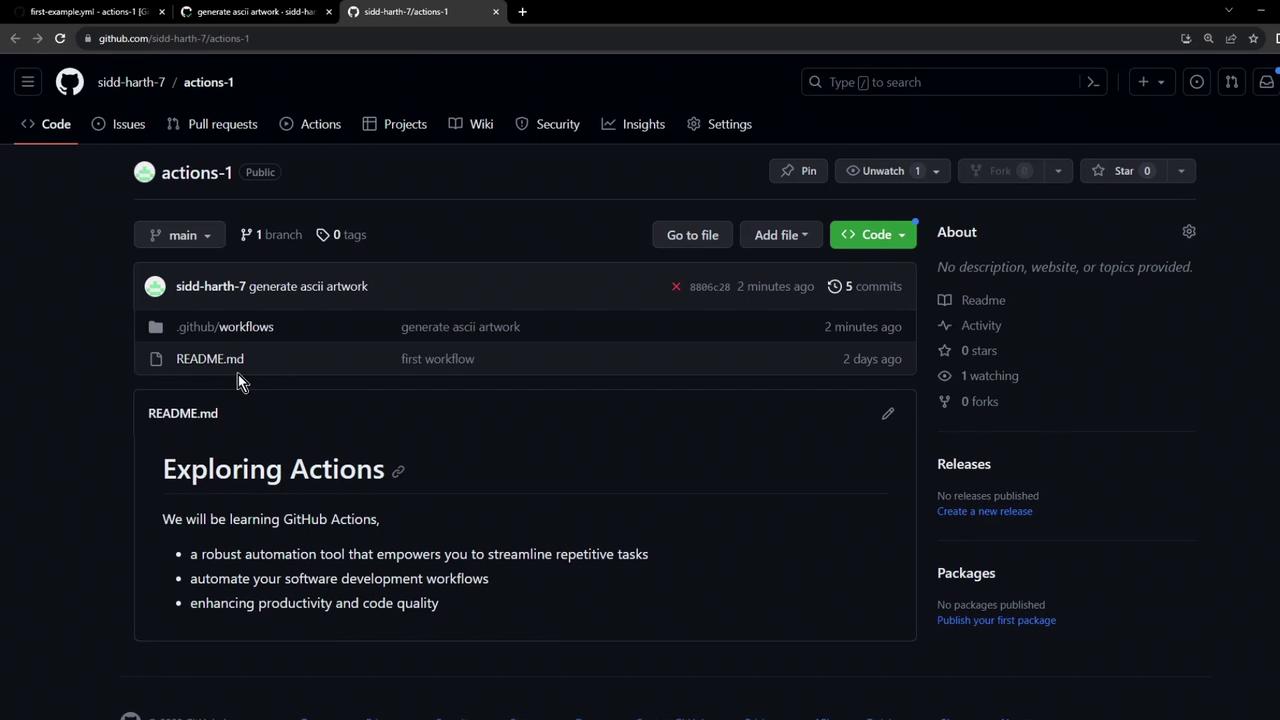
5. Disabling Unused Workflows
If you have multiple workflows on the same event, disable any you don’t need:- Go to your repo’s Actions tab.
- Select the workflow to disable.
- Click Disable workflow.